
ആമുഖം
This manual provides detailed instructions for the setup, operation, maintenance, and troubleshooting of your Escali Primo Digital Food Scale, Model P115. Designed for precise weight measurement in the kitchen, this scale is a versatile tool for cooking, baking, and portion control. Please read this manual thoroughly before using your scale to ensure optimal performance and longevity.
ഉൽപ്പന്നം കഴിഞ്ഞുview
The Escali Primo Digital Food Scale features a simple two-button operation, a sealed control panel for easy cleaning, and a compact design. It offers accurate measurements for various ingredients.
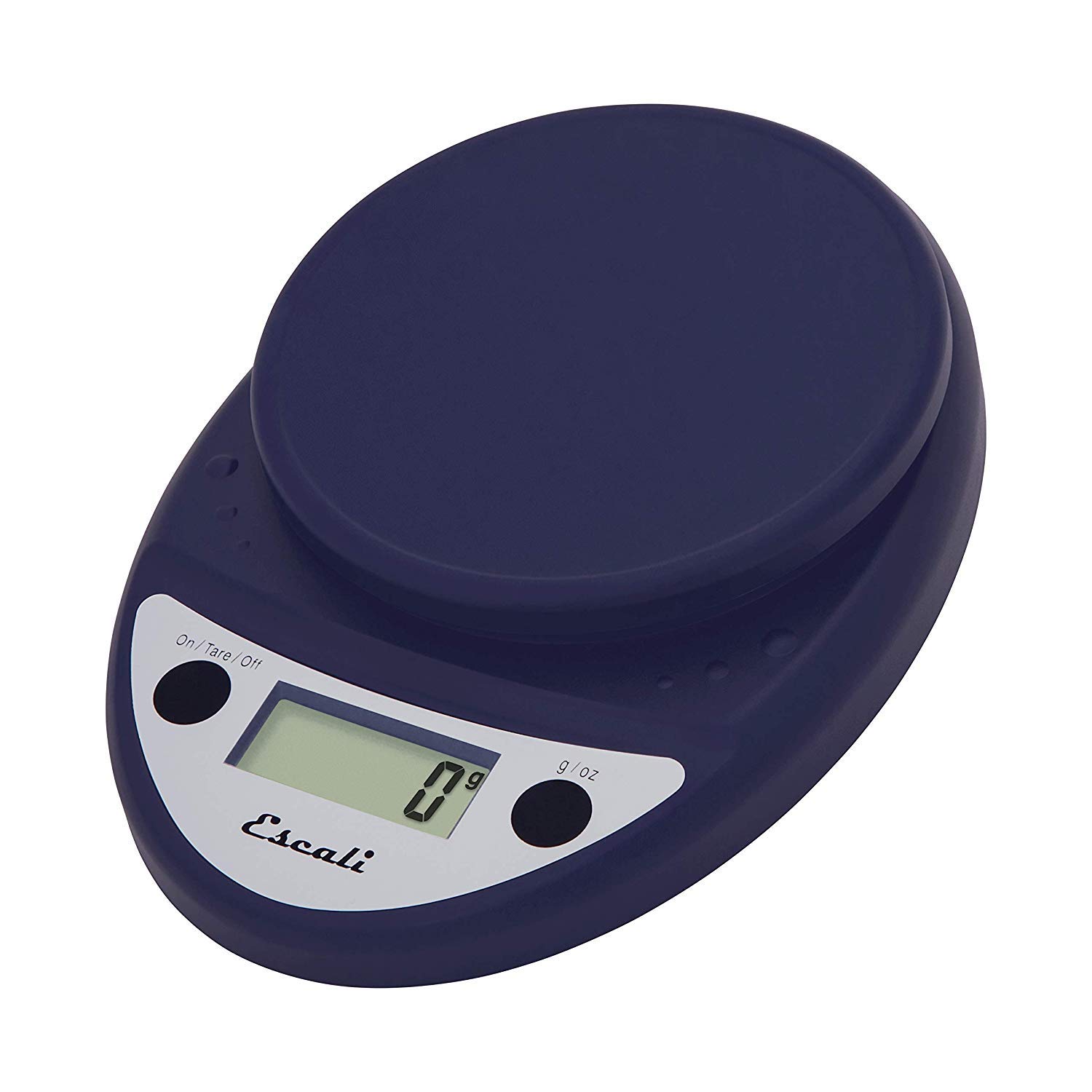
This image displays the Escali Primo Digital Food Scale in royal blue, showcasing its oval shape, weighing platform, digital display, and two control buttons.
പ്രധാന സവിശേഷതകൾ:
- മോടിയുള്ള ഡിസൈൻ: Lightweight and rounded for enhanced durability.
- Accurate & Capable: Measures up to 11 lb (5,000 g) in 0.1 oz (1 g) increments.
- ടാരെ ഫീച്ചർ: Allows you to reset the scale to zero weight to measure multiple items or subtract container weight.
- വായിക്കാൻ എളുപ്പമാണ്: Features a crisp digital display.
- യൂണിറ്റ് തിരഞ്ഞെടുപ്പ്: Measures in pounds + ounces, ounces, and grams.
- Spill Guard: A clear plastic shield covers the control panel for easy cleaning.
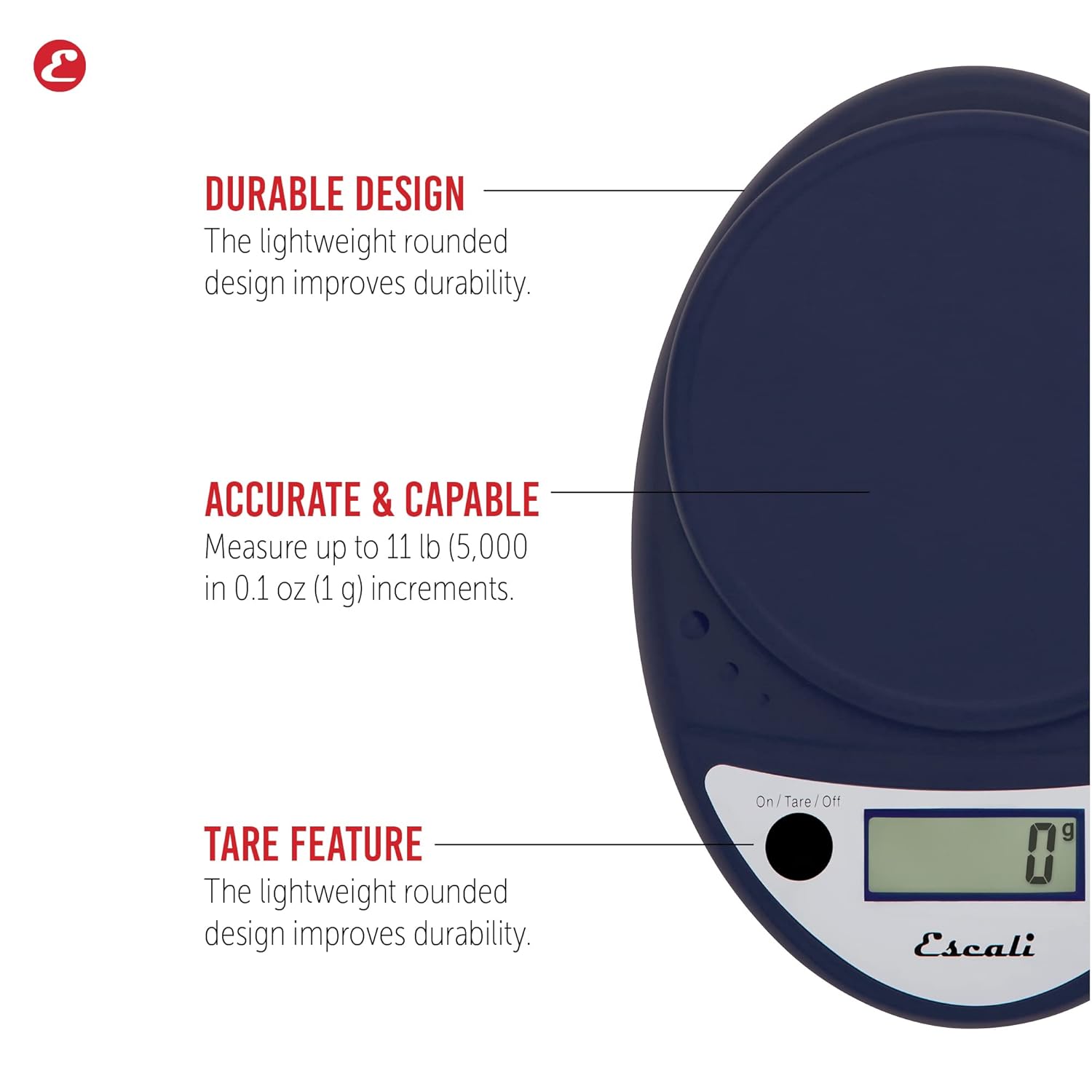
This image highlights the durable design, accurate measurement capabilities (up to 11 lbs / 5000g in 0.1 oz / 1g increments), and the tare feature of the scale.

This image illustrates the easy-to-read digital display, the unit selection function (pounds+ounces, ounces, grams), and the spill guard protecting the control panel.
സജ്ജമാക്കുക
- ബാറ്ററി ഇൻസ്റ്റാളേഷൻ: The scale requires two (2) AA batteries, which are included. Open the battery compartment on the underside of the scale, insert the batteries according to the polarity indicators (+/-), and close the compartment securely.
- പ്ലേസ്മെൻ്റ്: കട്ടിയുള്ളതും പരന്നതും സ്ഥിരതയുള്ളതുമായ ഒരു പ്രതലത്തിൽ സ്കെയിൽ സ്ഥാപിക്കുക. അസമമായ പ്രതലങ്ങൾ കൃത്യതയെ ബാധിച്ചേക്കാം.
പ്രവർത്തന നിർദ്ദേശങ്ങൾ
പവർ ഓൺ/ഓഫ്
- സ്കെയിൽ തിരിക്കാൻ ON, അമർത്തുക On/Tare/Off ബട്ടൺ. ഡിസ്പ്ലേ "0" കാണിക്കും.
- സ്കെയിൽ തിരിക്കാൻ ഓഫ്, അമർത്തിപ്പിടിക്കുക On/Tare/Off button for approximately 3 seconds. The scale also features an automatic shut-off after four minutes of inactivity to conserve battery life.
യൂണിറ്റ് തിരഞ്ഞെടുപ്പ്
- അമർത്തുക g/oz button to cycle through the available measurement units: grams (g), ounces (oz), and pounds:ounces (lb:oz). Select your desired unit before weighing.
തൂക്കമുള്ള വസ്തുക്കൾ
- Turn on the scale. Ensure the display shows "0" in your desired unit.
- Carefully place the item(s) to be weighed onto the center of the weighing platform.
- സ്ക്രീനിൽ പ്രദർശിപ്പിച്ചിരിക്കുന്ന ഭാരം വായിക്കുക.
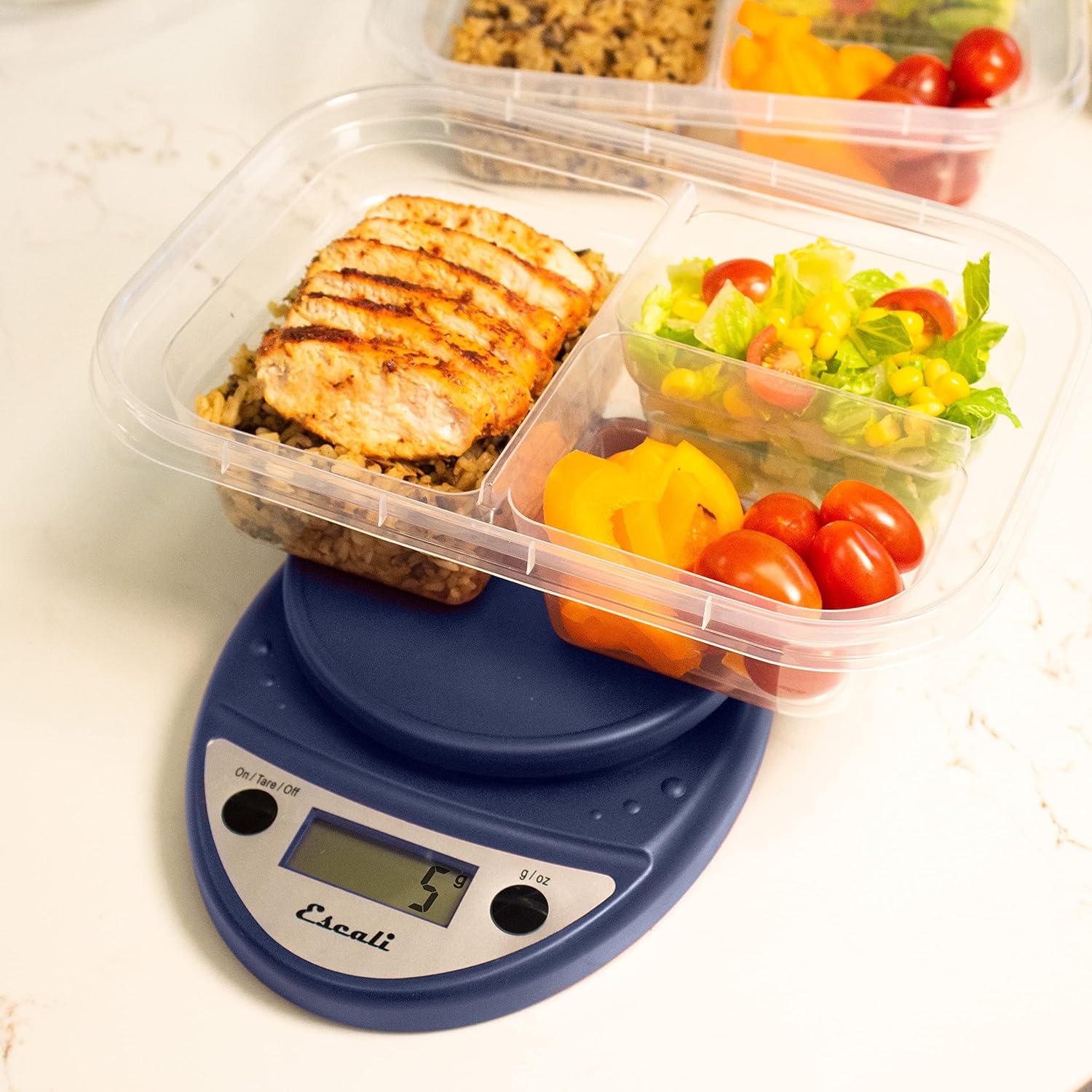
This image shows the Escali Primo Digital Food Scale being used to weigh meal prep containers filled with food, demonstrating its practical application for portion control.
ടെയർ ഫംഗ്ഷൻ
The tare function allows you to subtract the weight of a container or to weigh multiple ingredients consecutively in the same bowl.
- വെയ്സിംഗ് പ്ലാറ്റ്ഫോമിൽ ഒരു ഒഴിഞ്ഞ പാത്രം വയ്ക്കുക. ഡിസ്പ്ലേ അതിന്റെ ഭാരം കാണിക്കും.
- അമർത്തുക On/Tare/Off ബട്ടൺ. ഡിസ്പ്ലേ "0" ആയി പുനഃസജ്ജമാക്കും.
- Add the ingredient(s) to the container. The display will show only the weight of the added ingredient(s).
- Repeat step 2 and 3 for additional ingredients.

This image illustrates the scale being used to weigh flour in a glass bowl, demonstrating the tare function's utility in baking by zeroing out the bowl's weight.
പരിപാലനവും പരിചരണവും
- വൃത്തിയാക്കൽ: The sealed control panel and rounded design make the scale easy to clean. Wipe the scale with a damp തുണി. സ്കെയിൽ വെള്ളത്തിൽ മുക്കുകയോ ഉരച്ചിലുകളുള്ള ക്ലീനറുകൾ ഉപയോഗിക്കുകയോ ചെയ്യരുത്.
- സംഭരണം: മുറിയിലെ താപനിലയിൽ ഉണങ്ങിയ സ്ഥലത്ത് സ്കെയിൽ സൂക്ഷിക്കുക.
- ബാറ്ററി മാറ്റിസ്ഥാപിക്കൽ: When the battery indicator appears on the display, replace the two AA batteries.
ട്രബിൾഷൂട്ടിംഗ്
| പ്രശ്നം | സാധ്യമായ കാരണം | പരിഹാരം |
|---|---|---|
| സ്കെയിൽ ഓണാക്കുന്നില്ല | മരിച്ചതോ തെറ്റായി ഇൻസ്റ്റാൾ ചെയ്തതോ ആയ ബാറ്ററികൾ | ബാറ്ററികൾ മാറ്റിസ്ഥാപിക്കുക അല്ലെങ്കിൽ ശരിയായ പോളാരിറ്റി ഉറപ്പാക്കുക. |
| കൃത്യമല്ലാത്ത വായനകൾ | Uneven surface, overloaded scale, or interference | Place on a flat, stable surface. Do not exceed maximum capacity. Remove any electronic devices nearby. |
| ഡിസ്പ്ലേ "പിശക്" കാണിക്കുന്നു | സ്കെയിൽ ഓവർലോഡ് ചെയ്തു | Remove items immediately. Do not exceed 11 lb (5,000 g). |
If you encounter issues not listed here, please refer to the support section for assistance.
സ്പെസിഫിക്കേഷനുകൾ
- മോഡൽ: P115
- ശേഷി: 11 lb (5,000 ഗ്രാം)
- വർദ്ധനവ്: 0.05 ഔൺസ് (1 ഗ്രാം)
- യൂണിറ്റുകൾ: oz, lb:oz, g
- അളവുകൾ: 8.5 x 6 x 1.5 ഇഞ്ച്
- ഊർജ്ജ സ്രോതസ്സ്: 2 AA ബാറ്ററികൾ (ഉൾപ്പെട്ടിരിക്കുന്നു)
- ഡിസ്പ്ലേ തരം: എൽഇഡി
- പ്രത്യേക സവിശേഷതകൾ: Auto Shut Off, Sealed Control Panel, Tare Function
വാറൻ്റിയും പിന്തുണയും
വാറൻ്റി വിവരങ്ങൾ
The Escali Primo Digital Food Scale is backed by a ആജീവനാന്ത വാറൻ്റി. സാധാരണ ഉപയോഗത്തിലുള്ള മെറ്റീരിയലുകളിലെയും നിർമ്മാണത്തിലെയും വൈകല്യങ്ങൾ ഈ വാറന്റി ഉൾക്കൊള്ളുന്നു. വാറന്റി ക്ലെയിമുകൾക്കായി നിങ്ങളുടെ വാങ്ങലിന്റെ തെളിവ് സൂക്ഷിക്കുക.
ഉപഭോക്തൃ പിന്തുണ
For further assistance, technical support, or warranty inquiries, please visit the official Escali webസൈറ്റിൽ നൽകുകയോ അവരുടെ ഉപഭോക്തൃ സേവന വിഭാഗവുമായി ബന്ധപ്പെടുകയോ ചെയ്യുക. കോൺടാക്റ്റ് വിവരങ്ങൾ സാധാരണയായി ഉൽപ്പന്ന പാക്കേജിംഗിലോ ബ്രാൻഡിന്റെ ഔദ്യോഗിക വെബ്സൈറ്റിലോ കാണാം. webസൈറ്റ്: www.escali.com