
ആമുഖം
The Audix APS-911 is a body-pack style phantom power adapter designed to provide power to compatible Audix lavalier and headset microphones. It operates on a single AA battery and features an on/off switch and a switchable low-frequency roll-off. This manual provides essential information for the proper setup, operation, and maintenance of your APS-911.
Compatible Audix microphones include models such as ADX10, ADX40, ADX60, HT5, ADX10FL, and HT2, which utilize a mini-XLR connector.

Image: The Audix APS-911 phantom power supply, showing its compact black body and integrated metal belt clip.
പാക്കേജ് ഉള്ളടക്കം
പാക്കേജിൽ എല്ലാ ഇനങ്ങളും ഉണ്ടെന്ന് ഉറപ്പാക്കുക:
- Audix APS-911 Phantom Power Supply and Adapter
- ഡോക്യുമെന്റേഷൻ (ഈ മാനുവൽ)
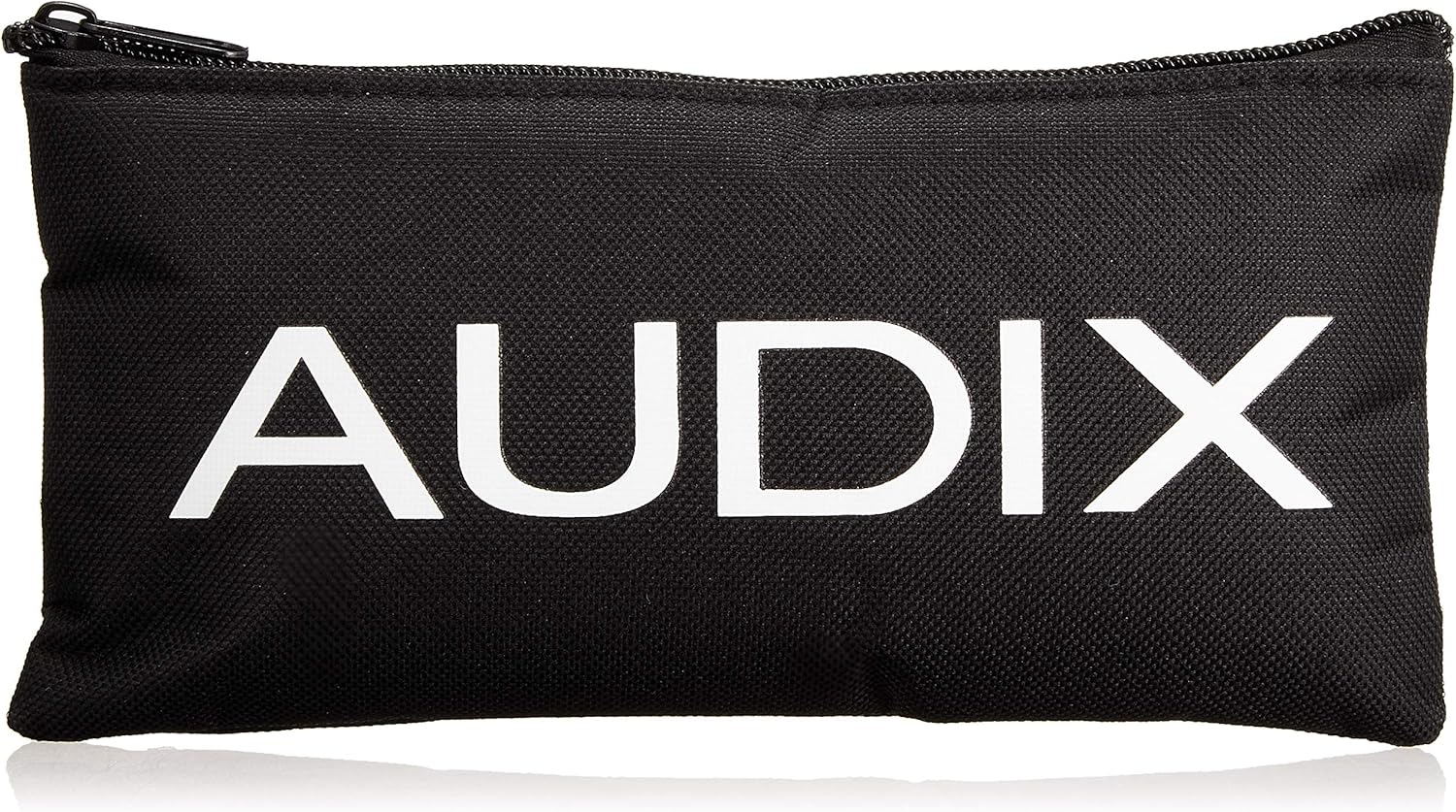
Image: A black carrying pouch with the "AUDIX" logo printed in white, typically included with Audix products.
സുരക്ഷാ വിവരങ്ങൾ
Please read and understand the following safety precautions before using the Audix APS-911:
- ഉപകരണം വെള്ളത്തിലോ അമിതമായ ഈർപ്പത്തിലോ തുറന്നുകാട്ടരുത്.
- തീവ്രമായ താപനില ഒഴിവാക്കുക.
- ഉപകരണം തുറക്കാനോ പരിഷ്ക്കരിക്കാനോ ശ്രമിക്കരുത്. എല്ലാ സേവനങ്ങളും യോഗ്യതയുള്ള ഉദ്യോഗസ്ഥർക്ക് റഫർ ചെയ്യുക.
- Use only specified AA batteries. Remove batteries if the device will not be used for an extended period.
- കുട്ടികൾക്ക് ലഭ്യമാകാതെ സൂക്ഷിക്കുക.
സജ്ജമാക്കുക
- ബാറ്ററി ഇൻസ്റ്റാളേഷൻ:
Locate the battery compartment on the APS-911. Open the compartment and insert one (1) AA battery, ensuring correct polarity (+/-). Close the compartment securely.
- മൈക്രോഫോൺ കണക്ഷൻ:
Connect your compatible Audix microphone (e.g., ADX40, HT2) to the mini-XLR input on the APS-911.
- ഔട്ട്പുട്ട് കണക്ഷൻ:
Connect the 3-pin XLR output of the APS-911 to your mixer, audio interface, or other audio input device using a standard XLR cable.
പ്രവർത്തന നിർദ്ദേശങ്ങൾ
- പവർ ഓൺ/ഓഫ്:
Locate the power switch on the APS-911. Slide the switch to the "ON" position to power the unit. Slide it to "OFF" when not in use to conserve battery life.
- Low-Frequency Roll-Off:
The APS-911 features a switchable low-frequency roll-off. This can be used to reduce unwanted low-end rumble or proximity effect. Experiment with this setting to achieve the desired sound for your application.
- മോണിറ്ററിംഗ് ഓഡിയോ:
Ensure your mixer or audio interface input gain is set appropriately. Gradually increase the gain while speaking into the microphone to avoid sudden loud noises.
മെയിൻ്റനൻസ്
- ബാറ്ററി മാറ്റിസ്ഥാപിക്കൽ: Replace the AA battery when the power indicator (if present) dims or the microphone signal becomes weak or intermittent. Always use fresh, high-quality AA batteries.
- വൃത്തിയാക്കൽ: Clean the exterior of the APS-911 with a soft, dry cloth. Do not use liquid cleaners or solvents.
- സംഭരണം: Store the unit in a cool, dry place away from direct sunlight. Remove the battery if storing for extended periods to prevent leakage.
ട്രബിൾഷൂട്ടിംഗ്
| പ്രശ്നം | സാധ്യമായ കാരണം | പരിഹാരം |
|---|---|---|
| ശബ്ദമോ ദുർബലമായ സിഗ്നലോ ഇല്ല |
|
|
| ഓഡിയോയിലെ ഹം അല്ലെങ്കിൽ ശബ്ദം |
|
|
| Switching noise (pop/click) |
|
|
സ്പെസിഫിക്കേഷനുകൾ
| ഫീച്ചർ | വിശദാംശങ്ങൾ |
|---|---|
| മോഡൽ | APS911 |
| പവർ ഉറവിടം | 1 x AA ബാറ്ററി |
| ഇൻപുട്ട് കണക്റ്റർ | Mini-XLR (for compatible Audix microphones) |
| Put ട്ട്പുട്ട് കണക്റ്റർ | 3-പിൻ എക്സ്എൽആർ |
| നിയന്ത്രണങ്ങൾ | On/Off Switch, Low-Frequency Roll-Off Switch |
| ഉൽപ്പന്ന അളവുകൾ | 1.06 x 3.31 x 2.52 ഇഞ്ച് (2.69 x 8.41 x 6.40 സെ.മീ) |
| ഇനത്തിൻ്റെ ഭാരം | 8.4 ഔൺസ് (0.24 കി.ഗ്രാം) |
| മെറ്റീരിയൽ | Plastic (body), Metal (clip) |
| നിറം | കറുപ്പ് |
| നിർമ്മാതാവ് | Audix Corporation |

Image: A hand holding the Audix APS-911, illustrating its compact size with a measurement of 3.5 inches (8 cm) in height.
വാറൻ്റിയും പിന്തുണയും
For warranty information and technical support, please refer to the official Audix website or contact Audix customer service directly. Keep your proof of purchase for warranty claims.
Official Audix Webസൈറ്റ്: www.audixusa.com