
ആമുഖം
This manual provides essential instructions for the setup, operation, and maintenance of your Belkin F4U018-BLK Hi-Speed USB 2.0 7-Port Mobile Hub. This device expands your computer's USB connectivity, allowing you to connect multiple USB 1.1 and USB 2.0 devices simultaneously. Its compact design makes it suitable for both desktop use and travel.
ഉൽപ്പന്നം കഴിഞ്ഞുview
The Belkin F4U018-BLK is a 7-port USB 2.0 hub designed to provide additional USB ports for your computer. It features a sleek, black design and offers plug-and-play functionality.
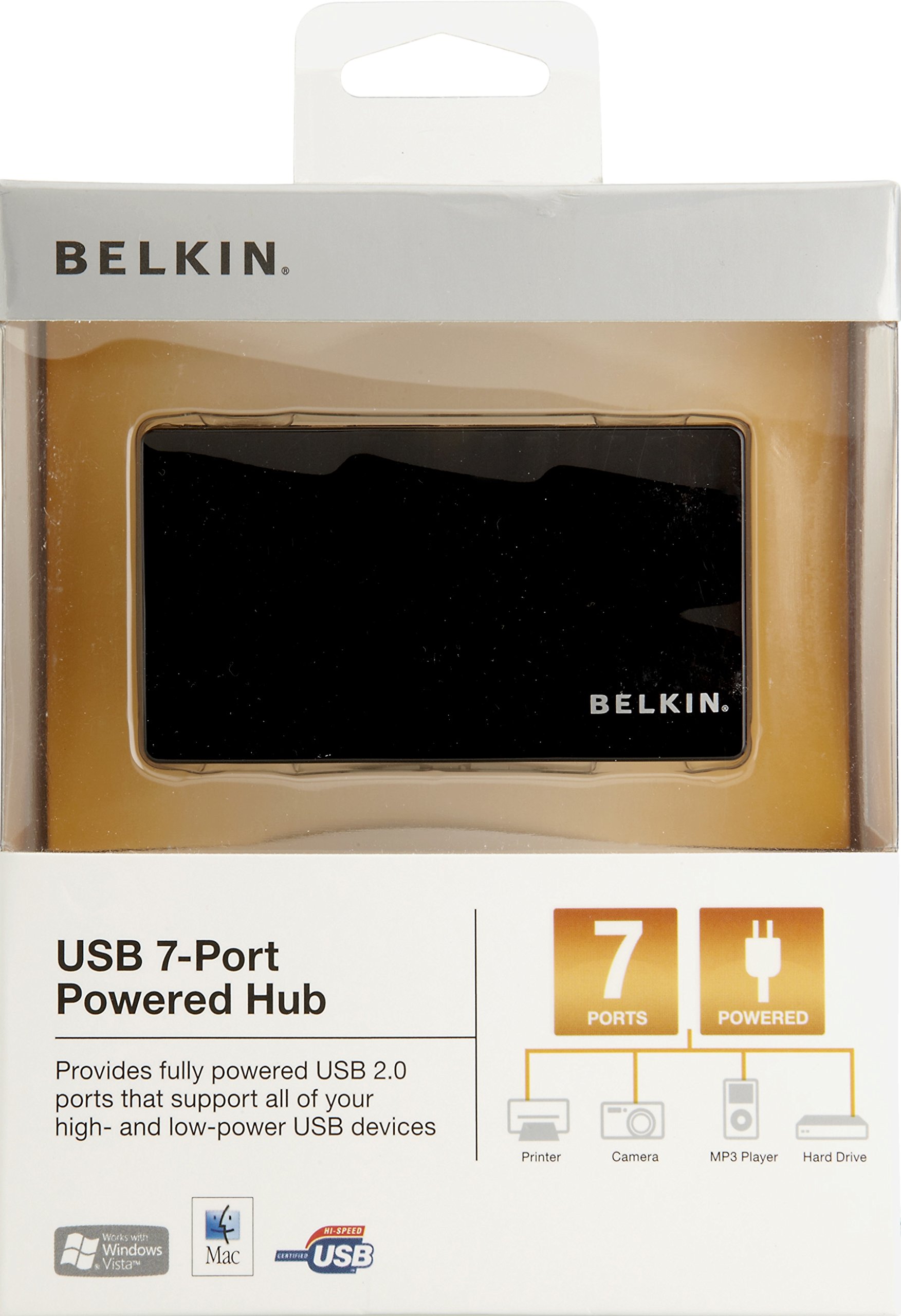
ചിത്രം 1: Belkin F4U018-BLK Hi-Speed USB 2.0 7-Port Mobile Hub. This image displays the compact black hub, highlighting its seven downstream USB ports and the upstream port for connection to a computer.
പ്രധാന ഘടകങ്ങൾ:
- Seven Downstream USB 2.0 Ports: For connecting your peripheral devices.
- One Upstream USB 2.0 Port: For connecting the hub to your computer.
- പവർ അഡാപ്റ്റർ പോർട്ട്: For connecting the included power adapter (recommended for high-power devices).
സജ്ജീകരണ നിർദ്ദേശങ്ങൾ
- Connect the Power Adapter (Optional but Recommended): If you are connecting high-power devices (e.g., external hard drives, multiple devices), connect the included power adapter to the hub's power port and then to a wall outlet. This ensures stable power delivery to all connected devices.
- കമ്പ്യൂട്ടറുമായി ബന്ധിപ്പിക്കുക: Plug the provided USB cable into the upstream port of the Belkin F4U018-BLK hub and then into an available USB port on your computer.
- ഡ്രൈവർ ഇൻസ്റ്റാളേഷൻ: The hub is plug-and-play. Your operating system (Windows, macOS, Linux) should automatically detect and install the necessary drivers. No manual driver installation is typically required.
- USB ഉപകരണങ്ങൾ ബന്ധിപ്പിക്കുക: Once the hub is recognized, you can connect your USB 1.1 or USB 2.0 devices (e.g., keyboards, mice, printers, digital cameras, MP3 players) to the seven downstream ports on the hub.
Operating the Hub
The Belkin F4U018-BLK hub operates automatically once connected. Simply plug your USB devices into the available ports. The hub supports simultaneous operation of all seven ports.
- ഉപകരണ അനുയോജ്യത: Compatible with USB 1.1 and USB 2.0 devices.
- ഡാറ്റ കൈമാറ്റം: Supports data transfer rates up to 480 Megabits Per Second (Mbps) for USB 2.0 devices.
- ഊർജ്ജനിയന്ത്രണം: For optimal performance and to prevent power-related issues, especially with multiple or high-power devices, ensure the external power adapter is connected.
മെയിൻ്റനൻസ്
- വൃത്തിയാക്കൽ: Use a soft, dry cloth to clean the exterior of the hub. Do not use liquid cleaners or aerosols.
- സംഭരണം: നേരിട്ടുള്ള സൂര്യപ്രകാശവും കടുത്ത താപനിലയും ഏൽക്കാത്ത തണുത്തതും വരണ്ടതുമായ സ്ഥലത്ത് ഹബ് സൂക്ഷിക്കുക.
- കൈകാര്യം ചെയ്യൽ: ഹബ് താഴെയിടുന്നത് ഒഴിവാക്കുക അല്ലെങ്കിൽ ശക്തമായ ആഘാതങ്ങൾക്ക് വിധേയമാക്കുക.
- കേബിൾ മാനേജുമെന്റ്: പോർട്ടുകൾക്കോ കേബിളുകൾക്കോ കേടുപാടുകൾ സംഭവിക്കാതിരിക്കാൻ കേബിളുകൾ അമിതമായി വളയുകയോ ആയാസപ്പെടുകയോ ചെയ്യുന്നില്ലെന്ന് ഉറപ്പാക്കുക.
ട്രബിൾഷൂട്ടിംഗ്
- Hub Not Recognized by Computer:
- Ensure the USB cable connecting the hub to the computer is securely plugged in at both ends.
- നിങ്ങളുടെ കമ്പ്യൂട്ടറിലെ മറ്റൊരു USB പോർട്ടിലേക്ക് ഹബ് കണക്റ്റ് ചെയ്യാൻ ശ്രമിക്കുക.
- നിങ്ങളുടെ കമ്പ്യൂട്ടർ പുനരാരംഭിക്കുക.
- If using the power adapter, ensure it is properly connected and receiving power.
- Connected Devices Are Not Working or Disconnecting Frequently:
- Verify that the external power adapter is connected to the hub and a power source. High-power devices require external power.
- Try connecting the device directly to your computer's USB port to confirm the device itself is functional.
- Disconnect and reconnect the problematic device from the hub.
- Ensure the device's drivers are up to date on your computer.
- Avoid overloading the hub with too many high-power devices simultaneously.
- മന്ദഗതിയിലുള്ള ഡാറ്റാ ട്രാൻസ്ഫർ വേഗത:
- Ensure both the hub and the connected device are USB 2.0 compatible for optimal speeds. USB 1.1 devices will operate at their native slower speeds.
- Disconnect other devices from the hub to see if performance improves.
സ്പെസിഫിക്കേഷനുകൾ
| ഫീച്ചർ | വിശദാംശങ്ങൾ |
|---|---|
| ബ്രാൻഡ് | ബെൽകിൻ |
| മോഡൽ നമ്പർ | F4U018-BLK |
| ഹാർഡ്വെയർ ഇന്റർഫേസ് | USB, USB 2.0 |
| മൊത്തം USB പോർട്ടുകൾ | 7 |
| ഡാറ്റ കൈമാറ്റ നിരക്ക് | സെക്കൻഡിൽ 480 മെഗാബൈറ്റുകൾ |
| അനുയോജ്യമായ ഉപകരണങ്ങൾ | Digital Cameras, MP3 Players, Printers |
| ഇനത്തിൻ്റെ ഭാരം | 9.92 ഔൺസ് |
| യു.പി.സി | 722868735473 |
വാറൻ്റിയും പിന്തുണയും
For warranty information and technical support, please refer to the documentation included with your product or visit the official Belkin support webസൈറ്റ്. വാറൻ്റി ക്ലെയിമുകൾക്കായി നിങ്ങളുടെ വാങ്ങൽ രസീത് സൂക്ഷിക്കുക.
ബെൽകിൻ പിന്തുണ: www.belkin.com/support