
KNIPEX 97 52 65 DG
KNIPEX Digital Crimping Pliers (975265DG) Instruction Manual
Model: 97 52 65 DG | Brand: KNIPEX
ആമുഖം
This manual provides comprehensive instructions for the safe and effective use of your KNIPEX Digital Crimping Pliers, Model 97 52 65 DG. These precision tools are designed for professional crimping applications, featuring a digital display for accurate adjustments and a four-mandrel crimping system for reliable connections. Please read this manual thoroughly before operation to ensure optimal performance and safety.
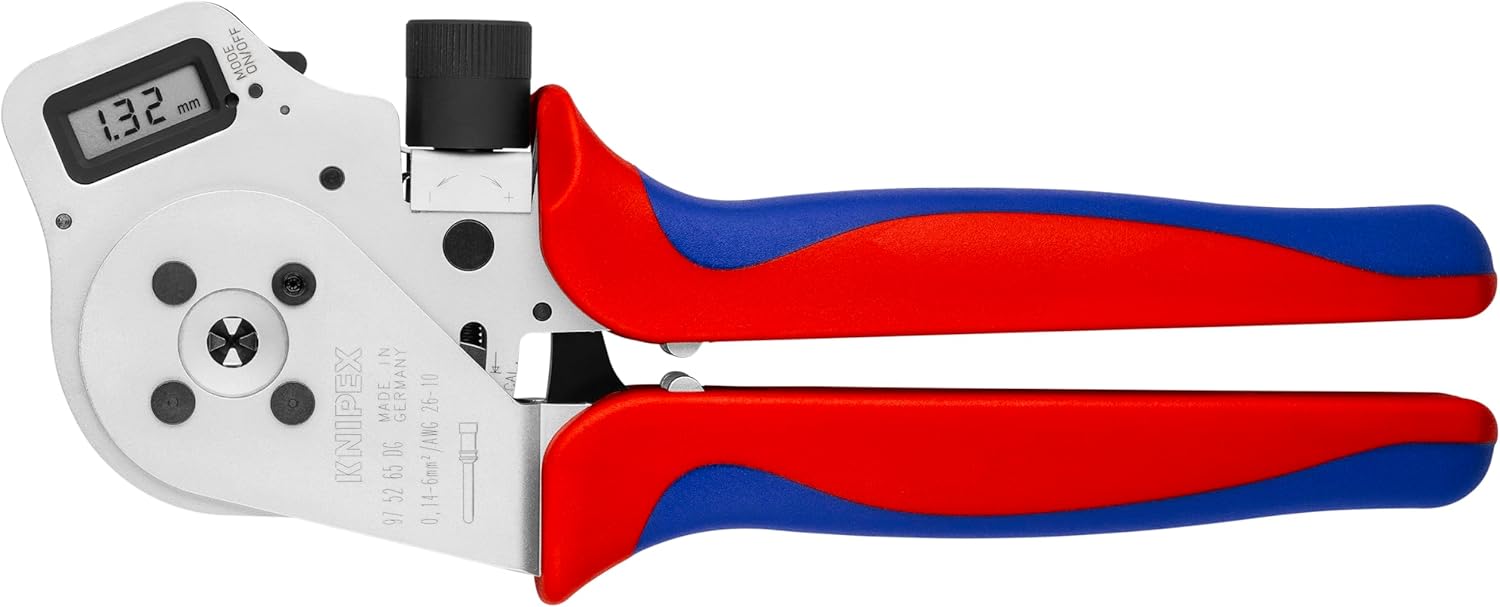
Figure 1: KNIPEX Digital Crimping Pliers (Model 97 52 65 DG) in closed position.
സുരക്ഷാ നിർദ്ദേശങ്ങൾ
ഉപകരണത്തിന് പരിക്കേൽക്കുന്നതും കേടുപാടുകൾ സംഭവിക്കുന്നതും തടയാൻ ഇനിപ്പറയുന്ന സുരക്ഷാ മാർഗ്ഗനിർദ്ദേശങ്ങൾ എല്ലായ്പ്പോഴും പാലിക്കുക:
- നേത്ര സംരക്ഷണം: Always wear approved safety glasses or goggles when operating crimping tools to protect against flying debris.
- ശരിയായ കൈകാര്യം ചെയ്യൽ: Hold the tool firmly. Ensure your hands are clear of the crimping jaws during operation.
- ഉപകരണ അവസ്ഥ: Inspect the tool before each use for any signs of damage or wear. Do not use a damaged tool.
- ഉദ്ദേശിച്ച ഉപയോഗം: Use the crimping pliers only for their intended purpose: crimping electrical connectors. Do not use as a hammer, pry bar, or cutting tool.
- ഇലക്ട്രിക്കൽ സുരക്ഷ: When working with electrical components, ensure power is disconnected to prevent electric shock.
- സംഭരണം: കുട്ടികൾക്ക് ലഭ്യമാകാതെ, വരണ്ടതും സുരക്ഷിതവുമായ സ്ഥലത്ത് ഉപകരണം സൂക്ഷിക്കുക.
ഉൽപ്പന്നം കഴിഞ്ഞുview
The KNIPEX Digital Crimping Pliers are engineered for precise crimping. Key components include:
- ഡിജിറ്റൽ ഡിസ്പ്ലേ: Provides real-time measurement and allows for precise adjustment of crimping parameters.
- Four-Mandrel Crimping System: Ensures uniform and reliable crimps from all sides.
- എർഗണോമിക് ഹാൻഡിലുകൾ: Designed for comfortable and secure grip during prolonged use.
- അഡ്ജസ്റ്റ്മെൻ്റ് നോബ്: For fine-tuning the crimping pressure and size.

Figure 2: Close-up of the digital display and adjustment knob on the crimping pliers.
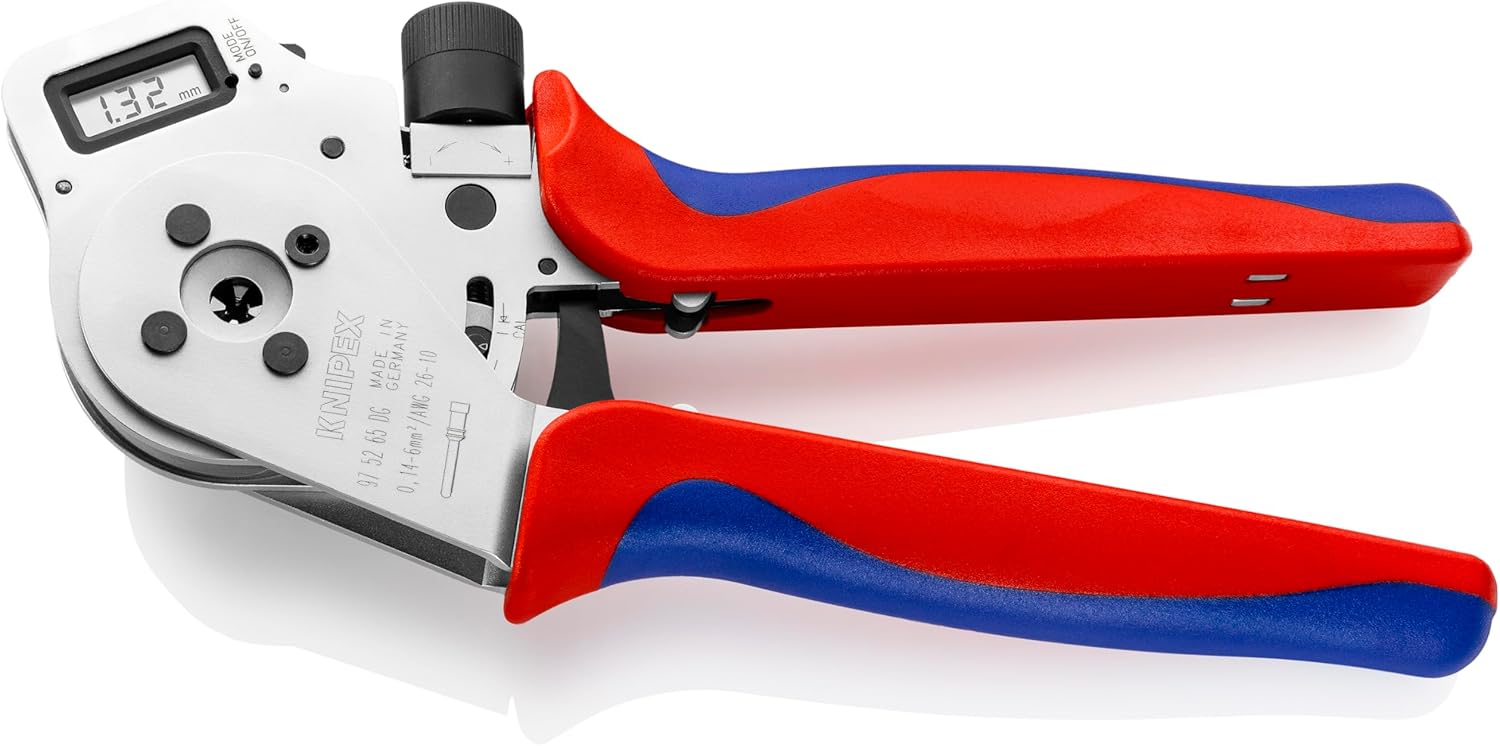
Figure 3: The crimping pliers with jaws partially open, highlighting the four-mandrel system.
സജ്ജമാക്കുക
- അൺപാക്ക് ചെയ്യുന്നു: Carefully remove the crimping pliers and any accessories from the packaging. Inspect for any shipping damage.
- പ്രാഥമിക പരിശോധന: Verify that all components are present and in good condition. The product typically includes the crimping pliers and a protective case.

Figure 4: The crimping pliers and included accessories within their protective case.
- Powering On the Digital Display: Locate the "MODE/ON/OFF" button on the digital display. Press it to turn on the display.
- യൂണിറ്റ് തിരഞ്ഞെടുപ്പ്: If applicable, press the "MODE" button repeatedly to cycle through available units (e.g., mm, AWG) until your desired unit is displayed.
- Zeroing the Display: With the jaws fully open, press the "ON/OFF" button briefly to zero the display, if necessary. Consult the specific instructions on the tool for precise zeroing procedures.
പ്രവർത്തന നിർദ്ദേശങ്ങൾ
Follow these steps for effective crimping:
- Select Correct Setting: Refer to the crimping specifications for your connector and wire gauge. Use the adjustment knob to set the desired crimping size on the digital display. Rotate the knob clockwise to decrease the crimping size (for smaller wires/contacts) and counter-clockwise to increase it (for larger wires/contacts).
- Prepare Wire and Connector: Strip the wire insulation to the recommended length for your connector. Insert the wire into the contact/connector.
- Position for Crimping: Open the crimping pliers fully. Carefully insert the contact with the wire into the appropriate crimping cavity of the four-mandrel system. Ensure the contact is seated correctly and the wire is aligned.
- Perform Crimp: Slowly and firmly close the handles of the pliers until the crimping cycle is complete and the handles release. The digital display will show the crimping dimension.
- ക്രിമ്പ് പരിശോധിക്കുക: After crimping, visually inspect the connection to ensure it is secure and properly formed. The crimp should be symmetrical and hold the wire firmly.
- ആവർത്തിക്കുക: For multiple crimps, repeat the process, ensuring consistent settings and proper wire/contact placement.
മെയിൻ്റനൻസ്
- വൃത്തിയാക്കൽ: After each use, wipe down the pliers with a clean, dry cloth to remove any dirt, dust, or debris. Avoid using abrasive cleaners or solvents that could damage the tool or digital display.
- ലൂബ്രിക്കേഷൻ: Periodically apply a light coat of machine oil to the pivot points and moving parts to ensure smooth operation.
- സംഭരണം: Store the crimping pliers in their original protective case (Figure 5) in a dry environment to prevent corrosion and damage.
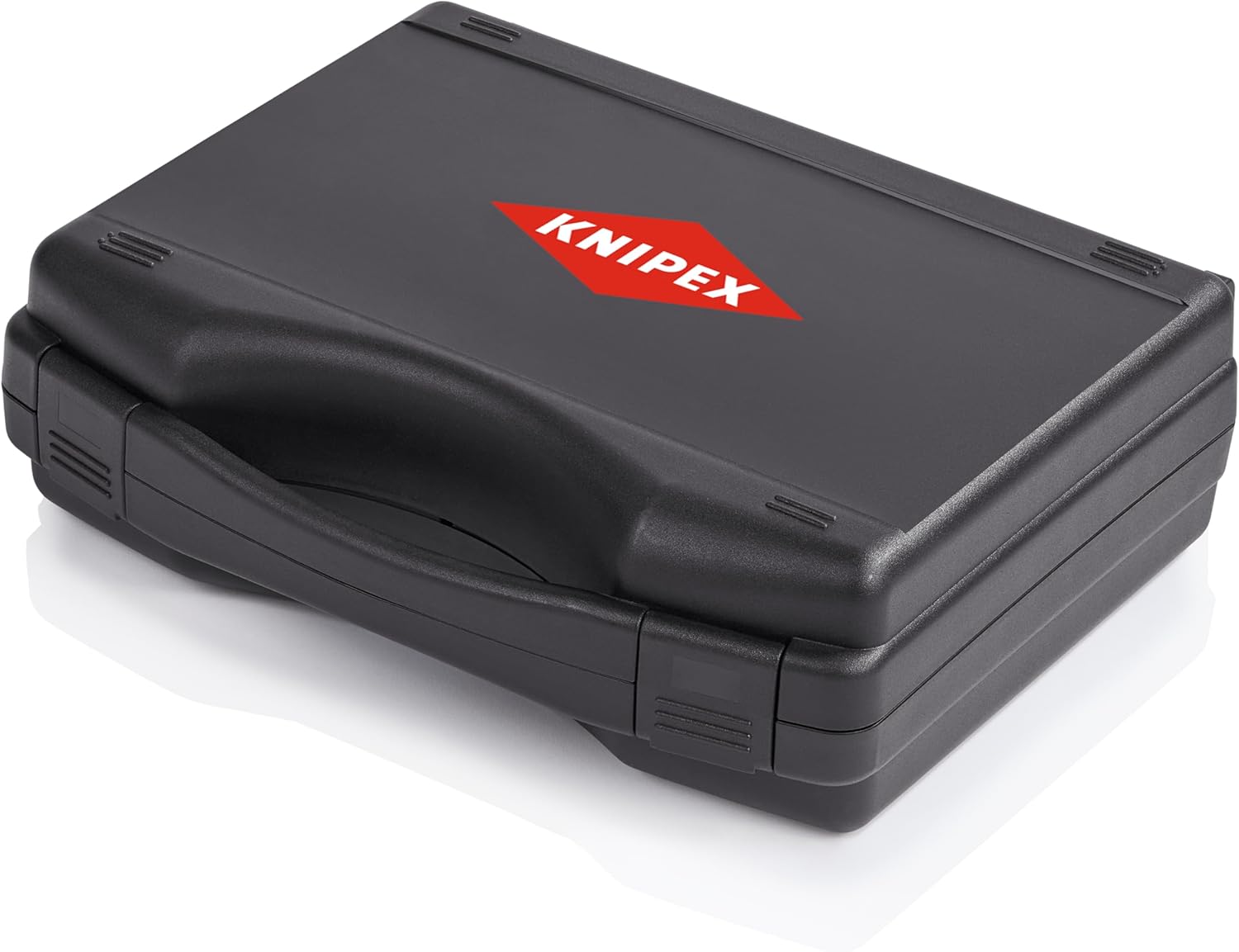
Figure 5: The protective case for storing the KNIPEX Digital Crimping Pliers.
- കാലിബ്രേഷൻ: The digital display is factory calibrated. If you suspect a calibration issue or require recalibration, refer to the specific instructions provided with the tool or contact KNIPEX customer support.
ട്രബിൾഷൂട്ടിംഗ്
| പ്രശ്നം | സാധ്യമായ കാരണം | പരിഹാരം |
|---|---|---|
| Digital display not turning on. | Low or dead battery (if applicable). ഡിസ്പ്ലേ തകരാറ്. | Ensure the "ON/OFF" button is pressed firmly. If battery operated, check/replace battery. Contact support if issue persists. |
| Inconsistent crimps. | Incorrect crimp setting. Improper wire/contact placement. Worn crimping jaws. | Verify the digital setting matches the required specification. Ensure wire and contact are correctly seated. Inspect jaws for wear; contact support if damaged. |
| Handles sticking or stiff. | ലൂബ്രിക്കേഷന്റെ അഭാവം. Dirt/debris in mechanism. | Clean the tool thoroughly. Apply a light machine oil to pivot points. |
സ്പെസിഫിക്കേഷനുകൾ
| ആട്രിബ്യൂട്ട് | വിശദാംശങ്ങൾ |
|---|---|
| മോഡൽ നമ്പർ | 97 52 65 DG |
| നിർമ്മാതാവ് | നിപെക്സ് ടൂൾസ് എൽപി |
| മെറ്റീരിയൽ | Blend (Tool Body), Plastic (Handle) |
| ഭാരം | 1.27 കി.ഗ്രാം |
| അളവുകൾ (L x W x H) | 27.43 x 22.48 x 8.51 സെ.മീ |
| ഹാൻഡിലുകളുടെ എണ്ണം | 2 |
| ഗ്രിപ്പ് തരം | എർഗണോമിക് |
| യു.പി.സി | 843221015916 |
വാറൻ്റിയും പിന്തുണയും
KNIPEX tools are manufactured to high-quality standards and are designed for durability and performance. For specific warranty information, please refer to the documentation included with your purchase or visit the official KNIPEX webസൈറ്റ്.
For technical support, service, or inquiries regarding your KNIPEX Digital Crimping Pliers, please contact KNIPEX customer service through their official channels. Provide your model number (97 52 65 DG) and any relevant purchase details when seeking assistance.
Ask a question about this manual
Ask about setup, troubleshooting, compatibility, parts, safety, or missing instructions. Manuals+ will review the question and use this page’s manual context to help answer it.