
ആമുഖം
The Insignia NS-CA103 3.5mm Cassette Adapter allows you to connect modern audio devices, such as MP3 players, cell phones, or tablets, to older cassette players. This adapter facilitates the playback of digital audio through a cassette player's audio system, utilizing a standard 3.5mm headphone jack connection. It is designed to provide increased stereo separation for improved sound clarity.
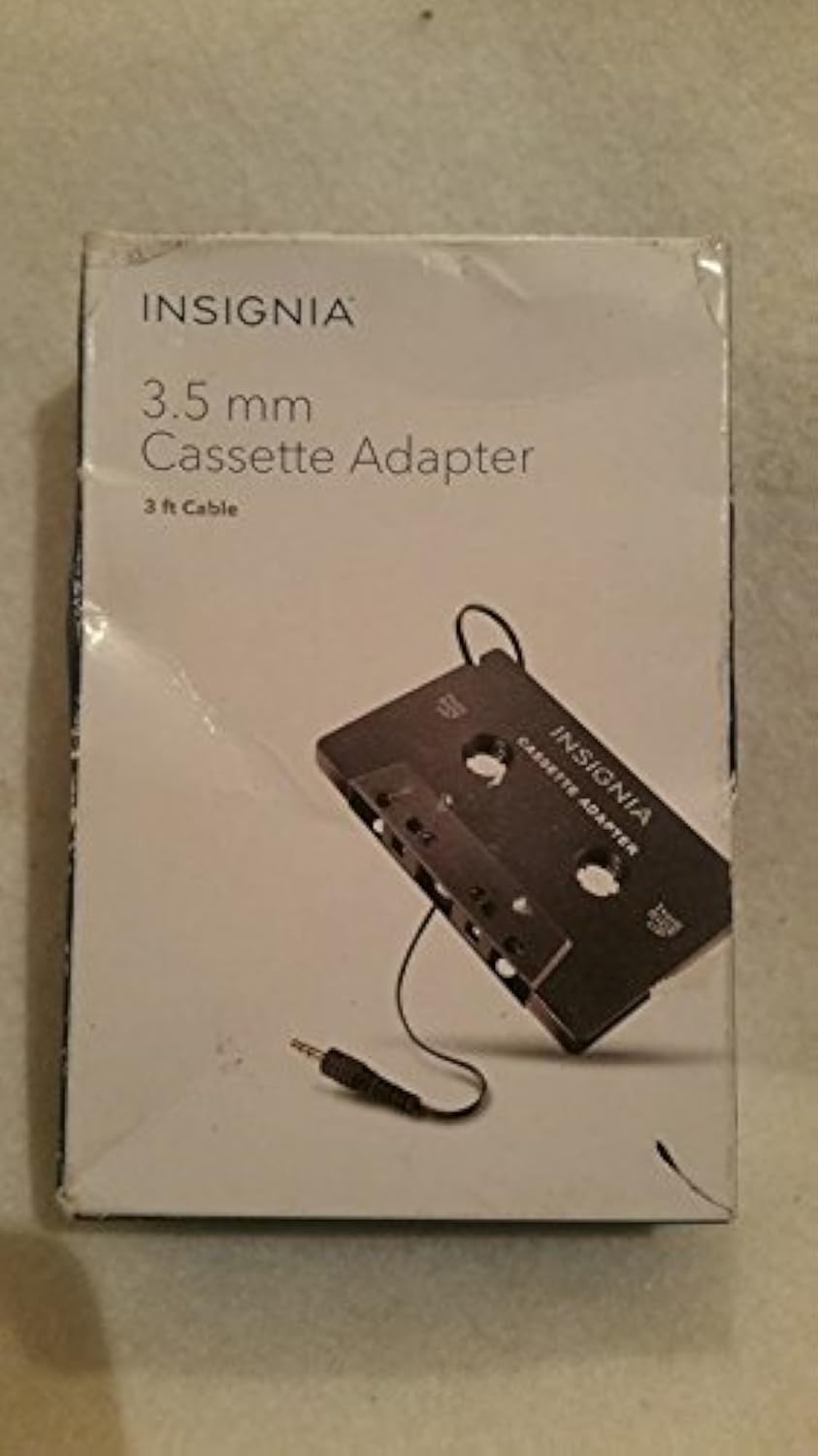
Image: Insignia 3.5mm Cassette Adapter in its retail packaging.
പാക്കേജ് ഉള്ളടക്കം
- Insignia NS-CA103 3.5mm Cassette Adapter with integrated 3 ft. cable
സജ്ജമാക്കുക
Follow these steps to connect and prepare your Insignia NS-CA103 Cassette Adapter for use:
- Prepare Cassette Player: Set the volume of your cassette player to a minimum setting.
- ഓഡിയോ ഉപകരണം ബന്ധിപ്പിക്കുക: Connect the 3.5mm plug from the cassette adapter into the headphone jack of your portable audio player (e.g., MP3 player, cell phone, tablet).
- അഡാപ്റ്റർ ചേർക്കുക: Insert the cassette adapter into the cassette deck of your cassette player. Ensure the side labeled "THIS SIDE UP" is facing the correct direction for your cassette player.
- Set Audio Device Volume: Set the volume of your portable audio player to a middle level.
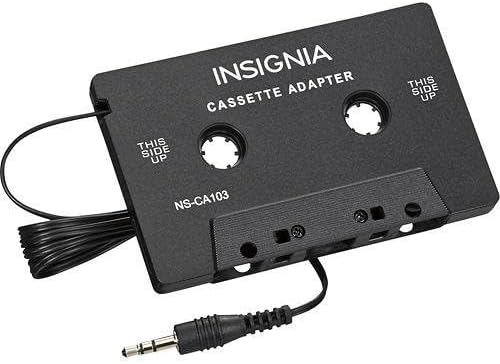
Image: The Insignia NS-CA103 Cassette Adapter showing the cassette body and the attached 3.5mm audio jack.
പ്രവർത്തന നിർദ്ദേശങ്ങൾ
Once the adapter is set up, you can begin playing audio:
- പ്ലേബാക്ക് ആരംഭിക്കുക: Begin playing audio on your connected portable audio device.
- Adjust Cassette Player Volume: Gradually adjust the volume on your cassette player to the desired listening level.
- Fine-tune Volume: If needed, make minor adjustments to the volume on your portable audio device to achieve optimal sound quality and balance.
- നീക്കം ചെയ്യൽ: When not in use, remove the cassette adapter from the cassette player to prevent unnecessary wear on the cassette player's mechanism.

Image: Back of the Insignia 3.5mm Cassette Adapter packaging, displaying setup and operating instructions.
മെയിൻ്റനൻസ്
To ensure the longevity and optimal performance of your cassette adapter:
- സംഭരണം: Store the adapter in a clean, dry place away from extreme temperatures and direct sunlight.
- വൃത്തിയാക്കൽ: Wipe the adapter with a soft, dry cloth. Do not use liquid cleaners or solvents.
- കേബിൾ കെയർ: ആന്തരിക വയറിന് കേടുപാടുകൾ സംഭവിക്കുന്നത് തടയാൻ കേബിളിൽ മൂർച്ചയുള്ള വളവുകളോ വളവുകളോ ഒഴിവാക്കുക.
- കൈകാര്യം ചെയ്യൽ: Handle the adapter gently, especially when inserting and removing it from the cassette player.
ട്രബിൾഷൂട്ടിംഗ്
| പ്രശ്നം | പരിഹാരം |
|---|---|
| ശബ്ദമില്ല അല്ലെങ്കിൽ കുറഞ്ഞ ശബ്ദം: |
|
| Poor sound quality (static, distortion): |
|
| Cassette player ejects adapter: |
|
സ്പെസിഫിക്കേഷനുകൾ
| മോഡൽ നമ്പർ | NS-CA103 |
| ബ്രാൻഡ് | ഇൻസിഗ്നിയ |
| കണക്റ്റർ തരം | ഓക്സിലറി (3.5 മിമി) |
| കേബിൾ നീളം | 3 അടി (ഏകദേശം 0.91 മീറ്റർ) |
| അനുയോജ്യമായ ഉപകരണങ്ങൾ | Devices with a 3.5mm headphone jack (MP3 Players, Cell Phones, Tablets) |
| ഇനത്തിന്റെ അളവുകൾ (L x W x H) | 15.2 x 10.2 x 3 സെൻ്റീമീറ്റർ |
| ഇനത്തിൻ്റെ ഭാരം | 0.02 പൗണ്ട് (ഏകദേശം 9 ഗ്രാം) |
| യു.പി.സി | 600603165047 |
വാറൻ്റി വിവരങ്ങൾ
This Insignia NS-CA103 3.5mm Cassette Adapter is covered by a 1-വർഷ പരിമിത വാറൻ്റി. For specific terms and conditions, please refer to the warranty documentation included with your purchase or contact Insignia customer support.
ഉപഭോക്തൃ പിന്തുണ
For technical assistance, warranty claims, or further information regarding your Insignia NS-CA103 3.5mm Cassette Adapter, please contact Insignia customer support. Contact details can typically be found on the product packaging or the official Insignia webസൈറ്റ്.


