
1. ആമുഖം
This manual provides essential information for the proper use and maintenance of your BrightSign uSDHC-32C10-1 32 GB Class 10 MicroSD Card. This card is specifically approved and designed for optimal performance with BrightSign digital signage players, including models LS423, HD223, HD1023, XD233, XD1033, XT243, and XT1143. Please read this manual thoroughly before using the product.
2. ഉൽപ്പന്നം കഴിഞ്ഞുview
The BrightSign uSDHC-32C10-1 is a high-performance 32 GB Class 10 MicroSD card engineered for reliable storage in demanding digital signage environments. It offers fast data transfer speeds and robust construction, including a waterproof feature, to ensure consistent operation.
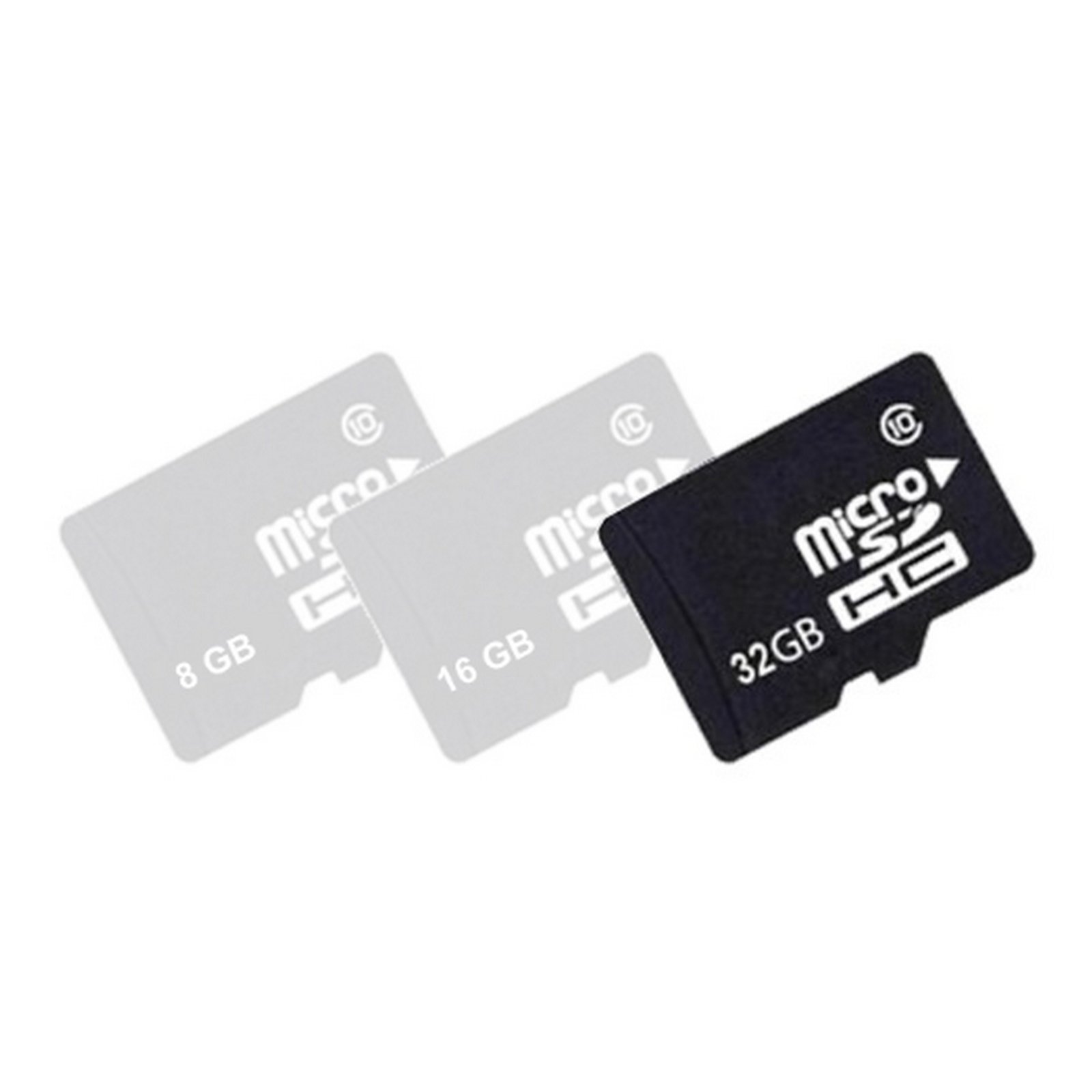
Image 1: BrightSign uSDHC-32C10-1 32 GB Class 10 MicroSD Card. This image displays the physical MicroSD card, typically black, with the BrightSign logo and capacity markings.
3. സജ്ജീകരണം
- അൺപാക്ക് ചെയ്യുന്നു: Carefully remove the MicroSD card from its packaging.
- Insertion into Device: Locate the MicroSD card slot on your compatible BrightSign digital signage player. Gently insert the card into the slot until it clicks into place. Ensure the card is oriented correctly to avoid damage.
- പ്രാരംഭ അംഗീകാരം: Upon powering on the BrightSign player, the device should automatically detect the inserted MicroSD card. Refer to your BrightSign player's manual for specific instructions on storage management and content loading.
4. പ്രവർത്തന നിർദ്ദേശങ്ങൾ
The BrightSign uSDHC-32C10-1 MicroSD card serves as the primary storage medium for your BrightSign digital signage player's operating system, content, and logs.
- Content Storage: Use BrightSign Author software to publish presentations and content directly to the MicroSD card. The card's Class 10 speed ensures smooth playback of high-definition video and complex presentations.
- ഡാറ്റ കൈമാറ്റം: When transferring content from a computer, use a compatible MicroSD card reader for optimal speed. Avoid direct file manipulation on the card while it is inserted in the player, as this may corrupt data.
- Player Operation: Once content is loaded, the BrightSign player will access and play media directly from the MicroSD card. Ensure the card remains securely in the slot during operation.
5. പരിപാലനം
- കൈകാര്യം ചെയ്യൽ: Always handle the MicroSD card by its edges. Avoid touching the gold contact pins to prevent static discharge or contamination.
- വൃത്തിയാക്കൽ: If necessary, gently wipe the card with a soft, dry, lint-free cloth. Do not use liquid cleaners or abrasive materials.
- സംഭരണം: When not in use, store the MicroSD card in its protective case or a static-free environment, away from extreme temperatures, direct sunlight, and strong magnetic fields.
- ഡാറ്റ ബാക്കപ്പ്: Regularly back up important content stored on the MicroSD card to another storage device to prevent data loss.
6. പ്രശ്നപരിഹാരം
- കാർഡ് തിരിച്ചറിയാൻ കഴിഞ്ഞിട്ടില്ല:
- Ensure the card is fully and correctly inserted into the player's slot.
- Power cycle the BrightSign player.
- Test the card in another compatible device or card reader to check if the card itself is functional.
- Slow Performance/Content Stuttering:
- Verify that the content being played is compatible with the BrightSign player's specifications.
- Ensure the card is not excessively fragmented. Reformatting the card (after backing up data) may improve performance.
- Confirm the card is a genuine Class 10 card.
- ഡാറ്റ അഴിമതി:
- Always safely eject the card from a computer before removal.
- Ensure the BrightSign player is properly shut down before removing the card.
- Avoid exposing the card to electrical surges or extreme environmental conditions.
7 സ്പെസിഫിക്കേഷനുകൾ
| ഫീച്ചർ | വിശദാംശങ്ങൾ |
|---|---|
| മോഡലിൻ്റെ പേര് | uSDHC-32C10-1 |
| ബ്രാൻഡ് | Brightsign |
| ഫ്ലാഷ് മെമ്മറി തരം | മൈക്രോ എസ്.ഡി |
| മെമ്മറി സ്റ്റോറേജ് കപ്പാസിറ്റി | 32 ജിബി |
| സെക്യുർ ഡിജിറ്റൽ അസോസിയേഷൻ സ്പീഡ് ക്ലാസ് | ക്ലാസ് 10 |
| റൈറ്റ് സ്പീഡ് | ≥10 MB/s |
| ഹാർഡ്വെയർ ഇന്റർഫേസ് | മൈക്രോ എസ്.ഡി |
| പ്രത്യേക ഫീച്ചർ | വാട്ടർപ്രൂഫ് |
| നിറം | കറുപ്പ് |
| അനുയോജ്യമായ ഉപകരണങ്ങൾ | BrightSign Digital Signage Players (LS423, HD223, HD1023, XD233, XD1033, XT243, XT1143) |
| ഉൽപ്പന്ന അളവുകൾ | 6 x 6 x 6 ഇഞ്ച് (പാക്കേജിംഗ്) |
| ഇനത്തിൻ്റെ ഭാരം | 1 പൗണ്ട് (പാക്കേജിംഗ്) |
| യു.പി.സി | 642892768769 |
| ASIN | B01LZA80NE |
8. വാറൻ്റിയും പിന്തുണയും
The BrightSign uSDHC-32C10-1 MicroSD Card comes with a Limited Warranty. For detailed information regarding warranty terms and conditions, please refer to the official BrightSign website or contact BrightSign customer support.
For technical assistance, product inquiries, or further support, please visit the official BrightSign support portal or contact their customer service department. Contact information can typically be found on the BrightSign corporate webസൈറ്റ്.