
ആമുഖം
The NEC E436 is a 43-inch direct-lit, commercial-grade LED backlit display designed for various applications including education, corporate environments, and digital signage. This display features LED backlighting for reduced power consumption, a thinner profile, and lighter weight. It offers Full HD resolution for clear image quality and includes an integrated ATSC/NTSC tuner and built-in speakers for broadcast capabilities. Additionally, the E436 incorporates a USB player for displaying video, audio, or JPEG image files.
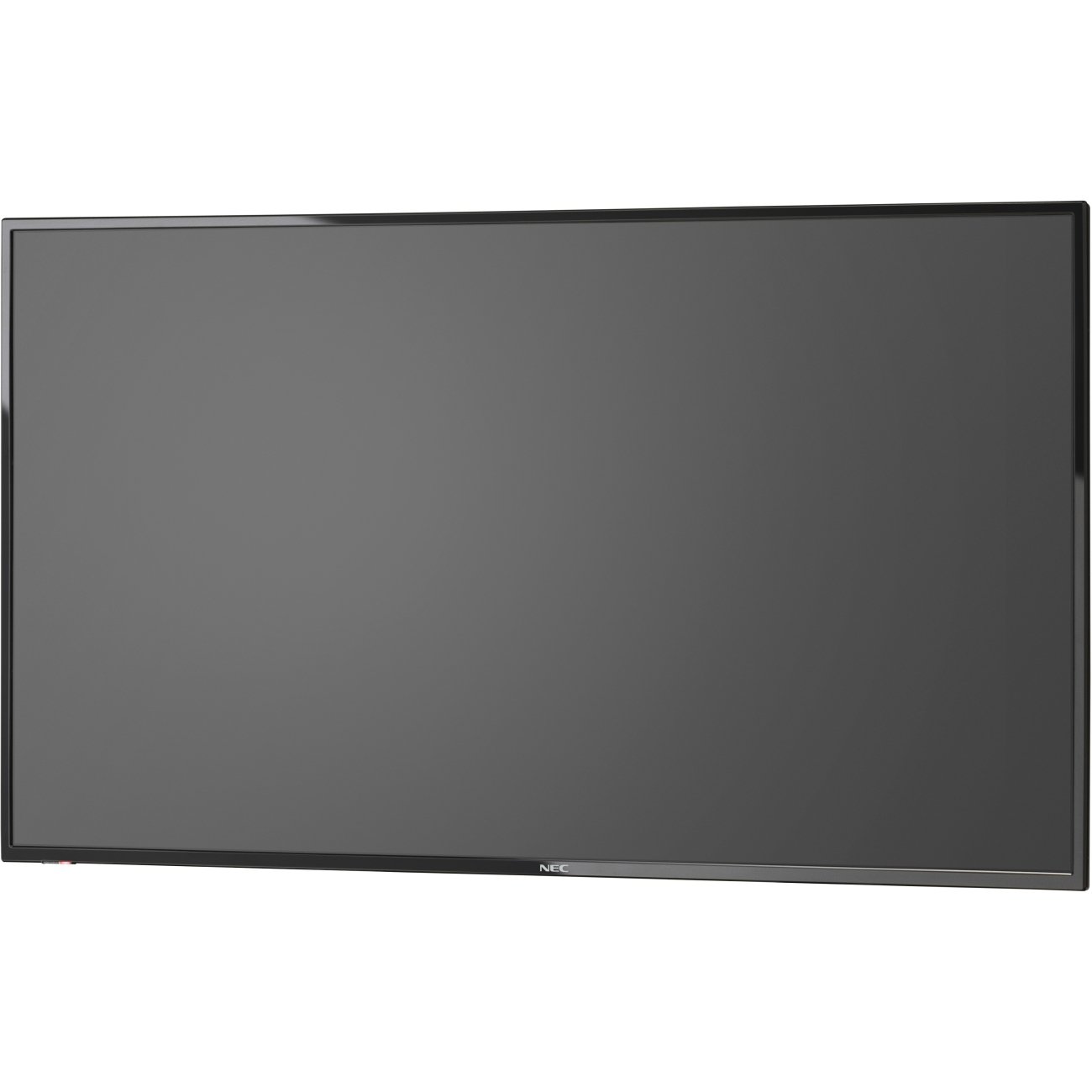
ചിത്രം 1: മുൻഭാഗം view of the NEC E436 43-inch LED Backlit Display with its stand, showcasing a vibrant beach landscape on the screen.
സജ്ജമാക്കുക
1. Unpacking the Display
Carefully remove the display and all components from the packaging. Ensure all items listed below are present:
- NEC E436 43" LED Backlit Display
- പവർ കോർഡ്
- റിമോട്ട് കൺട്രോൾ (ഉൾപ്പെടുത്തിയാൽ)
- ഉപയോക്തൃ മാനുവൽ (ഈ പ്രമാണം)
- Stand components (if applicable)
2. ഫിസിക്കൽ ഇൻസ്റ്റലേഷൻ
The display can be installed using its included stand or mounted on a VESA-compatible wall mount or stand.
Stand Assembly (if applicable)
- Place the display face down on a soft, clean surface to prevent screen damage.
- Attach the stand base to the display using the provided screws. Ensure it is securely fastened.
- ഡിസ്പ്ലേ ശ്രദ്ധാപൂർവ്വം ഉയർത്തി സ്ഥിരതയുള്ളതും നിരപ്പായതുമായ ഒരു പ്രതലത്തിൽ വയ്ക്കുക.
VESA വാൾ മൗണ്ടിംഗ്
The NEC E436 supports VESA 200 x 200mm mounting. Use M6 x 16mm screws for attachment. Consult your wall mount's instructions for proper installation. Ensure the mounting surface can support the display's weight (approximately 20 pounds).
3. കേബിളുകൾ ബന്ധിപ്പിക്കുന്നു
Connect the necessary cables to the display's input ports.
- പവർ കേബിൾ: Connect the power cord to the display's power input and then to a grounded electrical outlet.
- HDMI കേബിൾ: For video and audio input from a source device (e.g., computer, media player), connect an HDMI cable to the display's HDMI port and the source device's HDMI output.
- USB ഉപകരണം: To use the integrated multimedia player, insert a USB flash drive containing your media files into the display's USB port.
- ആന്റിന/കേബിൾ: To utilize the integrated ATSC/NTSC tuner, connect an antenna or cable TV feed to the RF input port.
4. പ്രാരംഭ പവർ ഓൺ
After connecting all cables, press the power button on the display or remote control to turn on the unit. Follow any on-screen prompts for initial setup, such as language selection or channel scanning for the integrated tuner.
പ്രവർത്തന നിർദ്ദേശങ്ങൾ
1. അടിസ്ഥാന നിയന്ത്രണങ്ങൾ
The display can be controlled using the buttons on the unit itself or via the remote control.
- ശക്തി: ഡിസ്പ്ലേ ഓൺ അല്ലെങ്കിൽ ഓഫ് ചെയ്യുന്നു.
- ഇൻപുട്ട്/ഉറവിടം: Selects the desired input source (HDMI, TV, USB).
- വോളിയം കൂട്ടുക/താഴ്ത്തുക: Adjusts the audio output level from the built-in 10W speakers.
- മെനു: വിപുലമായ ക്രമീകരണങ്ങൾക്കായി ഓൺ-സ്ക്രീൻ ഡിസ്പ്ലേ (OSD) മെനു ആക്സസ് ചെയ്യുന്നു.
- നാവിഗേഷൻ ബട്ടണുകൾ: മെനു ഓപ്ഷനുകളിലൂടെ നാവിഗേറ്റ് ചെയ്യാൻ ഉപയോഗിക്കുന്നു.
- ശരി/നൽകുക: മെനുവിലെ തിരഞ്ഞെടുപ്പുകൾ സ്ഥിരീകരിക്കുന്നു.
2. Using the Integrated Tuner
To watch broadcast television, ensure an antenna or cable feed is connected to the RF input.
- അമർത്തുക ഇൻപുട്ട്/ഉറവിടം button and select "TV".
- Access the menu and navigate to the "Channel" or "Setup" section.
- Select "Auto Scan" or "Channel Search" to find available channels.
- Once scanning is complete, use the Channel Up/Down buttons to browse channels.
3. Using the USB Multimedia Player
The integrated USB player allows playback of video, audio, and JPEG image fileഒരു യുഎസ്ബി സംഭരണ ഉപകരണത്തിൽ നിന്ന് നേരിട്ട്.
- Insert a USB flash drive containing your media files into the display's USB port.
- അമർത്തുക ഇൻപുട്ട്/ഉറവിടം ബട്ടൺ അമർത്തി "USB" തിരഞ്ഞെടുക്കുക.
- The display will typically open a file browser. Navigate to your desired media file (video, audio, or image).
- തിരഞ്ഞെടുക്കുക file പ്ലേബാക്ക് ആരംഭിക്കാൻ.
- Use the remote control for playback functions such as play, pause, stop, next, and previous.
4. ഡിസ്പ്ലേ ക്രമീകരണങ്ങൾ ക്രമീകരിക്കുന്നു
Access the OSD menu to customize picture, sound, and other display settings.
- ചിത്ര ക്രമീകരണങ്ങൾ: Adjust brightness, contrast, color, sharpness, and picture mode (e.g., Standard, Dynamic, Movie).
- ശബ്ദ ക്രമീകരണങ്ങൾ: Adjust bass, treble, balance, and sound mode.
- സമയ ക്രമീകരണങ്ങൾ: Set the current time, sleep timer, or auto power-off.
- സിസ്റ്റം ക്രമീകരണങ്ങൾ: General display options, including language, factory reset, and software updates.
മെയിൻ്റനൻസ്
1. ഡിസ്പ്ലേ വൃത്തിയാക്കുന്നു
To maintain optimal picture quality, clean the display regularly.
- സ്ക്രീൻ: മൃദുവായ, ലിന്റ് രഹിത തുണി ഉപയോഗിച്ച് സ്ക്രീൻ സൌമ്യമായി തുടയ്ക്കുക. കഠിനമായ പാടുകൾക്ക്, നേരിയ തോതിൽ dampen വെള്ളമുള്ള തുണി അല്ലെങ്കിൽ ഒരു പ്രത്യേക സ്ക്രീൻ ക്ലീനർ. ചെയ്യരുത് സ്ക്രീനിൽ നേരിട്ട് ദ്രാവകം തളിക്കുക.
- മന്ത്രിസഭ: Wipe the display's frame and back with a soft, dry cloth.
- ജാഗ്രത: Always unplug the display from the power outlet before cleaning. Avoid using abrasive cleaners, waxes, or solvents.
2. ജനറൽ കെയർ
- നേരിട്ടുള്ള സൂര്യപ്രകാശത്തിലോ താപ സ്രോതസ്സുകൾക്ക് സമീപമോ ഡിസ്പ്ലേ സ്ഥാപിക്കുന്നത് ഒഴിവാക്കുക.
- അമിതമായി ചൂടാകുന്നത് തടയാൻ ഡിസ്പ്ലേയ്ക്ക് ചുറ്റും മതിയായ വായുസഞ്ചാരം ഉറപ്പാക്കുക.
- Protect the display from moisture and extreme temperatures.
- വെന്റിലേഷൻ തുറക്കൽ തടയരുത്.
ട്രബിൾഷൂട്ടിംഗ്
പിന്തുണയുമായി ബന്ധപ്പെടുന്നതിന് മുമ്പ്, പൊതുവായ പ്രശ്നങ്ങൾക്ക് ഇനിപ്പറയുന്ന പരിഹാരങ്ങൾ പരീക്ഷിക്കുക:
| പ്രശ്നം | സാധ്യമായ പരിഹാരം |
|---|---|
| ശക്തിയില്ല |
|
| സിഗ്നൽ ഇല്ല/ചിത്രമില്ല |
|
| ചിത്രം വളച്ചൊടിച്ചതോ അവ്യക്തമോ ആണ് |
|
| ശബ്ദമില്ല |
|
സ്പെസിഫിക്കേഷനുകൾ
| ഫീച്ചർ | വിശദാംശങ്ങൾ |
|---|---|
| ബ്രാൻഡ് | NEC |
| മോഡൽ നമ്പർ | E436 |
| സ്ക്രീൻ വലിപ്പം | 43 ഇഞ്ച് |
| ഡിസ്പ്ലേ തരം | LED ബാക്ക്ലിറ്റ് |
| റെസലൂഷൻ | ഫുൾ HD (1920 x 1080) |
| വീക്ഷണാനുപാതം | 16:9 |
| പുതുക്കിയ നിരക്ക് | 60 Hz |
| പ്രതികരണ സമയം | 8 മില്ലിസെക്കൻഡ് |
| കോൺട്രാസ്റ്റ് റേഷ്യോ | 2000:1 |
| കണക്റ്റിവിറ്റി | 1x HDMI, 1x USB (USB 3.0) |
| ഇന്റഗ്രേറ്റഡ് ട്യൂണർ | ATSC/NTSC |
| ഓഡിയോ | ബിൽറ്റ്-ഇൻ 10W സ്പീക്കറുകൾ |
| മൗണ്ടിംഗ് തരം | VESA 200 x 200mm (M6 x 16mm) |
| ഇനത്തിൻ്റെ ഭാരം | 20 പൗണ്ട് |
വാറൻ്റിയും പിന്തുണയും
വാറൻ്റി വിവരങ്ങൾ
The NEC E436 display comes with a 3 വർഷത്തെ വാറൻ്റി. This warranty covers defects in materials and workmanship under normal use. Please retain your proof of purchase for warranty claims. For specific terms and conditions, refer to the warranty card included with your product or visit the official NEC webസൈറ്റ്.
ഉപഭോക്തൃ പിന്തുണ
For technical assistance, troubleshooting beyond this manual, or warranty service, please contact NEC customer support. Contact details can typically be found on the official NEC webസൈറ്റ് അല്ലെങ്കിൽ നിങ്ങളുടെ വാങ്ങലിനൊപ്പം നൽകിയിരിക്കുന്ന ഡോക്യുമെൻ്റേഷനിൽ.
When contacting support, please have your model number (E436) and serial number ready.