
Arctic-Pro 21599
Arctic-Pro Mini Desk Oscillating Tower Fan User Manual
മോഡൽ: 21599
ആമുഖം
This manual provides important information regarding the safe operation, installation, and maintenance of your Arctic-Pro Mini Desk Oscillating Tower Fan. Please read this manual thoroughly before using the product and retain it for future reference.
The Arctic-Pro Mini Desk Oscillating Tower Fan is designed to provide personal cooling with its compact size and quiet operation. It features two speed settings and a 75-degree oscillation function for effective air circulation in small spaces such as offices, bedrooms, and cubicles.
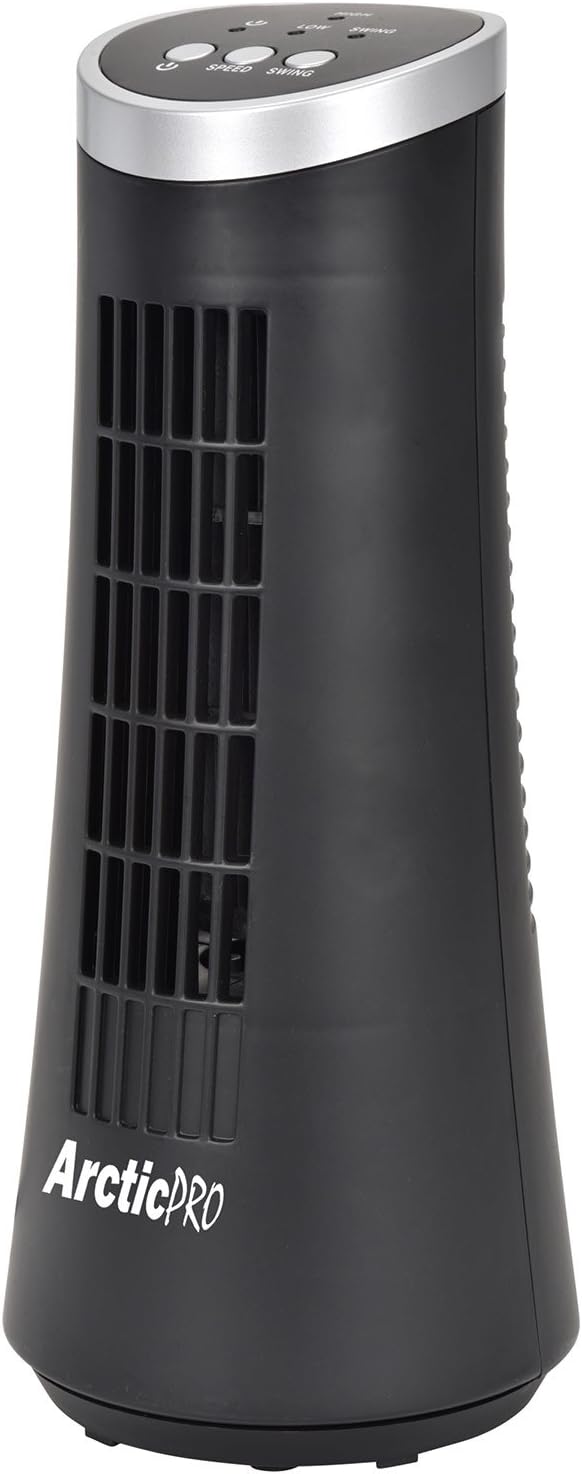
Figure 1: Arctic-Pro Mini Desk Oscillating Tower Fan, a compact black tower fan with a silver top panel.
ഉൽപ്പന്ന സവിശേഷതകളും ഘടകങ്ങളും
Familiarize yourself with the key features and components of your fan for optimal use.
- വിസ്പർ ക്വയറ്റ് ഓപ്പറേഷൻ: Engineered to produce minimal operational noise, ensuring no distractions during work or sleep.
- പോർട്ടബിൾ, ഒതുക്കമുള്ള ഡിസൈൻ: Features a convenient carrying handle for easy transport between rooms. Ideal for desks, nightstands, and small spaces. Dimensions: 5 x 12 inches.
- രണ്ട് സ്പീഡ് ക്രമീകരണങ്ങൾ: Adjustable airflow from Low to High wind via electronic touch controls with LED indicators.
- 75-Degree Oscillation: Provides wide-angle air distribution and circulation to cool your entire area effectively.
- Electronic Touch Controls: Intuitive controls located on the top panel for power, speed, and oscillation.

ചിത്രം 2: ഓവർview of fan components, highlighting the user controls on top, the front grill, the handle on the back, and the oscillating base.
സജ്ജമാക്കുക
The Arctic-Pro Mini Desk Oscillating Tower Fan requires no assembly. Simply remove it from its packaging and place it on a stable, flat surface.
- Unpack the fan carefully from its box.
- Place the fan on a firm, level surface, ensuring adequate space around it for air circulation and oscillation.
- പവർ കോർഡ് ഒരു സാധാരണ ഇലക്ട്രിക്കൽ ഔട്ട്ലെറ്റിലേക്ക് (AC 120V, 60Hz) പ്ലഗ് ചെയ്യുക.
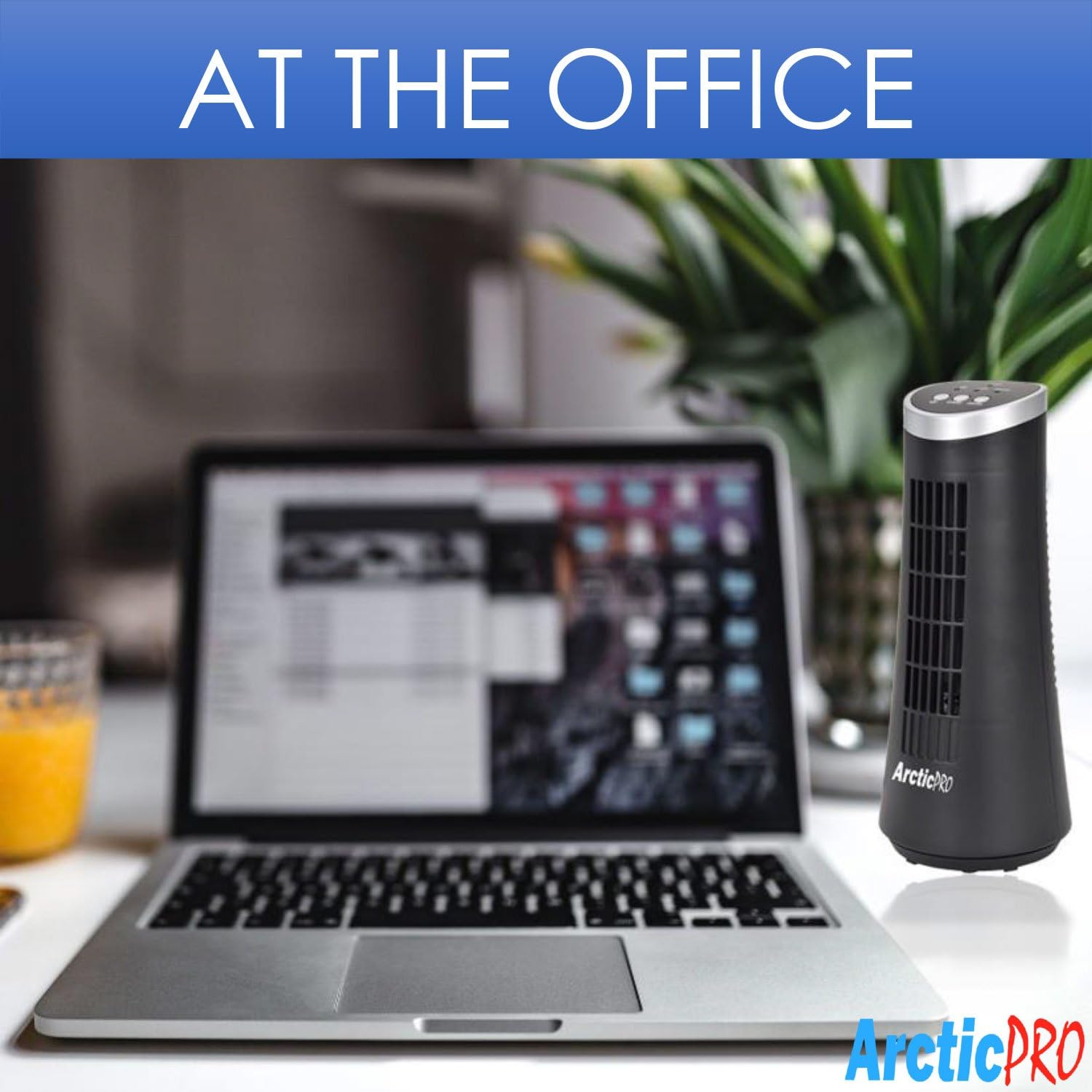
Figure 3: The product packaging, indicating the fan is ready to use out of the box.
പ്രവർത്തന നിർദ്ദേശങ്ങൾ
The fan is operated using the touch controls located on the top panel.

ചിത്രം 4: വിശദമായി view of the fan's touch control panel, showing buttons for On/Off, Speed (Low/High), and Oscillation (Swing).
- പവർ ഓൺ/ഓഫ്: അമർത്തുക പവർ ബട്ടൺ to turn the fan on or off. An LED indicator will illuminate when the fan is on.
- വേഗത ക്രമീകരിക്കൽ: അമർത്തുക സ്പീഡ് ബട്ടൺ to cycle between Low and High speed settings. Corresponding LED indicators will show the selected speed.
- ആന്ദോളന നിയന്ത്രണം: അമർത്തുക സ്വിംഗ് ബട്ടൺ to activate or deactivate the 75-degree oscillation function. When active, the fan will rotate from side to side to distribute air across a wider area.
പരിപാലനവും പരിചരണവും
Regular cleaning and proper care will ensure the longevity and efficient operation of your fan.
- വൃത്തിയാക്കൽ:
- വൃത്തിയാക്കുന്നതിന് മുമ്പ് എല്ലായ്പ്പോഴും പവർ ഔട്ട്ലെറ്റിൽ നിന്ന് ഫാൻ ഊരിമാറ്റുക.
- ഒരു സോഫ്റ്റ് ഉപയോഗിക്കുക, ഡിamp ഫാനിന്റെ പുറംഭാഗങ്ങൾ തുടയ്ക്കാൻ തുണി ഉപയോഗിക്കുക. അബ്രാസീവ് ക്ലീനറുകളോ ലായകങ്ങളോ ഉപയോഗിക്കരുത്.
- To clean the fan grill, use a vacuum cleaner with a brush attachment to remove dust and debris. Do not attempt to disassemble the fan for cleaning.
- സംഭരണം:
- ഫാൻ ദീർഘനേരം സൂക്ഷിക്കുകയാണെങ്കിൽ, അത് നന്നായി വൃത്തിയാക്കി അതിന്റെ യഥാർത്ഥ പാക്കേജിംഗിലോ അനുയോജ്യമായ ഒരു ബോക്സിലോ തിരികെ വയ്ക്കുക.
- നേരിട്ടുള്ള സൂര്യപ്രകാശത്തിൽ നിന്നും കടുത്ത താപനിലയിൽ നിന്നും അകറ്റി, തണുത്തതും വരണ്ടതുമായ സ്ഥലത്ത് ഫാൻ സൂക്ഷിക്കുക.
Note: Do not immerse the fan in water or allow water to drip into the motor housing.
ട്രബിൾഷൂട്ടിംഗ്
നിങ്ങളുടെ ഫാനിൽ എന്തെങ്കിലും പ്രശ്നങ്ങൾ നേരിടുകയാണെങ്കിൽ, ദയവായി താഴെ പറയുന്ന പൊതുവായ പ്രശ്നങ്ങളും പരിഹാരങ്ങളും പരിശോധിക്കുക:
| പ്രശ്നം | സാധ്യമായ കാരണം | പരിഹാരം |
|---|---|---|
| ഫാൻ ഓണാകുന്നില്ല. | Not plugged in; power outlet not working; fan switch off. | Ensure the power cord is securely plugged into a working electrical outlet. Press the Power button. Test the outlet with another device. |
| വായുസഞ്ചാരം കുറവാണ് അല്ലെങ്കിൽ ഇല്ല. | Fan speed set to low; air intake/output blocked; excessive dust buildup. | Increase the fan speed using the Speed button. Ensure nothing is obstructing the front grill or rear air intake. Clean the fan grill to remove dust. |
| ഫാൻ ആന്ദോളനം ചെയ്യുന്നില്ല. | ഓസിലേഷൻ ഫംഗ്ഷൻ ഓഫാണ്. | Press the Swing button to activate the oscillation function. |
| പ്രവർത്തന സമയത്ത് അസാധാരണമായ ശബ്ദം. | Fan not on a level surface; internal obstruction. | Place the fan on a stable, level surface. Unplug the fan and check for any visible obstructions in the grill. If the noise persists, discontinue use and contact customer support. |
സ്പെസിഫിക്കേഷനുകൾ
| ആട്രിബ്യൂട്ട് | വിശദാംശങ്ങൾ |
|---|---|
| ബ്രാൻഡ് | Arctic-Pro |
| മോഡൽ നമ്പർ | 21599 |
| ഉൽപ്പന്ന അളവുകൾ | 5"D x 5"W x 12"H (12.7 സെ.മീ D x 12.7 സെ.മീ W x 30.48 സെ.മീ H) |
| നിറം | കറുപ്പ് |
| പവർ ഉറവിടം | കോർഡഡ് ഇലക്ട്രിക് |
| നിയന്ത്രണ രീതി | സ്പർശിക്കുക |
| പ്രത്യേക സവിശേഷതകൾ | Oscillating, Portable, Ultra-Quiet Operation |
| ഇനത്തിൻ്റെ ഭാരം | 2.45 പൗണ്ട് (1.11 കി.ഗ്രാം) |
| യു.പി.സി | 815691021599 |

Figure 5: Dimensions of the fan, indicating a height of 12.5 inches (31.75 cm) and a base width of 5 inches (12.7 cm).
പ്രധാനപ്പെട്ട സുരക്ഷാ വിവരങ്ങൾ
Please read and follow all safety instructions to prevent injury or damage.
- കേടായ കോർഡ് അല്ലെങ്കിൽ പ്ലഗ് ഉപയോഗിച്ച് ഒരു ഫാനും പ്രവർത്തിപ്പിക്കരുത്. ഫാൻ നിരസിക്കുക അല്ലെങ്കിൽ പരിശോധനയ്ക്കും/അല്ലെങ്കിൽ നന്നാക്കുന്നതിനുമായി അംഗീകൃത സേവന സൗകര്യത്തിലേക്ക് മടങ്ങുക.
- പരവതാനിയുടെ കീഴിൽ ചരട് ഓടരുത്. ത്രോ റഗ്ഗുകൾ, റണ്ണറുകൾ അല്ലെങ്കിൽ സമാനമായ കവറുകൾ എന്നിവ ഉപയോഗിച്ച് ചരട് മൂടരുത്. ഫർണിച്ചറുകൾക്കോ വീട്ടുപകരണങ്ങൾക്കോ കീഴിൽ ചരട് റൂട്ട് ചെയ്യരുത്. ട്രാഫിക് ഏരിയയിൽ നിന്നും അത് മറിഞ്ഞു വീഴാത്ത ഇടങ്ങളിൽ നിന്നും ചരട് ക്രമീകരിക്കുക.
- ഫാൻ വിച്ഛേദിക്കാൻ, നിയന്ത്രണങ്ങൾ ഓഫാക്കുക, തുടർന്ന് ഔട്ട്ലെറ്റിൽ നിന്ന് പ്ലഗ് നീക്കം ചെയ്യുക.
- വെന്റിലേഷനിലേക്കോ എക്സ്ഹോസ്റ്റ് ഓപ്പണിംഗിലേക്കോ വിരലുകളോ അന്യവസ്തുക്കളോ കയറ്റുകയോ ഉള്ളിലേക്ക് കടക്കാൻ അനുവദിക്കുകയോ ചെയ്യരുത്, കാരണം അത് വൈദ്യുതാഘാതമോ തീപിടുത്തമോ ഉണ്ടാക്കുകയോ ഫാനിന് കേടുപാടുകൾ വരുത്തുകയോ ചെയ്തേക്കാം.
- വായു ഉപഭോഗം അല്ലെങ്കിൽ എക്സ്ഹോസ്റ്റ് ഒരു തരത്തിലും തടയരുത്. കിടക്ക പോലുള്ള മൃദുവായ പ്രതലങ്ങളിൽ ഉപയോഗിക്കരുത്, അവിടെ ദ്വാരങ്ങൾ അടഞ്ഞുപോകാം.
- ഈ ഫാൻ ആർദ്ര അല്ലെങ്കിൽ ഡി ഉപയോഗത്തിന് ഉദ്ദേശിച്ചുള്ളതല്ലamp സ്ഥാനങ്ങൾ.
- ഫാൻ ടിപ്പിംഗ് ഒഴിവാക്കാൻ, പ്രവർത്തന സമയത്ത് എല്ലായ്പ്പോഴും ഒരു സ്ഥിരതയുള്ളതും പരന്നതുമായ പ്രതലത്തിൽ വയ്ക്കുക.
- കുട്ടികളോ സമീപത്തോ ഏതെങ്കിലും ഉപകരണം ഉപയോഗിക്കുമ്പോൾ സൂക്ഷ്മ മേൽനോട്ടം ആവശ്യമാണ്.
ഉപഭോക്തൃ പിന്തുണ
For any questions, concerns, or assistance with your Arctic-Pro Mini Desk Oscillating Tower Fan, please contact your retailer or the manufacturer's customer service. While specific warranty details are not provided in this manual, the product is backed by a 30-day full money-back guarantee from the point of purchase, as per product information.
ഏതെങ്കിലും പിന്തുണാ അന്വേഷണങ്ങൾക്ക് വാങ്ങിയതിന്റെ തെളിവായി നിങ്ങളുടെ വാങ്ങൽ രസീത് സൂക്ഷിക്കുക.
Ask a question about this manual
Ask about setup, troubleshooting, compatibility, parts, safety, or missing instructions. Manuals+ will review the question and use this page’s manual context to help answer it.