ആമുഖം
Thank you for choosing the ROCAM Digital Alarm Clock. This user manual provides comprehensive instructions for setting up, operating, and maintaining your new alarm clock. Designed for ease of use, this clock features a large 7.5-inch LED display, a loud alarm with adjustable volume, 7 colored night light options, a smooth dimmer function, and convenient dual USB charging ports. Please read this manual thoroughly to ensure optimal performance and longevity of your device.
പ്രധാന സവിശേഷതകൾ
- 7.5-Inch Large Red LED Display: Easy to read time from across the room, suitable for all ages.
- 7 Colored Night Light: Offers a choice of ambient lighting, ideal for children or subtle room illumination.
- Adjustable 0-100% Brightness: A sliding dimmer allows for seamless adjustment of display brightness to your preference.
- ഡ്യുവൽ യുഎസ്ബി ചാർജിംഗ് പോർട്ടുകൾ: Conveniently charge your phone, tablet, or other small electronic devices.
- Loud Alarm with Volume Control: Adjustable alarm buzzer volume (Low-Medium-High) perfect for heavy sleepers.
- സ്നൂസ് പ്രവർത്തനം: Provides an extra 9 minutes of sleep with a simple press.
- ബാറ്ററി ബാക്കപ്പ്: വൈദ്യുതി വിതരണ സമയത്ത് സമയവും അലാറം ക്രമീകരണങ്ങളും നിലനിർത്തുന്നുവെന്ന് ഉറപ്പാക്കുന്നു.tages (display does not show).
- 12/24 Hour Customization & DST: Easily switch between 12-hour and 24-hour formats and adjust for Daylight Saving Time.
സജ്ജമാക്കുക
1. പവർ കണക്ഷൻ
Connect the provided USB power cable to the DC IN port on the back of the alarm clock. Plug the other end into a standard USB power adapter (not included) and then into a wall outlet. The display will light up, indicating the clock is powered on.

Image: The ROCAM Digital Alarm Clock with its large red LED display and various night light color options shown below it.
2. ബാറ്ററി ബാക്കപ്പ് ഇൻസ്റ്റലേഷൻ
For battery backup, open the battery compartment on the back of the clock. Insert two AAA batteries (not included), ensuring correct polarity (+/-). These batteries will preserve your time and alarm settings during a power outage, though the display will not be visible.

ചിത്രം: പിൻഭാഗം view of the alarm clock, highlighting the battery compartment and control buttons.
Video: An official product video demonstrating the features of the ROCAM Alarm Clock, including battery installation and button functions.
പ്രവർത്തന നിർദ്ദേശങ്ങൾ
1. Setting Time
- അമർത്തുക സമയം സജ്ജമാക്കുക button on the back of the clock. The hour digits will flash.
- ഉപയോഗിക്കുക മണിക്കൂർ ഒപ്പം മിനിറ്റ് buttons on the top of the clock to adjust the hour.
- അമർത്തുക സമയം സജ്ജമാക്കുക again to confirm the hour and move to minute setting. Adjust minutes using the മണിക്കൂർ ഒപ്പം മിനിറ്റ് ബട്ടണുകൾ.
- അമർത്തുക സമയം സജ്ജമാക്കുക one more time to save the time and exit setting mode.
- To switch between 12-hour and 24-hour format, use the ടൈം ഫോർമാറ്റ് slider on the back.
- To adjust for Daylight Saving Time (DST), press and hold the സമയം സജ്ജമാക്കുക button for a few seconds. The DST indicator will light up, and the time will adjust by one hour. Repeat to turn off DST.

ചിത്രം: മുൻഭാഗം view of the alarm clock displaying 10:15 AM, illustrating the large, clear digits and top-mounted buttons.
2. അലാറം സജ്ജീകരിക്കൽ
- അമർത്തുക അലാറം സജ്ജമാക്കുക button on the back of the clock. The alarm hour digits will flash.
- ഉപയോഗിക്കുക മണിക്കൂർ ഒപ്പം മിനിറ്റ് buttons on the top to set the desired alarm hour.
- അമർത്തുക അലാറം സജ്ജമാക്കുക again to confirm the hour and move to minute setting. Adjust minutes using the മണിക്കൂർ ഒപ്പം മിനിറ്റ് ബട്ടണുകൾ.
- അമർത്തുക അലാറം സജ്ജമാക്കുക one more time to save the alarm time. The alarm indicator (ALM) will appear on the display.
- To turn the alarm ON or OFF, use the അലാറം ഓൺ / ഓഫ് ചെയ്യുക slider on the back.
- Adjust the alarm volume using the അലാറം വോളിയം slider (Low, Medium, High).

Image: Close-up of the clock's rear panel, detailing the dimmer, time format, alarm volume, and set buttons.
3. സ്നൂസ് ഫംഗ്ഷൻ
അലാറം മുഴങ്ങുമ്പോൾ, വലിയ ബട്ടൺ അമർത്തുക സ്നൂസ് ചെയ്യുക button on the top of the clock to temporarily silence the alarm for 9 minutes. The alarm will sound again after 9 minutes. To turn off the alarm for the day, press the അലാറം പോസ് പിന്നിലെ ബട്ടൺ.
4. രാത്രി വെളിച്ചം
The clock features a built-in night light with 7 color options. Tap the സ്നൂസ് ചെയ്യുക button on the top to cycle through the different colors. Press and hold the സ്നൂസ് ചെയ്യുക button to turn the night light off.

Image: The alarm clock with its night light illuminated, positioned on a bedside table next to a sleeping child.
5. Display Brightness (Dimmer)
Adjust the display brightness from 0% to 100% using the ഡിമ്മർ slider on the back of the clock. This allows you to customize the display intensity for comfortable viewing in any lighting condition, from complete darkness to bright daylight.

Image: The alarm clock on a table, illustrating various brightness settings for its display, from off to full brightness.
6. ഡ്യുവൽ യുഎസ്ബി ചാർജിംഗ് പോർട്ടുകൾ
The clock is equipped with two USB charging ports (USB-A and USB-C) on the back. These ports provide convenient charging for your mobile devices, smartwatches, or other small electronics while you sleep or work.
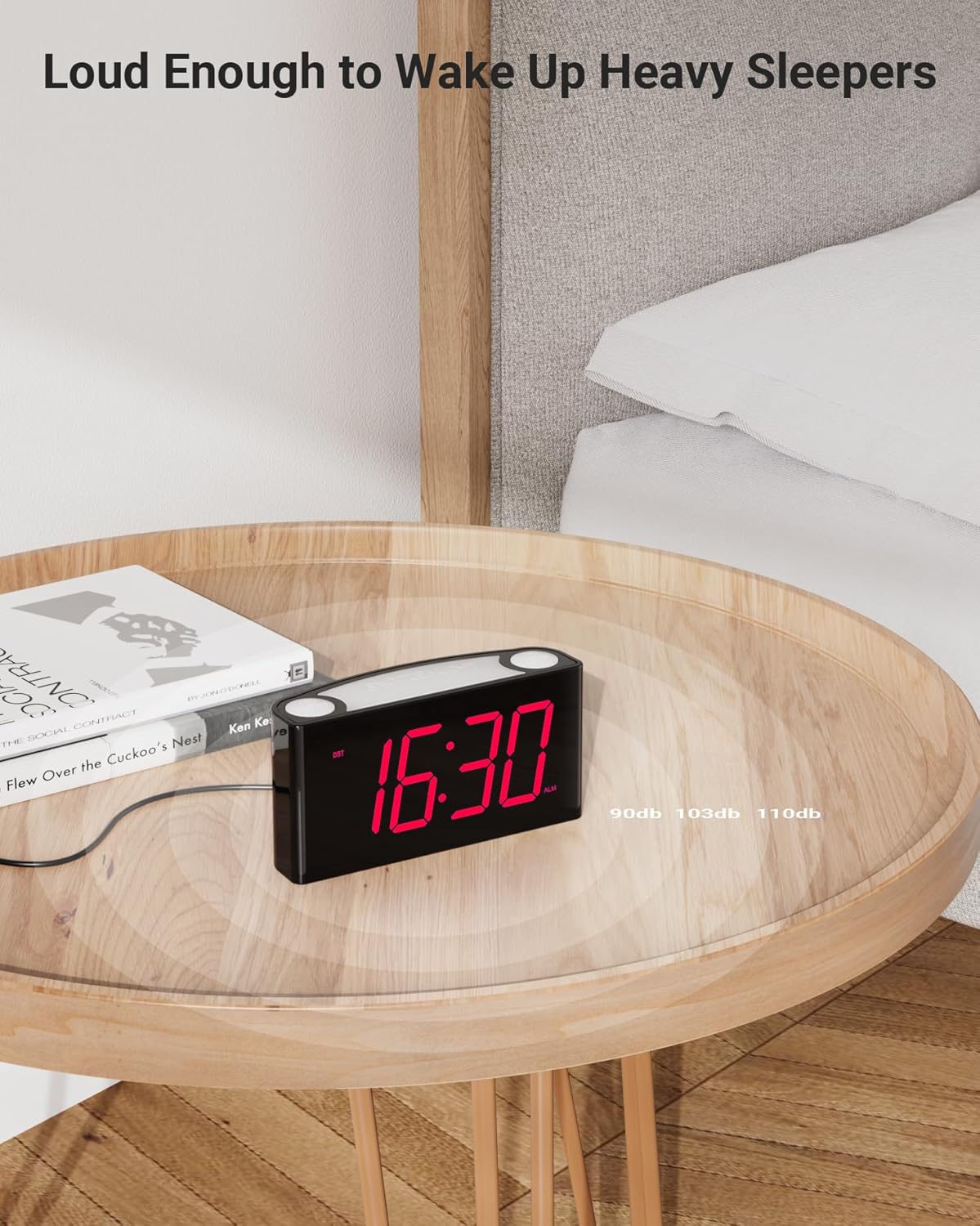
Image: The alarm clock on a wooden table, with a smartphone and earbuds connected to its USB charging ports.
മെയിൻ്റനൻസ്
- വൃത്തിയാക്കൽ: മൃദുവായതും ഉണങ്ങിയതുമായ തുണി ഉപയോഗിച്ച് ക്ലോക്ക് തുടയ്ക്കുക. അബ്രസീവ് ക്ലീനറുകളോ ലായകങ്ങളോ ഉപയോഗിക്കരുത്.
- ബാറ്ററി മാറ്റിസ്ഥാപിക്കൽ: Replace the AAA backup batteries annually or when the clock's settings are no longer retained during power interruptions.
- സംഭരണം: If storing the clock for an extended period, remove the backup batteries to prevent leakage.
ട്രബിൾഷൂട്ടിംഗ്
| പ്രശ്നം | സാധ്യമായ കാരണം | പരിഹാരം |
|---|---|---|
| ഡിസ്പ്ലേ ഓഫാണ് അല്ലെങ്കിൽ മങ്ങിയതാണ്. | Not powered, dimmer set to 0%, or power outage. | Ensure power adapter is connected. Adjust dimmer slider. If power outage, battery backup retains settings but display is off. |
| അലാറം മുഴങ്ങുന്നില്ല. | Alarm is OFF, volume is too low, or alarm time is incorrect. | പരിശോധിക്കുക അലാറം ഓൺ / ഓഫ് ചെയ്യുക slider. Adjust അലാറം വോളിയം. Verify alarm time is set correctly. |
| പവർ OU ന് ശേഷം സമയം/അലാറം ക്രമീകരണങ്ങൾ പുനഃസജ്ജമാക്കുന്നുtage. | ബാക്കപ്പ് ബാറ്ററികൾ തീർന്നിരിക്കുന്നു അല്ലെങ്കിൽ ഇൻസ്റ്റാൾ ചെയ്തിട്ടില്ല. | Install two fresh AAA batteries or replace existing ones. |
| യുഎസ്ബി ചാർജിംഗ് പ്രവർത്തിക്കുന്നില്ല. | Device not compatible, cable faulty, or clock not powered. | Ensure device is compatible with 5V USB charging. Try a different USB cable. Confirm clock is powered via AC adapter. |
| Accidentally turned off alarm instead of snooze. | അമർത്തി അലാറം പോസ് ഇതിനുപകരമായി സ്നൂസ് ചെയ്യുക. | ദി അലാറം പോസ് button is designed to turn off the alarm for the day. To snooze, press the large സ്നൂസ് ചെയ്യുക button on top. |
സ്പെസിഫിക്കേഷനുകൾ
| ബ്രാൻഡ് | ROCAM |
| മോഡൽ നമ്പർ | ROCAM CR1008 RED |
| ഡിസ്പ്ലേ തരം | ഡിജിറ്റൽ LED |
| ഡിസ്പ്ലേ വലിപ്പം | 7.5 ഇഞ്ച് |
| ഉൽപ്പന്ന അളവുകൾ | 6.5"ആംശം x 3.1"ആംശം |
| ഇനത്തിൻ്റെ ഭാരം | 10.8 ഔൺസ് |
| പവർ ഉറവിടം | കോർഡഡ് ഇലക്ട്രിക് |
| ബാക്കപ്പ് ബാറ്ററി | 2 x AAA (ഉൾപ്പെടുത്തിയിട്ടില്ല) |
| USB ചാർജിംഗ് പോർട്ടുകൾ | Dual (USB-A, USB-C) |
| മെറ്റീരിയൽ | അക്രിലോണിട്രൈൽ ബ്യൂട്ടാഡീൻ സ്റ്റൈറൈൻ (എബിഎസ്) |
| പ്രത്യേക സവിശേഷതകൾ | Snooze, Alarm, Adjustable Brightness, Adjustable Volume, Charging Port, 7 Colored Night Light |
വാറൻ്റിയും പിന്തുണയും
ROCAM stands behind the quality of its products. The ROCAM Digital Alarm Clock comes with the following warranty:
- 30 ദിവസം: Money-back guarantee.
- 90 ദിവസം: Free replacement for defective units.
- 12 മാസം: Limited warranty covering manufacturing defects.
For any operational problems, questions, or warranty claims, please contact ROCAM customer service. We are committed to providing the highest quality products and excellent customer support.
You can also visit the official ROCAM Store for more information and products: ROCAM Store on Amazon


