
ആമുഖം
This manual provides essential instructions for the safe installation, operation, and maintenance of the Hubbell 7051-G 15A, 125V-AC, 2-Pole, 3-Wire Receptacle. Please read this manual thoroughly before installation and retain it for future reference. Proper installation by a qualified electrician is recommended.
സുരക്ഷാ വിവരങ്ങൾ
മുന്നറിയിപ്പ്: Risk of electric shock or fire. Improper installation can result in serious injury or death. Always turn off power at the circuit breaker or fuse box before installing or servicing this device. Use only copper wire with this device. Do not use with aluminum wire unless specifically rated for it. Ensure all connections are tight and secure.
- Always disconnect power before working on electrical circuits.
- ഇൻസ്റ്റലേഷൻ പ്രക്രിയയുടെ ഏതെങ്കിലും ഭാഗത്തെക്കുറിച്ച് നിങ്ങൾക്ക് ഉറപ്പില്ലെങ്കിൽ, യോഗ്യതയുള്ള ഒരു ഇലക്ട്രീഷ്യനെ സമീപിക്കുക.
- പ്രാദേശികവും ദേശീയവുമായ എല്ലാ ഇലക്ട്രിക്കൽ കോഡുകളും പിന്തുടരുക.
- ഉപകരണത്തിന്റെ നിർദ്ദിഷ്ട വൈദ്യുത റേറ്റിംഗുകൾ കവിയരുത്.
ഉൽപ്പന്നം കഴിഞ്ഞുview
The Hubbell 7051-G is a 15 Amp, 125 Volt, 2-pole, 3-wire grounding duplex receptacle designed for general-purpose electrical applications. It features a durable nylon construction and is suitable for various residential and commercial installations.

ചിത്രം: മുൻഭാഗം view of the Hubbell 7051-G duplex receptacle, showing two outlets with grounding slots.
സജ്ജീകരണവും ഇൻസ്റ്റാളേഷനും
ആവശ്യമായ ഉപകരണങ്ങൾ: Screwdriver (Phillips and/or flathead), Wire Strippers, Voltagഇ ടെസ്റ്റർ.
- പവർ ഓഫ് ചെയ്യുക: Locate the circuit breaker or fuse that controls the outlet you are working on and turn it off. Verify power is off using a voltagഇ ടെസ്റ്റർ.
- പഴയ പാത്രം നീക്കം ചെയ്യുക (ബാധകമെങ്കിൽ): Unscrew the wall plate and then the mounting screws holding the old receptacle in the electrical box. Carefully pull the receptacle out and disconnect the wires.
- വയറുകൾ തയ്യാറാക്കുക: Strip approximately 1/2 inch of insulation from the ends of the circuit wires. Ensure the wire ends are clean and straight.
- വയറുകൾ ബന്ധിപ്പിക്കുക:
- Green or Bare Copper Wire (Ground): Connect to the green grounding screw.
- White Wire (Neutral): Connect to the silver screw.
- Black or Red Wire (Hot/Live): Connect to the brass screw.
- മൗണ്ട് റിസപ്റ്റാക്കിൾ: Carefully push the wired receptacle back into the electrical box. Secure it with the provided mounting screws.
- വാൾ പ്ലേറ്റ് ഇൻസ്റ്റാൾ ചെയ്യുക: Attach the decorative wall plate over the receptacle.
- പവർ പുന ore സ്ഥാപിക്കുക: Turn the power back on at the circuit breaker or fuse box. Test the receptacle with a known working device.

ചിത്രം: വശം view of the Hubbell 7051-G receptacle, showing the strip gauge for proper wire preparation.

ചിത്രം: പിന്നിലേക്ക് view of the Hubbell 7051-G receptacle, illustrating the screw terminals for wiring connections (brass for hot, silver for neutral, green for ground).

Image: Close-up of the rear of the Hubbell 7051-G receptacle, detailing the wire strip gauge and voltage ratings (15A, 125V and 10A, 250V).
പ്രവർത്തന നിർദ്ദേശങ്ങൾ
To operate the Hubbell 7051-G receptacle, simply insert the plug of your electrical device into one of the two available outlets. Ensure the plug is fully inserted. The receptacle is designed for standard 2-prong or 3-prong grounded plugs.
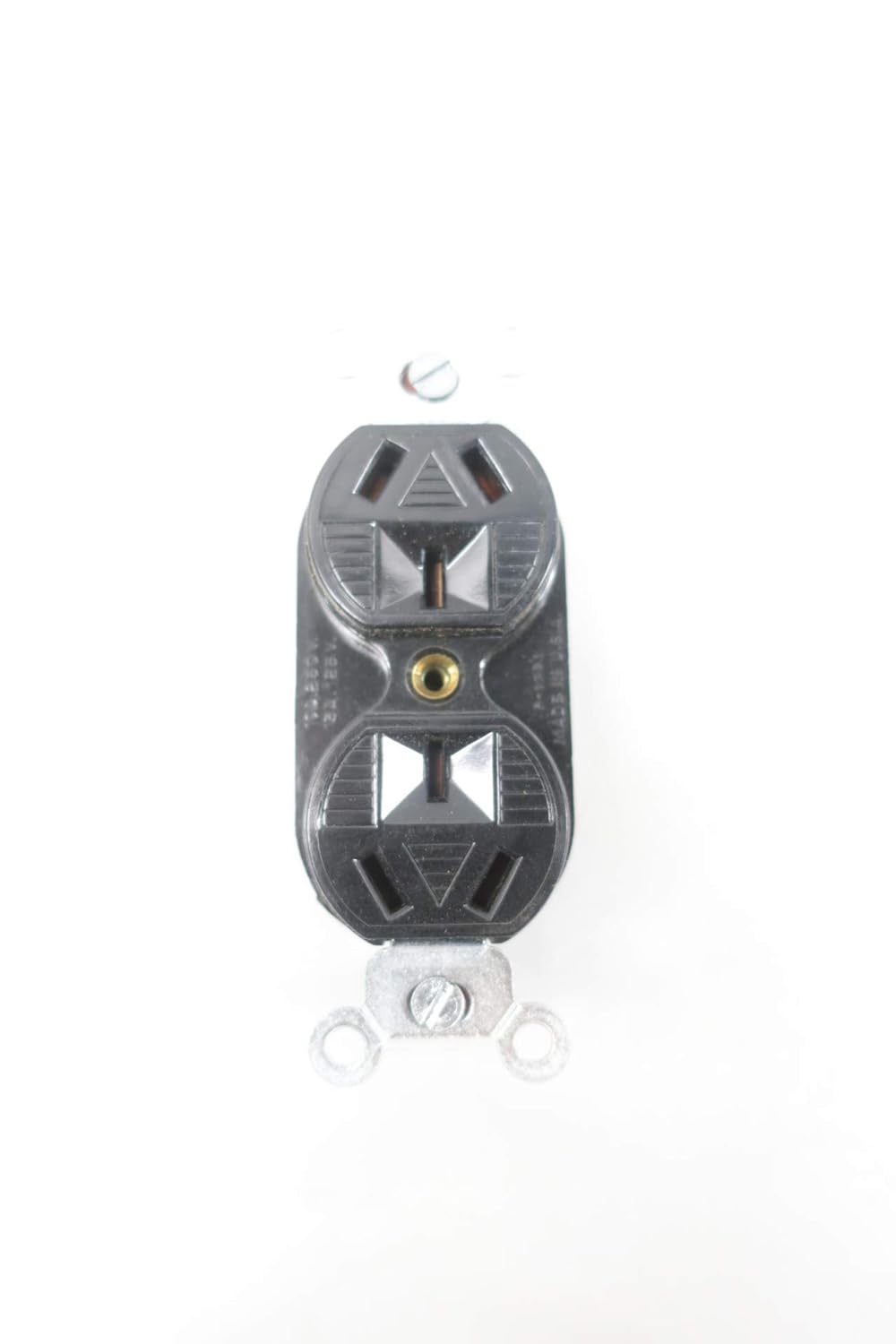
ചിത്രം: മുൻഭാഗം view of the Hubbell 7051-G receptacle, ready for device plugs.
മെയിൻ്റനൻസ്
The Hubbell 7051-G receptacle requires minimal maintenance. Periodically inspect the receptacle and wall plate for any signs of damage, cracks, or discoloration. If any damage is observed, turn off power at the circuit breaker and replace the receptacle immediately. Clean the surface with a soft, dry cloth. Do not use abrasive cleaners or solvents.
ട്രബിൾഷൂട്ടിംഗ്
- No Power at Receptacle:
- Check the circuit breaker or fuse for the circuit. Reset the breaker or replace the fuse if tripped/blown.
- Ensure all wire connections are secure. Turn off power before checking connections.
- ഒരു വോള്യം ഉപയോഗിച്ച് പാത്രം പരിശോധിക്കുകtage tester to confirm power presence.
- Loose Plug Connection:
- If plugs do not stay firmly in the receptacle, the internal contacts may be worn. The receptacle should be replaced by a qualified electrician.
- അമിത ചൂടാക്കൽ:
- If the receptacle feels warm to the touch, immediately disconnect all devices and turn off power. This could indicate an overload or a faulty connection. Consult a qualified electrician.
സ്പെസിഫിക്കേഷനുകൾ
| ബ്രാൻഡ് | ഹബ്ബൽ |
| മോഡൽ | 7051-ജി |
| Ampഉന്മേഷം | 15 Amps |
| വാല്യംtage | 125 വോൾട്ട് |
| ധ്രുവങ്ങൾ/കമ്പികൾ | 2-Pole, 3-Wire Grounding |
| മെറ്റീരിയൽ | നൈലോൺ |
| ഉൽപ്പന്ന അളവുകൾ | 4.25 x 2 x 1.5 ഇഞ്ച് |
| നിർമ്മാതാവ് | ഹബ്ബെൽ |
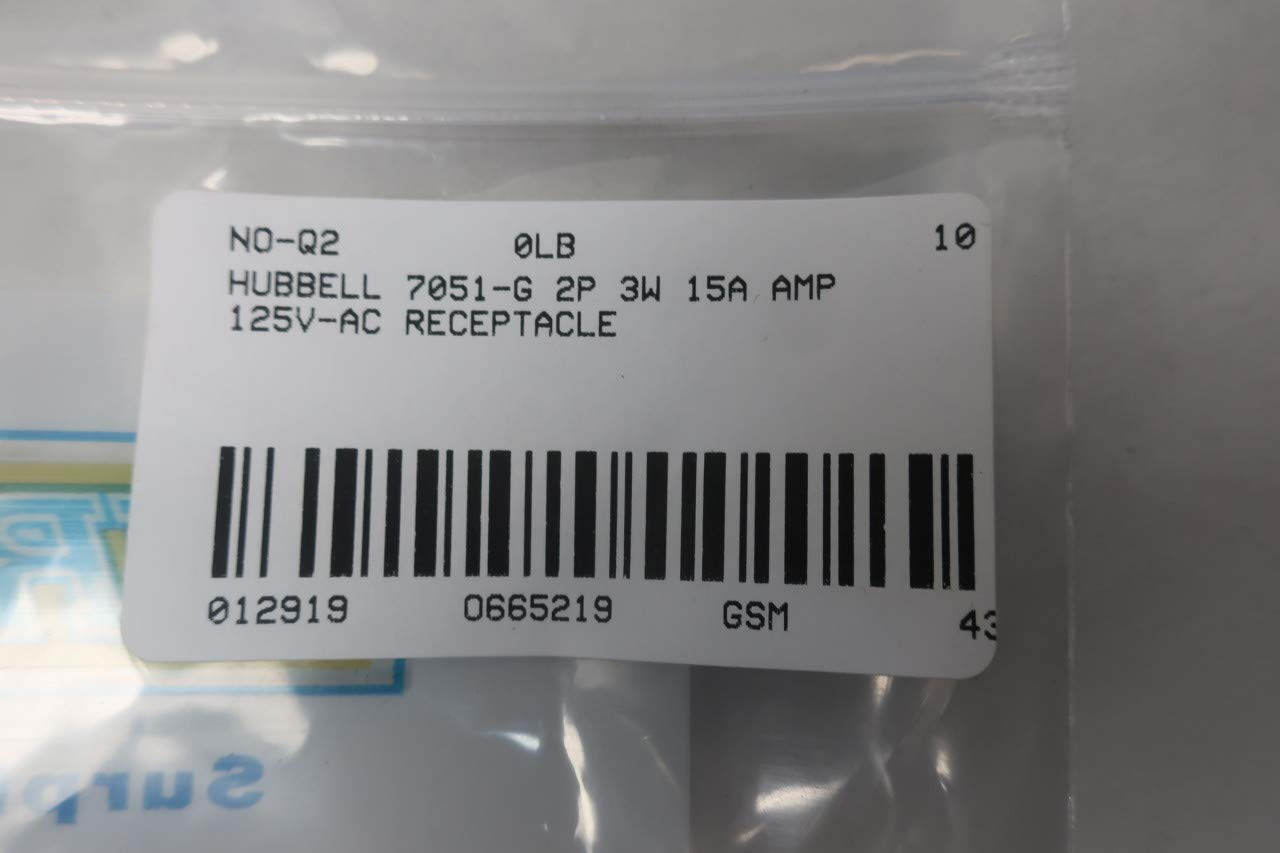
Image: The Hubbell 7051-G receptacle shown in its original product box.

Image: Barcode label for the Hubbell 7051-G 2P 3W 15A 125V-AC Receptacle, showing product identification details including UPC 0129190665219.
വാറൻ്റിയും പിന്തുണയും
Specific warranty information for the Hubbell 7051-G Receptacle is not provided within this manual. For warranty details or technical support, please contact Hubbell customer service directly or visit their official webസൈറ്റ്. വാങ്ങിയതിന്റെ തെളിവായി നിങ്ങളുടെ വാങ്ങൽ രസീത് സൂക്ഷിക്കുക.
നിർമ്മാതാവ്: ഹബ്ബെൽ
Webസൈറ്റ്: www.hubbell.com (ഉദാampലിങ്ക്, യഥാർത്ഥ ലിങ്ക് വ്യത്യാസപ്പെടാം)


