
1. ആമുഖം
The Technical Pro STUDIOPRO1 is a versatile recording deck designed for audio professionals. It allows you to capture audio from various sources and record it directly onto USB flash drives or SD cards in standard .mp3 format, ensuring wide compatibility. This unit features comprehensive connectivity options including RCA input and output ports, Bluetooth, and a 1/8'' (3.5mm) input for MP3 players. It also includes a master equalizer and microphone inputs with individual controls for enhanced audio management.

ചിത്രം 1: മുൻഭാഗം view of the Technical Pro STUDIOPRO1 recording deck, showing the display, controls, and input ports.
2 സുരക്ഷാ വിവരങ്ങൾ
ഈ ഉപകരണം പ്രവർത്തിപ്പിക്കുന്നതിന് മുമ്പ് എല്ലാ സുരക്ഷാ നിർദ്ദേശങ്ങളും വായിച്ച് മനസ്സിലാക്കുക. ഭാവിയിലെ റഫറൻസിനായി ഈ മാനുവൽ സൂക്ഷിക്കുക.
- വൈദ്യുത ഷോക്ക് അപകടം: To reduce the risk of electric shock, do not remove the cover or back panel of this unit. There are no user-serviceable parts inside. Refer all servicing to qualified service personnel.
- തുറക്കരുത്: യൂണിറ്റ് തുറക്കുന്നത് വാറൻ്റി അസാധുവാകും.
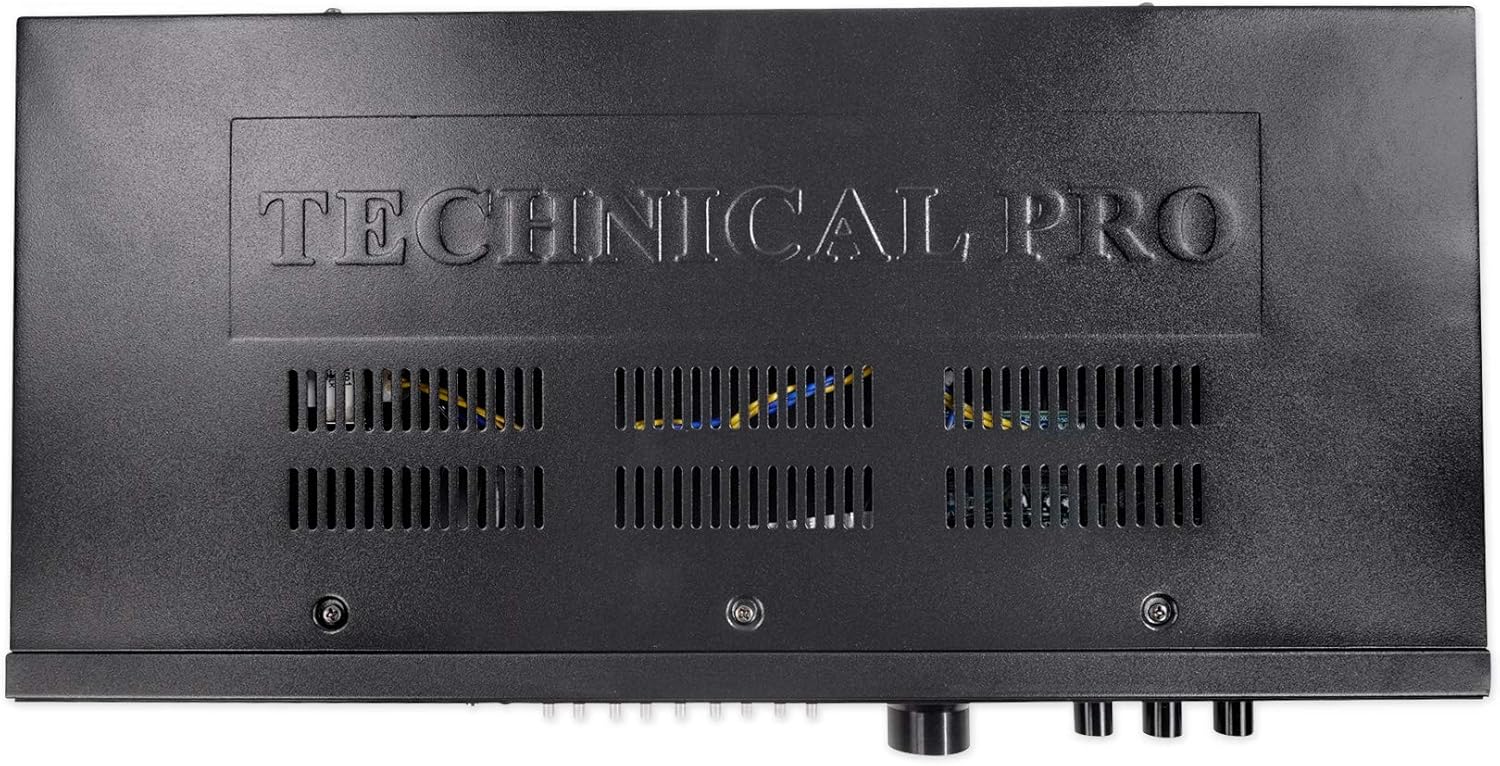
- വെൻ്റിലേഷൻ: യൂണിറ്റിന് ചുറ്റും മതിയായ വായുസഞ്ചാരം ഉറപ്പാക്കുക. വെന്റിലേഷൻ തുറസ്സുകൾ തടയരുത്.
- ഊർജ്ജ സ്രോതസ്സ്: Connect the unit only to the power supply specified in this manual or on the unit itself. Verify the voltage selector switch on the rear panel is set correctly for your region (110V or 220V) before connecting power.
- ഈർപ്പം: ഈ ഉപകരണം മഴയിലോ ഈർപ്പത്തിലോ തുറന്നുകാട്ടരുത്. പാത്രങ്ങൾ പോലുള്ള ദ്രാവകങ്ങൾ നിറച്ച വസ്തുക്കൾ ഉപകരണത്തിൽ വയ്ക്കരുത്.
ചിത്രം 2: പിൻഭാഗം view of the STUDIOPRO1, showing RCA inputs/outputs, voltage selector, and safety warnings.
3. പാക്കേജ് ഉള്ളടക്കം
Carefully unpack your STUDIOPRO1 and ensure all items are present:
- 1 x Technical Pro STUDIOPRO1 Rack Mountable Recording Deck
- 2 x റാക്ക് മൗണ്ട് ബ്രാക്കറ്റുകൾ
- 4 x Rack Mount Screws
- 1 x 1/8" (3.5mm) to 1/8" (3.5mm) Audio Cable
- 1 x ഉപയോക്തൃ മാനുവൽ (ഈ പ്രമാണം)

Figure 3: Included rack mount brackets and audio cable.
4. നിയന്ത്രണങ്ങളും സവിശേഷതകളും
4.1 ഫ്രണ്ട് പാനൽ

Figure 4: Left side of the front panel, showing power, display, and media inputs.
- വൈദ്യുതി സ്വിച്ച്: യൂണിറ്റ് ഓൺ അല്ലെങ്കിൽ ഓഫ് ടോഗിൾ ചെയ്യുന്നു.
- ഡിജിറ്റൽ ഡിസ്പ്ലേ: Shows current mode, track information, volume level, and Bluetooth status.
- SD കാർഡ് ഇൻപുട്ട്: Slot for inserting an SD card (up to 32 GB) for playback and recording.
- യുഎസ്ബി ഇൻപുട്ട്: Port for connecting a USB flash drive (up to 32 GB) for playback and recording.
- ബ്ലൂടൂത്ത് (ബിടി) ബട്ടൺ: ബ്ലൂടൂത്ത് ജോടിയാക്കൽ മോഡ് സജീവമാക്കുന്നു.
- ഇൻപുട്ട് തിരഞ്ഞെടുക്കൽ ബട്ടണുകൾ: Used to cycle through available audio inputs (USB, SD, Bluetooth, RCA, 1/8").
- Navigation/Playback Controls: പ്ലേ ചെയ്യുക/താൽക്കാലികമായി നിർത്തുക, നിർത്തുക, മുമ്പത്തെ/അടുത്ത ട്രാക്ക്.

Figure 5: Middle section of the front panel, featuring the Master Equalizer.
- Master Equalizer: 8-band graphic equalizer with sliders for adjusting frequency bands from 63Hz to 16KHz, allowing for precise tone control.

Figure 6: Right side of the front panel, showing volume, recording, and microphone controls.
- വോളിയം നോബ്: മൊത്തത്തിലുള്ള ഔട്ട്പുട്ട് വോളിയം ക്രമീകരിക്കുന്നു.
- റെക്കോർഡ് ബട്ടൺ: Initiates recording to the inserted USB or SD card.
- ഇല്ലാതാക്കുക ബട്ടൺ: Deletes the currently selected file.
- എക്കോ നോബ്: Adjusts the echo effect for microphone inputs.
- Mic Tone Knob: Adjusts the tone (treble/bass) for microphone inputs.
- മൈക്ക് വോളിയം നോബ്: Adjusts the volume level for microphone inputs.
- മൈക്ക് 1 / മൈക്ക് 2 ഇൻപുട്ടുകൾ: 1/4" (6.35mm) jacks for connecting microphones.
- ഹെഡ്ഫോൺ ഔട്ട്പുട്ട്: 1/8" (3.5mm) jack for connecting headphones.
4.2 പിൻ പാനൽ
ചിത്രം 7: പിൻ പാനൽ കണക്ഷനുകൾ.
- ആർസിഎ ഇൻപുട്ട് (എൽ/ആർ): ആർസിഎ കേബിളുകൾ വഴി ബാഹ്യ ഓഡിയോ സ്രോതസ്സുകളെ ബന്ധിപ്പിക്കുന്നതിന്.
- RCA Output (L/R): For connecting the unit to an amplifier or other audio system.
- വാല്യംtagഇ സെലക്ടർ: Switch to select between 110V and 220V power input. Ensure this is set correctly for your region before connecting power.
- പവർ ഇൻപുട്ട്: എസി പവർ കോഡുമായി ബന്ധിപ്പിക്കുന്നു.
5. സജ്ജീകരണം
5.1 റാക്ക് മൗണ്ടിംഗ് (ഓപ്ഷണൽ)
If you intend to install the STUDIOPRO1 into a standard audio rack, use the provided rack mount brackets and screws. Attach the brackets to the sides of the unit, then secure the unit into your rack.
5.2 പവർ കണക്ഷൻ
- Before connecting the power cord, verify that the വാല്യംtagഇ സെലക്ടർ പിൻ പാനലിലെ സ്വിച്ച് ശരിയായ വോളിയത്തിലേക്ക് സജ്ജീകരിച്ചിരിക്കുന്നുtagനിങ്ങളുടെ പ്രദേശത്തിന് (110V അല്ലെങ്കിൽ 220V).
- എന്നതിലേക്ക് എസി പവർ കോർഡ് ബന്ധിപ്പിക്കുക പവർ ഇൻപുട്ട് on the rear panel and then to a suitable wall outlet.
5.3 ഓഡിയോ കണക്ഷനുകൾ
- ഇൻപുട്ട് ഉറവിടങ്ങൾ: Connect your audio source (e.g., CD player, mixer, smartphone) to the RCA ഇൻപുട്ട് jacks on the rear panel or the 1/8" (3.5mm) input on the front panel.
- ഔട്ട്പുട്ട് Ampലിഫയർ/സ്പീക്കറുകൾ: ബന്ധിപ്പിക്കുക ആർസിഎ put ട്ട്പുട്ട് jacks on the rear panel to the input of your ampലൈഫയർ അല്ലെങ്കിൽ പവർഡ് സ്പീക്കറുകൾ.
- മൈക്രോഫോണുകൾ: Connect up to two microphones to the മൈക്ക് 1 ഒപ്പം മൈക്ക് 2 1/4" jacks on the front panel.
- ഹെഡ്ഫോണുകൾ: For private monitoring, connect headphones to the ഹെഡ്ഫോൺ ഔട്ട്പുട്ട് മുൻ പാനലിൽ ജാക്ക്.
6. പ്രവർത്തന നിർദ്ദേശങ്ങൾ
6.1 പവർ ഓൺ/ഓഫ്
അമർത്തുക പവർ സ്വിച്ച് on the front panel to turn the unit on or off. The digital display will illuminate when the unit is powered on.
6.2 ഇൻപുട്ട് തിരഞ്ഞെടുക്കൽ
ഉപയോഗിക്കുക ഇൻപുട്ട് തിരഞ്ഞെടുക്കൽ ബട്ടണുകൾ on the front panel to cycle through the available audio sources: USB, SD Card, Bluetooth, RCA, or 1/8" (MP3) input. The selected input will be indicated on the digital display.
6.3 റെക്കോർഡിംഗ്
The STUDIOPRO1 records audio in .mp3 format at a sampling rate of 128 kbps / 44.1 KHz.
- Insert a USB flash drive or SD card (up to 32 GB) into the corresponding slot on the front panel.
- Select the desired input source (RCA or 1/8" input) from which you wish to record.
- Ensure the input audio level is appropriate to avoid distortion.
- അമർത്തുക റെക്കോർഡ് ബട്ടൺ. The recording indicator light will illuminate, and recording will begin.
- റെക്കോർഡിംഗ് നിർത്താൻ, അമർത്തുക റെക്കോർഡ് ബട്ടൺ again. The recorded file USB ഡ്രൈവിലേക്കോ SD കാർഡിലേക്കോ സംരക്ഷിക്കപ്പെടും.
6.4 പ്ലേബാക്ക്
The unit supports playback of .mp3, .wav, and .wma files from USB drives and SD cards.
- ഓഡിയോ അടങ്ങിയ ഒരു USB ഫ്ലാഷ് ഡ്രൈവ് അല്ലെങ്കിൽ SD കാർഡ് ചേർക്കുക files.
- Select either USB or SD as the input source using the ഇൻപുട്ട് തിരഞ്ഞെടുക്കൽ ബട്ടണുകൾ.
- ഉപയോഗിക്കുക Navigation/Playback Controls (Play/Pause, Previous/Next) to select and play your desired audio files.
- Adjust the overall output volume using the വോളിയം നോബ്.
6.5 ബ്ലൂടൂത്ത് പ്രവർത്തനം
- അമർത്തുക Bluetooth (BT) Button on the front panel to activate Bluetooth mode. The display will show "Bluetooth Mode" and indicate pairing status.
- On your Bluetooth-enabled device (e.g., smartphone, tablet), search for available Bluetooth devices and select "STUDIOPRO1" to pair.
- Once paired, you can stream audio wirelessly from your device to the STUDIOPRO1.
6.6 മൈക്രോഫോൺ ഉപയോഗം
- Connect your microphones to the മൈക്ക് 1 or മൈക്ക് 2 ഇൻപുട്ടുകൾ.
- ഉപയോഗിച്ച് മൈക്രോഫോൺ വോളിയം ക്രമീകരിക്കുക മൈക്ക് വോളിയം നോബ്.
- ഉപയോഗിക്കുക Mic Tone Knob to adjust the tonal characteristics of the microphone signal.
- Apply an echo effect using the എക്കോ നോബ് ആഗ്രഹിച്ചതുപോലെ.
6.7 Master Equalizer
Use the sliders on the മാസ്റ്റർ ഇക്വലൈസർ to fine-tune the frequency response of the overall audio output. Adjust individual bands (63Hz, 125Hz, 250Hz, 500Hz, 1KHz, 2KHz, 4KHz, 8KHz, 16KHz) to boost or cut specific frequencies for your desired sound.
7. പരിപാലനം
- വൃത്തിയാക്കൽ: യൂണിറ്റിന്റെ പുറംഭാഗം വൃത്തിയാക്കാൻ മൃദുവായതും ഉണങ്ങിയതുമായ തുണി ഉപയോഗിക്കുക. അബ്രസീവ് ക്ലീനറുകളോ ലായകങ്ങളോ ഉപയോഗിക്കരുത്.
- സംഭരണം: ദീർഘനേരം ഉപയോഗിക്കാത്തപ്പോൾ, നേരിട്ടുള്ള സൂര്യപ്രകാശത്തിൽ നിന്നും കടുത്ത താപനിലയിൽ നിന്നും അകന്ന് തണുത്തതും വരണ്ടതുമായ സ്ഥലത്ത് യൂണിറ്റ് സൂക്ഷിക്കുക.
- വെൻ്റിലേഷൻ: Ensure the ventilation openings on the top and sides of the unit remain clear of dust and obstructions.
8. പ്രശ്നപരിഹാരം
| പ്രശ്നം | സാധ്യമായ കാരണം | പരിഹാരം |
|---|---|---|
| ശക്തിയില്ല | പവർ കോർഡ് ബന്ധിപ്പിച്ചിട്ടില്ല; പവർ സ്വിച്ച് ഓഫ്; തെറ്റായ വോളിയംtage selector setting | Ensure power cord is securely connected; Turn power switch on; Verify voltage selector is set correctly (110V/220V) |
| ശബ്ദ ഔട്ട്പുട്ട് ഇല്ല | Volume too low; Incorrect input selected; Output cables not connected | Increase volume; Select correct input source; Check RCA output connections to ampലൈഫയർ/സ്പീക്കർമാർ |
| രേഖപ്പെടുത്താൻ കഴിയില്ല | No USB/SD card inserted; USB/SD card full or corrupted; Incorrect input selected for recording | Insert a valid USB/SD card; Use a different USB/SD card; Ensure RCA or 1/8" input is selected for recording |
| ബ്ലൂടൂത്ത് ജോടിയാക്കുന്നില്ല | Bluetooth not activated; Device too far; Device already paired to another unit | Press BT button to activate pairing; Move device closer; Disconnect from other Bluetooth devices |
9 സ്പെസിഫിക്കേഷനുകൾ
- അളവുകൾ (L x W x H): 19.1'' x 4.3'' x 1.8''
- ഭാരം: 3.56 lbs (Unit), 4 lbs (Package)
- വാല്യംtage: 110/220V (Switchable)
- ഇൻപുട്ടുകൾ: USB Flash Drive / SD Card (Up to 32 GB), RCA (L/R), 1/8'' (3.5mm) MP3, 2 x 1/4'' Microphone
- ഔട്ട്പുട്ടുകൾ: RCA (Line Out), 1/8'' (3.5mm) Headphone
- പ്ലേബാക്ക് ഫോർമാറ്റുകൾ: .mp3, .wav, .wma from USB drives and SD Cards
- റെക്കോർഡ് ഫോർമാറ്റ്: .mp3 files onto USB Flash Drive or SD Card
- Sampling Rate (Recording): 128 kbps / 44.1 KHz
- ഫ്രീക്വൻസി പ്രതികരണം: 20Hz-20KHz ±3dB
- സിഗ്നൽ ടു നോയിസ് റേഷ്യോ: >90dB
- അനുയോജ്യത: USB 2.0
- മെമ്മറി സ്റ്റോറേജ് കപ്പാസിറ്റി: 32 GB (Max for USB/SD)
10. വാറൻ്റിയും പിന്തുണയും
10.1 ലിമിറ്റഡ് വാറൻ്റി
Technical Pro warrants this product to be free from defects in materials and workmanship for a period of ഒരു (1) വർഷം from the original date of purchase. This warranty covers parts and labor. Additionally, the product is warranted against defects in materials and workmanship for തൊണ്ണൂറ് (90) ദിവസം from the original date of purchase. This warranty is valid only for the original purchaser and is non-transferable.
This warranty does not cover damages caused by accident, misuse, abuse, modification, neglect, improper installation, unauthorized repair, or damage during shipment. The warranty is void if the product has been opened or serviced by unauthorized personnel.
10.2 സേവനം നേടൽ
To obtain service under warranty, you must return the product to Technical Pro's Return Merchandise Authorization (RMA) department. You must first obtain an RMA number by contacting Technical Pro customer service. The unit must be sent back in its original packaging with all accessories, a copy of the original bill of sale, and the RMA number clearly written on the exterior of the shipping carton.
10.3 ബന്ധപ്പെടാനുള്ള വിവരങ്ങൾ
For questions, comments, or support, please contact Technical Pro:
- ഫോൺ: 888-842-6277
- ഇമെയിൽ: info@tpro.com

Figure 8: Technical Pro Limited Warranty information.