
Morpilot V8
Morpilot Battery for Dyson V8 Instruction Manual
മോഡൽ: V8
ആമുഖം
This manual provides essential information for the safe and effective use of your Morpilot 21.6V 5000mAh Li-ion Replacement Battery for Dyson V8 series cordless vacuum cleaners. Please read this manual thoroughly before installation and operation to ensure optimal performance and longevity of the product.
അനുയോജ്യത
The Morpilot V8 replacement battery is designed to be perfectly compatible with various Dyson V8 series cordless vacuum cleaners. This includes, but is not limited to, the following models:
- Dyson V8 ഫ്ലഫി വാക്വം
- Dyson V8 അനിമൽ കോർഡ്ലെസ്സ് HEPA വാക്വം ക്ലീനർ
- Dyson 214730-01 V8 സമ്പൂർണ്ണ കോർഡ്-ഫ്രീ വാക്വം
- Dyson V8 അനിമൽ കോർഡ്ലെസ് സ്റ്റിക്ക് വാക്വം
- Dyson V8 Animal Cord-Free Vacuum
- Dyson V8 സമ്പൂർണ്ണ സ്റ്റിക്ക് വാക്വം പെറ്റ് ഹെയർ വാക്വം ക്ലീനർ
- Dyson V8 മോട്ടോർഹെഡ്
- Dyson V8 Carbon Fiber
- Dyson SV10

Image showing the Morpilot V8 battery and various Dyson V8 vacuum models it is compatible with, including Fluffy, Motorhead, Absolute, and Animalpro versions.
സജ്ജീകരണവും ഇൻസ്റ്റാളേഷനും
Installing the Morpilot V8 replacement battery is a straightforward process. Follow these steps carefully:
- തയ്യാറാക്കൽ: Ensure your Dyson V8 vacuum is turned off and unplugged from any charging source.
- Remove Dust Cover: Gently remove the dust cover from the vacuum cleaner.
- Unscrew Handle Screw: Locate and unscrew the screw at the handle of the vacuum.
- Unscrew Dust Cover Back Screw: Locate and unscrew the screw at the back of the dust cover.
- പഴയ ബാറ്ററി നീക്കം ചെയ്യുക: Carefully remove the old battery from its housing.
- പുതിയ ബാറ്ററി സ്ഥാപിക്കുക: Insert the new Morpilot V8 battery into the housing, ensuring it clicks securely into place.
- വീണ്ടും കൂട്ടിച്ചേർക്കുക: Re-insert and tighten the screws at the handle and the back of the dust cover. Re-attach the dust cover.

Visual guide demonstrating the four steps for easy removal and installation of the battery: removing the dust cover, unscrewing the handle screw, unscrewing the dust cover back screw, and finally removing the battery.
പ്രവർത്തന നിർദ്ദേശങ്ങൾ
ബാറ്ററി ചാർജ് ചെയ്യുന്നു
The Morpilot V8 battery is a Li-ion battery designed for efficient charging. It typically takes approximately 3.5 hours for a full charge. Use your original Dyson charger for optimal results.
- Connect the Dyson charger to the vacuum cleaner.
- ഒരു പവർ ഔട്ട്ലെറ്റിൽ ചാർജർ പ്ലഗ് ചെയ്യുക.
- The battery indicator light will show the charging status.
ബാറ്ററി ഇൻഡിക്കേറ്റർ ലൈറ്റ്
The battery features an indicator light to communicate its status:
- സ്ഥിരമായ നീല വെളിച്ചം: Indicates the battery is charging or currently in operation.
- ലൈറ്റ് ഓഫ്: ബാറ്ററി പൂർണമായും ചാർജ്ജ് ആണെന്ന് സൂചിപ്പിക്കുന്നു.
- ചുവന്ന വെളിച്ചം: Indicates a charging error. Please refer to the troubleshooting section.
- ഓറഞ്ച് ലൈറ്റ്: Indicates the battery is hot and needs to cool down before further operation or charging.
- മിന്നുന്ന നീല വെളിച്ചം: Indicates low battery and a need to recharge.

Diagram illustrating the different states of the battery indicator light: constant blue for charging/working, light off for fully charged, red for charging error, orange for cooling down, and flashing blue for low battery.
Usage Modes and Battery Life
The battery provides different runtimes depending on the vacuum's mode:
- സാധാരണ മോഡ്: 40 മിനിറ്റ് വരെ തുടർച്ചയായ ഉപയോഗം.
- High-Performance (MAX) Mode: 5 മിനിറ്റ് വരെ തുടർച്ചയായ ഉപയോഗം.
It is recommended to use the standard mode for everyday cleaning to maximize battery duration. The MAX mode should be reserved for tasks requiring higher suction.
മെയിൻ്റനൻസ്
ബാറ്ററി കെയർ
- കൂൾ ഡൗൺ കാലയളവ്: After the battery is exhausted, especially after using MAX mode or if the battery feels hot, allow it to cool for 10 to 20 minutes before recharging. This helps prolong battery life.
- സംഭരണം: If storing the battery for an extended period, ensure it is partially charged (around 50%) and stored in a cool, dry place. Avoid extreme temperatures.
- മെമ്മറി ഇഫക്റ്റ് ഇല്ല: The Li-ion battery does not suffer from memory effect, meaning you can charge it at any time without reducing its capacity.
ഫിൽട്ടർ മെയിൻ്റനൻസ്
The product includes two replacement pre-filters for your Dyson V8 vacuum. Regular filter maintenance is crucial for maintaining optimal suction and air quality.
- കഴുകൽ: The filters are washable. Rinse them under cold water until the water runs clear.
- ഉണക്കൽ: Allow the filters to air dry completely for at least 24 hours before re-inserting them into the vacuum. Do not use a dryer or heat source.
- മാറ്റിസ്ഥാപിക്കൽ: Replace filters regularly (e.g., every 6-12 months depending on usage) to ensure efficient filtration and prevent dust from entering the motor.
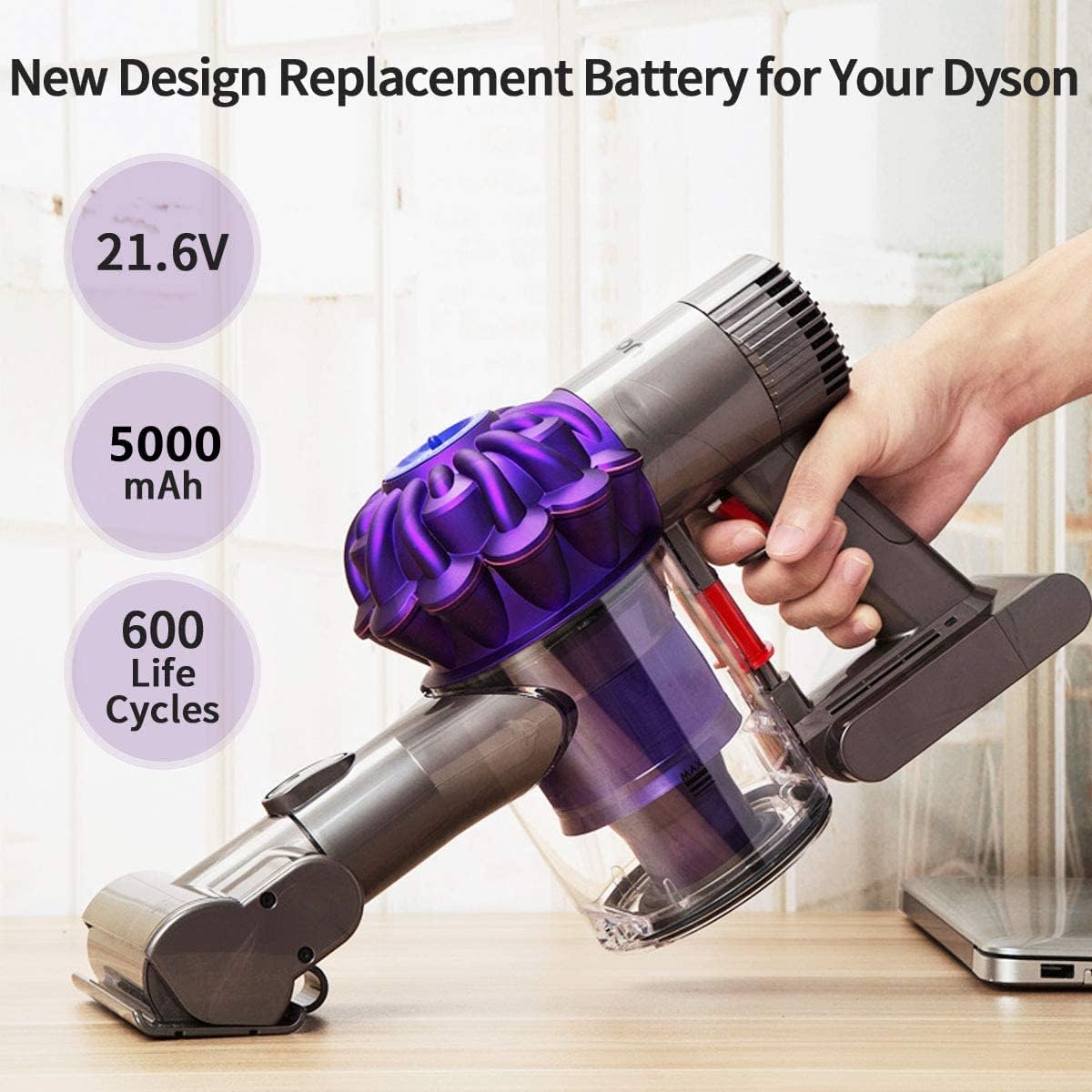
Image illustrating the two included pre-filters, highlighting their washable and recyclable properties, with a visual of a filter being rinsed under water.
ട്രബിൾഷൂട്ടിംഗ്
If you encounter issues with your Morpilot V8 battery, refer to the following common problems and solutions:
| പ്രശ്നം | സാധ്യമായ കാരണം | പരിഹാരം |
|---|---|---|
| Battery not charging (Red Light) | Charger not connected properly, faulty charger, battery too hot, internal error. | Ensure charger is securely connected. Allow battery to cool down if hot. Try a different outlet. If problem persists, contact customer support. |
| ചെറിയ റൺടൈം | Frequent use of MAX mode, battery not fully charged, aging battery, clogged filters. | Use standard mode for general cleaning. Ensure full charge. Clean or replace filters. Allow battery to cool between uses. |
| വാക്വം ഓണാക്കുന്നില്ല | Battery fully discharged, battery not installed correctly, vacuum fault. | Charge the battery. Re-install the battery ensuring it is seated correctly. Check vacuum for other issues. |
| Orange light on battery | ബാറ്ററി അമിതമായി ചൂടാകുന്നു. | Stop using the vacuum and allow the battery to cool down for 10-20 minutes before attempting to use or charge it again. |
If the red light comes on or you experience persistent issues, please do not hesitate to contact Morpilot customer support for assistance. We are committed to helping you resolve any quality problems.
സ്പെസിഫിക്കേഷനുകൾ
| ഫീച്ചർ | വിശദാംശങ്ങൾ |
|---|---|
| മോഡൽ | V8 |
| ബാറ്ററി തരം | ലി-അയോൺ (ലിഥിയം അയോൺ) |
| വാല്യംtage | 21.6V |
| ശേഷി | 5000mAh |
| ചാർജിംഗ് സമയം | ഏകദേശം 3.5 മണിക്കൂർ |
| Normal Mode Runtime | 40 മിനിറ്റ് വരെ |
| MAX Mode Runtime | 5 മിനിറ്റ് വരെ |
| ലൈഫ് സൈക്കിളുകൾ | 600+ സൈക്കിളുകൾ |
| സംരക്ഷണ സവിശേഷതകൾ | Short circuit protection, over-voltage protection, overcurrent protection, over-heating protection, charging overvoltage/undervoltage/overcurrent, discharge overcurrent/high temperature. |
| ആക്സസറികൾ ഉൾപ്പെടുത്തിയിട്ടുണ്ട് | 2 Pre-filters, 2 Screws |
| ഉൽപ്പന്ന അളവുകൾ | 6.3 x 6.3 x 6.3 ഇഞ്ച് |
| ഇനത്തിൻ്റെ ഭാരം | 15.9 ഔൺസ് |

The Morpilot V8 replacement battery, shown with the two included pre-filters and two screws, ready for installation.
വാറൻ്റിയും പിന്തുണയും
Morpilot offers a 1 വർഷത്തെ വാറൻ്റി for this product. In case of any quality problems, we provide an unconditional money refund or replacement of a new unit.
For any questions, concerns, or support needs, please do not hesitate to contact Morpilot customer service. We are dedicated to ensuring your satisfaction.
You can typically find contact information on the product packaging or through the retailer's website where you purchased the item.
Ask a question about this manual
Ask about setup, troubleshooting, compatibility, parts, safety, or missing instructions. Manuals+ will review the question and use this page’s manual context to help answer it.