Gosky 20-60x80 Waterproof Spotting Scope User Manual
Model: 20-60x80
ആമുഖം
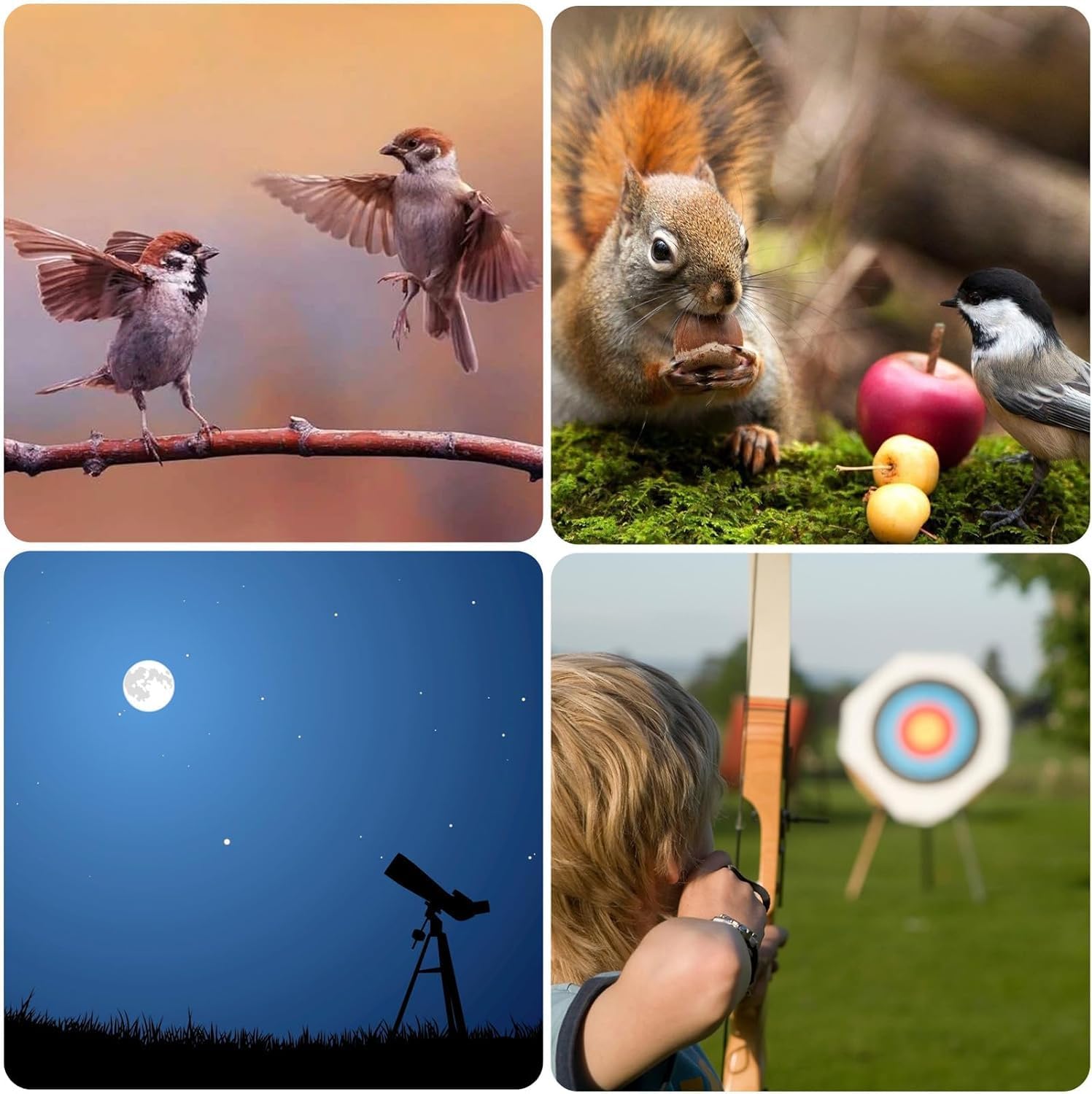
This manual provides detailed instructions for the proper use and maintenance of your Gosky 20-60x80 Waterproof Spotting Scope. Designed for various outdoor activities such as bird watching, target shooting, hunting, wildlife observation, hiking, camping, and astronomy, this spotting scope offers variable 20x to 60x magnification and an 80mm objective lens for clear and bright images.
The scope features fully multi-coated optics with BAK4 Porro prism for enhanced light transmission, a durable and waterproof nitrogen-filled body, and an adjustable eye-cup for comfortable viewing. It also includes a smartphone digiscoping adapter and a tabletop tripod for stable observation and capturing photos/videos.
ബോക്സിൽ എന്താണുള്ളത്
Gosky 20-60x80 Waterproof Spotting Scope
ടാബ്ലെറ്റ് ട്രൈപോഡ്
ചുമക്കുന്ന ബാഗ്
സ്മാർട്ട്ഫോൺ അഡാപ്റ്റർ
Eyepiece Protection Covers
Objective Lens Protection Covers
ക്ലീനിംഗ് തുണി
സജ്ജമാക്കുക
1. Attaching the Tripod
Unfold the tabletop tripod and place it on a stable, flat surface. Securely attach the spotting scope to the tripod mount by screwing the scope's base onto the tripod's screw. Ensure it is tightened to prevent movement.
Image: The Gosky 20-60x80 spotting scope mounted on its tabletop tripod, with a smartphone attached via the adapter. The image highlights the scope's dimensions and weight.
2. Adjusting the Scope Body
The scope body can be rotated for greater viewing flexibility, allowing you to adjust the eyepiece angle for comfortable observation, especially when using the tripod.
പ്രവർത്തന നിർദ്ദേശങ്ങൾ
1. Adjusting Magnification (Zoom)
To change the magnification, rotate the zoom ring on the eyepiece. The scope offers a variable magnification from 20x to 60x. Start with lower magnification to locate your subject, then increase as needed for more detail.
Image: Illustrates the 20x, 40x, and 60x magnification levels of the spotting scope, showing how a toucan appears at each setting.
2. ഫോക്കസിംഗ്
Use the dynamic focusing knob located on the side of the scope to achieve a clear image. Turn the knob slowly until the image appears sharp. For fine adjustments, make small turns.
ചിത്രം: ക്ലോസ്-അപ്പ് view of the Gosky 20-60x80 spotting scope, highlighting the objective lens, eyepiece, and the dynamic focusing knob.
3. Adjusting the Eye-Cup
The adjustable eye-cup can be twisted up or down to provide optimal viewing comfort, whether you wear glasses or not. Adjust it until you see a full, clear field of view.
4. Using the Retractable Sun Shade
Extend the retractable sun shade located at the front of the objective lens to reduce glare and protect the lens from rain or dust. Simply slide it forward until it locks into place.
5. Attaching the Smartphone Adapter
To capture photos or videos with your smartphone, attach the smartphone adapter to the eyepiece. Secure your phone in the adapter, aligning the phone's camera with the eyepiece. This allows you to view and record through the scope directly on your phone screen.
Video: This video demonstrates various features including fully multi-coated optics, durable and waterproof body, zoom magnification, adjustable eye-cup, dynamic focusing, retractable sun shade, scope body rotation, and smartphone adapter attachment for capturing images and videos.
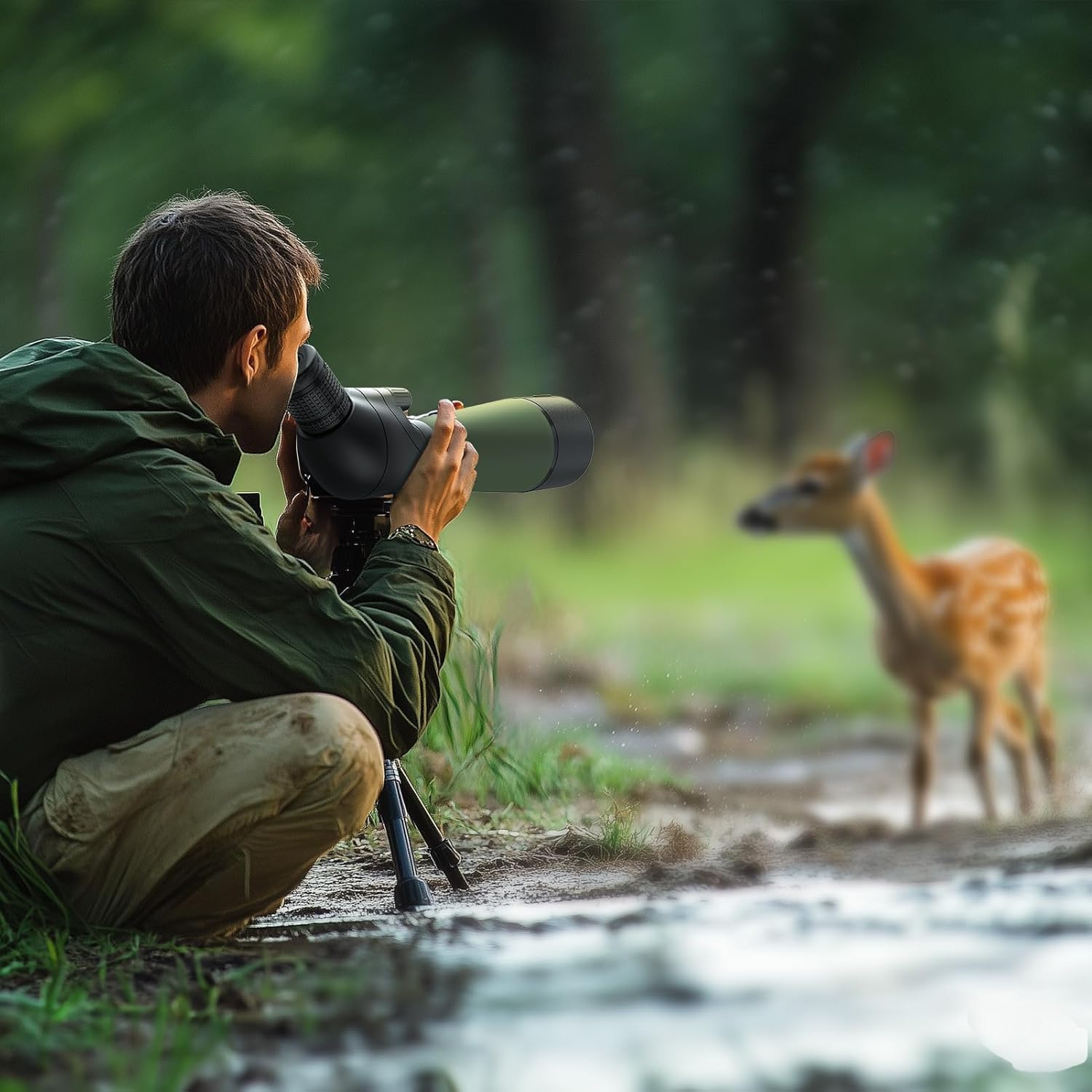
Image: A person observing wildlife (a deer) through the Gosky 20-60x80 spotting scope mounted on a tripod in a natural setting.
മെയിൻ്റനൻസ്
ലെൻസുകൾ വൃത്തിയാക്കൽ: Use the provided cleaning cloth or a soft, lint-free cloth specifically designed for optics. Gently wipe the lens surfaces to remove dust or smudges. Avoid using abrasive materials or harsh chemicals.
ശരീരം വൃത്തിയാക്കൽ: Wipe the body of the spotting scope with a soft, damp തുണി.
സംഭരണം: Store the spotting scope in its carrying bag in a cool, dry place when not in use. Avoid extreme temperatures and high humidity.
വാട്ടർപ്രൂഫ് കെയർ: While the scope is waterproof, avoid submerging it in water for extended periods. If it gets wet, wipe it dry promptly.
ട്രബിൾഷൂട്ടിംഗ്
പ്രശ്നം
സാധ്യമായ കാരണം
പരിഹാരം
മങ്ങിയ ചിത്രം
Incorrect focus, dirty lenses, or improper eye-cup adjustment.
Adjust the focusing knob, clean the lenses, and ensure the eye-cup is set correctly for your vision.
ഇരുണ്ട ചിത്രം
Insufficient light, objective lens cap still on, or low magnification.
Ensure lens caps are removed. Try observing in brighter conditions or adjust magnification.
Fogging Inside Lenses
Rapid temperature changes (though nitrogen-filled, extreme changes can cause temporary fogging).
Allow the scope to acclimate to the ambient temperature. If persistent, contact support.
Smartphone Adapter Not Aligning
Phone camera not centered with the eyepiece.
Carefully adjust the phone's position within the adapter until the camera lens is perfectly centered over the scope's eyepiece.
സ്പെസിഫിക്കേഷനുകൾ
ഫീച്ചർ
വിശദാംശങ്ങൾ
ബ്രാൻഡ്
ഗോസ്കി
മോഡലിൻ്റെ പേര്
20-60*80
ഒബ്ജക്റ്റീവ് ലെൻസ് വ്യാസം
80 മില്ലിമീറ്റർ
ഐപീസ് ലെൻസ് വിവരണം
Prism (BAK4 Porro)
Magnification Ratio (Zoom)
20-60x
ഫോക്കസ് തരം
മാനുവൽ ഫോക്കസ്
ലെൻസ് കോട്ടിംഗിന്റെ വിവരണം
Ultra High Transmission Coating (FMC Green Film)
ഫീൽഡ് View
82.9 to 48 feet / 1,000 yards (25 Millimeters)
വിദ്യാർത്ഥി വ്യാസം പുറത്തുകടക്കുക
4 മില്ലിമീറ്റർ
ഉൽപ്പന്ന അളവുകൾ (L x W x H)
42P x 12l x 31H centimeters (approx. 16.5 x 4.7 x 12.2 inches)
അനുയോജ്യമായ ഉപകരണങ്ങൾ
സ്മാർട്ട്ഫോൺ
വാട്ടർപ്രൂഫ്/ഫോഗ്പ്രൂഫ്
Yes (Nitrogen-filled)
ജിടിഐഎൻ / യുപിസി
634759544951
വാറൻ്റിയും പിന്തുണയും
For warranty information or technical support, please refer to the documentation included with your product or visit the official Gosky website. You can also contact Gosky customer service directly for assistance with any issues or questions regarding your spotting scope.
Each item possesses a unique code that is verified before shipment, ensuring product authenticity.
Ask a question about this manual
Ask about setup, troubleshooting, compatibility, parts, safety, or missing instructions. Manuals+ will review the question and use this page’s manual context to help answer it.