
ആമുഖം
Thank you for choosing the Auna DAB Portable Radio. This compact system combines modern digital radio reception (DAB/DAB+) with traditional FM radio, a CD player, Bluetooth connectivity, USB playback, and AUX input. It features a clear TFT display and can be controlled via remote or app. This manual provides essential information for safe and efficient operation of your device.
സുരക്ഷാ നിർദ്ദേശങ്ങൾ
- Read all instructions carefully before use and retain them for future reference.
- തീയോ വൈദ്യുതാഘാതമോ തടയാൻ യൂണിറ്റ് മഴയിലോ ഈർപ്പത്തിലോ തുറന്നുകാട്ടരുത്.
- വൈദ്യുതി വിതരണം വോളിയം ഉറപ്പാക്കുകtage യൂണിറ്റിലെ റേറ്റിംഗ് ലേബലുമായി പൊരുത്തപ്പെടുന്നു.
- വെന്റിലേഷൻ തുറസ്സുകൾ തടയരുത്. നിർമ്മാതാവിന്റെ നിർദ്ദേശങ്ങൾക്കനുസൃതമായി ഇൻസ്റ്റാൾ ചെയ്യുക.
- പവർ കോർഡ് നടക്കുകയോ നുള്ളുകയോ ചെയ്യുന്നതിൽ നിന്ന് സംരക്ഷിക്കുക.
- മിന്നൽ കൊടുങ്കാറ്റുകളുടെ സമയത്തോ ദീർഘകാലത്തേക്ക് ഉപയോഗിക്കാത്ത സമയത്തോ യൂണിറ്റ് അൺപ്ലഗ് ചെയ്യുക.
- യോഗ്യതയുള്ള സേവന ഉദ്യോഗസ്ഥർക്ക് എല്ലാ സേവനങ്ങളും റഫർ ചെയ്യുക. ഉപകരണം ഏതെങ്കിലും വിധത്തിൽ കേടുവരുമ്പോൾ സർവീസ് ആവശ്യമാണ്.
- പാത്രങ്ങൾ പോലുള്ള ദ്രാവകങ്ങൾ നിറച്ച വസ്തുക്കൾ ഉപകരണത്തിൽ വയ്ക്കരുത്.
- റേഡിയേറ്ററുകൾ, ഹീറ്റ് രജിസ്റ്ററുകൾ, സ്റ്റൗകൾ അല്ലെങ്കിൽ മറ്റ് ഉപകരണങ്ങൾ (ഉൾപ്പെടെ) പോലുള്ള താപ സ്രോതസ്സുകൾക്ക് സമീപം യൂണിറ്റ് സ്ഥാപിക്കുന്നത് ഒഴിവാക്കുക. ampലൈഫയറുകൾ) ചൂട് ഉത്പാദിപ്പിക്കുന്നത്.
പാക്കേജ് ഉള്ളടക്കം
- 1 x Auna Compact System (Model: 10034088)
- 1 x റിമോട്ട് കൺട്രോൾ
- 1 x പവർ അഡാപ്റ്റർ
- 1 x യൂസർ മാനുവൽ (ഇംഗ്ലീഷ്, ജർമ്മൻ)
ഉൽപ്പന്നം കഴിഞ്ഞുview

ചിത്രം 1: മുൻഭാഗം view of the Auna DAB Portable Radio, showcasing the central TFT display, control knobs, buttons, and dual speakers. The unit is white with a brushed metal front panel.

ചിത്രം 2: വിശദമായി view of the 7 cm TFT color display and main control panel. The display shows various mode icons including Internet Radio, My Music, DAB Radio, Media Player, CD, and AUX. Below the display are buttons for Scan, Stop, Function, Info, Menu, and a central volume/select knob. USB and Audio In ports are also visible.

Figure 3: Illustration showing the dimensions of the Auna DAB Portable Radio (38 cm width, 14 cm height, 22 cm depth) and its various connection ports: Aux, USB, Line-In, and Line-Out. The image also highlights the alarm, timer, and snooze functions.
The Auna DAB Portable Radio is designed for versatile audio playback. It features a CD player compatible with standard audio CDs and MP3 CDs, a USB port for media playback, and Bluetooth for wireless streaming from compatible devices. The unit supports DAB, DAB+, and FM radio, providing access to a wide range of stations. Its integrated Wi-Fi allows for internet radio streaming and Spotify Connect functionality. The clear TFT display provides easy navigation and information at a glance.
സജ്ജമാക്കുക
1. പ്രാരംഭ സജ്ജീകരണം
- അൺപാക്ക് ചെയ്യുന്നു: പാക്കേജിംഗിൽ നിന്ന് യൂണിറ്റ് ശ്രദ്ധാപൂർവ്വം നീക്കം ചെയ്യുക. ഭാവിയിലെ ഗതാഗതത്തിനോ സംഭരണത്തിനോ വേണ്ടി പാക്കേജിംഗ് സൂക്ഷിക്കുക.
- പ്ലേസ്മെൻ്റ്: Place the radio on a stable, flat surface away from direct sunlight, heat sources, and moisture. Ensure adequate ventilation around the unit.
- പവർ കണക്ഷൻ: Connect the supplied power adapter to the DC IN port on the back of the unit, then plug the adapter into a standard wall outlet (100-240V~, 50-60Hz).
- ആൻ്റിന: Extend the telescopic antenna fully for optimal FM and DAB/DAB+ radio reception. Adjust its position for the best signal.
- റിമോട്ട് കൺട്രോൾ ബാറ്ററികൾ: Insert 2 x R6 AAA 1.5V batteries (not included) into the remote control, observing polarity.
2. നെറ്റ്വർക്ക് കണക്ഷൻ (വൈ-ഫൈ)
To access Internet Radio and Spotify Connect, the unit must be connected to a Wi-Fi network.
- യൂണിറ്റിലെ പവർ.
- Navigate to the "Settings" menu using the control knob or remote.
- Select "Network" or "Wi-Fi Setup".
- Choose "Scan Network" to find available Wi-Fi networks.
- ലിസ്റ്റിൽ നിന്ന് നിങ്ങൾക്ക് ആവശ്യമുള്ള നെറ്റ്വർക്ക് തിരഞ്ഞെടുക്കുക.
- Enter the Wi-Fi password using the on-screen keyboard and the control knob. Confirm your entry.
- Once connected, the unit will display a confirmation message.

ചിത്രം 4: ഓവർview of key features including Spotify, FM/DAB/DAB+ antenna, USB, AUX, WiFi, and Bluetooth connectivity. This image highlights the versatility of the system.
പ്രവർത്തന നിർദ്ദേശങ്ങൾ
1. പവർ ഓൺ/ഓഫ്
- അമർത്തുക സ്റ്റാൻഡ് ബൈ യൂണിറ്റ് ഓണാക്കാനോ ഓഫാക്കാനോ യൂണിറ്റിലെ ബട്ടൺ അല്ലെങ്കിൽ റിമോട്ട് കൺട്രോൾ.
2. മോഡ് തിരഞ്ഞെടുക്കൽ
- അമർത്തുക ഫങ്ഷൻ button on the unit or the corresponding mode buttons on the remote control (e.g., DAB, FM, CD, Bluetooth, USB, AUX, Internet Radio) to switch between different audio sources.
3. Radio Operation (DAB/DAB+ and FM)
- DAB അല്ലെങ്കിൽ FM മോഡ് തിരഞ്ഞെടുക്കുക.
- For DAB, the unit will automatically scan for available stations upon first use. For FM, press the സ്കാൻ ചെയ്യുക button to auto-scan.
- ഉപയോഗിക്കുക TUNING / SKIP buttons or the control knob to navigate through available stations.
- To save a preset, press and hold the പ്രീസെറ്റ് button (if available on remote) or navigate to the preset menu and follow on-screen instructions.
4. സിഡി പ്ലെയർ പ്രവർത്തനം

Figure 5: A user inserting a compact disc into the front-loading CD slot of the Auna DAB Portable Radio. This image emphasizes the integrated CD player functionality.
- സിഡി മോഡ് തിരഞ്ഞെടുക്കുക.
- Gently insert a CD into the disc slot with the label side facing up. The unit will automatically load the disc.
- പ്ലേബാക്ക് സ്വയമേവ ആരംഭിക്കും. ഉപയോഗിക്കുക പ്ലേ/താൽക്കാലികമായി നിർത്തുക, നിർത്തുക, ഒപ്പം TUNING / SKIP പ്ലേബാക്ക് നിയന്ത്രിക്കുന്നതിനുള്ള ബട്ടണുകൾ.
5. ബ്ലൂടൂത്ത് ജോടിയാക്കൽ
- Select Bluetooth mode on the unit. The display will show "Pairing" or "Waiting for connection".
- നിങ്ങളുടെ സ്മാർട്ട്ഫോണിലോ, ടാബ്ലെറ്റിലോ, അല്ലെങ്കിൽ മറ്റ് അനുയോജ്യമായ ഉപകരണത്തിലോ ബ്ലൂടൂത്ത് പ്രവർത്തനക്ഷമമാക്കുക.
- ഇതിനായി തിരയുക "Auna Harvard" or similar in your device's Bluetooth list and select it to pair.
- Once connected, you can stream audio wirelessly from your device to the radio.
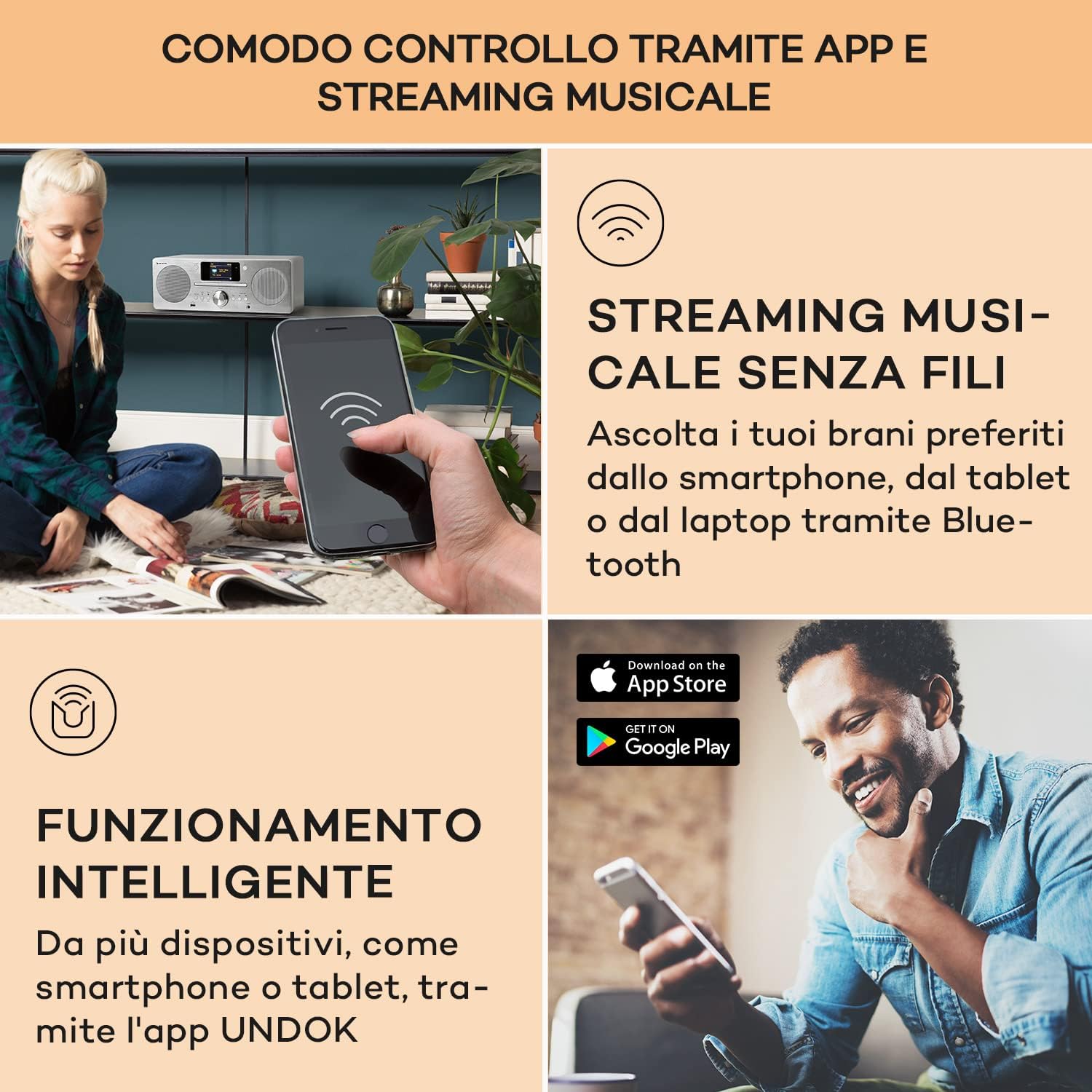
Figure 6: A user interacting with the Auna DAB Portable Radio via a smartphone application, demonstrating wireless music streaming and smart control functionality. The image also shows the "Download on the App Store" and "GET IT ON Google Play" logos, indicating app availability.
6. USB പ്ലേബാക്ക്
- Insert a USB flash drive into the USB port on the front of the unit.
- Select USB mode. The unit will automatically detect and play compatible audio file(ഉദാ. MP3).
- ഫോൾഡറുകളും ട്രാക്കുകളും ബ്രൗസ് ചെയ്യാൻ നാവിഗേഷൻ ബട്ടണുകൾ ഉപയോഗിക്കുക.
7. AUX ഇൻപുട്ട്
- Connect an external audio device (e.g., MP3 player, smartphone) to the AUX IN port using a 3.5mm audio cable (not included).
- Select AUX mode. Audio from the connected device will play through the radio's speakers.
8. Alarm and Timer Functions
- Access the "Alarm" or "Timer" settings through the main menu.
- Follow the on-screen prompts to set alarm times, snooze duration, and sleep timer.
മെയിൻ്റനൻസ്
- വൃത്തിയാക്കൽ: Disconnect the power before cleaning. Use a soft, dry cloth to wipe the exterior of the unit. Do not use abrasive cleaners, waxes, or solvents.
- സിഡി പ്ലെയർ: To clean the CD lens, use a commercially available CD lens cleaner.
- സംഭരണം: യൂണിറ്റ് ദീർഘനേരം ഉപയോഗിക്കുന്നില്ലെങ്കിൽ, പവർ ഔട്ട്ലെറ്റിൽ നിന്ന് അത് അൺപ്ലഗ് ചെയ്ത് തണുത്തതും വരണ്ടതുമായ സ്ഥലത്ത് സൂക്ഷിക്കുക.
ട്രബിൾഷൂട്ടിംഗ്
| പ്രശ്നം | സാധ്യമായ കാരണം | പരിഹാരം |
|---|---|---|
| ശക്തിയില്ല | പവർ കോർഡ് ബന്ധിപ്പിച്ചിട്ടില്ല; പവർ ഔട്ട്ലെറ്റ് തകരാറിലാണ് | പവർ കോർഡ് സുരക്ഷിതമായി ബന്ധിപ്പിച്ചിട്ടുണ്ടെന്ന് ഉറപ്പാക്കുക. മറ്റൊരു പവർ ഔട്ട്ലെറ്റ് പരീക്ഷിക്കുക. |
| ശബ്ദമില്ല | Volume too low; Mute function active; Incorrect source selected | Increase volume. Deactivate mute. Select the correct input source (CD, DAB, Bluetooth, etc.). |
| മോശം റേഡിയോ സ്വീകരണം | Antenna not extended; Weak signal; Interference | Fully extend and adjust the telescopic antenna. Move the unit to a location with better signal. Keep away from other electronic devices. |
| സിഡി പ്ലേ ചെയ്യുന്നില്ല | Disc inserted incorrectly; Disc dirty or scratched; Incompatible disc format | Insert disc with label side up. Clean the disc with a soft cloth. Ensure it is an audio CD or MP3 CD. |
| ബ്ലൂടൂത്ത് ജോടിയാക്കൽ പരാജയപ്പെട്ടു | Device not in pairing mode; Bluetooth disabled on external device; Too far from unit | Ensure the radio is in Bluetooth pairing mode. Enable Bluetooth on your external device. Move devices closer. |
| Wi-Fi connection unstable or lost | Weak Wi-Fi signal; Incorrect password; Router issues | Move the unit closer to the Wi-Fi router. Re-enter Wi-Fi password. Restart your router. |
സ്പെസിഫിക്കേഷനുകൾ
| ബ്രാൻഡ് | ഔന |
| മോഡലിൻ്റെ പേര് | Harvard Kompaktanlage |
| മോഡൽ നമ്പർ | 10034088 |
| അളവുകൾ (WxHxD) | 38 x 14 x 22 സെ.മീ |
| ഭാരം | 3.1 കി.ഗ്രാം |
| വൈദ്യുതി വിതരണം | 100-240 V~ | 50-60 Hz |
| സ്പീക്കർ ഔട്ട്പുട്ട് പവർ | 2 x 10W RMS (30W max) |
| പ്രദർശിപ്പിക്കുക | 2.4" TFT Color Display |
| ട്യൂണർ ടെക്നോളജി | DAB/DAB+, FM/AM |
| കണക്റ്റിവിറ്റി | Bluetooth, USB, AUX-In, Wi-Fi (802.11a/b/g, 2.4 & 5 GHz) |
| സിഡി അനുയോജ്യത | ഓഡിയോ സിഡി, എംപി3 സിഡി |
| അധിക സവിശേഷതകൾ | Spotify Connect, App Control, Alarm, Sleep Timer |
| മെറ്റീരിയൽ | Wood (White finish) |
വാറൻ്റിയും പിന്തുണയും
For detailed warranty information and customer support, please refer to the warranty card included with your product or contact Auna customer service. Contact details are typically provided in the full printed manual or on the official Auna webസൈറ്റ്.
This manual is provided for informational purposes. Specifications and features are subject to change without prior notice.