
യുലെഫോൺ ആർമർ X6
Ulefone Armor X6 പരുക്കൻ സ്മാർട്ട്ഫോൺ ഉപയോക്തൃ മാനുവൽ
Model: Armor X6 | Brand: Ulefone
ആമുഖം
The Ulefone Armor X6 is a rugged smartphone designed for durability and performance in challenging environments. Featuring IP68 waterproofing, a 5.0-inch HD+ display, and a 4000mAh battery, it is built to withstand drops, dust, and water. This manual provides essential information for setting up, operating, maintaining, and troubleshooting your Armor X6 device.

Figure 1: Ulefone Armor X6 Rugged Smartphone
The image displays the Ulefone Armor X6 rugged smartphone from both front and back angles. The front shows the display with app icons, while the back highlights its textured, durable casing and camera module. The phone features a black body with yellow accents, emphasizing its robust design.
സുരക്ഷാ വിവരങ്ങൾ
Please read this section carefully before using your device to ensure safe and proper operation.
- നെറ്റ്വർക്ക് അനുയോജ്യത: The Armor X6 is compatible with most GSM carriers such as T-Mobile and Metro PCS. It does അല്ല support AT&T, Cricket, or CDMA carriers like Sprint and Verizon. Ensure your carrier is supported before attempting to connect.
- ജല പ്രതിരോധം: The device is IP68 certified for water and dust resistance. While designed to withstand immersion up to 1.5 meters for 30 minutes, ensure all ports are securely sealed before exposure to water. Avoid exposing the phone to high-pressure water jets or hot water.
- ബാറ്ററി സുരക്ഷ: Use only the provided 5V/1A charger. Do not attempt to replace the battery yourself. Avoid exposing the device to extreme temperatures.
- പ്രവർത്തന പരിസ്ഥിതി: This phone is designed for rugged use. However, avoid intentional abuse or exposure to corrosive chemicals.
ബോക്സിൽ എന്താണുള്ളത്
Upon unboxing your Ulefone Armor X6, verify that all the following items are included:
- 1x Ulefone Armor X6 Phone
- 1x AC Power Charger Adapter (100~240V / US plug)
- 1x Data Cable (100cm)
- 1x Protective Film (pre-applied or separate)
- 1x സ്ലിംഗ്
- 1x Plastic Spudger
- 1x സിം സൂചി
- 1x വാറൻ്റി കാർഡ്
- 1x ഉപയോക്തൃ മാനുവൽ

ചിത്രം 2: ബോക്സ് ഉള്ളടക്കങ്ങൾ
This image illustrates all the items typically found inside the Ulefone Armor X6 retail packaging. It includes the phone, charger, data cable, protective film, sling, plastic spudger, SIM needle, warranty card, and user manual, neatly laid out.
സജ്ജമാക്കുക
1. സിം കാർഡും മൈക്രോ എസ്ഡി കാർഡും ഇൻസ്റ്റാൾ ചെയ്യൽ
The Armor X6 supports dual SIM cards or one SIM card and one MicroSD card. Use the provided SIM needle to open the card tray.
- ഫോണിന്റെ വശത്ത് സിം കാർഡ് ട്രേ കണ്ടെത്തുക.
- Insert the SIM needle into the small hole next to the tray and press gently until the tray ejects.
- Place your SIM card(s) and/or MicroSD card into the designated slots on the tray, ensuring correct orientation.
- Carefully reinsert the tray into the phone, ensuring it is flush with the device body to maintain water resistance.

Figure 3: SIM/MicroSD Card Installation
This image illustrates the process of inserting SIM cards and a MicroSD card into the Ulefone Armor X6. It shows the dual SIM slots and the option to use one SIM and one MicroSD card, along with the supported GSM and WCDMA frequency bands.
2. പ്രാരംഭ ചാർജിംഗ്
Before first use, it is recommended to fully charge your Armor X6.
- Connect the provided USB data cable to the phone's Micro USB port.
- Connect the other end of the data cable to the AC power charger adapter.
- ഒരു പവർ ഔട്ട്ലെറ്റിൽ ചാർജർ പ്ലഗ് ചെയ്യുക.
- The LED notification light will indicate charging status. A full charge typically takes a few hours.
പ്രവർത്തന നിർദ്ദേശങ്ങൾ
1. ഡിവൈസ് ഓവർview അടിസ്ഥാന നിയന്ത്രണങ്ങളും
Familiarize yourself with the physical layout and buttons of your Armor X6.

Figure 4: Device Layout
This diagram provides a detailed overview of the Ulefone Armor X6's physical features, including the 5MP front camera, earpiece receiver, LED notification light, light/proximity sensor, 3.5mm earphone jack, Micro USB port, microphone, dual flash, 8MP rear camera, pressure relief hole, speaker, TF/SIM card slot, custom key, volume buttons, and power key.
- പവർ കീ: പവർ ഓൺ/ഓഫ് ചെയ്യാനോ പുനരാരംഭിക്കാനോ അമർത്തിപ്പിടിക്കുക. സ്ക്രീൻ ലോക്ക്/അൺലോക്ക് ചെയ്യാൻ ചെറുതായി അമർത്തുക.
- വോളിയം ബട്ടണുകൾ: Adjust media volume during playback or ringtone volume.
- ഇഷ്ടാനുസൃത കീ: This button can be programmed for quick access to specific applications or functions. Navigate to Settings > Smart Assistant > Custom Key ക്രമീകരിക്കുന്നതിന്.
2. Special Modes and Features
- അണ്ടർവാട്ടർ മോഡ്: This unique mode allows you to take photos and videos underwater. Activate it from the quick settings panel or camera app. Ensure all ports are sealed before submerging the device.
- ഗ്ലൗസ് മോഡ്: Enable this mode in settings to improve touchscreen sensitivity, allowing you to operate the phone while wearing gloves.
- LED Notification Light: The blinking notification light provides alerts for incoming calls, messages, and charging status.
3. ക്യാമറ പ്രവർത്തനം
The Armor X6 features an 8MP rear camera with dual flash and a 5MP front camera.
- നിങ്ങളുടെ ഹോം സ്ക്രീനിൽ നിന്നോ ആപ്പ് ഡ്രോയറിൽ നിന്നോ ക്യാമറ ആപ്പ് തുറക്കുക.
- ഒരു ഫോട്ടോ എടുക്കാൻ ഷട്ടർ ബട്ടൺ ടാപ്പ് ചെയ്യുക.
- ആവശ്യാനുസരണം ഫോട്ടോ, വീഡിയോ മോഡുകൾക്കിടയിൽ മാറുക.
- Utilize the dual flash for improved low-light photography.
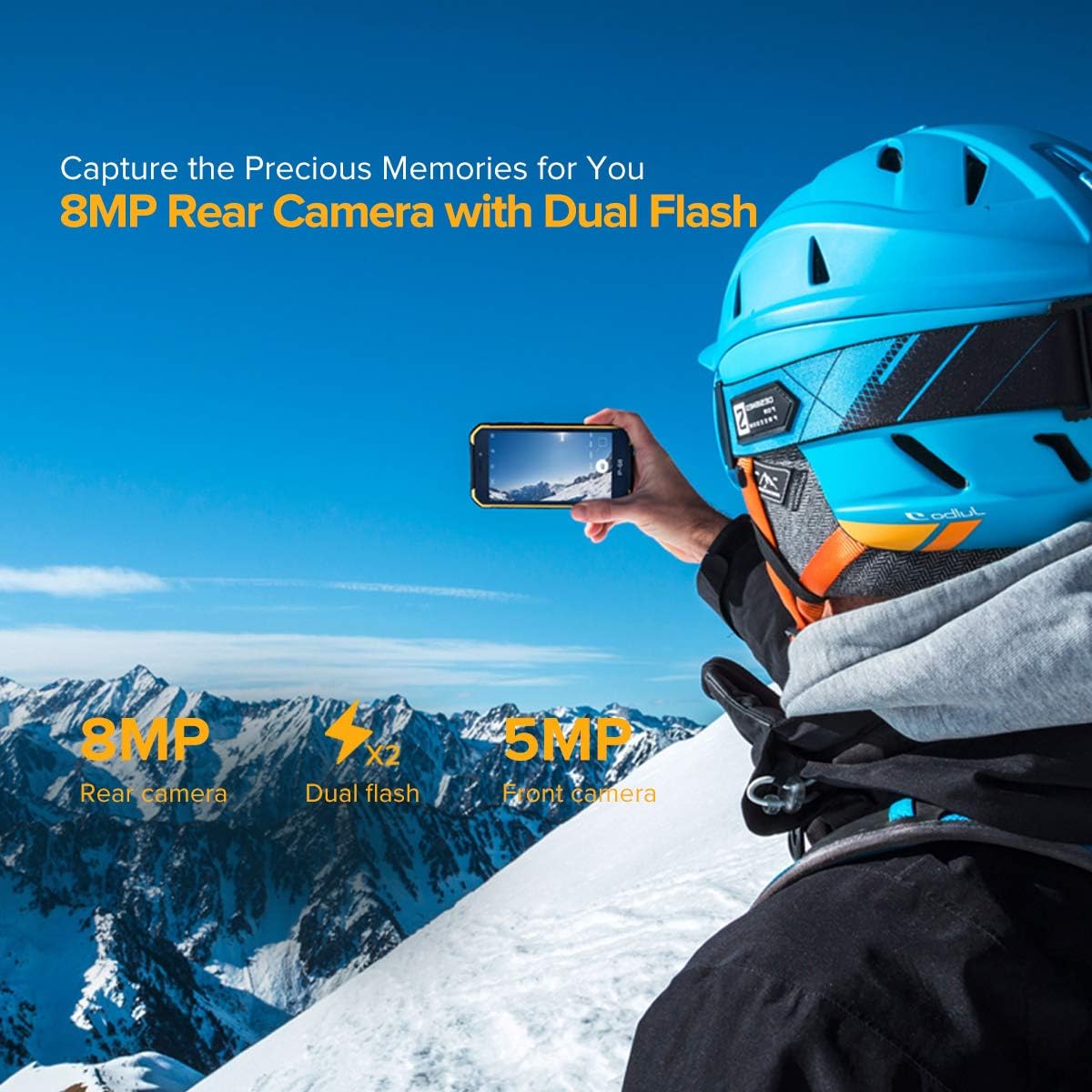
ചിത്രം 5: ക്യാമറ സവിശേഷതകൾ
This image highlights the camera capabilities of the Ulefone Armor X6, showing an 8MP rear camera with dual flash and a 5MP front camera, emphasizing its ability to capture memories.
മെയിൻ്റനൻസ്
Proper maintenance ensures the longevity and performance of your rugged smartphone.
- വൃത്തിയാക്കൽ: ഫോൺ പതിവായി മൃദുവായ, ഡി-ടൈപ്പർ ഉപയോഗിച്ച് തുടയ്ക്കുക.amp cloth. For stubborn dirt or after exposure to mud/sand, rinse gently with clean water, ensuring all ports are sealed. Allow the phone to dry completely before charging or opening any ports.
- ബാറ്ററി കെയർ: To maximize battery life, avoid fully discharging the battery frequently. Charge the phone using the original charger.
- ശാരീരിക സംരക്ഷണം: While rugged, avoid unnecessary drops or impacts. The phone is designed to be shockproof and protected against dust and sand.
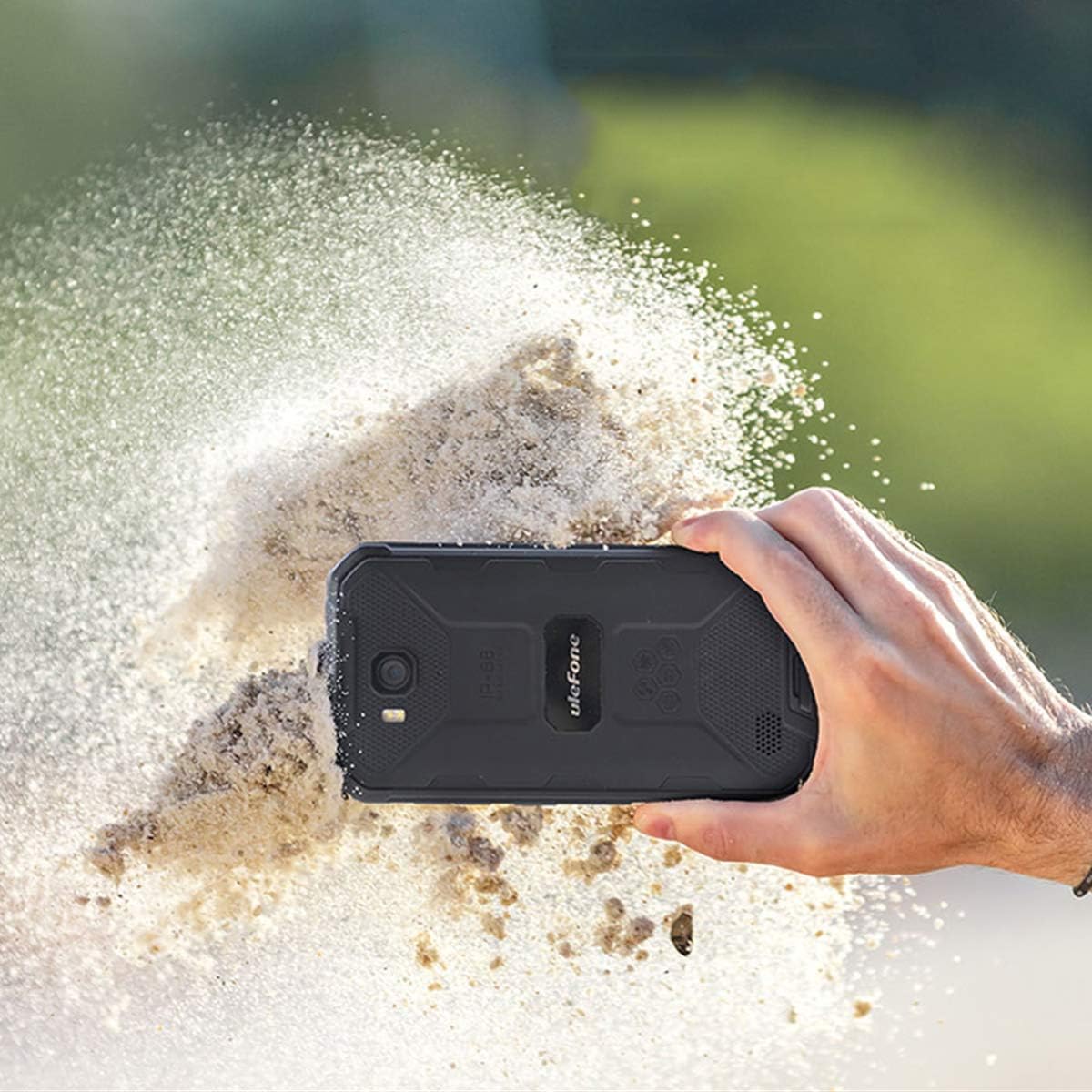
Figure 6: Rugged Durability
This image shows the Ulefone Armor X6 being held while sand is being kicked up around it, illustrating its robust and durable design, capable of withstanding harsh environments like dusty or sandy conditions.

Figure 7: 360° Full Protection
This image highlights the 360-degree full protection feature of the Ulefone Armor X6, showing how its design provides superb durability against impacts and environmental elements.
ട്രബിൾഷൂട്ടിംഗ്
This section addresses common issues you might encounter with your Ulefone Armor X6.
| പ്രശ്നം | സാധ്യമായ കാരണം | പരിഹാരം |
|---|---|---|
| ഫോൺ പവർ ഓൺ ആകുന്നില്ല. | ബാറ്ററി കുറവാണ്; സോഫ്റ്റ്വെയർ തകരാറ്. | Charge the phone for at least 30 minutes. Press and hold the Power key for 10-15 seconds to force restart. |
| Cannot connect to 3G network. | Incompatible carrier; SIM card not activated; incorrect APN settings. | Ensure your carrier is GSM compatible (T-Mobile, Metro PCS). Activate SIM card on an existing compatible phone first. Check APN settings in Settings > Network & Internet > Mobile network > Access Point Names. If issues persist, contact Ulefone support. |
| സ്ലോ ചാർജിംഗ്. | Using a non-original charger/cable; background apps. | Use the original Ulefone 5V/1A charger and data cable. Close unnecessary background applications. |
| Screen unresponsive or black. | Software glitch; physical damage; water ingress. | Force restart the phone. If recently exposed to water, ensure all ports were sealed and allow to dry completely. If physical damage is suspected, contact support. |
| "Contacts has stopped" error. | സോഫ്റ്റ്വെയർ ബഗ്. | Clear cache and data for the Contacts app (Settings > Apps & notifications > See all apps > Contacts > Storage & cache > Clear cache/Clear storage). If the issue persists, a factory reset might be necessary (backup data first). |
സ്പെസിഫിക്കേഷനുകൾ
Key technical specifications for the Ulefone Armor X6.
| ഫീച്ചർ | വിശദാംശങ്ങൾ |
|---|---|
| മോഡൽ | കവചം X6 |
| ഓപ്പറേറ്റിംഗ് സിസ്റ്റം | ആൻഡ്രോയിഡ് 9.0 |
| റാം | 2 ജിബി |
| ആന്തരിക സംഭരണം | 16 ജിബി |
| പ്രദർശിപ്പിക്കുക | 5.0 ഇഞ്ച് HD+ (720 x 1280 റെസല്യൂഷൻ) |
| ബാറ്ററി ശേഷി | 4000 mAh ലിഥിയം പോളിമർ |
| പിൻ ക്യാമറ | 8 MP with Dual Flash |
| മുൻ ക്യാമറ | 5 എം.പി |
| അളവുകൾ (L x W x H) | 5.91 x 3.11 x 0.57 ഇഞ്ച് (150 x 78.9 x 14.4 മിമി) |
| ഭാരം | 7.9 ഔൺസ് (223.8 ഗ്രാം) |
| വെള്ളം/പൊടി പ്രതിരോധം | IP68, IP69K certified |
| കണക്റ്റിവിറ്റി | 3G Cellular, Bluetooth, GPS |
| ഓഡിയോ ജാക്ക് | 3.5 മി.മീ |

ചിത്രം 8: ഉൽപ്പന്ന അളവുകൾ
ഈ ചിത്രം വിശദമായ ഒരു വിവരണം നൽകുന്നു view of the Ulefone Armor X6's dimensions, including its height (150mm), width (78.9mm), and thickness (14.4mm), along with its 5.0-inch screen size.
വാറൻ്റിയും പിന്തുണയും
Your Ulefone Armor X6 comes with a warranty. Please refer to the included Warranty Card for specific terms and conditions.
For technical support, troubleshooting assistance, or warranty claims, please contact Ulefone customer service. If your Armor X6 cannot connect to the 3G network or read your SIM card, you can email Ulefone at amazon@ulefone.com സഹായത്തിനായി.
Ask a question about this manual
Ask about setup, troubleshooting, compatibility, parts, safety, or missing instructions. Manuals+ will review the question and use this page’s manual context to help answer it.