
Williams AV DWS COM 8 400
Williams AV DWS COM 8 400 Digi-Wave 400 Wireless Intercom System User Manual
Model: DWS COM 8 400 | Brand: Williams AV
1. സിസ്റ്റം ഓവർview
The Williams AV DWS COM 8 400 Digi-Wave 400 is a wireless intercom system designed for clear, reliable communication among up to 8 participants. This system is ideal for various applications including event production, theaters, houses of worship, and educational settings, providing seamless interpretation and communication capabilities.
ഉൾപ്പെടുത്തിയ ഘടകങ്ങൾ:
- (8) DLT 400 Transceivers: These compact units serve as both transmitters and receivers, allowing two-way communication.
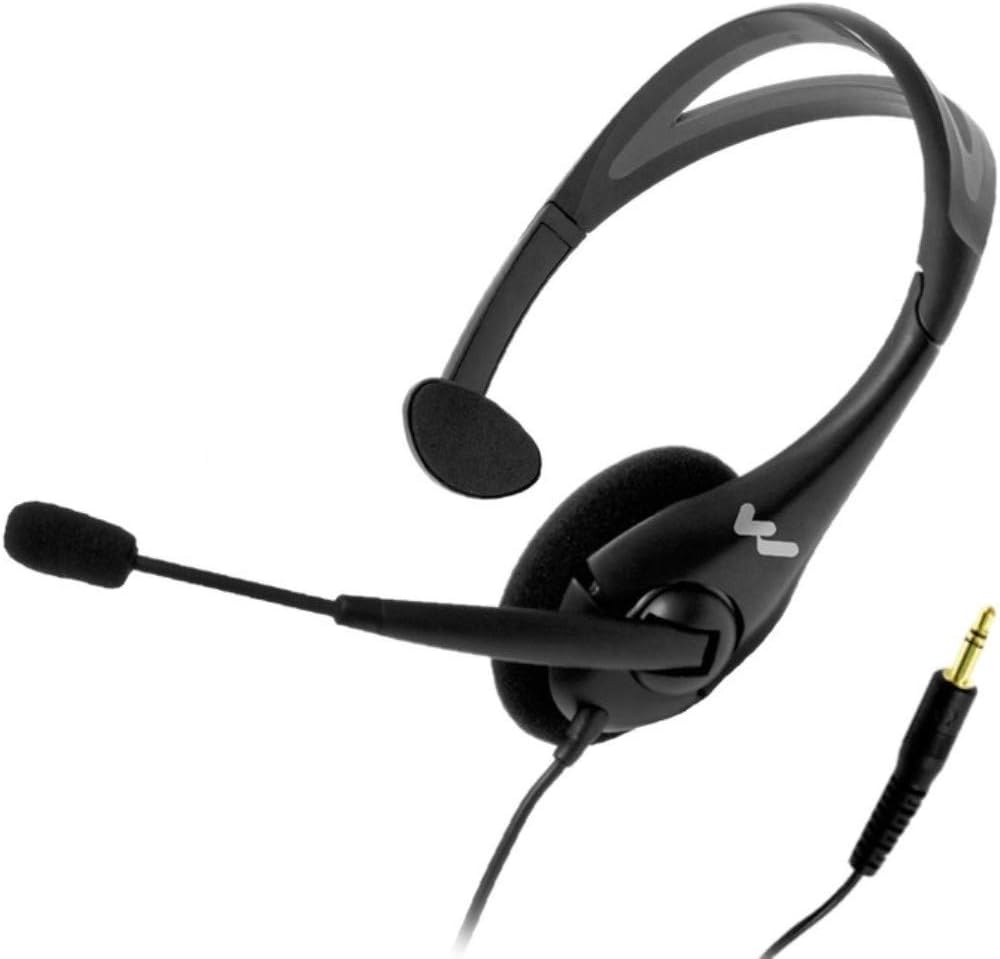
- (8) MIC 144 2P Headset Microphones: Comfortable headset microphones for hands-free operation and clear audio input.
- (1) CCS 056 DW 11 System Carry Case: A durable case designed to protect and transport the entire system.
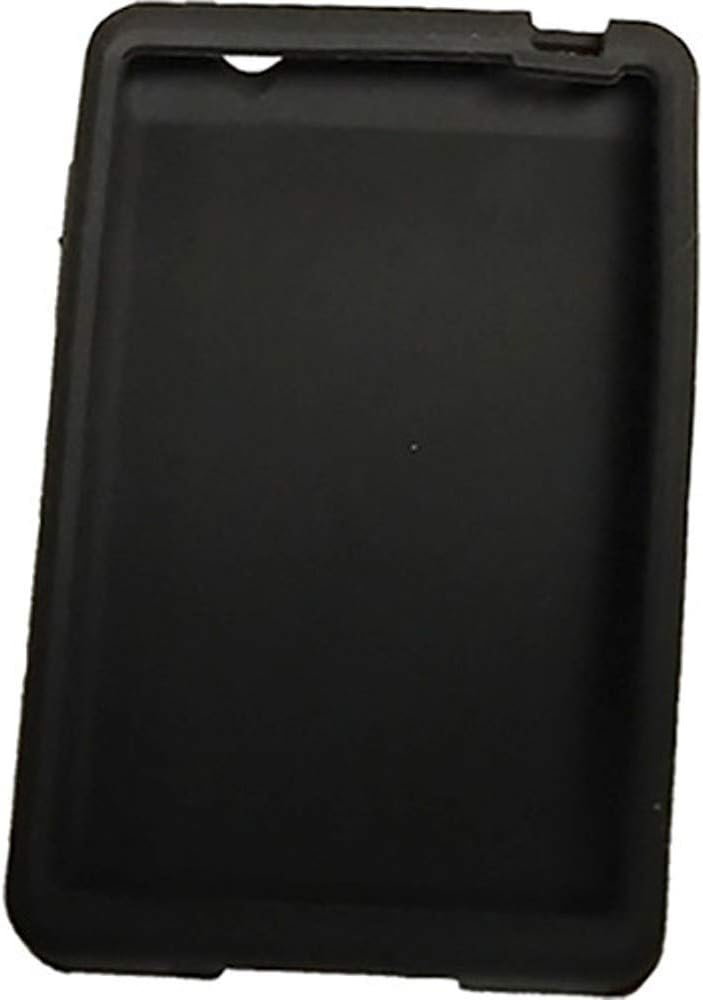
- (1) CCS 061 GR Grey Silicone Skin: A protective silicone cover for one transceiver.
- (7) CCS 061 BK Black Silicone Skins: Protective black silicone covers for the remaining transceivers.


2. സജ്ജീകരണ നിർദ്ദേശങ്ങൾ
- Charge the DLT 400 Transceivers:
Before initial use, ensure all DLT 400 Transceivers are fully charged. Connect the transceivers using a standard USB-C cable to a power source, or place them in a compatible multi-unit charger (e.g., CHG 412, sold separately) if available. A full charge typically takes approximately 5 hours.

ചിത്രം 2.1: DLT 400 Transceiver with USB-C port. The USB-C port is located on the side for direct charging. - Attach Silicone Skins (Optional):
For added protection and grip, slide the provided CCS 061 GR (Grey) or CCS 061 BK (Black) silicone skins onto the DLT 400 Transceivers.
- Connect Headset Microphones:
Plug the MIC 144 2P Headset Microphones into the 3.5 mm TRRS headphone jack located on the top of each DLT 400 Transceiver. This port also serves as the audio output for listening.
ചിത്രം 2.2: DLT 400 Transceiver with 3.5mm jack. The headphone/microphone jack is located at the top of the unit. - പവർ ഓൺ:
Press and hold the power button (usually marked with a circle and a vertical line) on each DLT 400 Transceiver until the OLED display illuminates.
3. പ്രവർത്തന നിർദ്ദേശങ്ങൾ
3.1. Channel Selection (Interpretation Mode)
The DLT 400 Transceiver allows users to easily switch between different interpretation channels. This system is configured to support multiple language translations simultaneously.
- View Current Channel: The OLED display shows the currently selected channel (e.g., "CH 01").
- ചാനലുകൾ മാറുക: അപ്പ് ഉപയോഗിക്കുക (^) താഴേക്ക് (v) arrow buttons located below the display to navigate through available channels. Each channel typically corresponds to a different language or audio source.
- തിരഞ്ഞെടുപ്പ് സ്ഥിരീകരിക്കുക: The system will automatically select the channel once you stop pressing the arrow buttons.
3.2. വോളിയം അഡ്ജസ്റ്റ്മെൻ്റ്
Adjust the listening volume to a comfortable level using the dedicated volume buttons on the side of the DLT 400 Transceiver.
- വോളിയം വർദ്ധിപ്പിക്കുക: '+' ബട്ടൺ അമർത്തുക.
- വോളിയം കുറയ്ക്കുക: '-' ബട്ടൺ അമർത്തുക.
3.3. Two-Way Communication (Transceiver Functionality)
The DLT 400 units are transceivers, meaning they can both transmit and receive audio. When using the MIC 144 2P Headset Microphone, you can speak into the microphone to transmit your voice to other participants on the same channel, or to an interpreter.
- സംവാദ ബട്ടൺ: Press the central microphone icon button to activate your microphone for speaking. A red LED around the Talk button indicates that the microphone is active.
- മൈക്രോഫോൺ നിശബ്ദമാക്കുക: Press the Talk button again to mute your microphone.
4. പരിപാലനം
- വൃത്തിയാക്കൽ: Use a soft, dry cloth to clean the exterior of the DLT 400 Transceivers and the headset microphones. Avoid using abrasive cleaners, solvents, or harsh chemicals.
- സംഭരണം: When not in use, store the system components in the CCS 056 DW 11 System Carry Case to protect them from dust, moisture, and physical damage. Store in a cool, dry place.
- ബാറ്ററി കെയർ: For optimal battery life, avoid fully discharging the transceivers frequently. Recharge them regularly, especially if they will be stored for an extended period.
- സിലിക്കൺ തൊലികൾ: The silicone skins can be removed and cleaned with mild soap and water if necessary. Ensure they are completely dry before reattaching them to the transceivers.
5. പ്രശ്നപരിഹാരം
- ഹെഡ്സെറ്റിൽ നിന്ന് ശബ്ദമില്ല:
- Ensure the headset microphone is fully plugged into the 3.5mm jack.
- Check the volume level on the DLT 400 Transceiver and increase if necessary.
- Verify that the transceiver is powered on and tuned to an active channel.
- Confirm the headset itself is functioning by testing with another audio source if possible.
- Transceiver Not Charging:
- Ensure the USB-C cable is securely connected to both the transceiver and the power source.
- മറ്റൊരു USB-C കേബിളോ പവർ അഡാപ്റ്ററോ പരീക്ഷിച്ചുനോക്കൂ.
- If using a multi-unit charger, ensure the transceiver is correctly seated in its slot.
- Poor Audio Quality or Interference:
- Check the distance between the transceiver and the main transmitter; the system has a range of up to 900 ft (274 m), but environmental conditions can affect this.
- Ensure there are no large metallic objects or other wireless devices causing interference in the immediate vicinity.
- Verify that all units are on the correct channel.
- മൈക്രോഫോൺ പ്രക്ഷേപണം ചെയ്യുന്നില്ല:
- Ensure the MIC 144 2P Headset Microphone is properly connected.
- Press the Talk button on the DLT 400 Transceiver to activate the microphone (red LED should illuminate).
- The internal microphone is disabled when the MIC jack is engaged; ensure the headset is the intended input.
6 സ്പെസിഫിക്കേഷനുകൾ
| പ്രവർത്തന ആവൃത്തികൾ | 2.4 GHz (ISM ബാൻഡ്); 2402 - 2476 MHz FHSS |
| Audio Frequency Response (-3dB Level) | Intercom Mode: 100 - 7200Hz / Other Modes: 100 - 1,500Hz |
| സിഗ്നൽ-ടു-നോയിസ് റേഷ്യോ (എസ്എൻആർ) | 73 dB (A-weighted, default Rx volume with mic input) |
| മൊത്തം ഹാർമോണിക് ഡിസ്റ്റോർഷൻ (THD) | 0.1 % (Default Volume, 1kHz) |
| മൈക്രോഫോൺ ഇൻപുട്ട് | Internal microphone (disabled when MIC jack engaged) and 3.5 mm phone jack (sleeve) with electret microphone bias, adjustable gain with 63dB range. |
| ലൈൻ ഇൻപുട്ട് | USB-C |
| ഹെഡ്ഫോൺ ഔട്ട്പുട്ട് | 3.5 mm TRRS headphone jack; 25 mW, R 32 ohms |
| Audio Output (Max SSPL 90) | 111.8dB (EAR 013), 116.8dB (EAR 041) |
| പരിധി | 900 അടി (274 മീറ്റർ) വരെ (പരിസ്ഥിതി സാഹചര്യങ്ങളെ ആശ്രയിച്ച്) |
| മോഡുലേഷൻ | എഫ്.എസ്.കെ |
| RF ഔട്ട്പുട്ട് | 19 ഡിബിഎം സാധാരണ |
| സുരക്ഷ | 87 bit encryption (300 Series Compatible), 87+128 bit Encryption, Encryption PIN, Lock for settings |
| സൈഡ് ടോൺ | -6 dB below volume, tone variation (Off, Low and High settings available) |
| സൂചകങ്ങൾ | OLED ഡിസ്പ്ലേ |
| എൽ.ഇ.ഡി | Red LED around Talk button when enabled; Bi-color, changing green and red LED at top |
| ചാർജിംഗ് കണക്ടറുകൾ | USB-C; CHG 412 ഉപയോഗിച്ചുള്ള രണ്ട് കോൺടാക്റ്റുകൾ |
| അനുയോജ്യമായ റിസീവറുകൾ | DLR 400 RCH, DLR 400 ALK, DLT 300 and DLR 360 |
| ബാറ്ററി ലൈഫ് | Up to 16 hrs talk time |
| പവർ സേവ് | അനുയോജ്യമായ ഉപകരണങ്ങളിൽ നിന്ന് RF സിഗ്നൽ ഇല്ലെങ്കിൽ 5 മിനിറ്റിന് ശേഷം ഓട്ടോ സ്ലീപ്പ് മോഡ് |
| ചാർജ്ജ് സമയം | 5 മണിക്കൂർ ഏകദേശം. |
| അളവുകൾ | 4.22" x 2.60" x 0.50" |
| ഭാരം | 3.3 ഔൺസ് |
7. വാറൻ്റിയും പിന്തുണയും
For detailed warranty information, please refer to the warranty card included with your product or visit the official Williams AV website. For technical support, troubleshooting assistance beyond this manual, or to inquire about replacement parts, please contact Williams AV customer service.
Williams AV Contact Information:
- Webസൈറ്റ്: www.williamsav.com
- ഉൽപ്പന്ന പാക്കേജിംഗ് അല്ലെങ്കിൽ ഔദ്യോഗിക പാക്കേജിംഗ് കാണുക. website for current phone numbers and email addresses.
Ask a question about this manual
Ask about setup, troubleshooting, compatibility, parts, safety, or missing instructions. Manuals+ will review the question and use this page’s manual context to help answer it.