
1. ആമുഖം
This user manual provides comprehensive instructions for the installation, operation, and maintenance of your Beetel M78 Corded Feature Phone. Please read this manual thoroughly before using the device to ensure proper functionality and to familiarize yourself with all features. Keep this manual for future reference.
2. പാക്കേജ് ഉള്ളടക്കം
Upon unpacking your Beetel M78 Corded Feature Phone, please verify that all the following items are included:
- 1 Unit of Beetel M78 Twin Caller ID Phone
- 1 പവർ അഡാപ്റ്റർ
- 1 ലൈൻ കോർഡ്
- 1 ഉപയോക്തൃ മാനുവൽ (ഈ പ്രമാണം)
- 2 Base Units
- 2 ഹാൻഡ്സെറ്റുകൾ
- 2 Coil Cords
- 1 Rosette Box
- 1 Six Core Data Cord

ചിത്ര വിവരണം: A close-up of the Beetel M78 phone packaging, displaying a list of included components such as the phone unit, power adapter, line cord, and user manual, along with manufacturer and customer care details.
3. ഉൽപ്പന്നം കഴിഞ്ഞുview
The Beetel M78 is a corded feature phone designed for reliable communication. It includes advanced functionalities such as intercom between two phones, call transfer, and a two-way speakerphone, making it suitable for various environments.
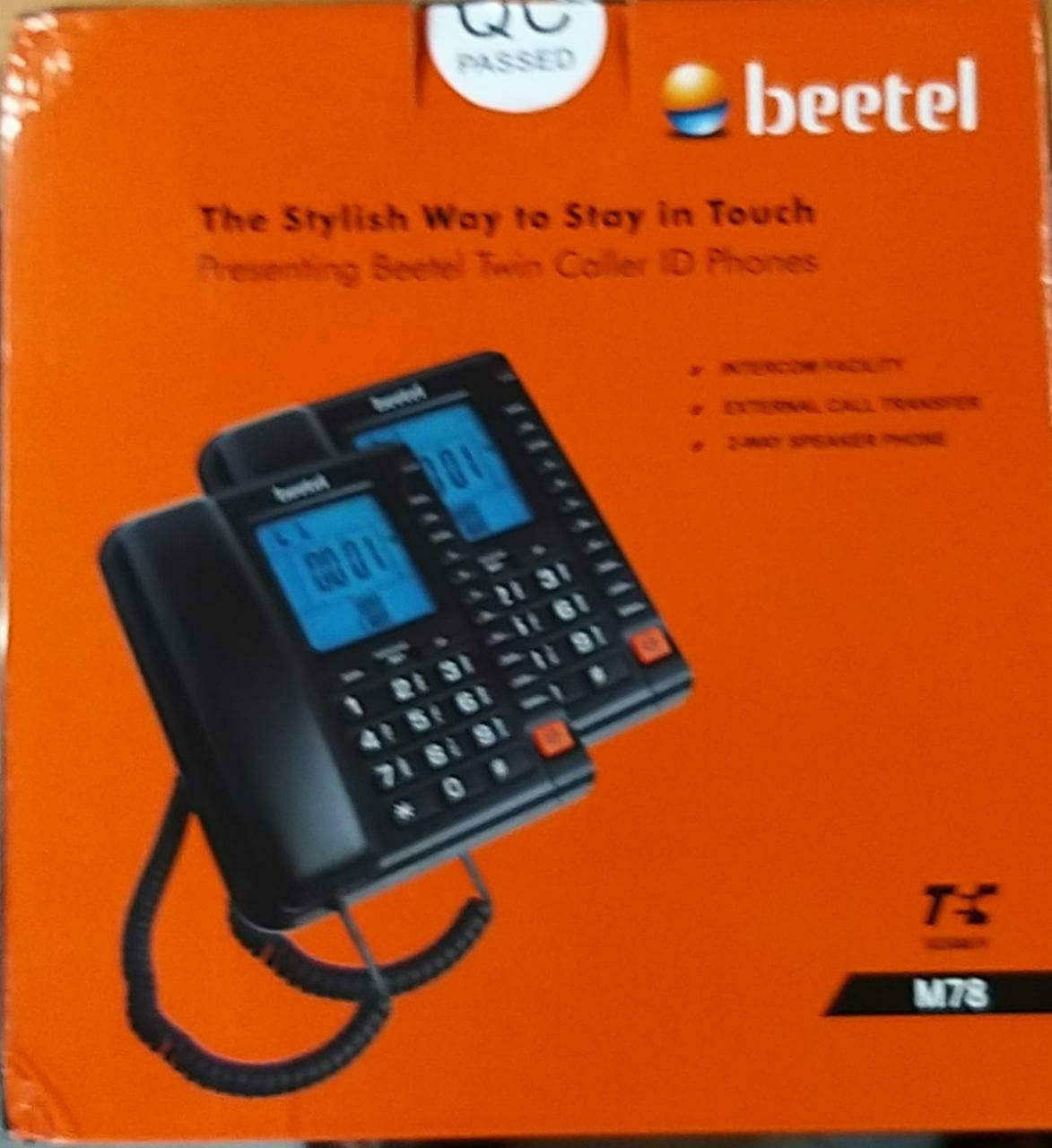
ചിത്ര വിവരണം: ഒരു മുന്നണി view of the Beetel M78 Corded Feature Phone, showcasing its black design, keypad, and LCD display. The handset is connected to the base unit via a coiled cord.
പ്രധാന സവിശേഷതകൾ:
- Intercom facility between two phones
- Phone transfer facility from phone 1 to phone 2 and vice versa
- Dual mode FSK/DTMF Caller Line Identification (CLI) compatible
- Two-way speakerphone for hands-free communication
- 3 one-touch memory buttons (M, M2, and M3)
- Auto add '0' in phone back
- 28 incoming phone memory

ചിത്ര വിവരണം: The back of the Beetel M78 phone packaging, detailing key features such as intercom, call transfer, caller ID with 16-digit LCD, two-way speakerphones, and one-touch memory.
4. സജ്ജീകരണം
Follow these steps to set up your Beetel M78 Corded Feature Phone:
- ഹാൻഡ്സെറ്റ് ബന്ധിപ്പിക്കുക: Plug one end of the coiled cord into the handset and the other end into the designated handset jack on the phone base unit.
- ഫോൺ ലൈൻ ബന്ധിപ്പിക്കുക: Plug one end of the line cord into the LINE jack on the phone base unit and the other end into your telephone wall jack.
- പവർ അഡാപ്റ്റർ ബന്ധിപ്പിക്കുക: Insert the small plug of the power adapter into the DC IN jack on the phone base unit. Plug the other end of the power adapter into a standard electrical outlet.
- പ്രാരംഭ പരിശോധന: Lift the handset. You should hear a dial tone. If not, recheck all connections.
5. പ്രവർത്തന നിർദ്ദേശങ്ങൾ
5.1. അടിസ്ഥാന കോൾ പ്രവർത്തനങ്ങൾ
- ഒരു കോൾ ചെയ്യുന്നു: Lift the handset or press the SPEAKER button, then dial the desired number.
- ഒരു കോൾ സ്വീകരിക്കുന്നു: When the phone rings, lift the handset or press the SPEAKER button to answer.
- ഒരു കോൾ അവസാനിപ്പിക്കുന്നു: Place the handset back on the cradle or press the SPEAKER button again if using hands-free.
5.2. Intercom Facility
The M78 supports intercom communication between two connected phone units. This is ideal for internal communication within offices or large homes.
- To initiate an intercom call, refer to the specific intercom button or dialing sequence outlined in the quick start guide included with your product.
5.3. കോൾ ട്രാൻസ്ഫർ
You can transfer an active call from one M78 phone unit to another connected M78 unit.
- During an active call, follow the specific call transfer procedure detailed in your quick start guide. This typically involves pressing a transfer button and dialing the extension of the other phone.
5.4. Two-Way Speakerphone
The two-way speakerphone allows for hands-free conversations.
- അമർത്തുക സ്പീക്കർ button to activate the speakerphone during a call or to make a call without lifting the handset.
- അമർത്തുക സ്പീക്കർ button again to end the call or switch back to the handset.
5.5. One-Touch Memory (M, M2, M3)
Store frequently dialed numbers for quick access.
- പ്രോഗ്രാമിലേക്ക്: Refer to your quick start guide for the exact steps to store numbers under the M, M2, and M3 buttons. This usually involves entering the number, pressing a memory button, and then pressing the desired one-touch memory key.
- ഉപയോഗിക്കുന്നതിന്: Lift the handset or press SPEAKER, then press the desired one-touch memory button (M, M2, or M3) to dial the stored number.
5.6. Caller Line Identification (CLI)
The phone is compatible with FSK/DTMF dual-mode CLI, displaying the caller's number (if available and subscribed to the service).
- Incoming call details are displayed on the LCD screen.
- The phone stores up to 28 incoming call records. Use the navigation buttons to scroll through the call history.
5.7. Auto Add '0' in Phone Back
This feature automatically adds a '0' prefix when redialing certain numbers from the call log, which can be useful for specific dialing requirements.
6. പരിപാലനം
To ensure the longevity and optimal performance of your Beetel M78 phone, follow these maintenance guidelines:
- വൃത്തിയാക്കൽ: ഫോണിന്റെ പ്രതലം മൃദുവായ, ഡി-ടച്ച് ഉപയോഗിച്ച് തുടയ്ക്കുക.amp തുണി. ഉരച്ചിലുകളുള്ള ക്ലീനറുകളോ ലായകങ്ങളോ ഉപയോഗിക്കരുത്.
- പരിസ്ഥിതി: Keep the phone away from direct sunlight, excessive heat, moisture, and dust.
- കൈകാര്യം ചെയ്യൽ: ഫോൺ താഴെയിടുകയോ ശക്തമായ ആഘാതങ്ങൾക്ക് വിധേയമാക്കുകയോ ചെയ്യുന്നത് ഒഴിവാക്കുക.
- ചരടുകൾ: Ensure all cords are not tangled or pinched, which can cause damage.
7. പ്രശ്നപരിഹാരം
If you encounter issues with your Beetel M78 phone, refer to the following common problems and solutions:
| പ്രശ്നം | സാധ്യമായ കാരണം | പരിഹാരം |
|---|---|---|
| ഡയൽ ടോൺ ഇല്ല | ഫോൺ ലൈൻ ശരിയായി ബന്ധിപ്പിച്ചിട്ടില്ല അല്ലെങ്കിൽ സർവീസ് പ്രശ്നം. | Check the phone line connection to the wall jack and the phone base. Test with another phone if possible to rule out service issues. |
| LCD-യിൽ ഡിസ്പ്ലേ ഇല്ല | പവർ അഡാപ്റ്റർ കണക്റ്റുചെയ്തിട്ടില്ല അല്ലെങ്കിൽ പവർ ഇല്ലtage. | Ensure the power adapter is securely plugged into the phone and a working electrical outlet. Note that during a power outage, the display and certain features may not function as the phone does not have internal battery backup. |
| Caller ID not showing | Caller ID service not subscribed or not enabled. | നിങ്ങളുടെ ലൈനിൽ കോളർ ഐഡി സേവനം സജീവമാണെന്ന് ഉറപ്പാക്കാൻ നിങ്ങളുടെ ടെലിഫോൺ സേവന ദാതാവിനെ ബന്ധപ്പെടുക. |
| വിളിക്കുന്നയാൾക്ക് കേൾക്കാൻ കഴിയുന്നില്ല / വിളിക്കുന്നയാൾക്ക് എന്നെ കേൾക്കാൻ കഴിയുന്നില്ല. | Handset or speaker volume too low, or faulty cord. | Adjust the volume. Check the coiled cord connection to the handset and base. Replace the cord if necessary. |
| Memory dialing not working | Number not programmed correctly. | Re-program the one-touch memory buttons following the instructions in Section 5.5. |
പ്രധാന കുറിപ്പ്: The Beetel M78 does not include internal battery backup. In the event of a power outage, features such as date, time, and stored call logs may reset to factory defaults.
8 സ്പെസിഫിക്കേഷനുകൾ
| ഫീച്ചർ | വിശദാംശങ്ങൾ |
|---|---|
| ബ്രാൻഡ് | ബീറ്റൽ |
| മോഡൽ | M78 |
| നിർമ്മാതാവ് | ബീറ്റൽ ടെലിടെക് ലിമിറ്റഡ് |
| ടെലിഫോൺ തരം | കോർഡഡ് |
| നിറം | കറുപ്പ് |
| ഡിസ്പ്ലേ തരം | എൽസിഡി |
| പവർ ഉറവിടം | കോർഡഡ് ഇലക്ട്രിക് |
| ബാറ്ററികൾ ഉൾപ്പെടുത്തിയിട്ടുണ്ട് | ഇല്ല |
| ബാറ്ററികൾ ആവശ്യമാണ് | ഇല്ല |
| അനുയോജ്യമായ ഉപകരണങ്ങൾ | Standard Telephone Networks |
| ഇനത്തിൻ്റെ ഭാരം | 2 കിലോ 440 ഗ്രാം |
| പാക്കേജ് അളവുകൾ | 25.8 x 24.6 x 12 സെ.മീ |
| ഉത്തരം നൽകുന്ന സിസ്റ്റം തരം | ഡിജിറ്റൽ |
| ആദ്യ തീയതി ലഭ്യമാണ് | 19 ഡിസംബർ 2012 |
9. വാറൻ്റിയും പിന്തുണയും
9.1. വാറൻ്റി വിവരങ്ങൾ
Your Beetel M78 Corded Feature Phone comes with a 12-month Beetel Warranty വാങ്ങിയ തീയതി മുതൽ. വാറന്റി തെളിവായി നിങ്ങളുടെ വാങ്ങൽ രസീത് സൂക്ഷിക്കുക.
9.2. ഉപഭോക്തൃ പിന്തുണ
For any queries, technical assistance, or warranty claims, please contact Beetel Customer Care:
- Customer Care Cell: BRIGHTSTAR TELECOMMUNICATIONS INDIA LIMITED
- ടോൾ ഫ്രീ നമ്പർ: 1800-10-23456
- ഇമെയിൽ ഐഡി: customer.care@beetel.in