
Leviton LDATA
Leviton Smart Breaker Data Hub LDATA User Manual
Model: LDATA
1. ആമുഖം
The Leviton Smart Breaker Data Hub (Model LDATA) is designed to provide seamless connectivity for your Leviton Smart Circuit Breakers. It enables the transmission of energy consumption data to the cloud via either Wi-Fi or Ethernet, allowing for advanced monitoring and control through the My Leviton app. This hub integrates with your Leviton Load Center to enhance your home's electrical system with smart capabilities.

Image 1.1: The Leviton Smart Breaker Data Hub (LDATA) connected to a Leviton Load Center.
2. സജ്ജീകരണവും ഇൻസ്റ്റാളേഷനും
Installation of the LDATA Smart Breaker Data Hub should be performed by a licensed electrician to ensure safety and proper functionality. The hub is designed for easy integration with Leviton Load Centers.
2.1 പ്രൊഫഷണൽ ഇൻസ്റ്റാളേഷൻ
The LDATA hub requires connection to your electrical panel. Due to the nature of electrical work, it is imperative that installation is carried out by a qualified and licensed electrician. This ensures compliance with local electrical codes and guarantees the safety of your electrical system.
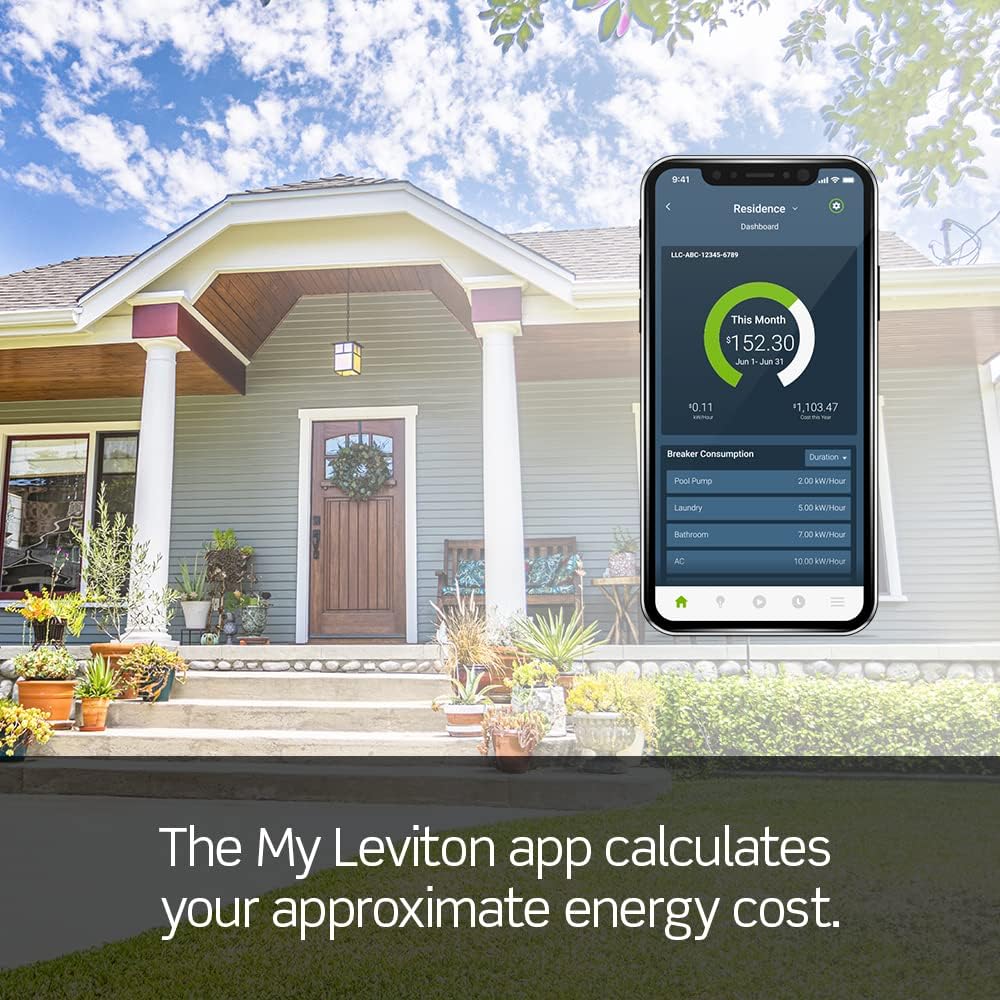
Image 2.1: Illustration of the LDATA hub being installed, emphasizing professional handling.
2.2 കണക്റ്റിവിറ്റി ഓപ്ഷനുകൾ
The LDATA hub offers flexible connectivity to your home network:
- വൈഫൈ: Connects wirelessly to your router for convenient placement.
- ഇഥർനെറ്റ്: Provides a stable, wired connection to your router for enhanced reliability.
2.3 My Leviton App Setup
Once the LDATA hub is physically installed and powered, download the My Leviton app from your device's app store. Follow the in-app instructions to pair your LDATA hub and Leviton Smart Circuit Breakers. This process typically involves:
- Creating a My Leviton account or logging in.
- Adding a new device and selecting the LDATA hub.
- Following prompts to connect the hub to your Wi-Fi or Ethernet network.
- Discovering and adding your Leviton Smart Circuit Breakers.

Image 2.2: Screenshot of the My Leviton app interface for device management.
3. Operating the Smart Breaker Data Hub
The LDATA hub, in conjunction with Leviton Smart Circuit Breakers and the My Leviton app, provides comprehensive control and monitoring of your home's electrical system.
3.1 Energy Monitoring and Analytics
The hub collects energy consumption data from connected smart circuit breakers and sends it to the cloud. The My Leviton app then processes this data to provide:
- Real-time energy usage insights.
- Historical trend data for energy consumption.
- Estimated energy cost calculations.

Image 3.1: My Leviton app displaying energy consumption trends.
3.2 Remote Control and Alerts
Through the My Leviton app, you can:
- Remotely trip (turn off) and reset (turn on) individual smart circuit breakers.
- Receive alerts regarding system status, such as tripped breakers or unusual energy patterns.
- Set up custom alerts for specific appliances, for example, to notify you if an appliance has been ON or OFF for a specified duration.
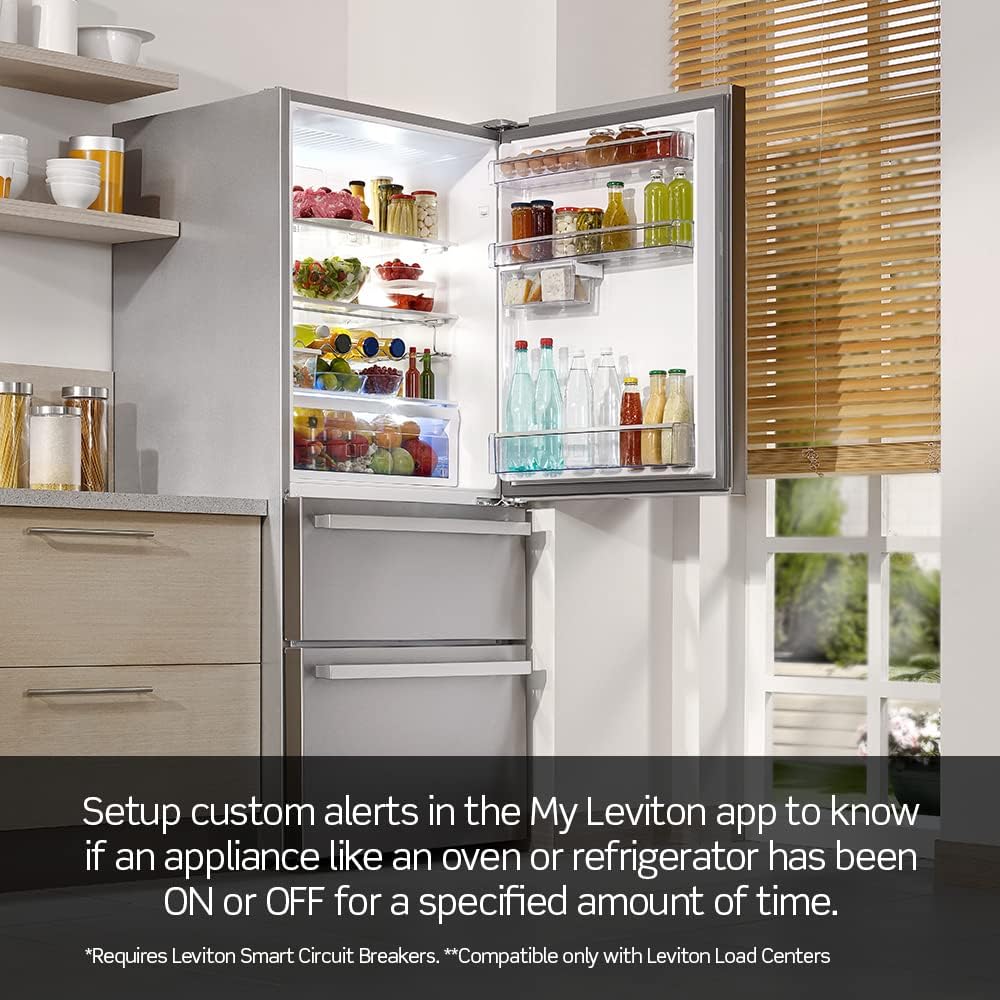
Image 3.2: My Leviton app demonstrating custom alerts for appliance status.
3.3 സിസ്റ്റം കഴിഞ്ഞുview
The Leviton Load Center, equipped with the LDATA hub and smart circuit breakers, provides a modern aesthetic with intuitive LED diagnostics on the breakers themselves, indicating their operational status at a glance.

ചിത്രം 3.3: ആന്തരികം view of a Leviton Load Center showing smart circuit breakers and the LDATA hub connection.
4. പരിപാലനം
The Leviton Smart Breaker Data Hub is designed for minimal maintenance. Follow these general guidelines to ensure its longevity and optimal performance:
- വൃത്തിയാക്കൽ: Periodically wipe the exterior of the hub with a soft, dry cloth. Do not use harsh chemicals, abrasive cleaners, or solvents.
- പരിസ്ഥിതി: Ensure the hub is installed in a dry environment, free from excessive dust, moisture, and extreme temperatures.
- ഫേംവെയർ അപ്ഡേറ്റുകൾ: The My Leviton app will notify you of any available firmware updates for the LDATA hub. It is recommended to install these updates to ensure the best performance, security, and access to new features.
- പ്രൊഫഷണൽ പരിശോധന: Regular electrical system inspections by a licensed electrician are recommended, which would include checking the hub's connections.
5. പ്രശ്നപരിഹാരം
If you encounter issues with your LDATA Smart Breaker Data Hub, refer to the following common troubleshooting steps:
| പ്രശ്നം | സാധ്യമായ കാരണം | പരിഹാരം |
|---|---|---|
| ഹബ് നെറ്റ്വർക്കിലേക്ക് കണക്റ്റുചെയ്യുന്നില്ല | Incorrect Wi-Fi password, out of range, Ethernet cable disconnected, router issue. | Verify Wi-Fi password. Move hub closer to router or use Ethernet. Check Ethernet cable connection. Restart router. |
| No data in My Leviton app | Hub not connected, smart breakers not paired, app not updated. | Ensure hub is online. Confirm smart breakers are correctly paired in the app. Update My Leviton app to the latest version. |
| റിമോട്ട് കൺട്രോൾ പ്രവർത്തിക്കുന്നില്ല | No internet connection, hub offline, smart breaker issue. | Check internet connectivity. Verify hub status in the app. Ensure smart breaker is functioning correctly. |
| Hub LED indicator is off or blinking incorrectly | No power, internal error, network issue. | Check power supply to the hub. Refer to the My Leviton app for diagnostic information. If persistent, contact Leviton support. |
For more detailed troubleshooting or issues not covered here, please refer to the official Leviton support resources.
6 സ്പെസിഫിക്കേഷനുകൾ
Technical specifications for the Leviton Smart Breaker Data Hub (LDATA):
| ഫീച്ചർ | വിശദാംശങ്ങൾ |
|---|---|
| നിർമ്മാതാവ് | ലെവിറ്റൺ |
| ഭാഗം നമ്പർ | LDATA |
| നിറം | വെള്ള |
| ഇനത്തിൻ്റെ പാക്കേജ് അളവ് | 1 |
| പ്ലഗ് പ്രോfile | മതിൽ മൗണ്ട് |
| ഘടകങ്ങൾ ഉൾപ്പെടുത്തിയിട്ടുണ്ട് | ഉപകരണം |
| ബാറ്ററികൾ ആവശ്യമാണ് | ഇല്ല |
| ബാറ്ററികൾ ഉൾപ്പെടുത്തിയിട്ടുണ്ട് | ഇല്ല |
| നീളം | 3 ഇഞ്ച് (7.62 സെ.മീ) |
| വീതി | 1.25 ഇഞ്ച് (3.18 സെ.മീ) |
| ഉയരം | 4.5 ഇഞ്ച് (11.43 സെ.മീ) |
| ഉൽപ്പന്ന അളവുകൾ | 7.62 x 3.18 x 11.43 സെ.മീ; 0.28 ഗ്രാം |
| മോഡൽ നമ്പർ | LDATA |
| ASIN | B0843HM5W5 |
7. വാറൻ്റി വിവരങ്ങൾ
Leviton products are backed by a manufacturer's warranty. Specific warranty terms and conditions, including duration and coverage, are typically provided with the product packaging or can be found on the official Leviton webസൈറ്റ്. വാറന്റി ക്ലെയിമുകൾക്കായി നിങ്ങളുടെ വാങ്ങലിന്റെ തെളിവ് സൂക്ഷിക്കുക.
8. ഉപഭോക്തൃ പിന്തുണ
For technical assistance, product inquiries, or warranty support, please contact Leviton customer service:
- Webസൈറ്റ്: ഉദ്യോഗസ്ഥനെ സന്ദർശിക്കുക ലെവിറ്റൺ webസൈറ്റ് പതിവുചോദ്യങ്ങൾ, പിന്തുണാ രേഖകൾ, ബന്ധപ്പെടാനുള്ള വിവരങ്ങൾ എന്നിവയ്ക്കായി.
- ഫോൺ: Refer to your product packaging or the Leviton webപ്രാദേശിക ഉപഭോക്തൃ സേവന ഫോൺ നമ്പറുകൾക്കായുള്ള സൈറ്റ്.
Ask a question about this manual
Ask about setup, troubleshooting, compatibility, parts, safety, or missing instructions. Manuals+ will review the question and use this page’s manual context to help answer it.