
ആമുഖം
The Razer Viper Ultimate is a high-performance lightweight wireless gaming mouse designed for professional-grade performance. It features an ultra-fast wireless technology, a 20,000 DPI optical sensor for precise tracking, optical mouse switches for rapid actuation, and an ambidextrous design with programmable buttons. This manual provides essential information for setting up, operating, maintaining, and troubleshooting your device.
സജ്ജമാക്കുക
To begin using your Razer Viper Ultimate mouse, follow these steps for initial connection and charging.
1. പ്രാരംഭ കണക്ഷൻ
Your Razer Viper Ultimate mouse can be connected wirelessly via its USB dongle or wired using the included Speedflex cable.
- വയർലെസ് മോഡ്: Insert the USB wireless dongle into an available USB port on your computer. The mouse will automatically connect.
- വയർഡ് മോഡ്: Connect the Razer Speedflex cable to the micro-USB port on the front of the mouse and to a USB port on your computer. The mouse will function as a wired device and charge simultaneously.
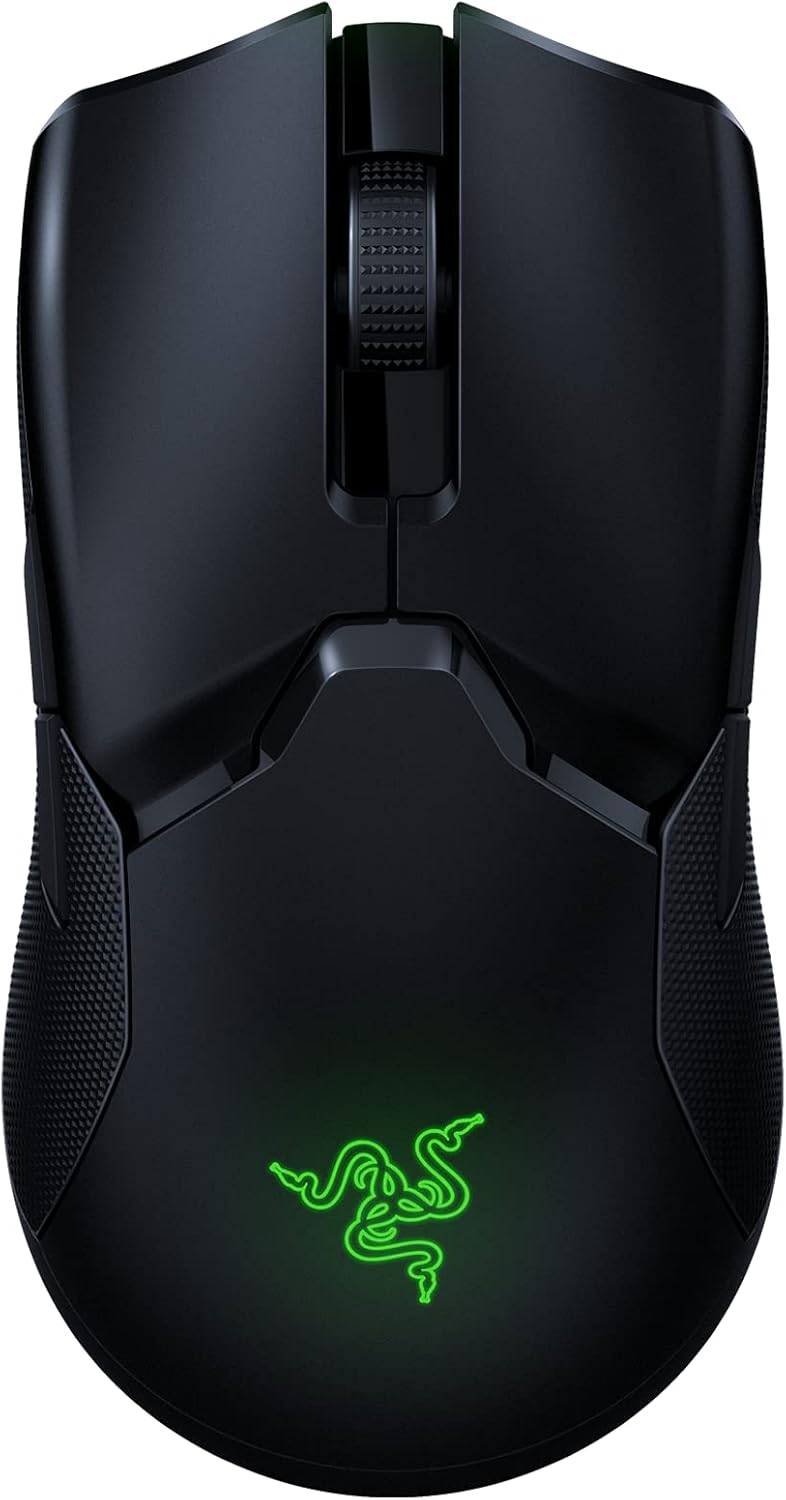
Image: Razer Viper Ultimate Lightweight Wireless Gaming Mouse in Classic Black. This image displays the sleek, ambidextrous design of the mouse.
2. മൗസ് ചാർജ് ചെയ്യുന്നു
The mouse can be charged via the Speedflex cable or an optional charging dock (if purchased separately).
- USB കേബിൾ വഴി: Connect the Speedflex cable to the mouse and your computer. The mouse will charge while in use or standby.
- Via Charging Dock: Place the mouse onto the Razer charging dock, ensuring the charging contacts align. The dock will indicate charging status.
Video: An unboxing and setup guide for the Razer Viper Ultimate. This video demonstrates how to connect the wireless dongle and charge the mouse.
വീഡിയോ: വീണ്ടുംview highlighting the features and setup of the Razer Viper Ultimate. This video shows the mouse components and initial connection process.
3. Razer Synapse 3 Software
For full customization of your mouse's settings, including DPI, button assignments, and Chroma lighting, download and install Razer Synapse 3 from the official Razer webസൈറ്റ്. ഈ സോഫ്റ്റ്വെയർ വിൻഡോസ് ഓപ്പറേറ്റിംഗ് സിസ്റ്റങ്ങളുമായി പൊരുത്തപ്പെടുന്നു.
മൗസ് പ്രവർത്തിപ്പിക്കൽ
The Razer Viper Ultimate is engineered for high-performance gaming with several key features.
1 പ്രധാന സവിശേഷതകൾ
- ഭാരം കുറഞ്ഞ ഡിസൈൻ: Weighing only 74g, the mouse offers effortless control and swift movements.
- Razer HyperSpeed Wireless: Experience ultra-low latency and interference reduction for true wireless freedom.
- 20K DPI Optical Sensor: The Focus+ optical sensor provides industry-leading 99.6% resolution accuracy for precise tracking.
- Optical Mouse Switches: Actuate button presses at the speed of light for rapid response and enhanced durability.
- 8 പ്രോഗ്രാം ചെയ്യാവുന്ന ബട്ടണുകൾ: Customize buttons for complex macro functions via Razer Synapse 3.
- അംബിഡെക്സ്ട്രസ് ഡിസൈൻ: Suitable for both left and right-handed users with accessible buttons on both sides.
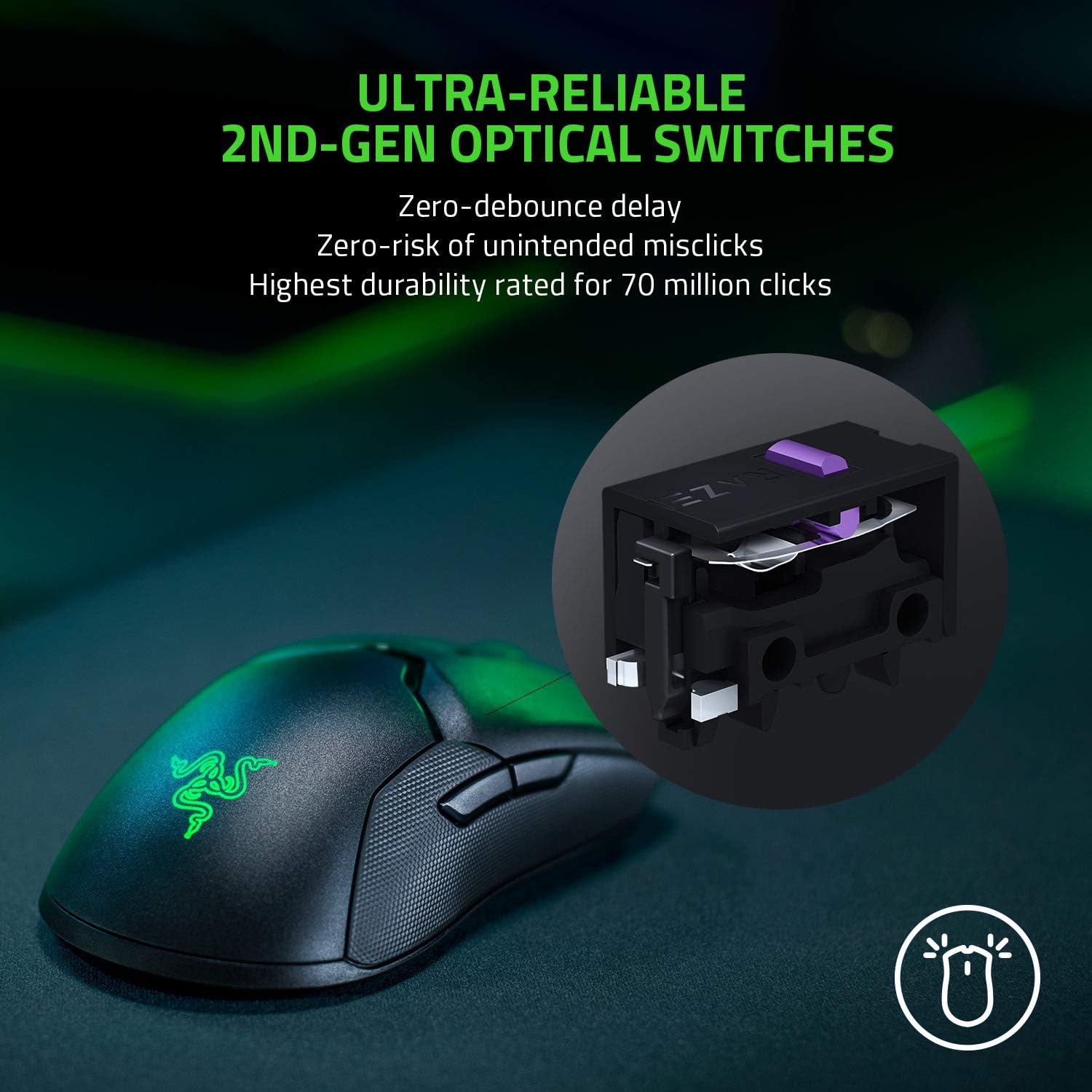
Image: Ultra-Reliable 2nd-Gen Optical Switches. This image illustrates the internal optical switch mechanism, emphasizing zero-debounce delay and high durability.

Image: Fastest Wireless Technology. This image highlights the mouse's wireless capabilities, noting it's 3x faster than competitors with up to 70 hours of gameplay.

Image: Ultra-Responsive Intelligent Sensor. This image shows the optical sensor's precision, with 99.6% resolution accuracy and customizable lift-off distance.
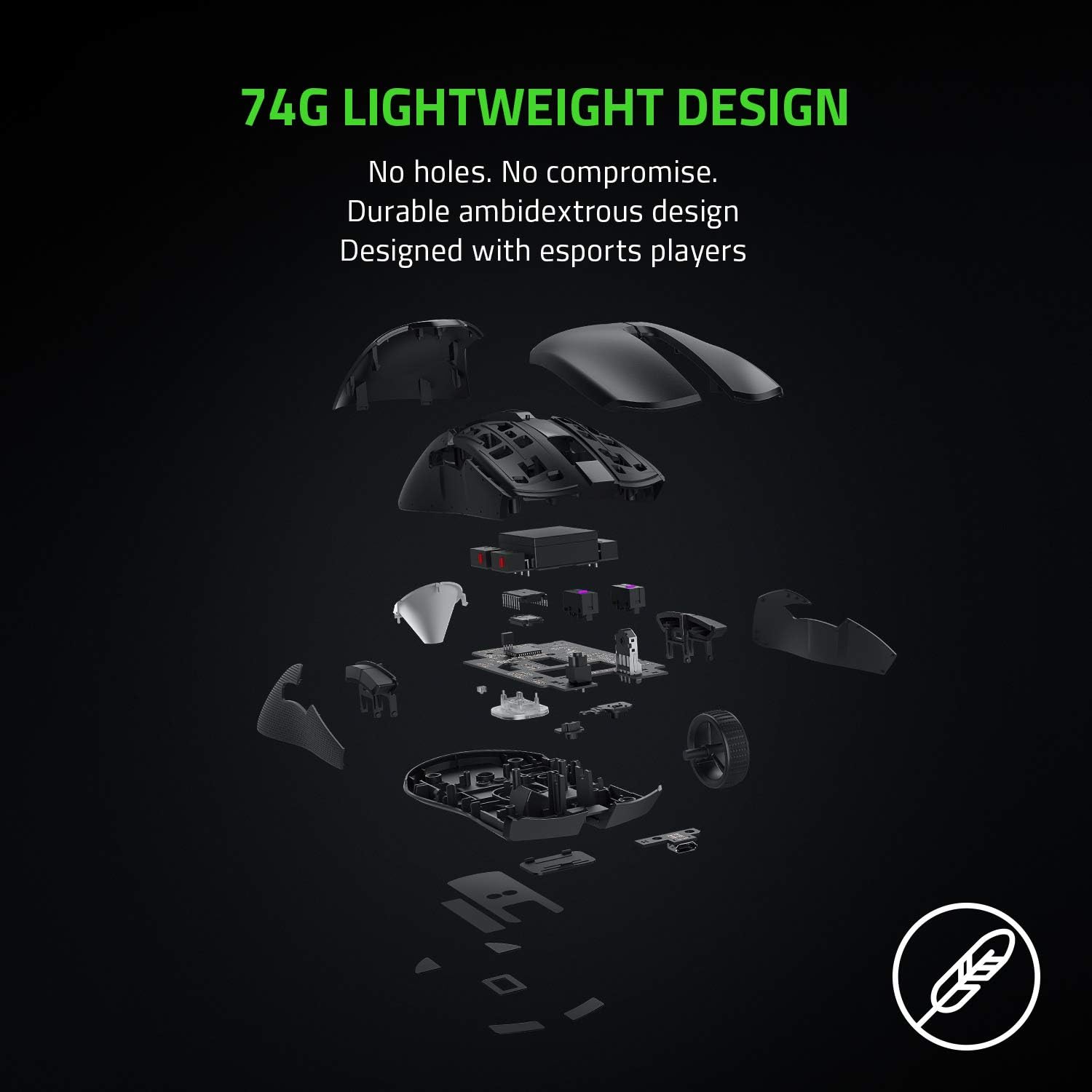
Image: 74g Lightweight Design. An exploded view of the mouse components demonstrates its lightweight and durable ambidextrous design without drilled holes.
2. ഡിപിഐ ക്രമീകരണം
The DPI (Dots Per Inch) sensitivity can be adjusted using the dedicated button located on the underside of the mouse. You can cycle through pre-set DPI stages or customize them further using Razer Synapse 3.
വീഡിയോ: വിശദമായ ഒരു അവലോകനംview of the Razer Viper Ultimate, showcasing its features and performance during gameplay. This video provides insights into the mouse's responsiveness and design.
മെയിൻ്റനൻസ്
To ensure the longevity and optimal performance of your Razer Viper Ultimate mouse, follow these maintenance guidelines:
- വൃത്തിയാക്കൽ: മൃദുവായ, ലിൻ്റ് രഹിത തുണി ഉപയോഗിക്കുകampened with water to clean the mouse surface. Avoid harsh chemicals or abrasive materials.
- സെൻസർ പരിചരണം: Keep the optical sensor on the underside of the mouse clean and free from dust or debris. Use a cotton swab with a small amount of rubbing alcohol if necessary.
- ബാറ്ററി ദീർഘായുസ്സ്: Avoid fully discharging the battery frequently. For best results, charge the mouse regularly, especially after long gaming sessions.
ട്രബിൾഷൂട്ടിംഗ്
If you encounter any issues with your Razer Viper Ultimate mouse, try the following steps:
- ബന്ധമില്ല: Ensure the USB wireless dongle is securely plugged into your computer. If using wired mode, check the micro-USB cable connection. Try a different USB port.
- Lag or Disconnects: Ensure the mouse is fully charged. Move the USB wireless dongle closer to the mouse or away from other wireless devices to reduce interference.
- DPI Issues: Verify that Razer Synapse 3 is installed and updated. Check your custom DPI settings within the software.
- Software Not Recognizing Mouse: Reinstall Razer Synapse 3. Ensure your operating system is up to date.
സ്പെസിഫിക്കേഷനുകൾ
| ഫീച്ചർ | വിശദാംശങ്ങൾ |
|---|---|
| ബ്രാൻഡ് | റേസർ |
| മോഡലിൻ്റെ പേര് | വൈപ്പർ അൾട്ടിമേറ്റ് |
| മോഡൽ നമ്പർ | RZ01-03050200-R3U1 |
| നിറം | ക്ലാസിക് ബ്ലാക്ക് |
| കണക്റ്റിവിറ്റി ടെക്നോളജി | 2.4 GHz Wireless, USB |
| മൂവ്മെന്റ് ഡിറ്റക്ഷൻ ടെക്നോളജി | ഒപ്റ്റിക്കൽ |
| Mouse Maximum Sensitivity | 20000 Dots per Inch (DPI) |
| ബട്ടൺ അളവ് | 8 |
| കൈ ഓറിയൻ്റേഷൻ | ഉഭയകക്ഷി |
| ബാറ്ററി ശരാശരി ആയുസ്സ് | 70 മണിക്കൂർ |
| ഇനത്തിൻ്റെ ഭാരം | 0.17 പൗണ്ട് |
| ഇനത്തിൻ്റെ അളവുകൾ L x W | 4.98"ലിറ്റർ x 2.61"വാട്ട് |
| ഹാർഡ്വെയർ പ്ലാറ്റ്ഫോം | PC |
വാറൻ്റി വിവരങ്ങൾ
The Razer Viper Ultimate Lightweight Wireless Gaming Mouse comes with a 2 വർഷത്തെ നിർമ്മാതാവിന്റെ വാറന്റി. Please retain your proof of purchase for warranty claims. For detailed terms and conditions, refer to the official Razer warranty policy.
പിന്തുണ
For further assistance, technical support, or to download the latest drivers and software (Razer Synapse 3), please visit the official Razer support webസൈറ്റ്. കൂടുതൽ സഹായത്തിനായി നിങ്ങൾക്ക് പതിവുചോദ്യങ്ങളും കമ്മ്യൂണിറ്റി ഫോറങ്ങളും കണ്ടെത്താനാകും.
Official Razer Support: www.razer.com/support (ജനറൽ)