
1. ഉൽപ്പന്നം കഴിഞ്ഞുview
The ANNLOV 4.3 Inch LCD Digital Microscope is a versatile magnification tool designed for detailed observation of various objects. It features a 4.3-inch HD screen, adjustable LED illumination, and a magnification range of 50X to 1000X. This microscope is suitable for coin collecting, stamp inspection, plant observation, soldering, and educational purposes.

Image: The ANNLOV 4.3 Inch LCD Digital Microscope in use, displaying a magnified image of an insect on its screen.
2. ബോക്സിൽ എന്താണുള്ളത്?
പാക്കേജിൽ എല്ലാ ഘടകങ്ങളും ഉണ്ടെന്ന് ഉറപ്പാക്കുക:
- ANNLOV 4.3'' Digital Microscope (1 unit)
- Plastic Base (1 unit)
- Adjustable Stand (1 unit)
- USB Cables (1 unit)
- ഉപയോക്തൃ മാനുവൽ (1 യൂണിറ്റ്)

Image: All components included in the ANNLOV 4.3 Inch LCD Digital Microscope package.
3. സജ്ജീകരണ നിർദ്ദേശങ്ങൾ
- സ്റ്റാൻഡ് കൂട്ടിച്ചേർക്കുക: Attach the adjustable stand to the plastic base. Ensure it is securely fastened.
- Mount the Microscope: Carefully attach the digital microscope unit to the adjustable stand. The microscope should slide into the holder and be secured with the provided knob.
- പവർ ഓൺ: Connect the microscope to a power source using the USB cable. Press and hold the power button to turn on the device.
- ഉയരം ക്രമീകരിക്കുക: Use the adjustment knob on the stand to set the desired working distance between the microscope lens and the object.
- ഫോക്കസ്: Rotate the focus wheel on the microscope body until the image on the screen is clear.
4. മൈക്രോസ്കോപ്പ് പ്രവർത്തിപ്പിക്കൽ
4.1 മാഗ്നിഫിക്കേഷൻ ക്രമീകരണം
The microscope offers a digital magnification range of 50X to 1000X. Magnification levels are adjusted by changing the distance between the lens and the object, and by using the digital zoom functions on the device. The displayed magnification corresponds to the monitor size.

Image: Visual representation of different magnification levels (10X, 500X, 1000X) on the microscope screen.
4.2 LCD സ്ക്രീൻ ഡിസ്പ്ലേ
The integrated 4.3-inch HD screen provides a direct view of the magnified object. This allows for detailed observation without the need for external displays, reducing eye strain compared to traditional microscopes.
4.3 ക്രമീകരിക്കാവുന്ന LED ലൈറ്റുകൾ
The microscope is equipped with 8 adjustable LED lights. These lights can be adjusted from dark to bright using a sliding switch, ensuring optimal illumination for clear and bright viewing of tiny details in various environments.
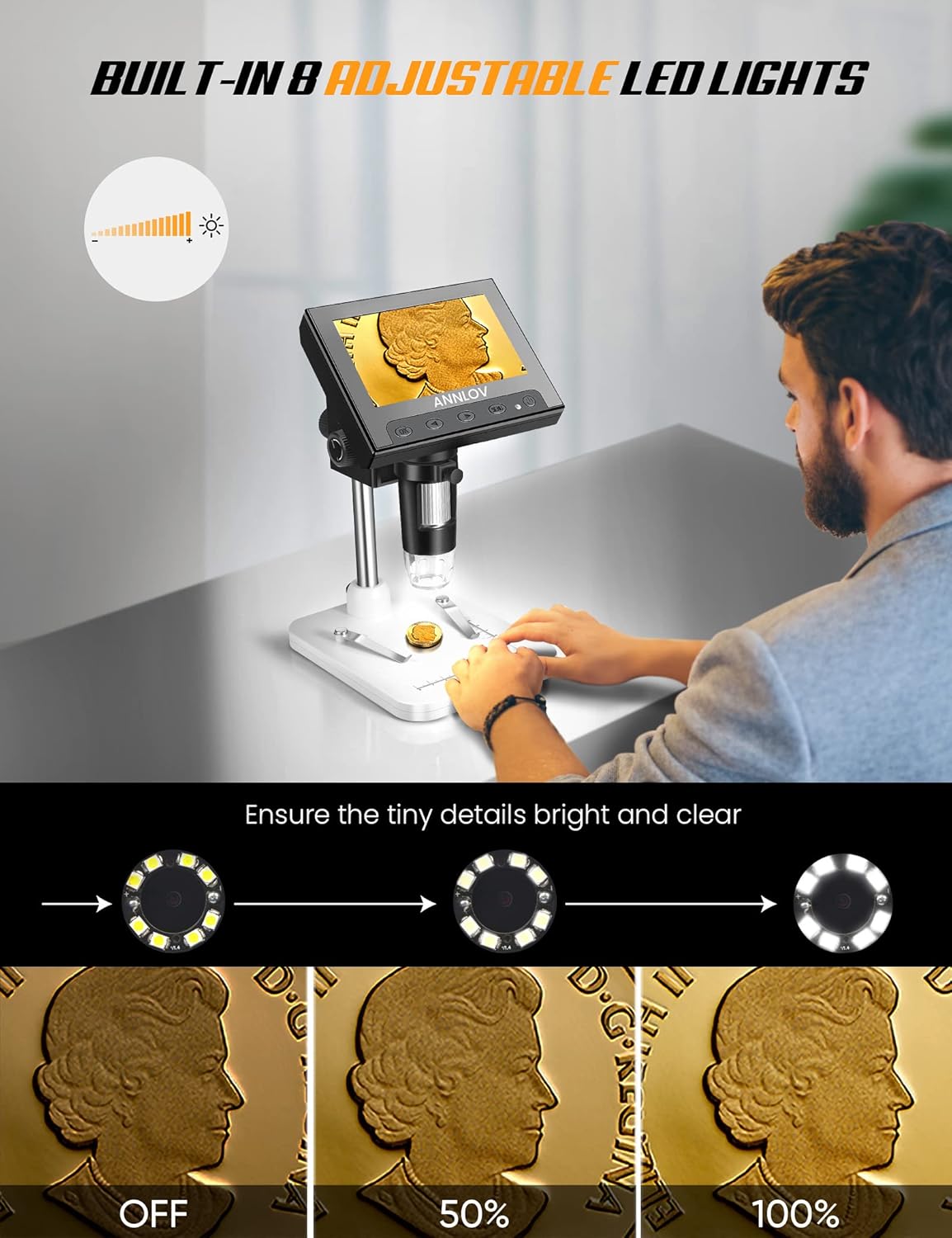
Image: Demonstration of the adjustable LED lighting feature, showing how brightness can be controlled.
4.4 PC Connection for Larger View
ഒരു വലിയതിന് viewing experience, the microscope can be connected to a PC or laptop via a USB cable. No additional software download is required for Windows systems; simply use the default 'Windows Camera' application. Note: This device is not compatible with Mac OS.

Image: The ANNLOV microscope connected to a PC for an expanded view of the magnified object.
4.5 ഫോട്ടോ, വീഡിയോ റെക്കോർഡിംഗ്
The ANNLOV digital microscope can capture both still images and record videos. This feature allows users to document their observations. A Micro SD card (up to 32GB, not included) is required to save photos and videos.
4.6 പൊതുവായ ഉപയോഗം
The microscope is suitable for a wide range of applications, including circuit board inspection, examining insects, coins, jewelry, gems, trichomes, rocks, stamps, watch/clock repair, skin detection, and educational inspection for children. It is not suitable for cellular or medical use.

Image: An individual using the microscope for coin inspection.
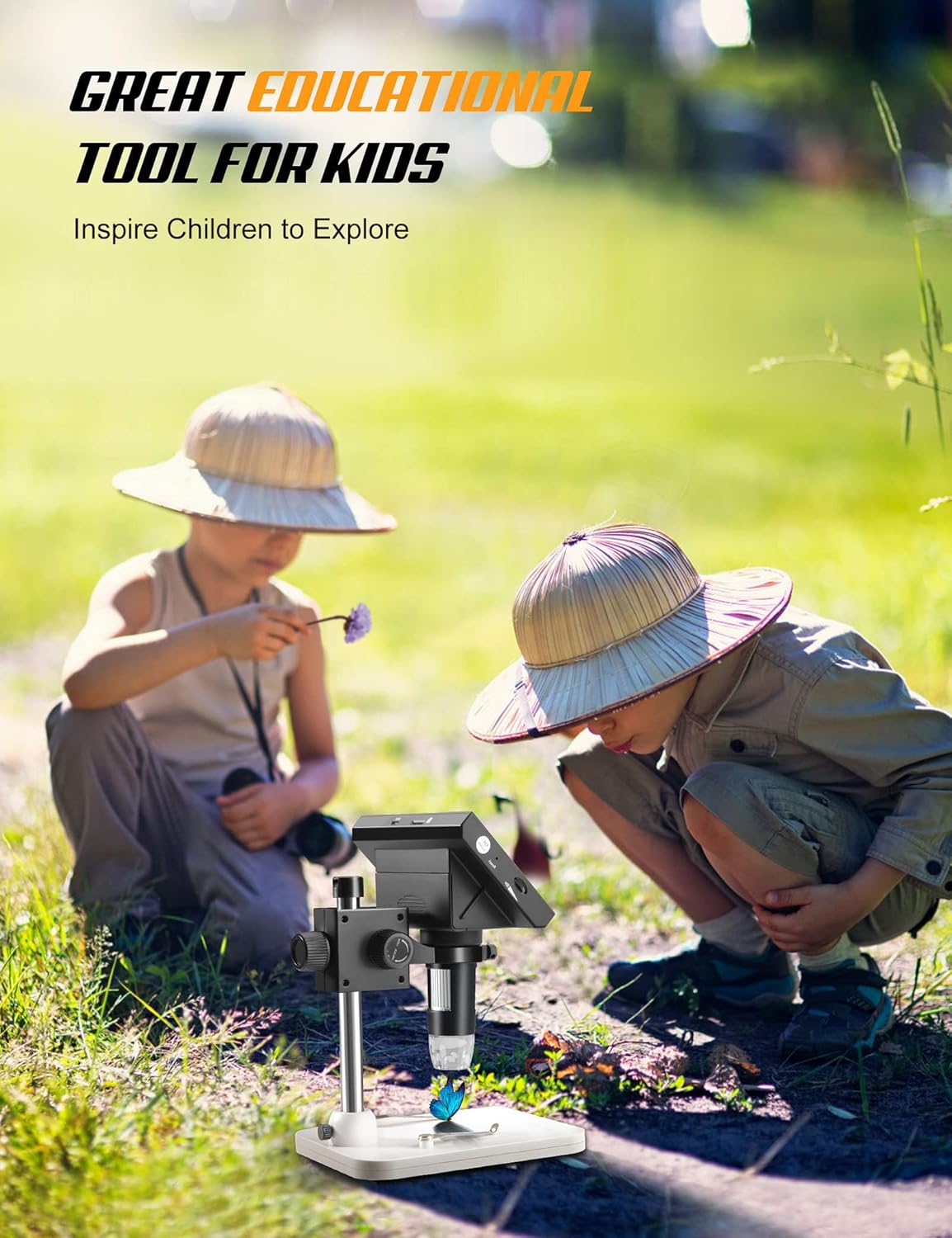
Image: Children using the microscope for educational exploration.
4.7 ഔദ്യോഗിക ഉൽപ്പന്ന വീഡിയോ
Video: An official product video demonstrating the ANNLOV LCD digital microscope's capabilities for examining plants, insects, and coins.
5. പരിപാലനം
- ലെൻസും സ്ക്രീനും വൃത്തിയാക്കൽ: Use a soft, lint-free cloth to gently clean the microscope lens and LCD screen. For stubborn smudges, a small amount of lens cleaning solution can be applied to the cloth, not directly to the lens or screen.
- സംഭരണം: Store the microscope in a dry, dust-free environment when not in use. Avoid extreme temperatures and direct sunlight.
- ബാറ്ററി കെയർ: ബാറ്ററി ലൈഫ് വർദ്ധിപ്പിക്കാൻ, ബാറ്ററി ഇടയ്ക്കിടെ പൂർണ്ണമായും ഡിസ്ചാർജ് ചെയ്യുന്നത് ഒഴിവാക്കുക. തുടർച്ചയായ ഉപയോഗത്തിലല്ലെങ്കിൽ പോലും ഉപകരണം പതിവായി ചാർജ് ചെയ്യുക.
- പൊതുവായ കൈകാര്യം ചെയ്യൽ: Handle the microscope with care to prevent drops or impacts, which could damage internal components or the screen.
6. പ്രശ്നപരിഹാരം
- ശക്തിയില്ല:
- Ensure the USB cable is securely connected to both the microscope and a power source.
- പവർ സ്രോതസ്സ് സജീവമാണെന്ന് ഉറപ്പാക്കുക.
- Charge the battery for at least 30 minutes before attempting to power on again.
- മങ്ങിയ ചിത്രം:
- Adjust the focus wheel on the microscope body until the image is clear.
- Ensure the object is within the optimal working distance from the lens.
- Clean the lens if smudges or dust are present.
- Screen Not Displaying Image (when connected to PC):
- Confirm the USB connection is stable.
- Ensure the 'Windows Camera' application (or equivalent for other compatible systems) is open and selected the microscope as the camera input.
- Remember: The device is not compatible with Mac OS.
- LED വിളക്കുകൾ പ്രവർത്തിക്കുന്നില്ല:
- Check the brightness adjustment switch to ensure it's not set to the lowest setting.
- Ensure the microscope has sufficient power.
7 സ്പെസിഫിക്കേഷനുകൾ
| ഫീച്ചർ | സ്പെസിഫിക്കേഷൻ |
|---|---|
| ബ്രാൻഡ് | അനലോവ് |
| മോഡലിൻ്റെ പേര് | AM06 |
| ഇനം മോഡൽ നമ്പർ | sdhtfgj |
| ഉൽപ്പന്ന അളവുകൾ | 6.3 x 4.72 x 8.86 ഇഞ്ച് (6.3"L x 4.72"W x 8.86"H) |
| ഇനത്തിൻ്റെ ഭാരം | 1.3 പൗണ്ട് (0.59 കിലോഗ്രാം) |
| മാഗ്നിഫിക്കേഷൻ | 50X-1000X |
| സ്ക്രീൻ വലിപ്പം | 4.3 ഇഞ്ച് |
| പ്രകാശ സ്രോതസ്സ് തരം | 8 ക്രമീകരിക്കാവുന്ന LED ലൈറ്റുകൾ |
| പവർ ഉറവിടം | 1 Lithium Ion battery (included), USB (5 Volts DC) |
| മെറ്റീരിയൽ | എബിഎസ്, മെറ്റൽ |
| നിറം | കറുപ്പ്, വെള്ളി, വെള്ള |
| പിസി സിസ്റ്റം പിന്തുണ | Windows XP, Win7, Win8.1, Win10, or higher (Not compatible with Mac OS) |
| Photo and Video Capabilities | Yes (requires Micro SD card, not included) |
8. വാറൻ്റിയും പിന്തുണയും
For warranty information, technical support, or service inquiries, please refer to the contact details provided with your product packaging or visit the official ANNLOV webസൈറ്റ്. ഏതെങ്കിലും വാറന്റി ക്ലെയിമുകൾക്ക് വാങ്ങിയതിന്റെ തെളിവായി നിങ്ങളുടെ വാങ്ങൽ രസീത് സൂക്ഷിക്കുക.