
ആമുഖം
This manual provides comprehensive instructions for the safe and efficient operation of your Prezlock Smart Fingerprint Padlock. Please read this manual thoroughly before using the device and retain it for future reference.
The Prezlock Smart Fingerprint Padlock offers a keyless biometric security solution, designed for convenience and reliability. It features a compact, rechargeable design with the ability to store multiple fingerprints and a backup shackle press pattern.
ഉൽപ്പന്നം കഴിഞ്ഞുview
ഘടകങ്ങൾ
- Prezlock Smart Fingerprint Padlock (Vivid Canary)
- മൈക്രോ യുഎസ്ബി കേബിൾ
- Resetting Tool
പ്രധാന സവിശേഷതകൾ
- Biometric Fingerprint Recognition: Unlock in less than one second.
- വിരലടയാള ശേഷി: 24 വരെ അദ്വിതീയ വിരലടയാളങ്ങൾ സംഭരിക്കുന്നു.
- Shackle Press Pattern (SPP): Alternative access method for backup.
- USB റീചാർജ് ചെയ്യാവുന്നത്: Micro-USB port for convenient charging.
- നീണ്ട ബാറ്ററി ലൈഫ്: Approximately 5000 openings per full charge (average 12 months usage).
- ഒതുക്കമുള്ളതും ഭാരം കുറഞ്ഞതുമായ ഡിസൈൻ: Easy to carry and use.

Image: The Prezlock Smart Fingerprint Padlock, showcasing its compact design and Vivid Canary color.

Image: A hand holding the compact Prezlock padlock, emphasizing its small size and the ease of using a finger for unlocking.
സജ്ജമാക്കുക
പ്രാരംഭ ചാർജിംഗ്
Before first use, fully charge the padlock using the provided Micro USB cable. Connect the cable to the padlock's charging port and a standard USB power source. The indicator light will show charging status (e.g., red for charging, off for fully charged).

Image: The Prezlock padlock with a Micro USB cable connected, demonstrating the charging process.
Registering the Master Fingerprint
- Ensure the padlock is charged.
- Press and hold the fingerprint sensor until the blue LED blinks rapidly.
- Place your chosen finger on the sensor. Lift and repeat 5-10 times, rotating your finger slightly each time to capture different angles. The LED will change color (e.g., green) to indicate successful registration.
- The first fingerprint registered will be the Master Fingerprint, which is required to add or delete other fingerprints.
അധിക വിരലടയാളങ്ങൾ ചേർക്കുന്നു
- Unlock the padlock using the Master Fingerprint.
- While unlocked, press and hold the fingerprint sensor until the blue LED blinks rapidly.
- Place the new finger on the sensor. Lift and repeat 5-10 times, rotating the finger slightly. The LED will confirm successful registration.
- Repeat for up to 23 additional fingerprints (total of 24).
Setting a Shackle Press Pattern (SPP)
The SPP is a backup method to unlock the padlock using a sequence of short and long presses on the shackle. Refer to the specific instructions provided with your product for the exact procedure, as this may vary. Generally, it involves entering a programming mode and then inputting your desired sequence.
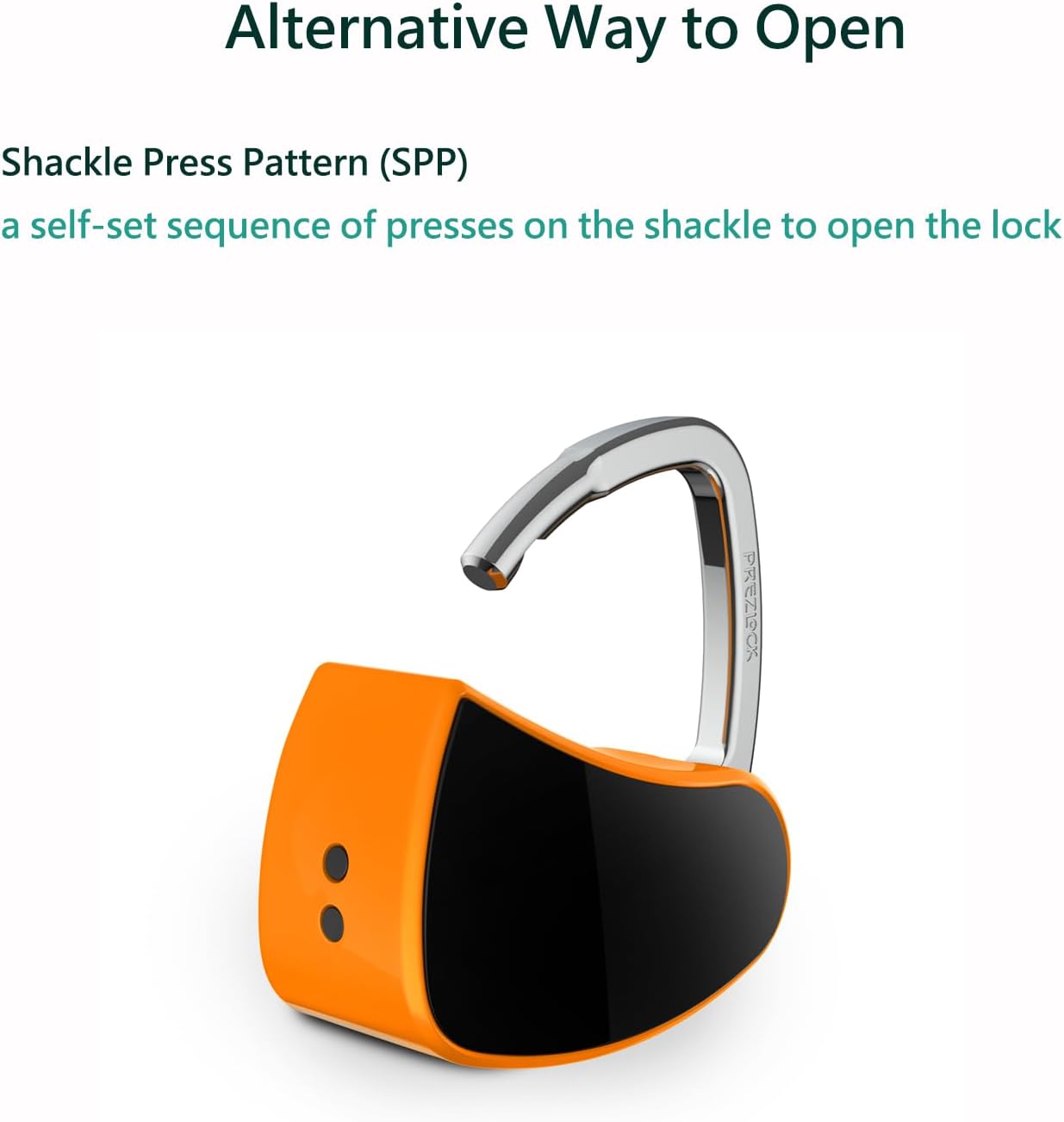
Image: The Prezlock padlock with its shackle open, indicating the alternative Shackle Press Pattern (SPP) method for unlocking.
പ്രവർത്തന നിർദ്ദേശങ്ങൾ
വിരലടയാളം ഉപയോഗിച്ച് അൺലോക്ക് ചെയ്യുന്നു
- രജിസ്റ്റർ ചെയ്ത ഒരു വിരൽ ഫിംഗർപ്രിന്റ് സെൻസറിൽ ഉറപ്പിച്ചു വയ്ക്കുക.
- The padlock will unlock in less than one second if the fingerprint is recognized.
പാഡ്ലോക്ക് ലോക്ക് ചെയ്യുന്നു
Simply push the shackle down into the lock body until it clicks into place. The padlock will automatically lock.
കുറഞ്ഞ ബാറ്ററി സൂചന
When the battery is low, the indicator light may flash a specific color (e.g., red) or the padlock may not respond as quickly. Recharge the padlock promptly.
മെയിൻ്റനൻസ്
- Keep the fingerprint sensor clean and dry. Use a soft, lint-free cloth to wipe it if necessary.
- Avoid exposing the padlock to extreme temperatures or harsh chemicals.
- Recharge the battery regularly, even if not used frequently, to maintain battery health.
- Store the padlock in a dry environment when not in use.
ട്രബിൾഷൂട്ടിംഗ്
| പ്രശ്നം | സാധ്യമായ കാരണം | പരിഹാരം |
|---|---|---|
| വിരലടയാളം ഉപയോഗിച്ച് പാഡ്ലോക്ക് അൺലോക്ക് ചെയ്യില്ല. | Fingerprint not registered or sensor is dirty. Finger is wet or damaged. കുറഞ്ഞ ബാറ്ററി. | Ensure the correct finger is used and placed properly. Clean the sensor. Try a different registered finger or use the SPP backup. Recharge the padlock. |
| Padlock does not charge. | തെറ്റായ USB കേബിൾ അല്ലെങ്കിൽ പവർ സ്രോതസ്സ്. ചാർജിംഗ് പോർട്ട് തടസ്സം. | Try a different USB cable and power adapter. Ensure the charging port is clear of debris. |
| പുതിയ വിരലടയാളങ്ങൾ രജിസ്റ്റർ ചെയ്യാൻ കഴിയില്ല. | Not using the Master Fingerprint. Maximum fingerprints reached (24). | Ensure the Master Fingerprint is used to initiate registration. Delete existing fingerprints if necessary to add new ones. |
| പാഡ്ലോക്ക് പ്രതികരിക്കുന്നില്ല. | Completely discharged battery. സിസ്റ്റം പിശക്. | Charge the padlock for at least 30 minutes. If still unresponsive, use the provided resetting tool to perform a factory reset (refer to specific instructions for your model). |
സ്പെസിഫിക്കേഷനുകൾ
- ബ്രാൻഡ്: പ്രെസ്ലോക്ക്
- മോഡലിൻ്റെ പേര്: 4897105790051
- ലോക്ക് തരം: ബയോമെട്രിക്
- അളവുകൾ (L x W x H): 1.7 x 1.7 x 0.8 ഇഞ്ച്
- മെറ്റീരിയൽ: ലോഹം
- ഇനത്തിൻ്റെ ഭാരം: 1.6 ഔൺസ് (45.36 ഗ്രാം)
- നിറം: Vivid Canary
- പ്രത്യേക സവിശേഷതകൾ: Rechargeable, Fingerprint, Compact
- ബാറ്ററി തരം: 1 ലിഥിയം പോളിമർ ബാറ്ററി (ഉൾപ്പെടുത്തിയിരിക്കുന്നു)
- ചാർജിംഗ് പോർട്ട്: മൈക്രോ യുഎസ്ബി
- നിർമ്മാതാവ്: Innova Ideas
വാറൻ്റി വിവരങ്ങൾ
For warranty details and claims, please refer to the official Prezlock webസൈറ്റിൽ ബന്ധപ്പെടുക അല്ലെങ്കിൽ ഉപഭോക്തൃ പിന്തുണയുമായി ബന്ധപ്പെടുക. വാങ്ങിയതിന്റെ തെളിവായി നിങ്ങളുടെ വാങ്ങൽ രസീത് സൂക്ഷിക്കുക.
സംരക്ഷണ പ്ലാനുകൾ പ്രത്യേകം വാങ്ങാൻ ലഭ്യമാണ്:
- 3-വർഷ സംരക്ഷണ പദ്ധതി
- 4-വർഷ സംരക്ഷണ പദ്ധതി
- കംപ്ലീറ്റ് പ്രൊട്ടക്റ്റ് (പ്രതിമാസ സബ്സ്ക്രിപ്ഷൻ)
ഉപഭോക്തൃ പിന്തുണ
If you encounter any issues or have questions not covered in this manual, please visit the official Prezlock store on Amazon or contact their customer service for assistance.
Prezlock Store: Visit the Prezlock Store on Amazon