
Monster Bluetooth Security and Anti-Loss Tracker
Monster Bluetooth Security and Anti-Loss Tracker User Manual
Model: Bluetooth Security and Anti-Loss Tracker
1. ആമുഖം
Thank you for choosing the Monster Bluetooth Security and Anti-Loss Tracker. This device is designed to help you quickly locate your valuable items such as keys, bags, wallets, and even your children's backpacks. By utilizing Bluetooth technology and a dedicated mobile application, you can monitor the proximity of your belongings within a range of up to 75 feet. This manual provides detailed instructions for setting up, operating, and maintaining your tracker to ensure optimal performance.
2 സുരക്ഷാ വിവരങ്ങൾ
- ഉപകരണം വെള്ളത്തിൽ നിന്നും അമിതമായ ഈർപ്പത്തിൽ നിന്നും അകറ്റി നിർത്തുക.
- ഉപകരണം തീവ്രമായ താപനിലയിൽ (ചൂടോ തണുപ്പോ) തുറന്നുകാട്ടരുത്.
- ഉപകരണം വേർപെടുത്താനോ പരിഷ്ക്കരിക്കാനോ ശ്രമിക്കരുത്. ഇത് വാറന്റി അസാധുവാക്കുകയും കേടുപാടുകൾക്ക് കാരണമാവുകയും ചെയ്തേക്കാം.
- ബാറ്ററികൾ കുട്ടികൾക്ക് ലഭ്യമാകാതെ സൂക്ഷിക്കുക. വിഴുങ്ങിയാൽ ഉടൻ വൈദ്യസഹായം തേടുക.
- പ്രാദേശിക നിയന്ത്രണങ്ങൾ അനുസരിച്ച് ഉപകരണവും ബാറ്ററികളും വിനിയോഗിക്കുക.
3. പാക്കേജ് ഉള്ളടക്കം
താഴെ പറയുന്ന ഇനങ്ങൾക്കായി ബോക്സ് ചെക്ക് ചെയ്യുക:
- Monster Bluetooth Security and Anti-Loss Tracker
- ഉപയോക്തൃ മാനുവൽ (ഈ പ്രമാണം)
- Pre-installed Lithium Metal Battery
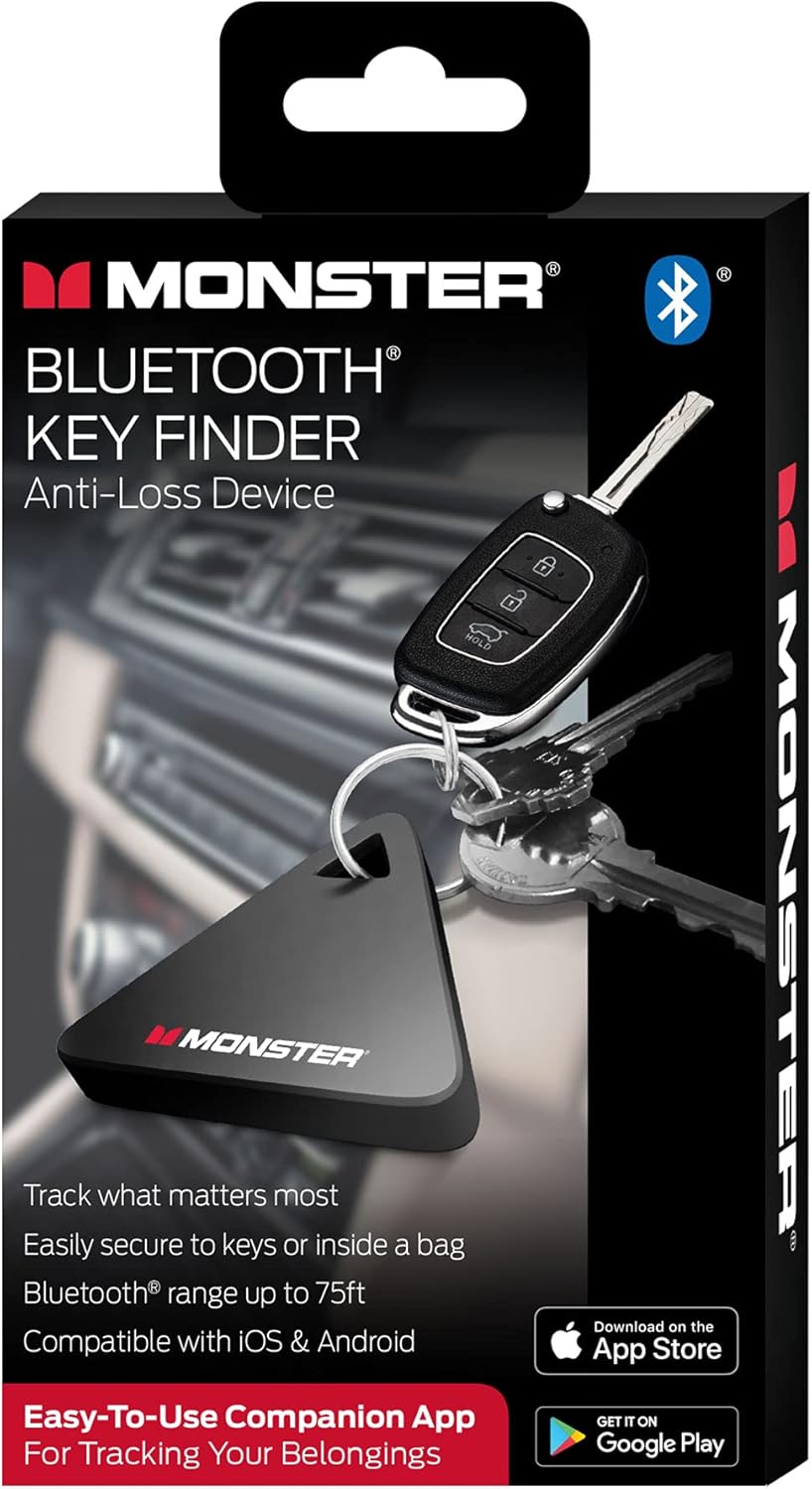
Image: The Monster Bluetooth Security and Anti-Loss Tracker shown in its retail packaging, highlighting the device and its key features.
4. ഉൽപ്പന്നം കഴിഞ്ഞുview
The Monster Bluetooth Security and Anti-Loss Tracker is a compact, triangular device designed for easy attachment to various items. It features a small loop for keyrings or lanyards and a single button for interaction. The device communicates with your smartphone or tablet via Bluetooth to provide location tracking.
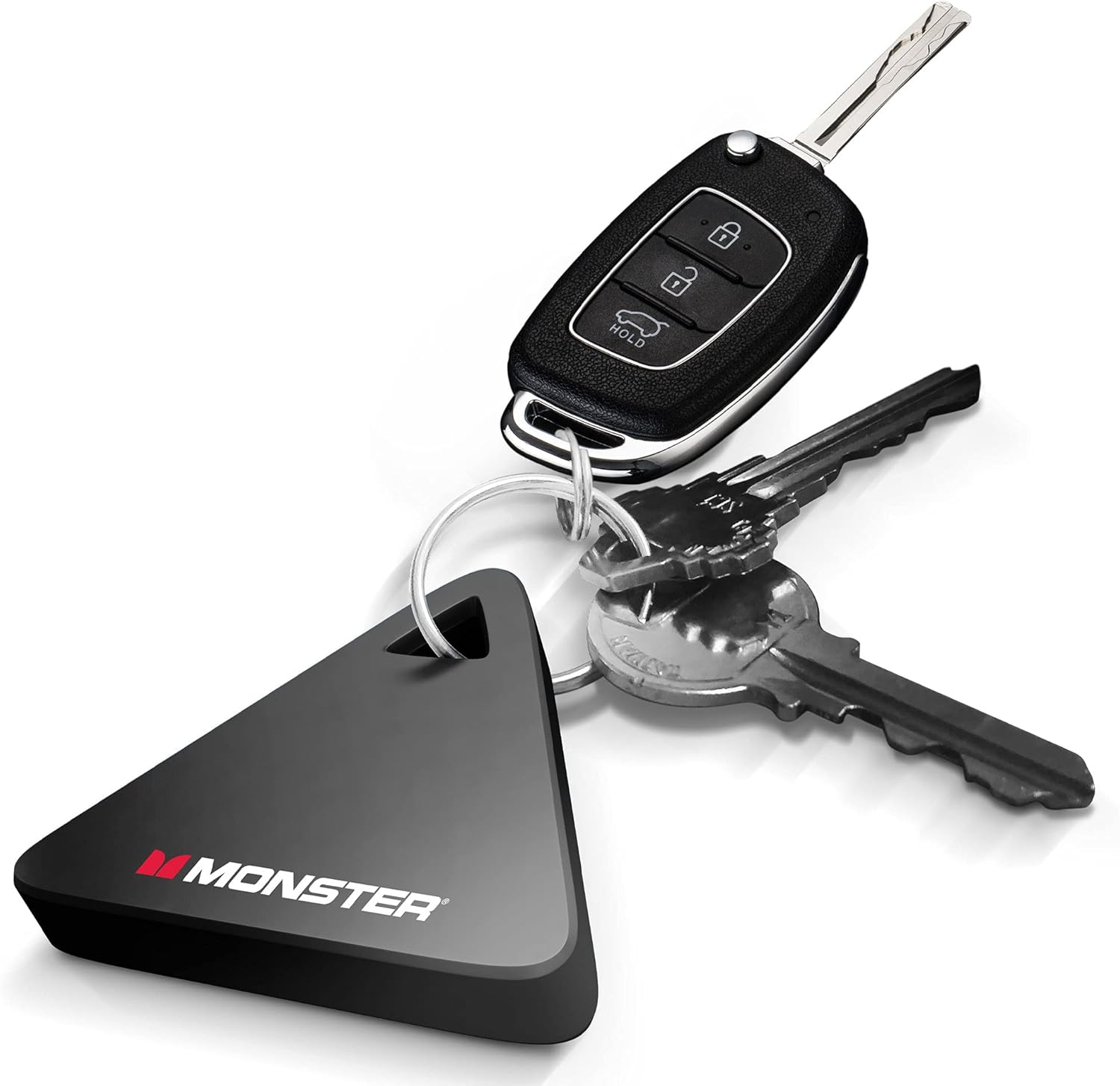
Image: The Monster Bluetooth Security and Anti-Loss Tracker, a black triangular device with the Monster logo, attached to a keyring with car keys and house keys.
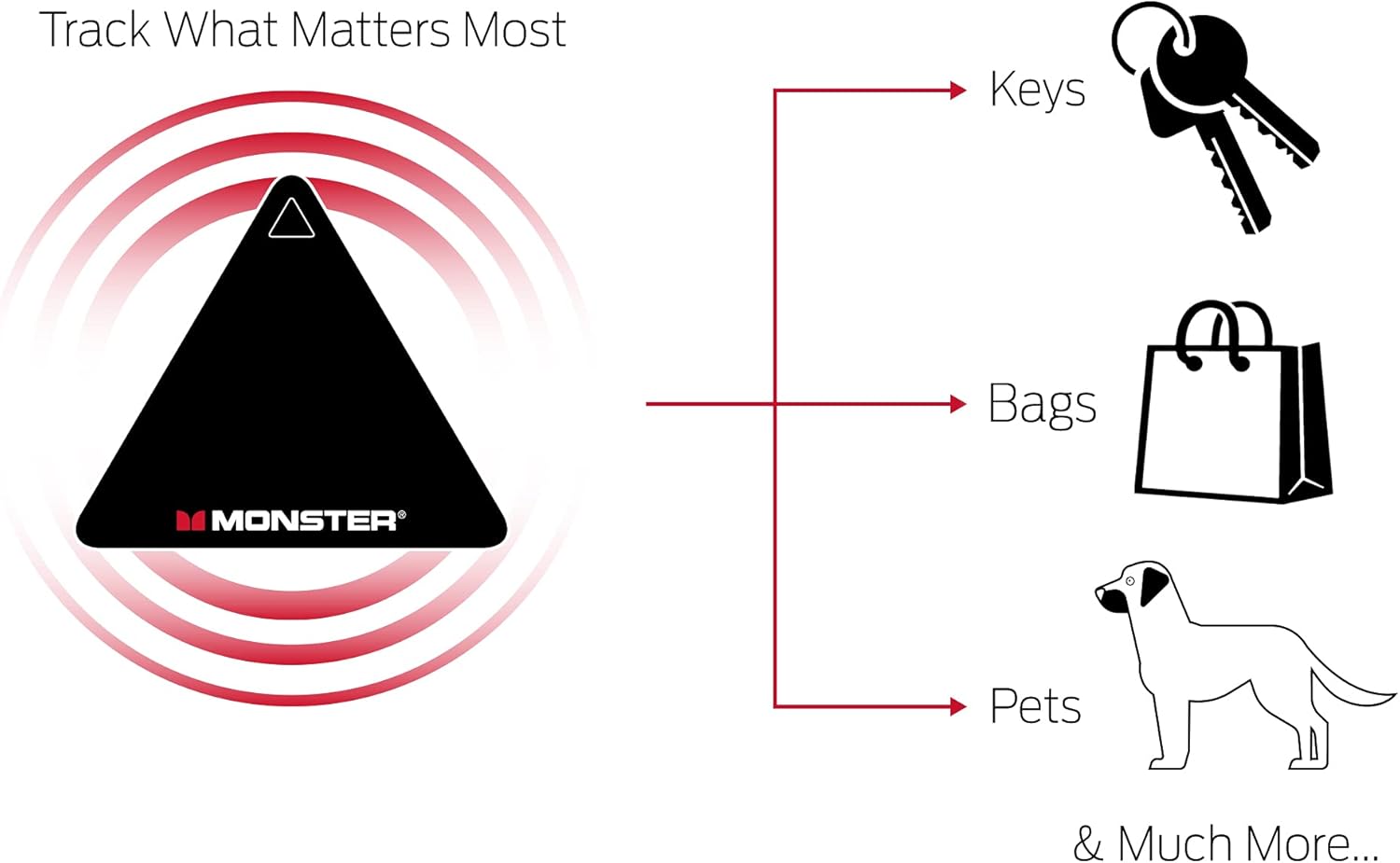
Image: A diagram illustrating the functionality of the Monster tracker, showing it can track items like bags and pets, with concentric circles indicating its signal range.
5. സജ്ജീകരണം
5.1 ആപ്പ് ഡൗൺലോഡ് ചെയ്യുക
The Monster Bluetooth Security and Anti-Loss Tracker requires the "Key Finder" app to function. This app is available for both iOS and Android devices.
- Open the App Store (for iOS) or Google Play Store (for Android) on your smartphone or tablet.
- ഇതിനായി തിരയുക "Monster Key Finder" or "Key Finder".
- Download and install the official "Key Finder" app by Monster.

Image: A hand holding a set of keys with the Monster tracker attached, with icons for downloading the "Key Finder" app from the App Store and Google Play.
5.2. Pairing the Tracker
Before pairing, ensure Bluetooth is enabled on your smartphone or tablet.
- Open the "Key Finder" app on your device.
- Follow the on-screen instructions to add a new device. This typically involves pressing and holding the button on the Monster tracker until it enters pairing mode (e.g., a beep or flashing light).
- Once detected by the app, select your tracker from the list of available devices to complete the pairing process.
- You may be prompted to name your tracker (e.g., "My Keys," "Child's Backpack").
6. പ്രവർത്തന നിർദ്ദേശങ്ങൾ
6.1. Locating Your Item
To find an item attached to your Monster tracker:
- Open the "Key Finder" app on your paired smartphone or tablet.
- Select the specific tracker you wish to locate from the list of paired devices.
- Tap the "Ring" or "Locate" button within the app. The tracker will emit an audible sound, helping you pinpoint its location.
- The app may also display a signal strength indicator, guiding you closer to the tracker.
6.2. Anti-Loss Alert (If Supported by App)
Some versions of the app may offer an anti-loss alert feature. When enabled, your phone will notify you if the tracker moves out of Bluetooth range, helping to prevent items from being left behind.
- Check the app settings for "Anti-Loss Alert" or "Out of Range Notification."
- Enable this feature to receive alerts.
7. പരിപാലനം
7.1. ബാറ്ററി മാറ്റിസ്ഥാപിക്കൽ
The Monster tracker uses a Lithium Metal battery. When the battery is low, the app may notify you, or the tracker's sound may become faint.
- Carefully open the battery compartment on the tracker (refer to the device's physical design for the exact method, often a small notch or twist-open cover).
- പഴയ ബാറ്ററി നീക്കം ചെയ്യുക.
- ശരിയായ പോളാരിറ്റി (+/-) ഉറപ്പാക്കിക്കൊണ്ട് ഒരു പുതിയ ലിഥിയം മെറ്റൽ ബാറ്ററി ഇടുക.
- ബാറ്ററി കമ്പാർട്ട്മെൻ്റ് സുരക്ഷിതമായി അടയ്ക്കുക.
- പ്രാദേശിക നിയന്ത്രണങ്ങൾ അനുസരിച്ച് പഴയ ബാറ്ററി ഉത്തരവാദിത്തത്തോടെ സംസ്കരിക്കുക.
7.2. വൃത്തിയാക്കൽ
Wipe the tracker with a soft, dry cloth. Do not use harsh chemicals or abrasive cleaners.
8. പ്രശ്നപരിഹാരം
| പ്രശ്നം | സാധ്യമായ കാരണം | പരിഹാരം |
|---|---|---|
| Tracker not pairing with app. | Bluetooth is off; Tracker battery is low; Tracker not in pairing mode; App issue. | Ensure Bluetooth is on. Replace battery. Press and hold tracker button to enter pairing mode. Restart app and phone. |
| Tracker not ringing. | Out of range; Low battery; App not connected. | Move closer to the tracker (within 75 feet). Replace battery. Check app connection status. |
| App frequently disconnects. | Interference; Low battery; App background restrictions. | Avoid strong interference sources. Replace battery. Check phone's battery optimization settings for the app. |
| Short tracking range. | Obstructions; Interference; Low battery. | Ensure clear line of sight. Move away from other electronic devices. Replace battery. |
9 സ്പെസിഫിക്കേഷനുകൾ
- മോഡൽ: Bluetooth Security and Anti-Loss Tracker
- കണക്റ്റിവിറ്റി: ബ്ലൂടൂത്ത്
- പരിധി: 75 അടി വരെ (തടസ്സമില്ലാതെ)
- ബാറ്ററി: 1 x Lithium Metal (included)
- മെറ്റീരിയൽ: പ്ലാസ്റ്റിക്
- ഇനത്തിൻ്റെ ഭാരം: ഏകദേശം 0.774 ഔൺസ്
- അളവുകൾ: ഏകദേശം 5.51 x 2.87 x 0.55 ഇഞ്ച് (പാക്കേജ് അളവുകൾ)
- അനുയോജ്യമായ ഉപകരണങ്ങൾ: Smartphones and Tablets (iOS and Android)
- നിർമ്മാതാവ്: ജെം ആക്സസറികൾ
10. വാറൻ്റിയും പിന്തുണയും
For warranty information and technical support, please refer to the documentation provided with your purchase or visit the official XTREME DIGITAL LIFESTYLE ACCESSORIES website. Please have your product model and purchase date ready when contacting support.
ഓൺലൈൻ പിന്തുണ: നിർമ്മാതാവിന്റെ webപതിവുചോദ്യങ്ങൾക്കും ബന്ധപ്പെടാനുള്ള വിവരങ്ങൾക്കുമുള്ള സൈറ്റ്.
Ask a question about this manual
Ask about setup, troubleshooting, compatibility, parts, safety, or missing instructions. Manuals+ will review the question and use this page’s manual context to help answer it.