
1. ആമുഖം
Welcome to the user manual for your new Redmi 32-inch HD Ready Smart LED TV. This guide provides essential information to help you set up, operate, and maintain your television, ensuring you get the most out of its features. Your Redmi Smart TV combines stunning visuals with smart functionalities powered by Android 11, offering a seamless entertainment experience.
Please read this manual thoroughly before using your TV and keep it for future reference.
2 സുരക്ഷാ വിവരങ്ങൾ
സുരക്ഷിതമായ പ്രവർത്തനം ഉറപ്പാക്കുന്നതിനും കേടുപാടുകൾ തടയുന്നതിനും, ദയവായി ഇനിപ്പറയുന്ന സുരക്ഷാ മുൻകരുതലുകൾ പാലിക്കുക:
- വൈദ്യുതി വിതരണം: നിർദ്ദിഷ്ട വോള്യത്തിനുള്ളിൽ ഒരു എസി പവർ സ്രോതസ്സിലേക്ക് മാത്രം ടിവി ബന്ധിപ്പിക്കുക.tagഇ ശ്രേണി.
- വെൻ്റിലേഷൻ: ടിവിക്ക് ചുറ്റും മതിയായ വായുസഞ്ചാരം ഉറപ്പാക്കുക. വെന്റിലേഷൻ ദ്വാരങ്ങൾ അടയ്ക്കരുത്.
- ജലവും ഈർപ്പവും: Do not expose the TV to rain, moisture, or excessive humidity.
- വൃത്തിയാക്കൽ: വൃത്തിയാക്കുന്നതിന് മുമ്പ് ടിവി പ്ലഗ് ഊരിയിടുക. മൃദുവായതും ഉണങ്ങിയതുമായ തുണി ഉപയോഗിക്കുക. ലിക്വിഡ് ക്ലീനറുകൾ ഒഴിവാക്കുക.
- പ്ലേസ്മെൻ്റ്: Place the TV on a stable, level surface or mount it securely to a wall. Keep it away from direct sunlight, heat sources, and strong magnetic fields.
- സേവനം: ടിവി സ്വയം സർവീസ് ചെയ്യാൻ ശ്രമിക്കരുത്. എല്ലാ സർവീസിംഗും യോഗ്യതയുള്ള ഉദ്യോഗസ്ഥർക്ക് റഫർ ചെയ്യുക.
3. പാക്കേജ് ഉള്ളടക്കം
Carefully unpack your TV and check that all the following items are included:
- Redmi 32-inch HD Ready Smart LED TV (x1)
- Table Stand Base (x2)
- വിദൂര നിയന്ത്രണം (x1)
- ഉപയോക്തൃ മാനുവൽ (x1)
- Screws for Stand Installation (x4)
4. സജ്ജീകരണം
4.1 അൺപാക്കിംഗ്
Remove the TV and all accessories from the packaging. Retain the packaging materials for future transport or servicing needs.
4.2 സ്റ്റാൻഡ് ഇൻസ്റ്റലേഷൻ
If you are placing the TV on a table, attach the two table stand bases to the bottom of the TV using the provided screws. Ensure the stands are securely fastened.

ചിത്രം: പിൻഭാഗം view of the Redmi Smart TV showing dimensions and the attached table stands. The TV measures approximately 72.97 cm (28.7 inches) wide, 43.35 cm (17 inches) high without stand, and 47.56 cm (18.7 inches) high with stand. The stand depth is 18.08 cm (7.1 inches). Weight with base is 3.92kg, without base is 3.87kg.
4.3 വാൾ മൗണ്ടിംഗ്
For wall mounting, ensure you use a VESA-compatible wall mount kit (not included) that supports a 20cm x 20cm pattern. Follow the instructions provided with your wall mount kit for safe installation.
4.4 പ്രാരംഭ പവർ ഓൺ
Connect the power cord to the TV and then to a power outlet. Press the power button on the remote control or the TV to turn it on. Follow the on-screen instructions for the initial setup, including language selection, network connection, and Google account login.
5. കണക്ഷനുകൾ
Your Redmi Smart TV offers various ports for connecting external devices and network access.
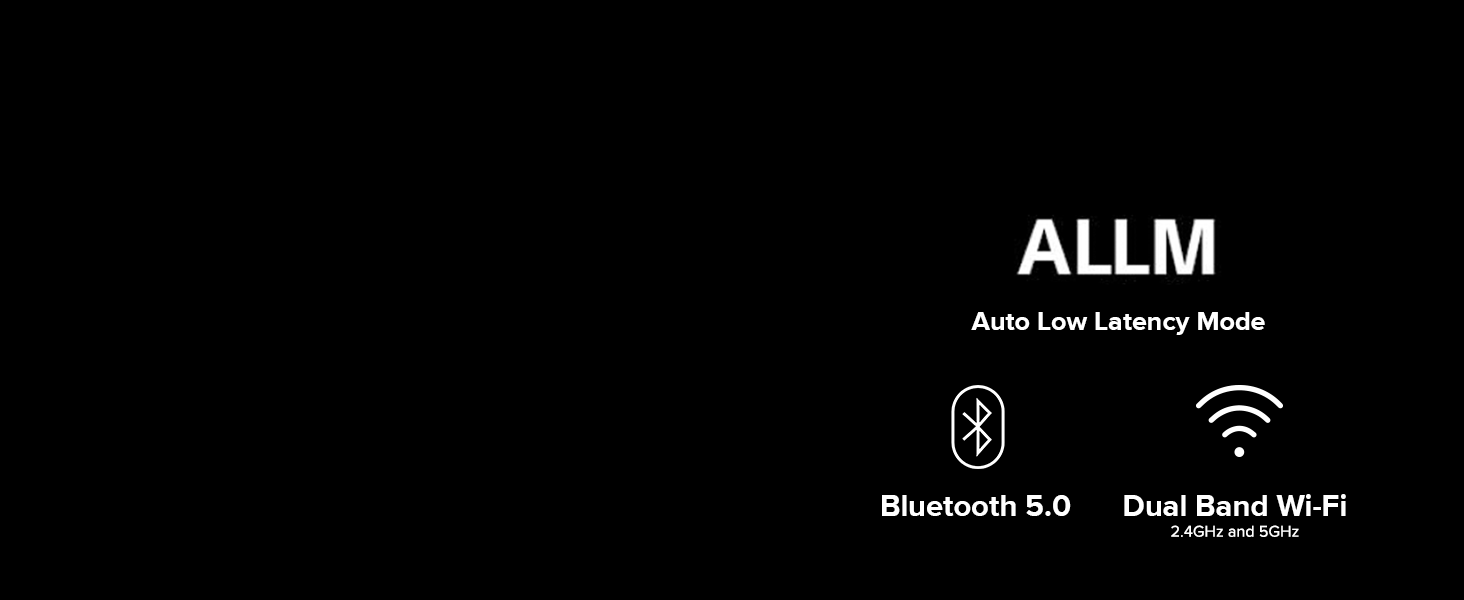
Image: A diagram illustrating the various input and output ports on the back of the Redmi Smart TV. These include Antenna, Network (Ethernet), HDMI (1 ARC, 2), Earphone (3.5mm), AV Input (R, L, Video), and USB 2.0 (1, 2).
- HDMI പോർട്ടുകൾ (x2): Connect set-top boxes, Blu-ray players, gaming consoles, and other HDMI-enabled devices. One HDMI port supports Audio Return Channel (ARC) for simplified audio connections to soundbars or AV receivers.
- USB 2.0 പോർട്ടുകൾ (x2): Connect USB storage devices for media playback or other USB accessories.
- AV ഇൻപുട്ട് (x1): കമ്പോസിറ്റ് വീഡിയോ, സ്റ്റീരിയോ ഓഡിയോ കേബിളുകൾ ഉപയോഗിച്ച് പഴയ ഉപകരണങ്ങൾ ബന്ധിപ്പിക്കുന്നതിന്.
- 3.5mm ഹെഡ്ഫോൺ ജാക്ക് (x1): ഹെഡ്ഫോണുകളോ ബാഹ്യ സ്പീക്കറുകളോ ബന്ധിപ്പിക്കുന്നതിന്.
- ഇതർനെറ്റ് പോർട്ട് (x1): സ്ഥിരമായ ഒരു വയർഡ് ഇന്റർനെറ്റ് കണക്ഷന് വേണ്ടി.
- ആന്റിന ഇൻപുട്ട് (x1): For connecting an antenna to receive terrestrial broadcast signals.
5.1 വയർലെസ് കണക്റ്റിവിറ്റി
Your TV supports advanced wireless options:
- Dual Band Wi-Fi (2.4GHz & 5GHz): ഇന്റർനെറ്റ് ആക്സസിനും സ്ട്രീമിംഗിനും നിങ്ങളുടെ ഹോം നെറ്റ്വർക്കിലേക്ക് കണക്റ്റുചെയ്യുക.
- ബ്ലൂടൂത്ത് 5.0: Pair with compatible Bluetooth devices such as headphones, speakers, or game controllers.
Image: A graphic highlighting key features including Auto Low Latency Mode (ALLM), Bluetooth 5.0, and Dual Band Wi-Fi (2.4GHz and 5GHz).
6. നിങ്ങളുടെ ടിവി പ്രവർത്തിപ്പിക്കുന്നു
6.1 വിദൂര നിയന്ത്രണം
The included remote control provides easy access to all TV functions. Familiarize yourself with its buttons:

Image: A close-up of the Redmi Smart TV remote control, featuring dedicated buttons for Netflix and Prime Video, along with standard navigation, volume, and power controls. Text labels indicate 'Quick Wake' (turn on TV in less than 5s), 'Quick Mute' (double tap volume down button), and 'Quick Settings' (long press PatchWall button).
- പവർ ബട്ടൺ: ടിവി ഓണാക്കുകയോ ഓഫാക്കുകയോ ചെയ്യുന്നു.
- നാവിഗേഷൻ പാഡ്: Use to navigate menus and select options.
- വോളിയം കൂട്ടുക/താഴ്ത്തുക: Adjusts the TV volume. Double-tap volume down for Quick Mute.
- ചാനൽ മുകളിലേക്കും താഴേക്കും: ടിവി ചാനലുകൾ മാറ്റുന്നു.
- ഹോം ബട്ടണ്: ആൻഡ്രോയിഡ് ടിവി ഹോം സ്ക്രീനിലേക്ക് മടങ്ങുന്നു.
- ബാക്ക് ബട്ടൺ: മുമ്പത്തെ സ്ക്രീനിലേക്കോ മെനുവിലേക്കോ മടങ്ങുന്നു.
- നെറ്റ്ഫ്ലിക്സ്/പ്രൈം വീഡിയോ ബട്ടണുകൾ: ഈ സ്ട്രീമിംഗ് സേവനങ്ങളിലേക്ക് നേരിട്ടുള്ള ആക്സസ്.
- ഗൂഗിൾ അസിസ്റ്റന്റ് ബട്ടൺ: ശബ്ദ നിയന്ത്രണം സജീവമാക്കുന്നു.
- പെട്ടെന്ന് ഉണരുക: 5 സെക്കൻഡിനുള്ളിൽ ടിവി ഓണാക്കുക.
- ദ്രുത ക്രമീകരണങ്ങൾ: Long press the PatchWall button to enter the quick settings menu.
6.2 അടിസ്ഥാന പ്രവർത്തനങ്ങൾ
To power on the TV, press the power button on the remote. Use the volume buttons to adjust audio levels. To switch between input sources (HDMI, AV, etc.), press the 'Input' button on your remote and select the desired source from the on-screen menu.
7. സ്മാർട്ട് ടിവി സവിശേഷതകൾ
Your Redmi Smart TV is equipped with a range of smart features to enhance your viewഅനുഭവം.

Image: The Redmi Smart TV screen showing the Android TV 11 interface, with icons for Google Play, Chromecast built-in, and 'Ok Google' (Google Assistant).
7.1 Android TV 11
Experience a user-friendly interface with Android TV 11, providing access to a vast library of content and applications.
7.2 Google അസിസ്റ്റന്റ്
Use your voice to search for movies, launch apps, get answers, and control smart home devices with the built-in Google Assistant.
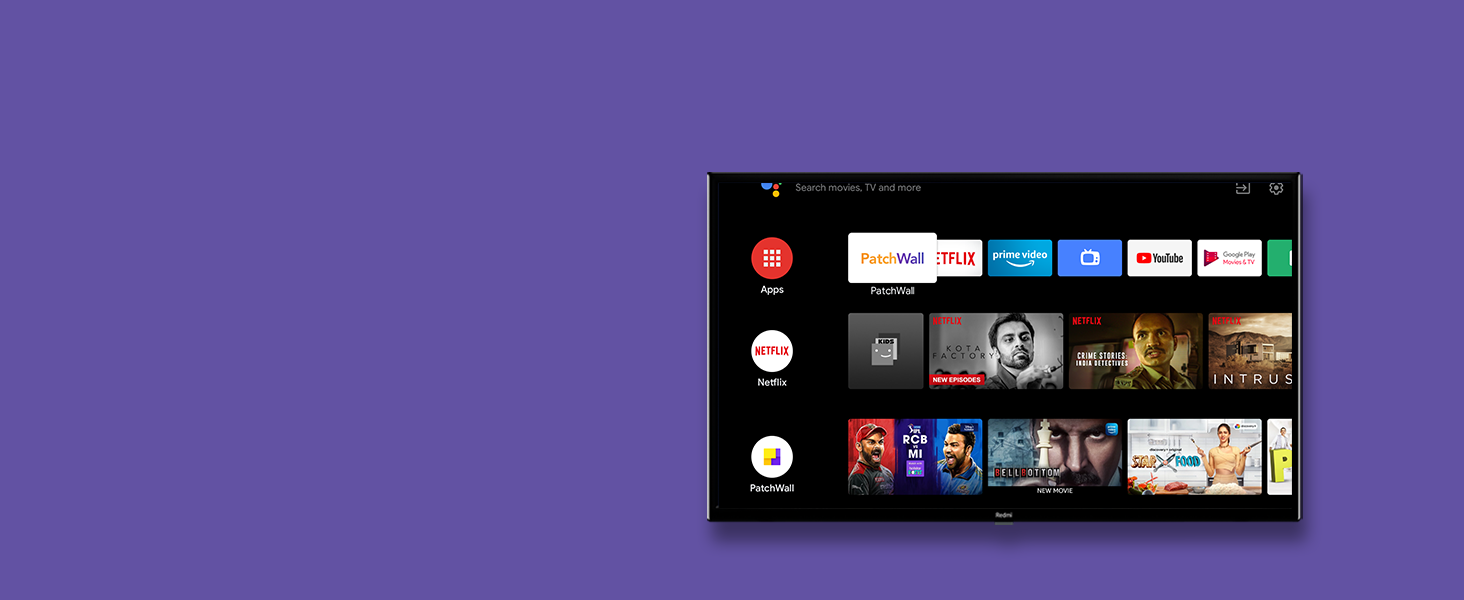
Image: The Redmi Smart TV screen displaying the Google Assistant interface, with a voice command 'Turn on the Mi Air Purifier' shown at the bottom.
7.3 ഗൂഗിൾ പ്ലേ സ്റ്റോർ
Download your favorite apps, games, and content directly from the Google Play Store.

Image: The Redmi Smart TV screen displaying the Google Play Store interface, showing various apps like TED TV, Red Bull, and Tubi.
7.4 Chromecast ബിൽറ്റ്-ഇൻ
Easily cast movies, shows, photos, and more from your phone or tablet to your TV screen.
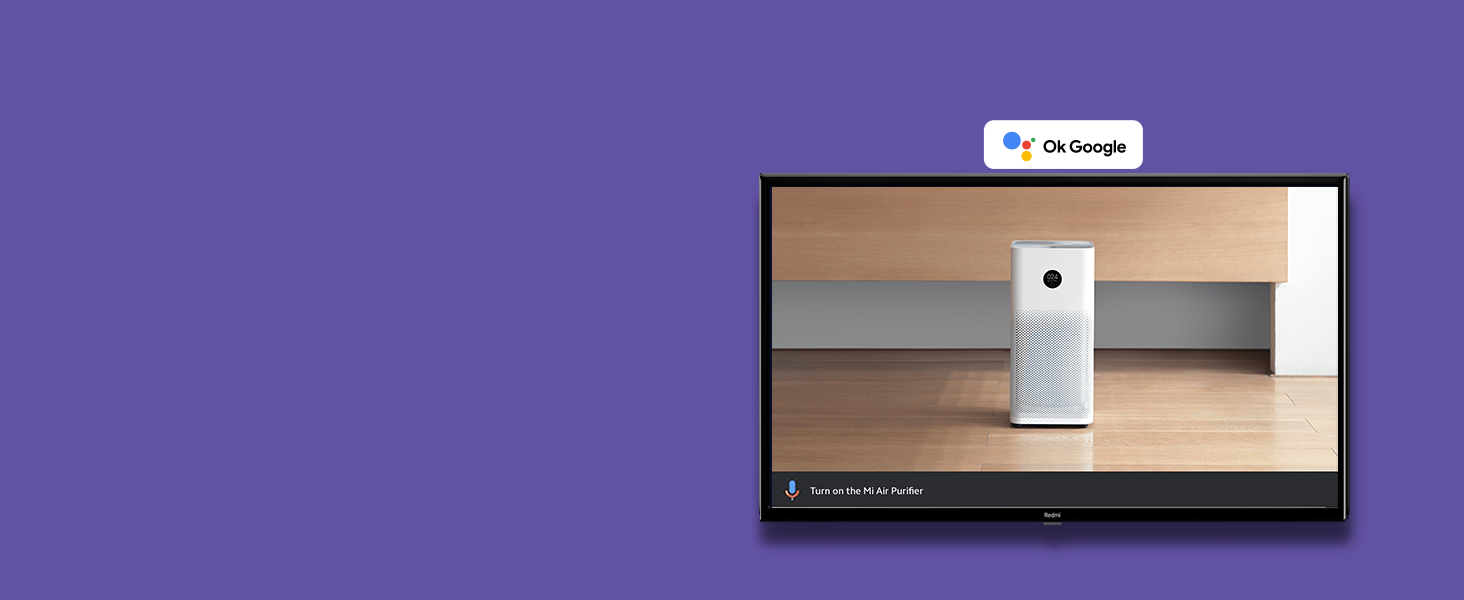
Image: The Redmi Smart TV screen displaying a video game scene, with a mobile phone screen mirrored in the bottom left corner, illustrating the Chromecast built-in feature.
7.5 Pre-installed Apps & PatchWall 4
Enjoy popular streaming services like Netflix, YouTube, Prime Video, and Disney+ Hotstar. PatchWall 4 with IMDb integration provides a curated content experience with personalized recommendations and easy discovery.
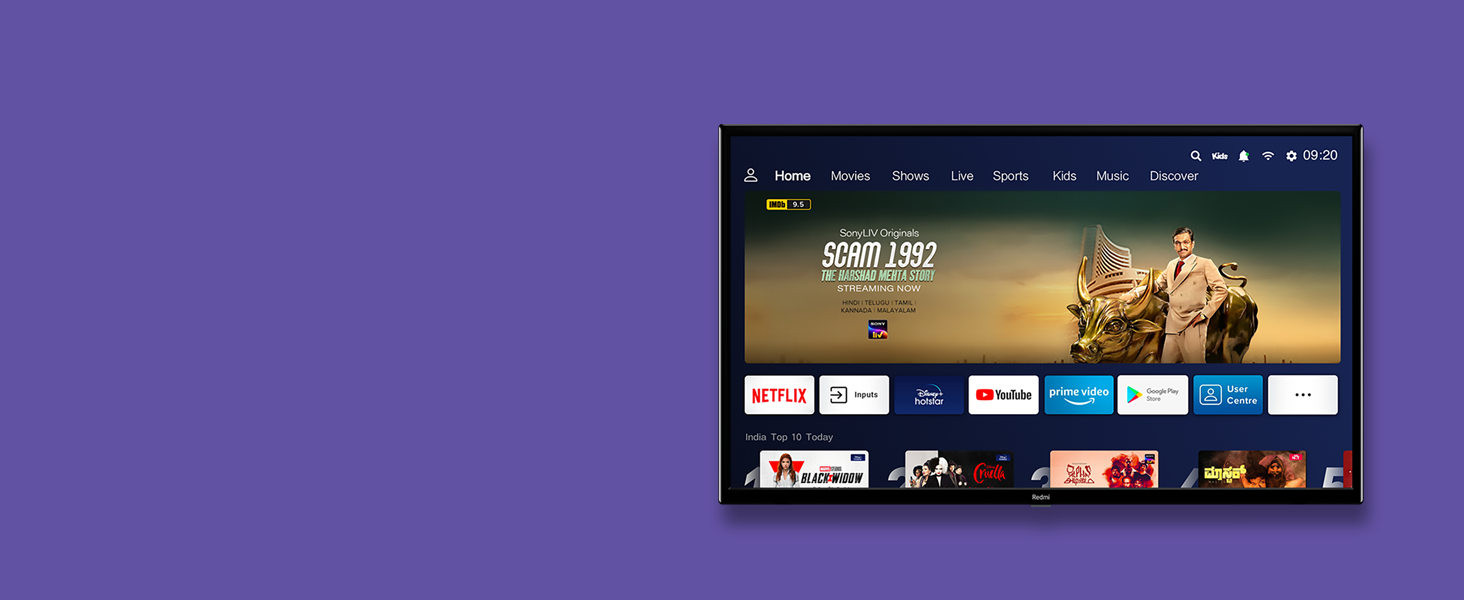
Image: The Redmi Smart TV screen showing the PatchWall 4 interface, featuring various streaming apps and content categories like Home, Movies, Shows, Live, Sports, Kids, and Music.
7.6 വിവിഡ് പിക്ചർ എഞ്ചിൻ
The Vivid Picture Engine optimizes color, contrast, and brightness to deliver stunning visual clarity and vibrant images.
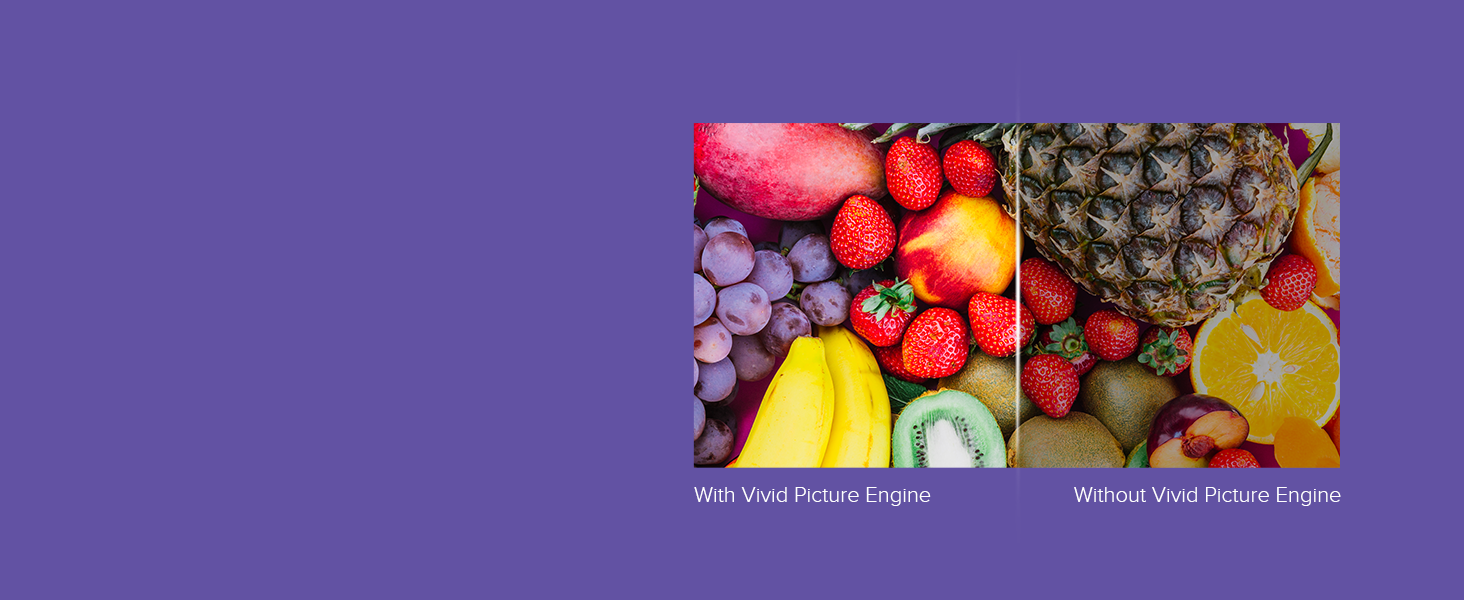
Image: A split screen comparison showing a fruit platter. The left side is labeled 'With Vivid Picture Engine' and displays richer, more vibrant colors, while the right side is labeled 'Without Vivid Picture Engine' and shows duller colors.
7.7 ഓഡിയോ സവിശേഷതകൾ
Enjoy immersive sound with 20W stereo speakers, enhanced by Dolby Audio and DTS Virtual: X for a rich audio experience.
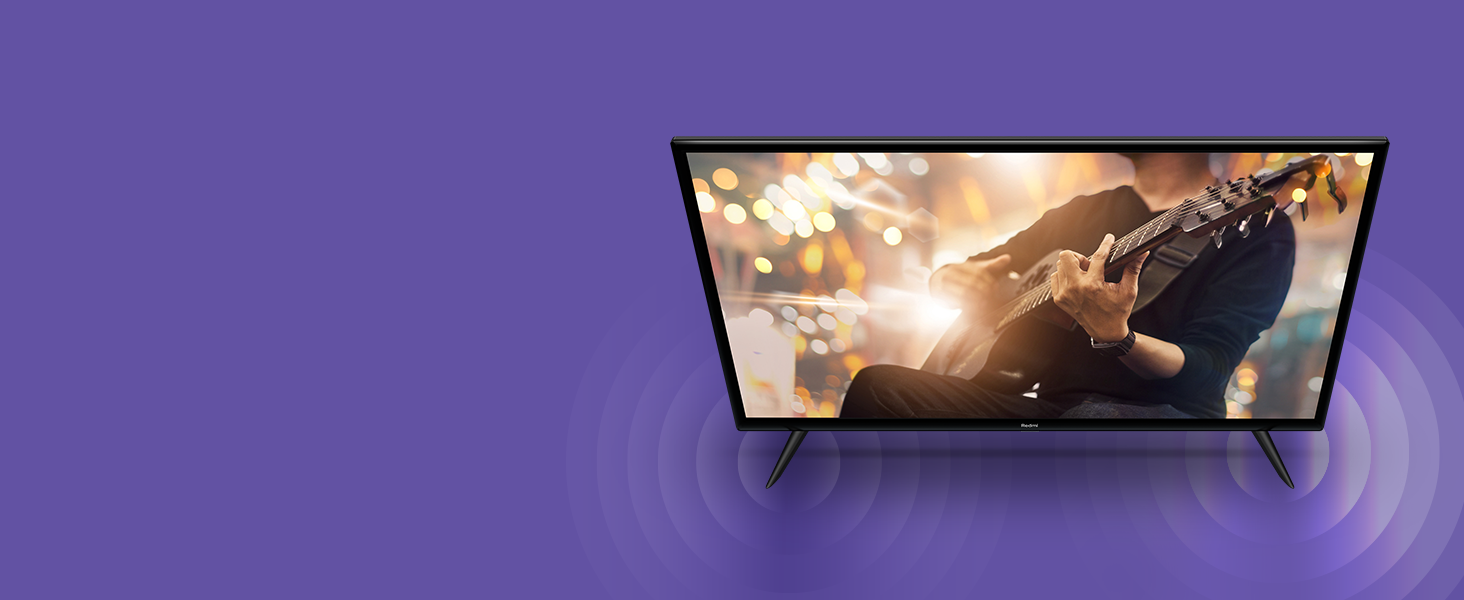
Image: A Redmi Smart TV on a stand, with circular sound waves emanating from its sides, illustrating its audio capabilities.
7.8 Auto Low Latency Mode (ALLM)
For gamers, ALLM automatically detects when you're playing a game and switches to a low-latency mode, reducing input lag for a smoother gaming experience.
7.9 ഉൽപ്പന്നം കഴിഞ്ഞുview വീഡിയോ
വീഡിയോ: ഒരു ചെറിയ പ്രൊമോഷണൽ വീഡിയോ ഷോasing the key features of the Redmi Smart TV Series, including its display, audio, Patchwall, Android TV 11, Dual Band Wi-Fi, and Auto Low Latency Mode.
8. പരിപാലനം
8.1 വൃത്തിയാക്കൽ
സ്ക്രീൻ: മൃദുവായ, ലിന്റ് രഹിത തുണി ഉപയോഗിച്ച് സ്ക്രീൻ സൌമ്യമായി തുടയ്ക്കുക. കഠിനമായ പാടുകൾക്ക്, നേരിയ തോതിൽ dampen the cloth with water or a screen cleaner specifically designed for TVs. Do not spray liquid directly onto the screen.
ശരീരം: Wipe the TV's body with a soft, dry cloth. Avoid using abrasive cleaners or solvents that may damage the finish.
8.2 സോഫ്റ്റ്വെയർ അപ്ഡേറ്റുകൾ
Ensure your TV's software is up to date for optimal performance and access to the latest features. You can usually check for updates in the TV's settings menu under 'About' or 'System Update'.
9. പ്രശ്നപരിഹാരം
If you encounter any issues with your TV, refer to the following common solutions:
- ശക്തിയില്ല: പവർ കോർഡ് ടിവിയിലേക്കും പവർ ഔട്ട്ലെറ്റിലേക്കും സുരക്ഷിതമായി ബന്ധിപ്പിച്ചിട്ടുണ്ടോയെന്ന് പരിശോധിക്കുക. പവർ ഔട്ട്ലെറ്റ് പ്രവർത്തിക്കുന്നുണ്ടെന്ന് ഉറപ്പാക്കുക.
- ചിത്രം/ശബ്ദം ഇല്ല: ശരിയായ ഇൻപുട്ട് ഉറവിടം തിരഞ്ഞെടുത്തിട്ടുണ്ടെന്ന് ഉറപ്പാക്കുക. എല്ലാ കേബിൾ കണക്ഷനുകളും (HDMI, AV) പരിശോധിക്കുക. ടിവി പുനരാരംഭിക്കാൻ ശ്രമിക്കുക.
- റിമോട്ട് കൺട്രോൾ പ്രവർത്തിക്കുന്നില്ല: റിമോട്ടിലെ ബാറ്ററികൾ മാറ്റിസ്ഥാപിക്കുക. റിമോട്ടിനും ടിവിയുടെ ഐആർ സെൻസറിനും ഇടയിൽ തടസ്സങ്ങളൊന്നുമില്ലെന്ന് ഉറപ്പാക്കുക.
- നെറ്റ്വർക്ക് കണക്ഷൻ പ്രശ്നങ്ങൾ: Check your Wi-Fi router or Ethernet cable. Try restarting your router and the TV.
- ആപ്പുകൾ ലോഡ് ചെയ്യുന്നില്ല: Ensure your internet connection is stable. Try clearing the app's cache or reinstalling the app.
പ്രശ്നം നിലനിൽക്കുകയാണെങ്കിൽ, കൂടുതൽ സഹായത്തിനായി ഉപഭോക്തൃ പിന്തുണയുമായി ബന്ധപ്പെടുക.
10 സ്പെസിഫിക്കേഷനുകൾ
| ഫീച്ചർ | സ്പെസിഫിക്കേഷൻ |
|---|---|
| മോഡൽ നമ്പറുകൾ | L32M6-RA, L32M7-RA |
| സ്ക്രീൻ വലിപ്പം | 32 ഇഞ്ച് (80 സെ.മീ) |
| റെസലൂഷൻ | HD Ready (1366x768) |
| പുതുക്കിയ നിരക്ക് | 60 Hz |
| ഓപ്പറേറ്റിംഗ് സിസ്റ്റം | ആൻഡ്രോയിഡ് 11 |
| പ്രോസസ്സർ | ക്വാഡ് കോർ |
| റാം | 1 ജിബി |
| സംഭരണം | 8 ജിബി |
| ഓഡിയോ ഔട്ട്പുട്ട് | 20W സ്റ്റീരിയോ സ്പീക്കറുകൾ |
| ഓഡിയോ ടെക്നോളജീസ് | Dolby Audio, DTS Virtual: X |
| വൈഫൈ | ഡ്യുവൽ ബാൻഡ് (2.4GHz & 5GHz) |
| ബ്ലൂടൂത്ത് | ബ്ലൂടൂത്ത് 5.0 |
| HDMI പോർട്ടുകൾ | 2 (1 with ARC) |
| USB പോർട്ടുകൾ | 2 (USB 2.0) |
| മറ്റ് തുറമുഖങ്ങൾ | AV Input (x1), 3.5mm Headphone Jack (x1), Ethernet (x1), Antenna (x1) |
| Viewing ആംഗിൾ | 178 ഡിഗ്രി |
| അളവുകൾ (സ്റ്റാൻഡിനൊപ്പം) | 71.3 cm (W) x 20 cm (D) x 46.9 cm (H) |
| ഭാരം | 5.3 കി.ഗ്രാം |
| VESA വാൾ മൗണ്ട് | 20cm x 20cm |
11. വാറൻ്റിയും പിന്തുണയും
Your Redmi Smart LED TV comes with a standard manufacturer's warranty. Please refer to the warranty card included in your package for specific terms and conditions, including the warranty period and coverage details.
Image: A graphic detailing the benefits of Mi Extended Warranty, including Zero Documentation, Genuine Spare Parts, Cashless Repairs, Authorised Service Centres, and On-site Support.
For technical support, service requests, or any questions regarding your product, please contact Redmi customer service. Contact details can typically be found on the official Redmi webസൈറ്റ് അല്ലെങ്കിൽ നിങ്ങളുടെ ഉൽപ്പന്ന ഡോക്യുമെന്റേഷനിൽ.