
ആമുഖം
Thank you for choosing PureGear PureBoom Wired Earbuds. These in-ear stereo headphones are designed for clear audio and convenient communication across a wide range of devices. This manual provides essential information for setup, operation, maintenance, and troubleshooting to ensure optimal performance and longevity of your earbuds.

ചിത്രം: കഴിഞ്ഞുview of PureGear PureBoom wired earbuds, showing the earbud, in-line microphone, and 3.5mm audio jack.
പാക്കേജ് ഉള്ളടക്കം
- PureGear PureBoom Wired Earbuds
- Multiple sizes of ear tips (Ear Cushions)

Image: PureBoom earbuds displayed with a selection of ear tips for customized fit.
സജ്ജമാക്കുക
1. ചെവി നുറുങ്ങുകൾ തിരഞ്ഞെടുക്കൽ
For optimal sound quality and comfort, choose the ear tips that best fit your ears. Experiment with the different sizes provided to find a secure and comfortable seal. A good seal helps improve bass response and noise isolation.
2. നിങ്ങളുടെ ഉപകരണത്തിലേക്ക് കണക്റ്റുചെയ്യുന്നു
- Identify the 3.5mm audio jack on your device (e.g., smartphone, tablet, laptop, computer).
- Insert the 3.5mm plug of the PureBoom earbuds firmly into the device's audio jack.
- Ensure the connection is secure for uninterrupted audio.

ചിത്രം: വിശദമായത് view of the 3.5mm audio jack for connection.
The PureBoom earbuds are compatible with any device featuring a standard 3.5mm audio port, including Apple iPhone (with adapter, if needed), Android smartphones, iPads, laptops, desktop computers, and more.

Image: A user wearing the earbuds, highlighting their universal compatibility with various devices.
പ്രവർത്തന നിർദ്ദേശങ്ങൾ
Using the In-line Microphone and Control Button
Your PureBoom earbuds feature an integrated in-line microphone and a multi-function control button for convenient management of calls and audio playback.
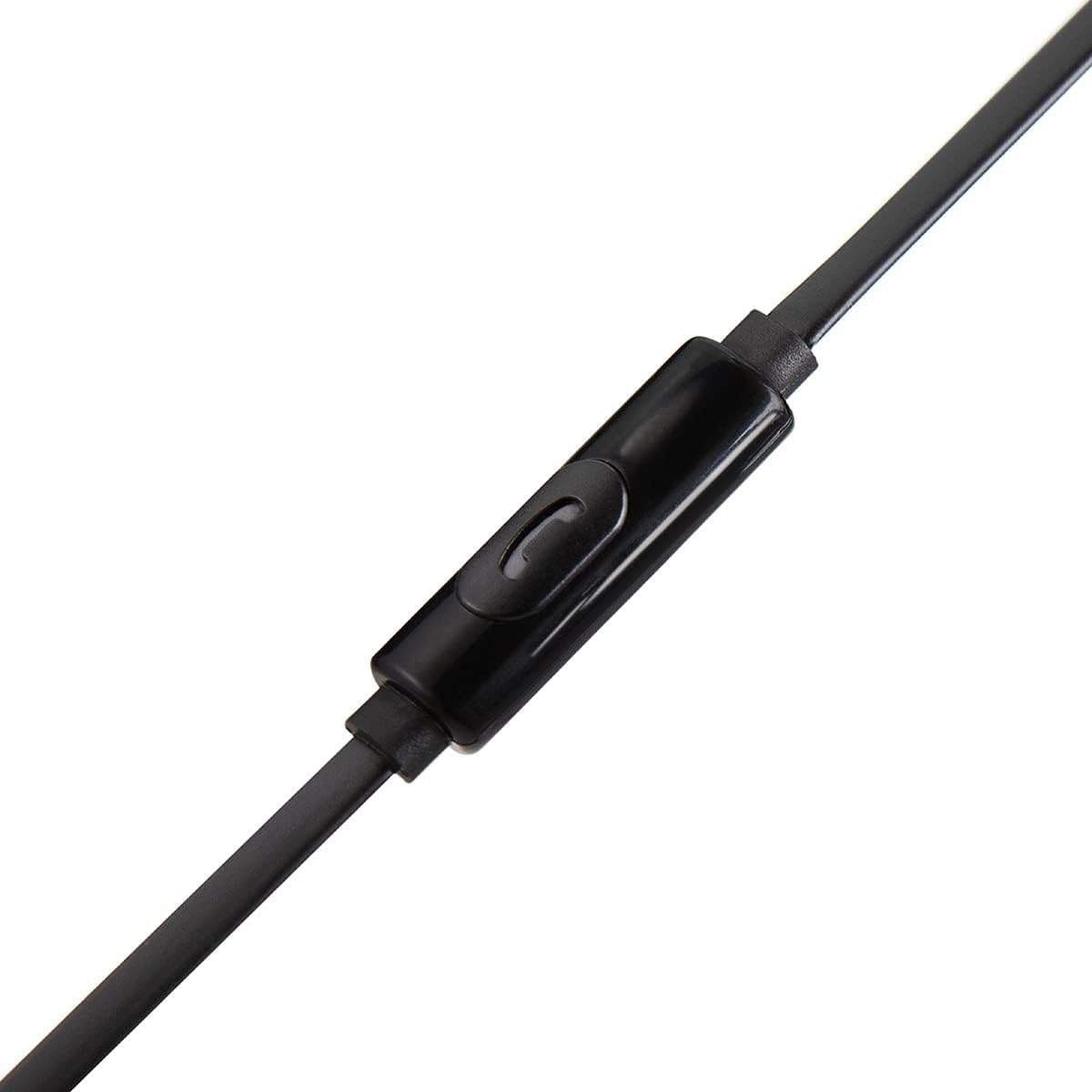
ചിത്രം: വിശദമായത് view of the in-line microphone and control button.
- ഓഡിയോ പ്ലേ ചെയ്യുക/താൽക്കാലികമായി നിർത്തുക: നിയന്ത്രണ ബട്ടൺ ഒരു തവണ അമർത്തുക.
- ഉത്തരം/അവസാന കോൾ: Press the control button once during an incoming call or an active call.
- കോൾ നിരസിക്കുക: Press and hold the control button for approximately 2 seconds during an incoming call.
- അടുത്ത ട്രാക്ക്: Press the control button twice quickly.
- മുമ്പത്തെ ട്രാക്ക്: Press the control button three times quickly.
The high-grade built-in microphone allows for clear, hands-free communication during calls.
പരിപാലനവും പരിചരണവും
- വൃത്തിയാക്കൽ: Gently wipe the earbuds and cable with a soft, dry cloth. Do not use harsh chemicals or abrasive materials. Remove ear tips periodically and clean them with mild soap and water, ensuring they are completely dry before reattaching.
- സംഭരണം: When not in use, store your earbuds in a clean, dry place. Avoid extreme temperatures.
- കേബിൾ കെയർ: The PureBoom earbuds feature a tangle-free flat cable. While designed for durability, avoid excessive pulling, twisting, or sharp bends to prevent damage.
- ജല പ്രതിരോധം: These earbuds are sweat-resistant for sports activities but are വെള്ളത്തെ പ്രതിരോധിക്കുന്നില്ല. Avoid submerging them in water or exposing them to heavy rain.
ട്രബിൾഷൂട്ടിംഗ്
| പ്രശ്നം | പരിഹാരം |
|---|---|
| ശബ്ദമോ കുറഞ്ഞ വോളിയമോ ഇല്ല |
|
| മൈക്രോഫോൺ പ്രവർത്തിക്കുന്നില്ല |
|
| ഇയർബഡുകൾ അസ്വസ്ഥത അനുഭവപ്പെടുന്നു അല്ലെങ്കിൽ അവ പുറത്തേക്ക് വീഴുന്നു |
|
സ്പെസിഫിക്കേഷനുകൾ
| ഫീച്ചർ | വിശദാംശങ്ങൾ |
|---|---|
| ബ്രാൻഡ് | PureGear |
| മോഡലിൻ്റെ പേര് | PureBoom InEar_3.5mm_HeadPhone |
| കണക്റ്റിവിറ്റി ടെക്നോളജി | വയേർഡ് (3.5mm ജാക്ക്) |
| ചെവി പ്ലേസ്മെൻ്റ് | ചെവിയിൽ |
| കേബിൾ സവിശേഷതകൾ | പിണങ്ങൽ ഫ്രീ |
| ബിൽറ്റ്-ഇൻ മൈക്രോഫോൺ | അതെ |
| നിയന്ത്രണ തരം | Media Control (Single Button) |
| മെറ്റീരിയൽ | പോളികാർബണേറ്റ് (PC) |
| അനുയോജ്യത | Devices with 3.5mm audio port (e.g., iPhone, Android, iPad, Laptops, Computers) |
| ജല പ്രതിരോധ നില | Sweat Resistant (Not Water Resistant) |
വാറൻ്റി വിവരങ്ങൾ
PureGear PureBoom Wired Earbuds come with a ഒരു വർഷത്തെ വാറൻ്റി വാങ്ങിയ തീയതി മുതൽ. ഈ വാറന്റി നിർമ്മാണ വൈകല്യങ്ങൾ ഉൾക്കൊള്ളുന്നു. ദുരുപയോഗം, അപകടങ്ങൾ, അനധികൃത പരിഷ്കാരങ്ങൾ, അല്ലെങ്കിൽ സാധാരണ തേയ്മാനം എന്നിവ മൂലമുണ്ടാകുന്ന നാശനഷ്ടങ്ങൾക്ക് ഇത് പരിരക്ഷ നൽകുന്നില്ല. വാറന്റി ക്ലെയിമുകൾക്കായി നിങ്ങളുടെ വാങ്ങിയതിന്റെ തെളിവ് സൂക്ഷിക്കുക.
പിന്തുണ
For further assistance, technical support, or warranty inquiries, please visit the official PureGear website or contact their customer service department. Refer to the packaging or the PureGear webഏറ്റവും പുതിയ ബന്ധപ്പെടാനുള്ള വിവരങ്ങൾക്കായി സൈറ്റ്.
ഓൺലൈൻ ഉറവിടങ്ങൾ: www.pure-gear.com