
ആമുഖം
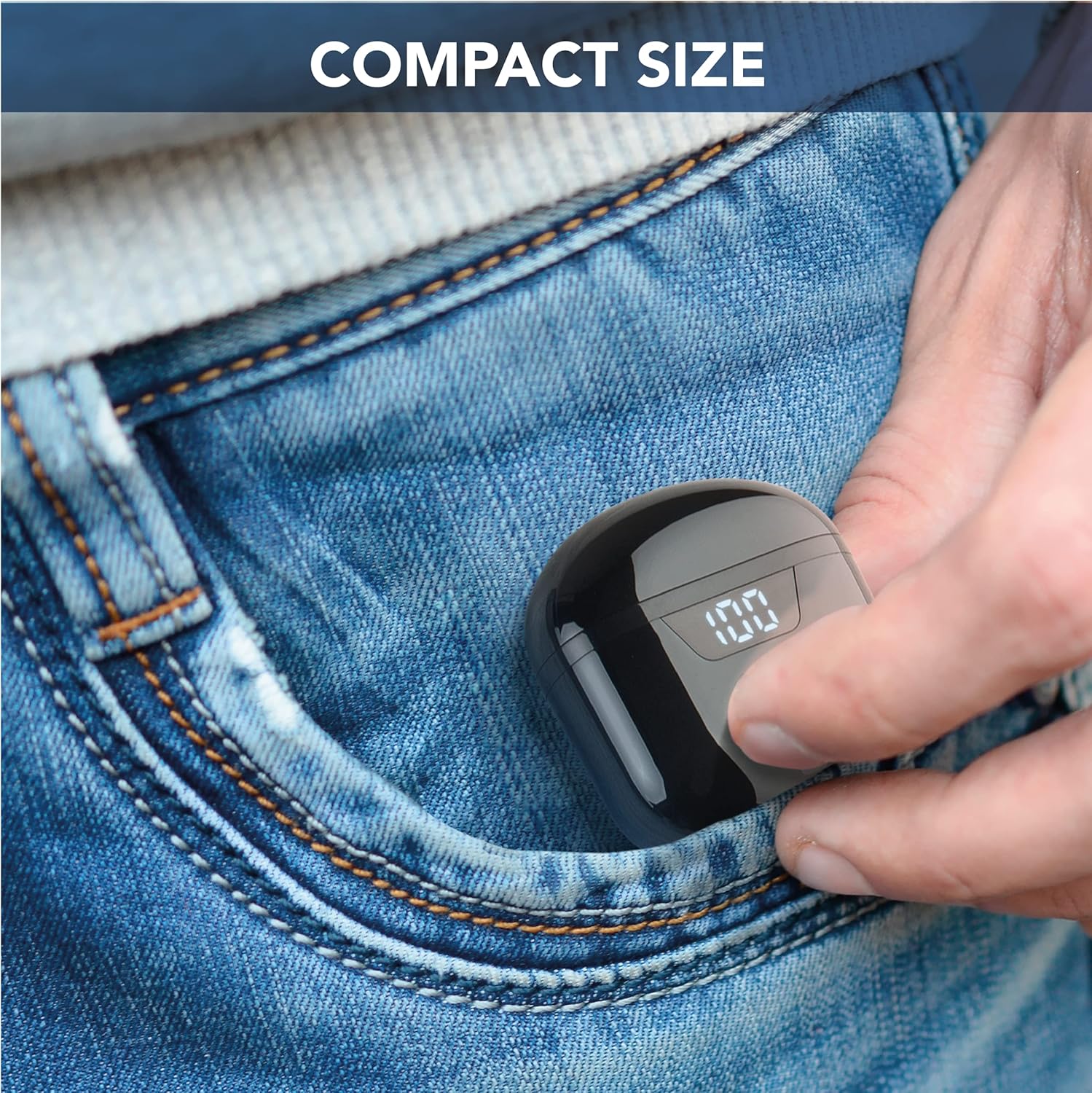
The cellularline Seek earbuds are compact, in-ear Bluetooth headphones designed for a balanced audio experience. Featuring Bluetooth 5.0 connectivity, a portable charging case with an LED display, and touch controls, these earbuds offer convenience and up to 15 hours of total playtime.
This manual provides essential information for setting up, operating, maintaining, and troubleshooting your cellularline Seek earbuds.
പാക്കേജ് ഉള്ളടക്കം
- cellularline Seek Bluetooth Earbuds
- ചാർജിംഗ് കേസ്
- USB-C ചാർജിംഗ് കേബിൾ
ഉൽപ്പന്നം കഴിഞ്ഞുview


സജ്ജമാക്കുക
1. പ്രാരംഭ ചാർജിംഗ്
Before first use, fully charge the earbuds and the charging case. Connect the provided USB-C cable to the charging port on the case and to a compatible USB power source. The LED display on the case will show the charging progress and remaining battery percentage.
- ചാർജിംഗ് സമയം: ഫുൾ ചാർജിനായി ഏകദേശം 1.5 മണിക്കൂർ.
- Earbud Playtime (Single Charge): 3 മണിക്കൂർ വരെ.
- ചാർജിംഗ് കെയ്സുള്ള മൊത്തം കളിസമയം: Up to 15 hours (case provides up to 4 full charges for the earbuds).

2. ഒരു ഉപകരണവുമായി ജോടിയാക്കൽ
- ഇയർബഡുകൾ ചാർജ് ചെയ്തിട്ടുണ്ടെന്നും ചാർജിംഗ് കെയ്സിനുള്ളിൽ വച്ചിട്ടുണ്ടെന്നും ഉറപ്പാക്കുക.
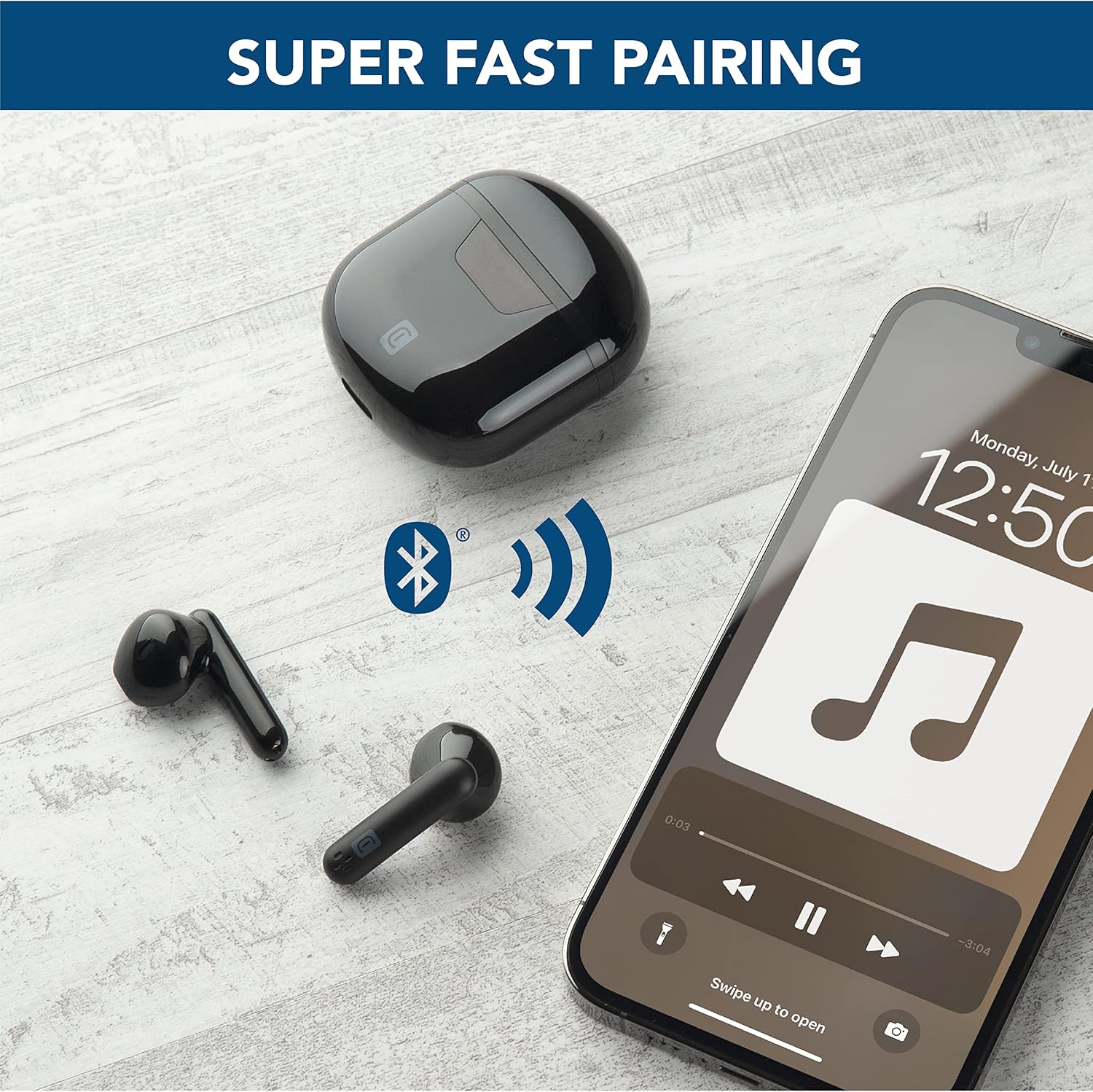
- ചാർജിംഗ് കേസ് തുറക്കുക. ഇയർബഡുകൾ സ്വയമേവ ജോടിയാക്കൽ മോഡിലേക്ക് പ്രവേശിക്കും.
- നിങ്ങളുടെ ഉപകരണത്തിൽ (സ്മാർട്ട്ഫോൺ, ടാബ്ലെറ്റ്, ലാപ്ടോപ്പ്), ബ്ലൂടൂത്ത് ക്രമീകരണങ്ങളിലേക്ക് പോകുക.
- ഇതിനായി തിരയുക available devices and select "cellularline Seek" from the list.
- കണക്റ്റ് ചെയ്തുകഴിഞ്ഞാൽ, നിങ്ങൾക്ക് ഒരു കേൾക്കാവുന്ന സ്ഥിരീകരണം കേൾക്കാൻ കഴിയും, ഇയർബഡുകൾ ഉപയോഗത്തിന് തയ്യാറാകും.
പ്രവർത്തന നിർദ്ദേശങ്ങൾ
ടച്ച് നിയന്ത്രണങ്ങൾ
The cellularline Seek earbuds feature intuitive touch controls for managing calls, music playback, and volume directly from the earbuds, eliminating the need to access your connected device.
- സംഗീതം പ്ലേ ചെയ്യുക/താൽക്കാലികമായി നിർത്തുക: ഇയർബഡുകളിൽ ഏതെങ്കിലുമൊന്നിൽ ഒറ്റ ടാപ്പ് ചെയ്യുക.
- അടുത്ത ട്രാക്ക്: വലതുവശത്തെ ഇയർബഡിൽ രണ്ടുതവണ ടാപ്പ് ചെയ്യുക.
- മുമ്പത്തെ ട്രാക്ക്: ഇടതുവശത്തെ ഇയർബഡിൽ രണ്ടുതവണ ടാപ്പ് ചെയ്യുക.
- ഉത്തരം/അവസാന കോൾ: ഇയർബഡുകളിൽ ഏതെങ്കിലുമൊന്നിൽ ഒറ്റ ടാപ്പ് ചെയ്യുക.
- കോൾ നിരസിക്കുക: ഏതെങ്കിലും ഇയർബഡിൽ 2 സെക്കൻഡ് അമർത്തിപ്പിടിക്കുക.
- വോയ്സ് അസിസ്റ്റന്റിനെ സജീവമാക്കുക: Triple tap on either earbud (functionality depends on device).
- വോളിയം നിയന്ത്രണം: Specific gestures for volume control may vary. Refer to your device's settings or experiment with long presses on left/right earbuds if not explicitly defined.
ഇയർബഡുകൾ ധരിക്കുന്നു
The capsule shape of the Seek earbuds is designed for optimal comfort and stability. Insert each earbud gently into your ear canal and rotate slightly to find a secure and comfortable fit. A proper fit ensures the best audio quality, including rich and deep bass.

മെയിൻ്റനൻസ്
വൃത്തിയാക്കൽ
- ഇയർബഡുകളും ചാർജിംഗ് കെയ്സും മൃദുവായതും ഉണങ്ങിയതും ലിന്റ് രഹിതവുമായ തുണി ഉപയോഗിച്ച് പതിവായി വൃത്തിയാക്കുക.
- അബ്രാസീവ് ക്ലീനറുകൾ, ലായകങ്ങൾ, എയറോസോൾ സ്പ്രേകൾ എന്നിവ ഉപയോഗിക്കരുത്.
- ഒപ്റ്റിമൽ ചാർജിംഗിനായി ഇയർബഡുകളിലെയും കെയ്സിലെയും ചാർജിംഗ് കോൺടാക്റ്റുകൾ വൃത്തിയുള്ളതും അവശിഷ്ടങ്ങളില്ലാത്തതുമാണെന്ന് ഉറപ്പാക്കുക.
സംഭരണം
- ഉപയോഗത്തിലില്ലാത്തപ്പോൾ, ഇയർബഡുകൾ സംരക്ഷിക്കുന്നതിനും ചാർജ്ജ് ചെയ്ത നിലയിൽ നിലനിർത്തുന്നതിനും അവ ചാർജിംഗ് കേസിൽ സൂക്ഷിക്കുക.
- തീവ്രമായ താപനിലയിൽ നിന്നും നേരിട്ടുള്ള സൂര്യപ്രകാശത്തിൽ നിന്നും അകന്ന്, തണുത്തതും വരണ്ടതുമായ സ്ഥലത്ത് ഉപകരണം സൂക്ഷിക്കുക.
ജല പ്രതിരോധം
The cellularline Seek earbuds are വെള്ളത്തെ പ്രതിരോധിക്കുന്നില്ല. കേടുപാടുകൾ ഒഴിവാക്കാൻ വെള്ളം, ഈർപ്പം, മഴ, വിയർപ്പ് എന്നിവയിൽ സമ്പർക്കം ഒഴിവാക്കുക.
ട്രബിൾഷൂട്ടിംഗ്
| പ്രശ്നം | സാധ്യമായ കാരണം | പരിഹാരം |
|---|---|---|
| ഇയർബഡുകൾ ജോടിയാക്കുന്നില്ല | Earbuds not in pairing mode, low battery, or previously paired device interference. | Ensure earbuds are charged and case is open. Turn off Bluetooth on other nearby devices. Forget the device in your phone's Bluetooth settings and try pairing again. |
| ശബ്ദമോ കുറഞ്ഞ വോളിയമോ ഇല്ല | Volume too low on device/earbuds, improper fit, or earbud blockage. | Increase volume on both your device and the earbuds. Adjust earbuds for a secure fit. Clean any debris from the earbud speakers. |
| Intermittent connection/disconnections | Distance from device, interference, or low earbud battery. | Keep earbuds within 10 meters of your device. Avoid environments with strong Wi-Fi or other Bluetooth signals. Ensure earbuds are sufficiently charged. |
| Charging case LED not working or charging slowly | Faulty cable, power source, or dirty charging port. | Try a different USB-C cable and power adapter. Ensure the charging port on the case is clean and free of debris. |
സ്പെസിഫിക്കേഷനുകൾ
- ബ്രാൻഡ്: സെല്ലുലാർലൈൻ
- മോഡലിൻ്റെ പേര്: BTSEEKTWSK
- നിറം: കറുപ്പ്
- ചെവി സ്ഥാപിക്കൽ: ഇൻ-ഇയർ
- ഫോം ഘടകം: ഇൻ-ഇയർ
- ശബ്ദ നിയന്ത്രണം: സൗണ്ട് ഐസൊലേഷൻ
- കണക്റ്റിവിറ്റി ടെക്നോളജി: വയർലെസ് (ബ്ലൂടൂത്ത്)
- ബ്ലൂടൂത്ത് പതിപ്പ്: 5.0
- ബ്ലൂടൂത്ത് ശ്രേണി: 10 മീറ്റർ
- നിയന്ത്രണ തരം: Call Control (Touch)
- ഓഡിയോ ഡ്രൈവർ തരം: ഡൈനാമിക് ഡ്രൈവർ
- ഫ്രീക്വൻസി പ്രതികരണം: 20 ഹെർട്സ് - 20,000 ഹെർട്സ്
- ബാറ്ററി ചാർജ്ജ് സമയം: 1.5 മണിക്കൂർ
- Average Battery Life (Earbuds): 3 മണിക്കൂർ
- ആകെ പ്ലേടൈം (ചാർജിംഗ് കേസിനൊപ്പം): 15 മണിക്കൂർ
- ഭാരം: 40 ഗ്രാം
- മെറ്റീരിയൽ: പ്ലാസ്റ്റിക്
- ജല പ്രതിരോധ നില: വാട്ടർ റെസിസ്റ്റൻ്റ് അല്ല
- അനുയോജ്യമായ ഉപകരണങ്ങൾ: Phones, Tablets, Laptops, Computers
വാറൻ്റി വിവരങ്ങൾ
This cellularline product comes with a 2 വർഷത്തെ ഉൽപ്പന്ന വാറൻ്റി. Additionally, spare parts availability in the EU is guaranteed for 2 years. Please retain your proof of purchase for warranty claims. For detailed warranty terms and conditions, refer to the documentation provided with your product or visit the official cellularline webസൈറ്റ്.
പിന്തുണ
For further assistance, technical support, or to explore other cellularline products, please visit the official cellularline store or contact customer service.
Official cellularline Store: Visit the cellularline Store