
1. ആമുഖം
This manual provides essential instructions for the setup, operation, and maintenance of your TechniSat DIGITRADIO 570 CD IR. Please read this manual thoroughly before using the device to ensure proper functionality and to maximize your listening experience. Keep this manual for future reference.
The TechniSat DIGITRADIO 570 CD IR is a versatile stereo internet radio offering a wide range of audio sources including DAB+, FM, Internet Radio, CD playback, Bluetooth audio streaming, Spotify Connect, and USB media playback with charging capabilities. It features a clear 2.4-inch TFT color display and can be controlled via the included remote control or a dedicated app.
2. പാക്കേജ് ഉള്ളടക്കം
പാക്കേജിൽ എല്ലാ ഇനങ്ങളും ഉണ്ടെന്ന് ഉറപ്പാക്കുക:
- TechniSat DIGITRADIO 570 CD IR Unit
- റിമോട്ട് കൺട്രോൾ (2 AAA ബാറ്ററികൾ ആവശ്യമാണ്, ഉൾപ്പെടുത്തിയിരിക്കുന്നു)
- Integrated Telescopic Antenna
- ബാഹ്യ വൈദ്യുതി വിതരണ യൂണിറ്റ്
- ഉപയോക്തൃ മാനുവൽ
3. ഉൽപ്പന്നം കഴിഞ്ഞുview
Familiarize yourself with the main components and controls of your DIGITRADIO 570 CD IR.


4. സജ്ജീകരണം
4.1 പവർ കണക്ഷൻ
- Connect the external power supply unit to the DC IN port (4) on the rear of the radio.
- ഒരു സാധാരണ മതിൽ ഔട്ട്ലെറ്റിലേക്ക് വൈദ്യുതി വിതരണം പ്ലഗ് ചെയ്യുക.
4.2 ആൻ്റിന
For optimal DAB+ and FM radio reception, fully extend the integrated telescopic antenna. Adjust its position to improve signal strength if needed.
4.3 പ്രാരംഭ സജ്ജീകരണ വിസാർഡ്
Upon first power-on, the device will guide you through an initial setup wizard. Follow the on-screen prompts to set language, time, date, and network connection.
4.4 നെറ്റ്വർക്ക് കണക്ഷൻ (വൈ-ഫൈ)
A stable Wi-Fi connection is required for Internet Radio, Spotify Connect, and app control.
- During the initial setup or via the system settings menu, select "Network" or "Wi-Fi Setup".
- ലഭ്യമായ വൈഫൈ നെറ്റ്വർക്കുകൾക്കായി റേഡിയോ സ്കാൻ ചെയ്യും. ലിസ്റ്റിൽ നിന്ന് നിങ്ങളുടെ നെറ്റ്വർക്ക് തിരഞ്ഞെടുക്കുക.
- Enter your Wi-Fi password using the controls on the radio or the remote control.
- Confirm the password to establish the connection.
5. പ്രവർത്തന നിർദ്ദേശങ്ങൾ
5.1 അടിസ്ഥാന നിയന്ത്രണങ്ങൾ
- പവർ ബട്ടൺ: Press to turn the unit on or off (standby).
- മോഡ് ബട്ടൺ: Cycle through available audio sources (DAB+, FM, Internet Radio, CD, Bluetooth, AUX, USB).
- വിവരം/മെനു ബട്ടൺ: Access information about the current track/station or enter the main menu.
- വോളിയം നോബുകൾ: ഓഡിയോ ഔട്ട്പുട്ട് ലെവൽ ക്രമീകരിക്കുക.
- Tuning/OK Knob: Navigate menus, select options, or tune radio stations.
- പ്രീസെറ്റ് ബട്ടണുകൾ (1-5+): Store and recall favorite radio stations.
- Scan/Play/Pause Button: Initiate station scan or control media playback.
- Back/Stop Button: Go back in menus or stop media playback.
5.2 Radio Modes (DAB+, FM, Internet Radio)


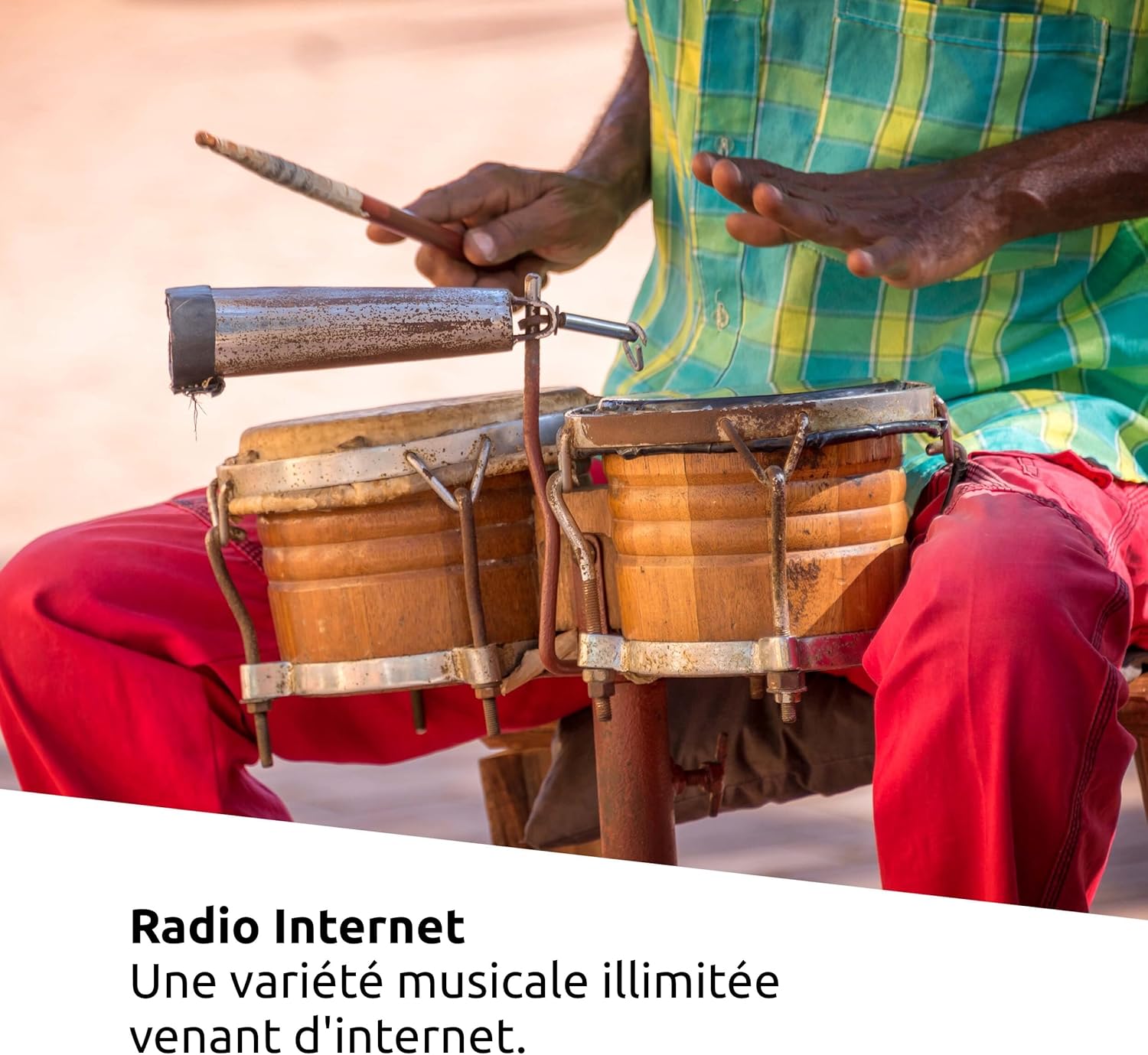
അമർത്തുക മോഡ് button to select your desired radio mode. Use the Tuning/OK knob to navigate through stations or lists. Press സ്കാൻ ചെയ്യുക to automatically find available stations.
- DAB+: Offers high-quality digital radio broadcasts.
- എഫ്എം: For traditional analog radio reception.
- ഇൻ്റർനെറ്റ് റേഡിയോ: Access thousands of radio stations worldwide via your Wi-Fi connection.
5.3 സിഡി പ്ലേബാക്ക്

Insert an audio CD or an MP3 CD into the CD slot. The radio will automatically switch to CD mode and begin playback. Use the playback controls (Scan/Play/Pause, Back/Stop, Skip buttons) to manage your music.
5.4 ബ്ലൂടൂത്ത് സ്ട്രീമിംഗ്

ഉപയോഗിച്ച് ബ്ലൂടൂത്ത് മോഡ് തിരഞ്ഞെടുക്കുക മോഡ് button. On your mobile device, enable Bluetooth and search for "DIGITRADIO 570 CD IR" to pair. Once connected, you can stream audio wirelessly from your device to the radio.
5.5 Spotify കണക്റ്റ്
To use Spotify Connect, ensure your radio is connected to Wi-Fi and you have an active Spotify Premium account.
- നിങ്ങളുടെ സ്മാർട്ട്ഫോണിലോ, ടാബ്ലെറ്റിലോ, കമ്പ്യൂട്ടറിലോ സ്പോട്ടിഫൈ ആപ്പ് തുറക്കുക.
- ഒരു പാട്ട് പ്ലേ ചെയ്ത് "ഉപകരണങ്ങൾ ലഭ്യമാണ്" ഐക്കണിൽ ടാപ്പ് ചെയ്യുക.
- Select your DIGITRADIO 570 CD IR from the list of devices.
5.6 യുഎസ്ബി പ്ലേബാക്കും ചാർജിംഗും

MP3 അടങ്ങിയ ഒരു USB സ്റ്റോറേജ് ഉപകരണം (ഉദാ. USB സ്റ്റിക്ക്) ഇടുക. files into the USB port (3) on the rear. Select USB mode to browse and play your music. The USB port also provides a charging function for external devices.
5.7 അലാറം ക്ലോക്കും സ്ലീപ്പ് ടൈമറും
The DIGITRADIO 570 CD IR includes an alarm clock with snooze function and a sleep timer.
- അലാറം: Set up to two independent alarms with customizable sources (buzzer, radio, CD) and volume. Access alarm settings via the main menu.
- സ്ലീപ്പ് ടൈമർ: Set a timer for the radio to automatically turn off after a specified duration. This is typically found in the system settings or by pressing the sleep button on the remote.
- സ്നൂസ്: When an alarm sounds, press the snooze button to temporarily pause the alarm.
5.8 ആപ്പ് നിയന്ത്രണം

Download the UNDOK app (or equivalent recommended by TechniSat) from your device's app store. Ensure your smartphone and the radio are connected to the same Wi-Fi network. The app allows for remote control of all radio functions, including source selection, volume, station tuning, and settings management.
6. പരിപാലനം
6.1 വൃത്തിയാക്കൽ
- വൃത്തിയാക്കുന്നതിന് മുമ്പ് എല്ലായ്പ്പോഴും വൈദ്യുതി വിതരണം വിച്ഛേദിക്കുക.
- പുറംഭാഗങ്ങൾ തുടയ്ക്കാൻ മൃദുവായതും ഉണങ്ങിയതുമായ തുണി ഉപയോഗിക്കുക.
- കഠിനമായ അടയാളങ്ങൾക്ക്, നേരിയ dampതുണിയിൽ വെള്ളം ഒഴിക്കുക. അബ്രാസീവ് ക്ലീനറുകളോ ലായകങ്ങളോ ഒഴിവാക്കുക.
- ദ്രാവകങ്ങൾ ഉപകരണത്തിലേക്ക് പ്രവേശിക്കാൻ അനുവദിക്കരുത്.
6.2 സിഡി പ്ലെയർ കെയർ
- Handle CDs by their edges to avoid fingerprints and scratches.
- സിഡികൾ മൃദുവായ, ലിന്റ് രഹിത തുണി ഉപയോഗിച്ച് വൃത്തിയാക്കുക, മധ്യഭാഗത്ത് നിന്ന് പുറത്തേക്ക് തുടയ്ക്കുക.
- Do not use scratched or damaged CDs, as they may damage the player mechanism.
7. പ്രശ്നപരിഹാരം
| പ്രശ്നം | സാധ്യമായ കാരണം | പരിഹാരം |
|---|---|---|
| ശക്തിയില്ല | Power cable not connected; power outlet faulty | പവർ കേബിൾ കണക്ഷൻ പരിശോധിക്കുക; മറ്റൊരു ഔട്ട്ലെറ്റ് പരീക്ഷിക്കുക. |
| ശബ്ദമില്ല | Volume too low; mute activated; incorrect source selected | Increase volume; check mute status; select correct audio source. |
| മോശം റേഡിയോ റിസപ്ഷൻ (DAB+/FM) | Antenna not extended; weak signal | Fully extend and adjust the telescopic antenna; try repositioning the unit. |
| Internet Radio not working | No Wi-Fi connection; incorrect Wi-Fi password | Check Wi-Fi connection in settings; re-enter Wi-Fi password; restart router. |
| സിഡി പ്ലേ ചെയ്യുന്നില്ല | CD inserted incorrectly; CD scratched/damaged; CD format not supported | Ensure CD is inserted correctly; try a different CD; verify CD format (audio CD or MP3 CD). |
| ബ്ലൂടൂത്ത് ജോടിയാക്കൽ പ്രശ്നങ്ങൾ | Radio not in Bluetooth mode; device too far; device already paired | Select Bluetooth mode on radio; ensure device is within range; unpair and re-pair if necessary. |
8 സ്പെസിഫിക്കേഷനുകൾ
| ഫീച്ചർ | വിശദാംശങ്ങൾ |
|---|---|
| മോഡൽ | DIGITRADIO 570 CD IR |
| ബ്രാൻഡ് | ടെക്നിസാറ്റ് |
| നിറം | കറുപ്പ് |
| ട്യൂണിംഗ് സാങ്കേതികവിദ്യ | Internet Radio / DAB / DAB+ / FM |
| കണക്റ്റിവിറ്റി | WLAN (Wi-Fi), Bluetooth |
| പ്രത്യേക സവിശേഷതകൾ | DAB+ digital radio, Favorite memory, FM radio, Internet radio, Audio streaming, 2.4" TFT color display, CD player with MP3 playback, USB interface with charging function, App control, Alarm clock, Sleep timer, Equalizer |
| ഓഡിയോ ഔട്ട്പുട്ട് | 2 x 5 W Stereo Speakers |
| USB പോർട്ടുകൾ | 1 (for playback and charging) |
| അനുയോജ്യമായ ഉപകരണങ്ങൾ | Headphones, Smartphone, Tablet |
| പവർ ഉറവിടം | ബാഹ്യ വൈദ്യുതി വിതരണ യൂണിറ്റ് |
| റിമോട്ട് കൺട്രോൾ ബാറ്ററികൾ | 2 x AAA (ഉൾപ്പെടുന്നു) |
| ഉൽപ്പന്ന അളവുകൾ (L x W x H) | 29.1 സെ.മീ x 21.7 സെ.മീ x 14.5 സെ.മീ |
9. വാറൻ്റിയും പിന്തുണയും
For warranty information and technical support, please refer to the documentation included with your product or visit the official TechniSat webസൈറ്റ്. വാറന്റി ക്ലെയിമുകൾക്കായി നിങ്ങളുടെ വാങ്ങലിന്റെ തെളിവ് സൂക്ഷിക്കുക.
കുറിപ്പ്: Spare parts availability and software update guarantees are not specified in the product information provided. Please contact TechniSat customer service for the most current information regarding these aspects.