
garinosen DF-580
Emergency Radio Waterproof Bluetooth Speaker User Manual
Model: DF-580 | Brand: garinosen
1. ആമുഖം
വാങ്ങിയതിന് നന്ദി.asing the garinosen Emergency Radio Waterproof Bluetooth Speaker. This versatile device is designed to provide reliable communication, entertainment, and emergency power in various situations, from daily use to outdoor adventures and emergency preparedness. Please read this manual carefully to understand its features and ensure proper operation and maintenance.
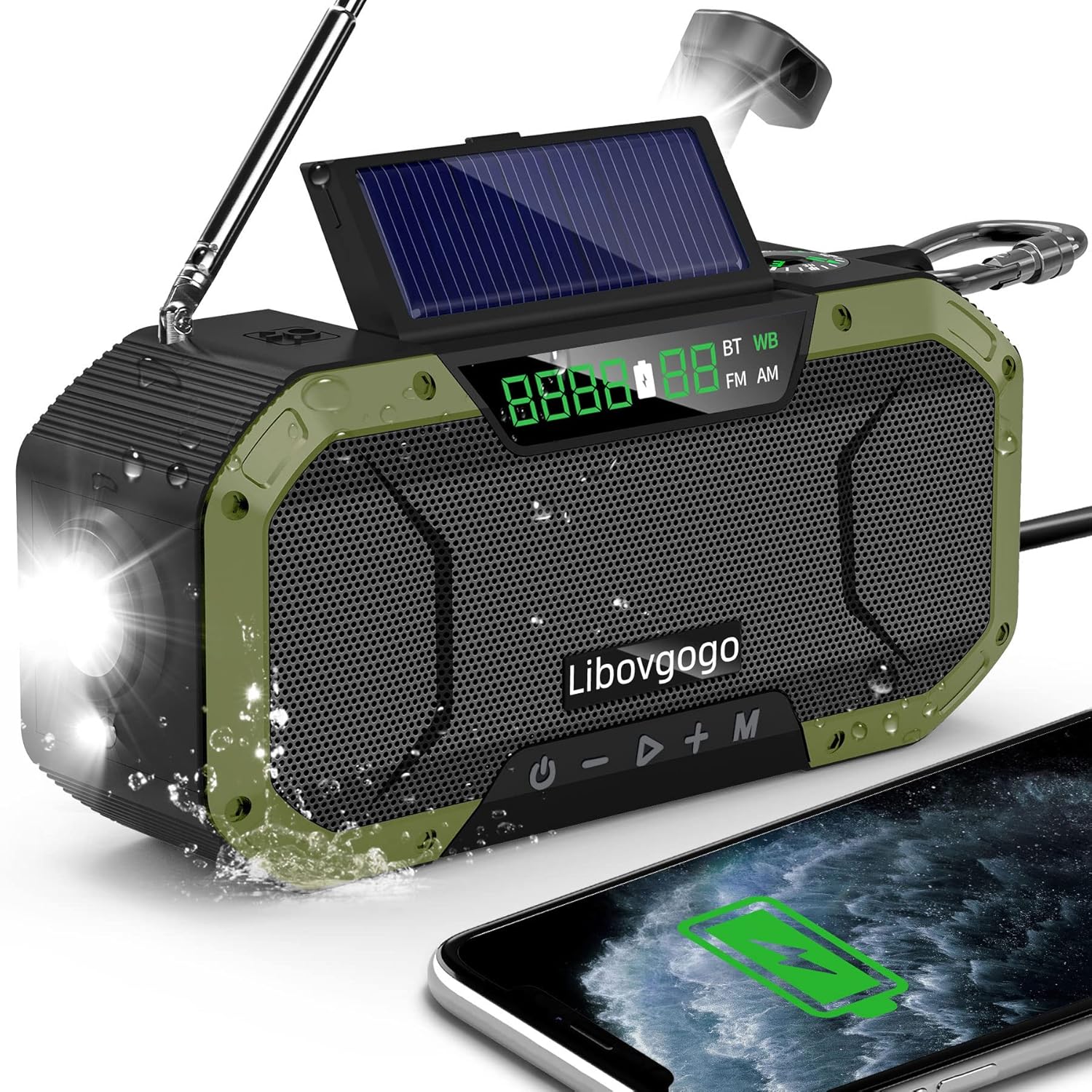
The garinosen Emergency Radio, showcasing its waterproof design and ability to charge a smartphone.
2. ഉൽപ്പന്ന സവിശേഷതകൾ
- ഓട്ടോ സ്കാൻ പ്രവർത്തനം: Automatically searches and stores channels for AM/FM and 7 NOAA stations.
- ബ്ലൂടൂത്ത് സ്പീക്കർ: Connects wirelessly to smartphones and tablets for clear audio.
- റീചാർജ് ചെയ്യാവുന്ന 5000mAh ബാറ്ററി: Powers the device and charges external devices via USB.
- എമർജൻസി ലൈറ്റിംഗ്: Features a 3W flashlight and foldable reading lamp, with SOS alert functionality.
- മോടിയുള്ളതും പോർട്ടബിൾ ഡിസൈൻ: Built to withstand outdoor conditions, with a compact size and IPX5 waterproof construction.
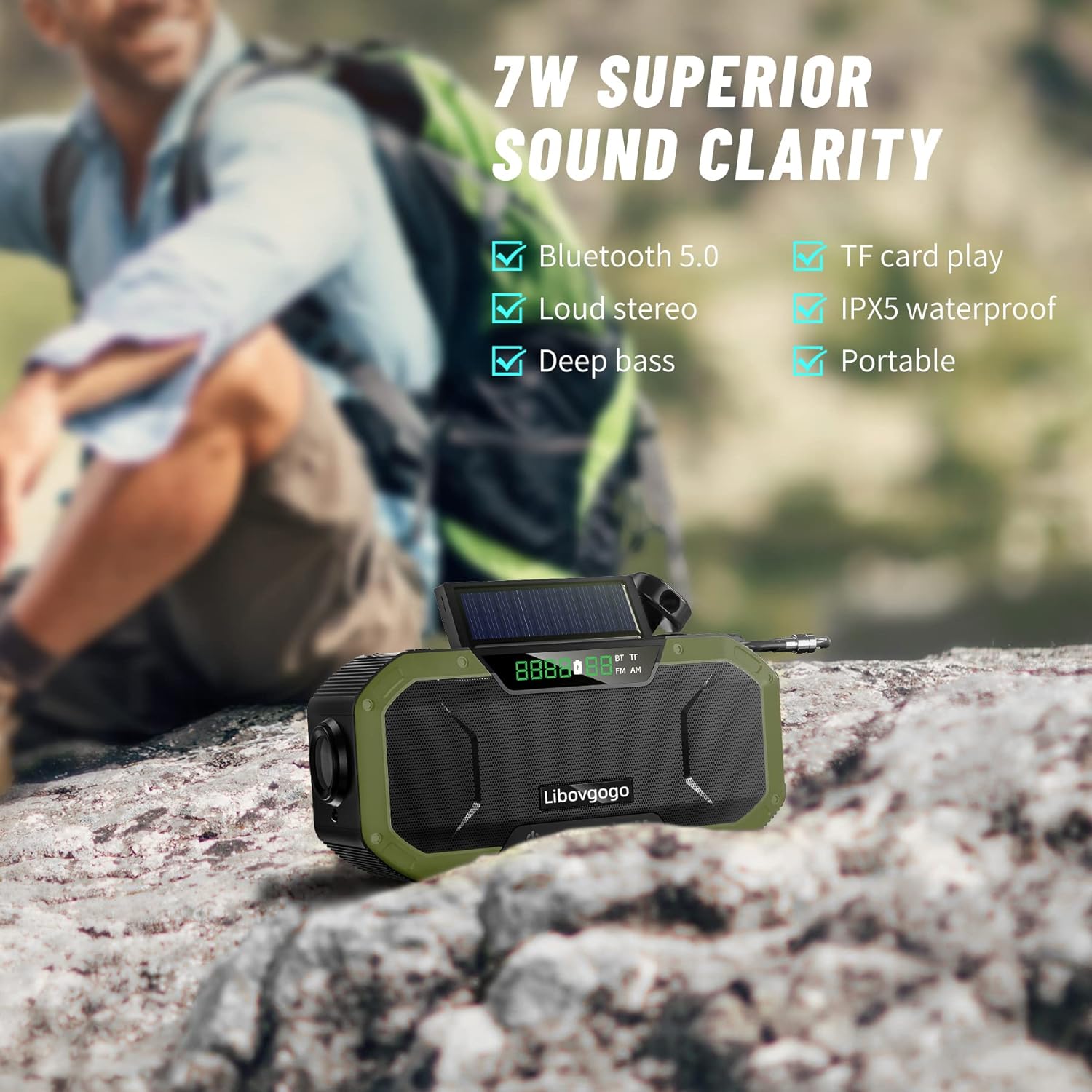
Illustration of the radio's 7W superior sound clarity, highlighting Bluetooth 5.0, loud stereo, deep bass, TF card play, IPX5 waterproof, and portability.

The radio's 5000mAh battery backup, capable of charging devices like an iPhone 12 (1.7 charges) and providing extended radio (30 hours), speaker (20 hours), and flashlight (70 days) usage.

The radio's instant NOAA weather alert feature, crucial for receiving warnings about natural disasters like tornadoes, floods, hurricanes, snowstorms, and earthquakes.
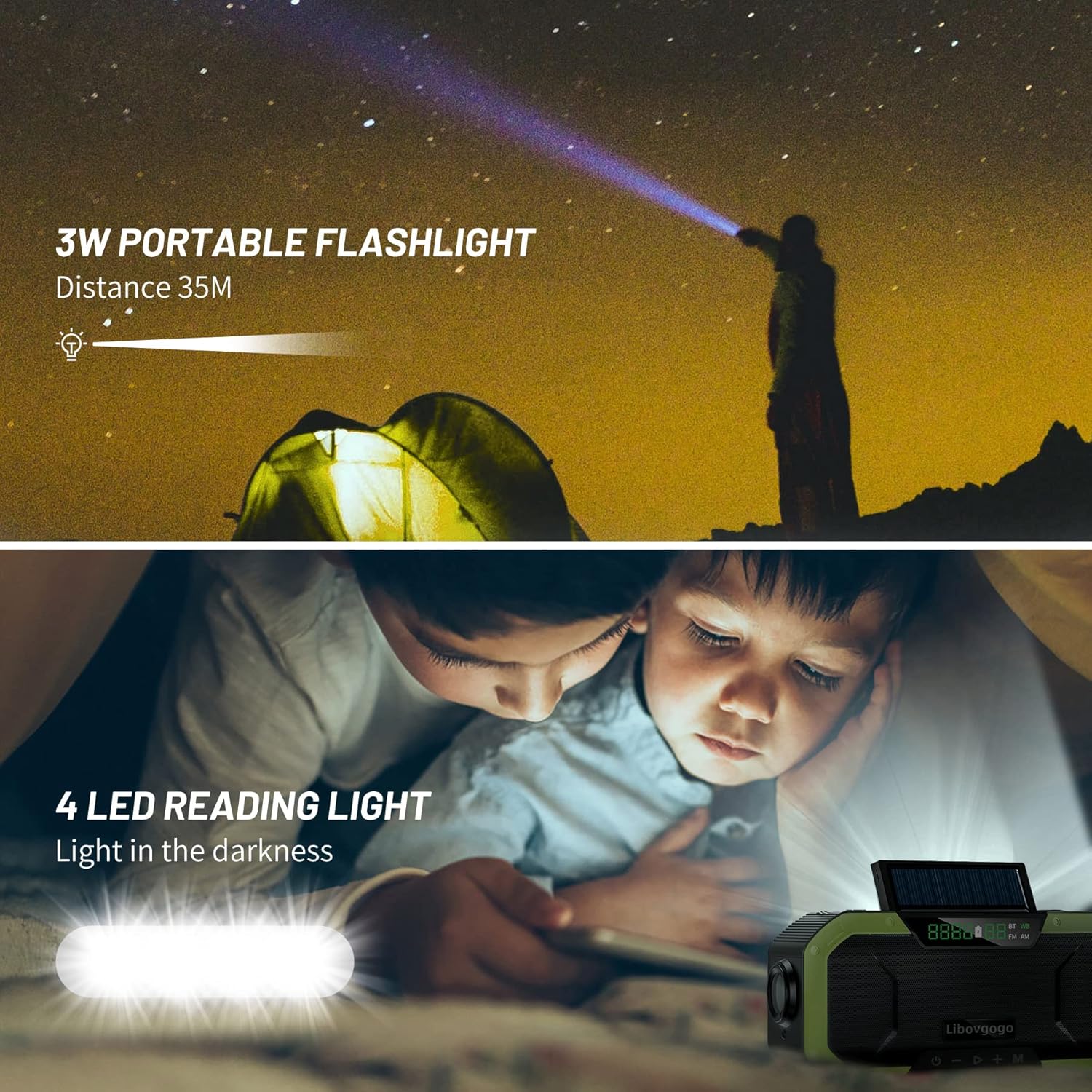
The radio's integrated 3W portable flashlight, capable of illuminating up to 35 meters, and a 4-LED reading light for use in dark environments.
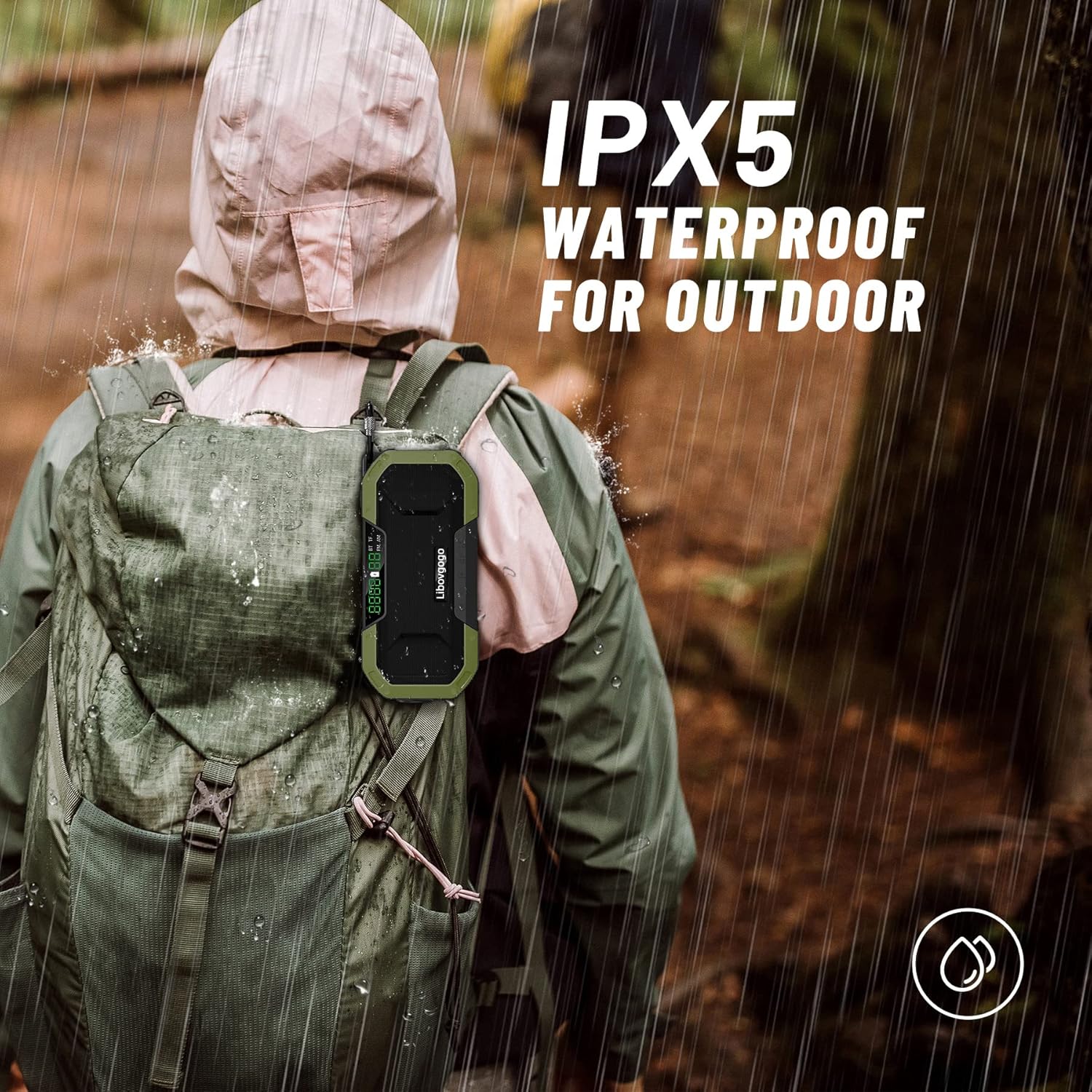
The radio's IPX5 waterproof rating, making it suitable for outdoor use and resistant to splashing water from any direction.
3. പാക്കേജ് ഉള്ളടക്കം
പാക്കേജിൽ ഇനിപ്പറയുന്ന ഇനങ്ങൾ ഉണ്ടോ എന്ന് പരിശോധിക്കുക:
- 1 x garinosen Emergency Radio (Model DF-580)
- 1 x യുഎസ്ബി ടൈപ്പ്-സി ചാർജിംഗ് കേബിൾ
- 1 x ഉപയോക്തൃ മാനുവൽ
4. നിയന്ത്രണങ്ങളും ഘടകങ്ങളും
Familiarize yourself with the various parts and controls of your emergency radio:
ഫ്രണ്ട് view of the garinosen Emergency Radio, highlighting its display, speaker, and control buttons.
- LCD ഡിസ്പ്ലേ: Shows frequency, battery level, and mode indicators (BT, WB, FM, AM).
- പവർ ബട്ടൺ (U): ഓൺ/ഓഫ് ചെയ്യാൻ അമർത്തിപ്പിടിക്കുക. മോഡുകൾ മാറാൻ ചെറുതായി അമർത്തുക.
- വോളിയം കുറയ്ക്കുക / മുമ്പത്തെ ട്രാക്ക് ബട്ടൺ (-): Short press for volume down. Long press for previous track/station.
- Play/Pause / Scan Button (▶): Short press to play/pause. Long press to auto-scan radio stations.
- വോളിയം കൂട്ടുക / അടുത്ത ട്രാക്ക് ബട്ടൺ (+): Short press for volume up. Long press for next track/station.
- മോഡ് ബട്ടൺ (M): Short press to cycle through AM, FM, WB (Weather Band), and Bluetooth modes.
- ടെലിസ്കോപ്പിക് ആന്റിന: മികച്ച റേഡിയോ സ്വീകരണത്തിനായി നീട്ടുക.
- സോളാർ പാനൽ: For trickle charging in direct sunlight.
- ഹാൻഡ് ക്രാങ്ക്: മാനുവൽ വൈദ്യുതി ഉൽപാദനത്തിനായി.
- ഫ്ലാഷ്ലൈറ്റ്: Located on one end of the radio.
- എൽ വായിക്കുന്നുamp: മടക്കാവുന്ന എൽamp മുകളിലെ പ്രതലത്തിൽ.
- SOS ബട്ടൺ: Activates emergency alarm and flashlight.
- USB-C ഇൻപുട്ട് പോർട്ട്: റേഡിയോ ചാർജ് ചെയ്യാൻ.
- USB-A ഔട്ട്പുട്ട് പോർട്ട്: ബാഹ്യ ഉപകരണങ്ങൾ ചാർജ് ചെയ്യുന്നതിന്.
- കോമ്പസ്: നാവിഗേഷൻ സഹായത്തിനായി സംയോജിപ്പിച്ചിരിക്കുന്നു.
5. സജ്ജീകരണം
5.1 പ്രാരംഭ ചാർജിംഗ്
Before first use, it is recommended to fully charge the radio using the USB-C port.
- Connect the provided USB-C cable to the radio's USB-C input port and the other end to a USB power adapter (not included) or a computer USB port.
- The battery indicator on the LCD display will show charging progress.
- ഒരു പൂർണ്ണ ചാർജ് സാധാരണയായി നിരവധി മണിക്കൂറുകൾ എടുക്കും.
5.2 ഇതര ചാർജിംഗ് രീതികൾ
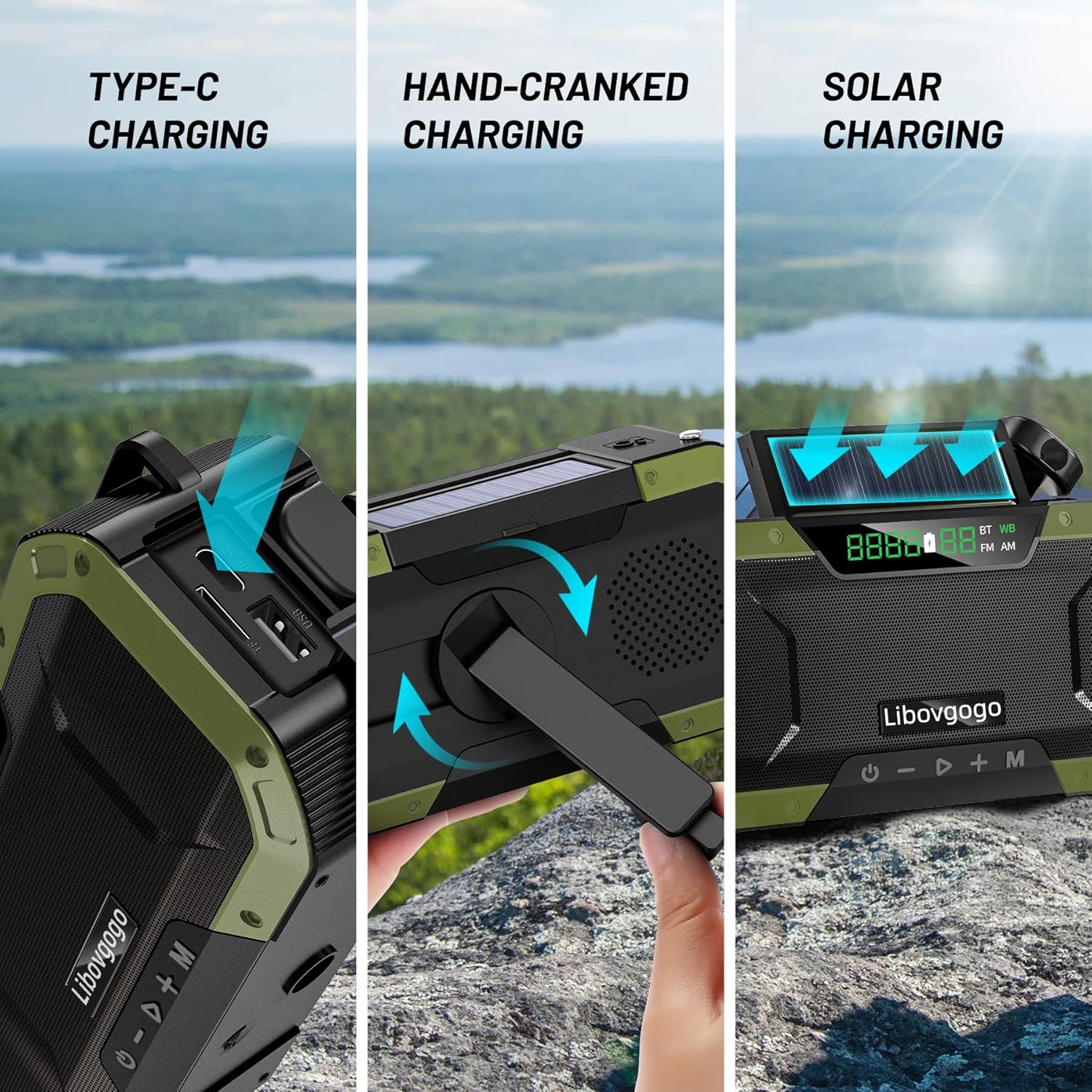
Visual representation of the three primary charging methods: USB Type-C, hand-crank, and solar panel.
- Hand-Cranked Charging: Unfold the hand crank and rotate it clockwise or counter-clockwise at a steady pace (approx. 130-150 RPM) for emergency power. One minute of cranking can provide several minutes of radio use or flashlight power.
- സോളാർ ചാർജിംഗ്: Place the radio with the solar panel facing direct sunlight. This method is primarily for maintaining battery charge or for very slow charging in emergency situations. It is not intended for a full charge.
6. പ്രവർത്തന നിർദ്ദേശങ്ങൾ
6.1 പവർ ഓൺ/ഓഫ്
- അമർത്തിപ്പിടിക്കുക U button for 2-3 seconds to turn the radio on or off.
6.2 Radio Functions (AM/FM/WB NOAA)
- മോഡ് തിരഞ്ഞെടുക്കൽ: ഷോർട്ട് അമർത്തുക M button to cycle through FM, AM, and WB (Weather Band) modes. The current mode will be displayed on the LCD.
- ട്യൂണിംഗ്: In FM or AM mode, short press the - or + buttons to manually tune to the next available station.
- ഓട്ടോ സ്കാൻ: In FM or AM mode, long press the ▶ button to automatically scan and store available stations.
- NOAA കാലാവസ്ഥ ബാൻഡ്: In WB mode, the radio will automatically scan for NOAA weather alerts. Ensure the telescopic antenna is extended for optimal reception.
- വോളിയം ക്രമീകരണം: ഷോർട്ട് അമർത്തുക - or + വോളിയം ക്രമീകരിക്കാനുള്ള ബട്ടണുകൾ.
6.3 ബ്ലൂടൂത്ത് സ്പീക്കർ മോഡ്
- ബ്ലൂടൂത്ത് മോഡിൽ പ്രവേശിക്കുന്നു: ഷോർട്ട് അമർത്തുക M button until 'BT' appears on the LCD display. The radio will enter pairing mode.
- ജോടിയാക്കൽ: On your smartphone or tablet, enable Bluetooth and search for 'DF-580' (or similar name). Select it to pair. A confirmation sound will indicate successful pairing.
- പ്ലേബാക്ക് നിയന്ത്രണം: ഉപയോഗിക്കുക ▶ button for play/pause, and long press - or + മുമ്പത്തെ/അടുത്ത ട്രാക്കിനായി.
6.4 ഫ്ലാഷ്ലൈറ്റും റീഡിംഗ് എൽamp
- ഫ്ലാഷ്ലൈറ്റ്: Press the dedicated flashlight button (usually on the side) to turn the flashlight on/off.
- എൽ വായിക്കുന്നുamp: Lift the foldable reading lamp from the top of the radio to activate it. Fold it back down to turn it off.
6.5 SOS അലാറം പ്രവർത്തനം
- അമർത്തുക SOS button (usually located near the solar panel) to activate a loud siren and flashing flashlight for emergency signaling.
- അമർത്തുക SOS അലാറം നിർജ്ജീവമാക്കാൻ വീണ്ടും ബട്ടൺ അമർത്തുക.
6.6 പവർ ബാങ്ക് പ്രവർത്തനം
- Connect your smartphone or other USB-powered device to the radio's USB-A output port using your device's charging cable.
- The radio's internal 5000mAh battery will begin charging your connected device.
7. പരിചരണവും പരിപാലനവും
- വൃത്തിയാക്കൽ: ഒരു സോഫ്റ്റ് ഉപയോഗിച്ച് റേഡിയോ തുടയ്ക്കുക, ഡിamp തുണി. കഠിനമായ രാസവസ്തുക്കളോ ഉരച്ചിലുകളുള്ള ക്ലീനറുകളോ ഉപയോഗിക്കരുത്.
- സംഭരണം: Store the radio in a cool, dry place away from direct sunlight and extreme temperatures when not in use for extended periods.
- ബാറ്ററി കെയർ: To prolong battery life, fully charge the radio at least once every three months, even if not in use. Avoid completely draining the battery frequently.
- ജല പ്രതിരോധം: While IPX5 waterproof, avoid submerging the radio in water. Ensure all port covers are securely closed to maintain water resistance.
8. പ്രശ്നപരിഹാരം
| പ്രശ്നം | സാധ്യമായ കാരണം | പരിഹാരം |
|---|---|---|
| റേഡിയോ ഓൺ ആകുന്നില്ല. | ബാറ്ററി തീർന്നു. | Charge the radio using the USB-C cable, hand crank, or solar panel. |
| മോശം റേഡിയോ സ്വീകരണം. | ആന്റിന വികസിതമല്ല അല്ലെങ്കിൽ ദുർബലമായ സിഗ്നൽ ഏരിയ. | Fully extend the telescopic antenna. Try moving to an open area or near a window. |
| ബ്ലൂടൂത്ത് ജോടിയാക്കൽ പരാജയപ്പെട്ടു. | Radio not in pairing mode; device too far; previously paired. | Ensure radio is in BT mode. Keep devices within 10 meters. Forget device on your phone and re-pair. |
| ബാഹ്യ ഉപകരണങ്ങൾ ചാർജ് ചെയ്യാൻ കഴിയില്ല. | റേഡിയോ ബാറ്ററി വളരെ കുറവാണ്; കേബിൾ തെറ്റാണ്; ഉപകരണം അനുയോജ്യമല്ല. | Ensure radio has sufficient charge. Use a proper USB-A to device cable. Check device compatibility. |
| Hand crank or solar charging is slow. | These are emergency charging methods. | This is normal. For faster charging, use the USB-C port. |
9 സാങ്കേതിക സവിശേഷതകൾ
| ഫീച്ചർ | സ്പെസിഫിക്കേഷൻ |
|---|---|
| മോഡൽ | ഡിഎഫ്-580 |
| ബ്രാൻഡ് | garinosen |
| അളവുകൾ (L x W x H) | 16.51 x 4.57 x 7.62 സെ.മീ |
| ഭാരം | 435.45 ഗ്രാം |
| ബാറ്ററി ശേഷി | 5000mAh ലിഥിയം പോളിമർ |
| ഇൻപുട്ട് ചാർജ് ചെയ്യുന്നു | USB Type-C, Hand Crank, Solar Panel |
| പവർ ഔട്ട്പുട്ട് | USB-A (for charging external devices) |
| റേഡിയോ ബാൻഡുകൾ | AM, FM, 7 NOAA Weather Bands |
| ബ്ലൂടൂത്ത് പതിപ്പ് | Bluetooth 5.0 (implied by "Bluetooth Speaker" feature and common standards) |
| സ്പീക്കർ ഔട്ട്പുട്ട് പവർ | 7 വാട്ട്സ് |
| ഫ്ലാഷ്ലൈറ്റ് പവർ | 3W |
| ജല പ്രതിരോധം | IPX5 |
| മെറ്റീരിയൽ | അക്രിലോണിട്രൈൽ ബ്യൂട്ടാഡീൻ സ്റ്റൈറൈൻ (എബിഎസ്) |
10. വാറൻ്റിയും പിന്തുണയും
10.1 വാറൻ്റി വിവരങ്ങൾ
This product comes with a standard manufacturer's warranty against defects in materials and workmanship. Please refer to the product packaging or contact customer support for specific warranty terms and duration.
10.2 ഉപഭോക്തൃ പിന്തുണ
For any questions, technical assistance, or warranty claims, please contact garinosen customer support through the following channels:
- ഓൺലൈൻ പിന്തുണ: Visit the official garinosen store on Amazon: garinosen Amazon Store
- ഇമെയിൽ: നേരിട്ടുള്ള ഇമെയിൽ പിന്തുണയ്ക്കായി നിങ്ങളുടെ വാങ്ങൽ ഡോക്യുമെന്റേഷൻ പരിശോധിക്കുക.
When contacting support, please have your product model (DF-580) and purchase details ready.
Ask a question about this manual
Ask about setup, troubleshooting, compatibility, parts, safety, or missing instructions. Manuals+ will review the question and use this page’s manual context to help answer it.