
ആമുഖം
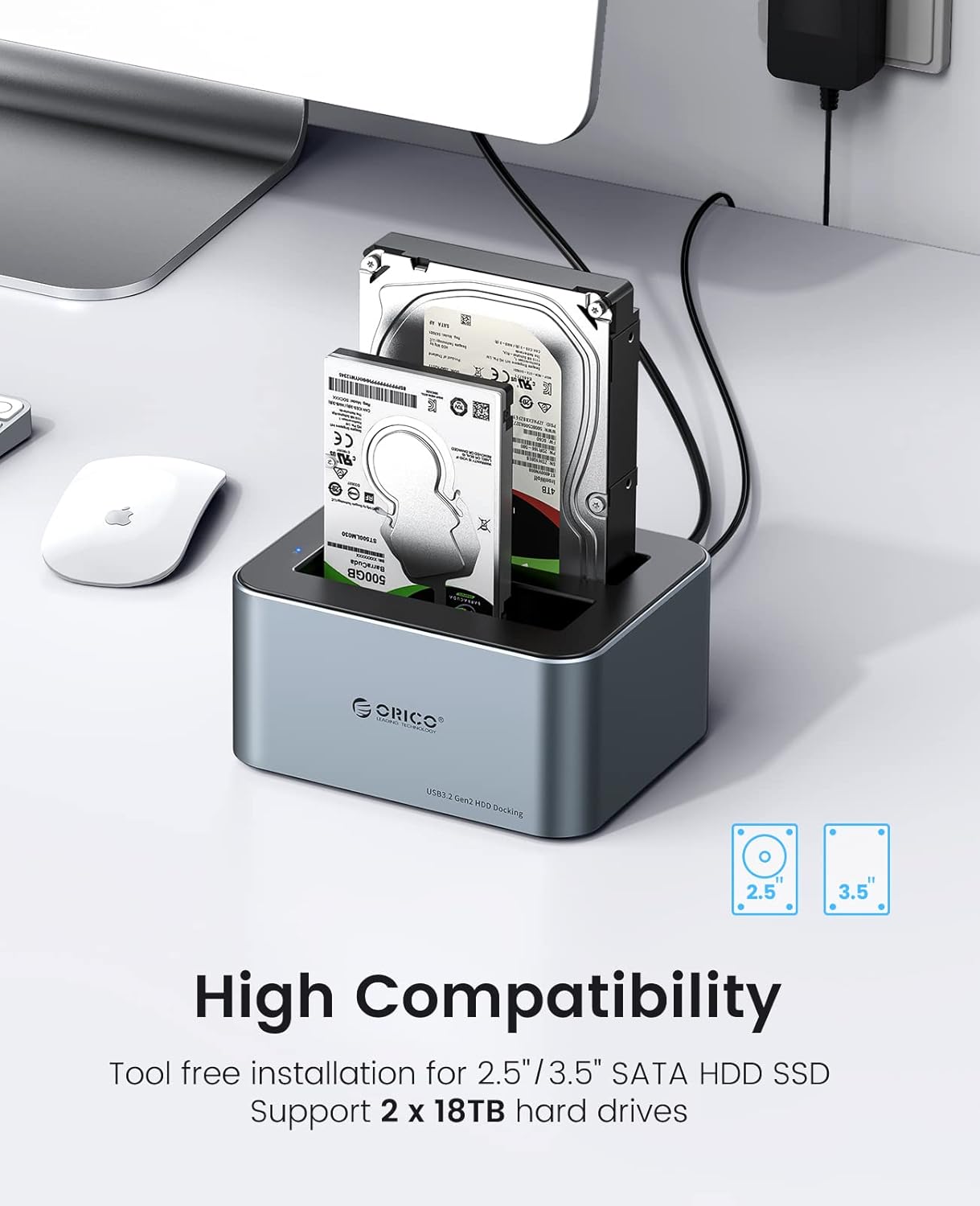
The ORICO 6626C3 is a high-performance dual-bay docking station designed for 2.5-inch and 3.5-inch SATA SSDs and HDDs. It provides a convenient, tool-free solution for accessing and managing your data with USB 3.2 Gen 2 connectivity, offering fast transfer speeds and broad compatibility. This manual provides essential information for setting up, operating, and maintaining your docking station.
പാക്കേജ് ഉള്ളടക്കം
നിങ്ങളുടെ പാക്കേജിൽ എല്ലാ ഇനങ്ങളും ഉണ്ടെന്ന് ദയവായി പരിശോധിക്കുക:
- ORICO 6626C3 Dual Bay Hard Drive Docking Station
- 12 വി പവർ അഡാപ്റ്റർ
- USB-C ഡാറ്റ കേബിൾ
- ഉപയോക്തൃ മാനുവൽ

ഫീച്ചറുകൾ
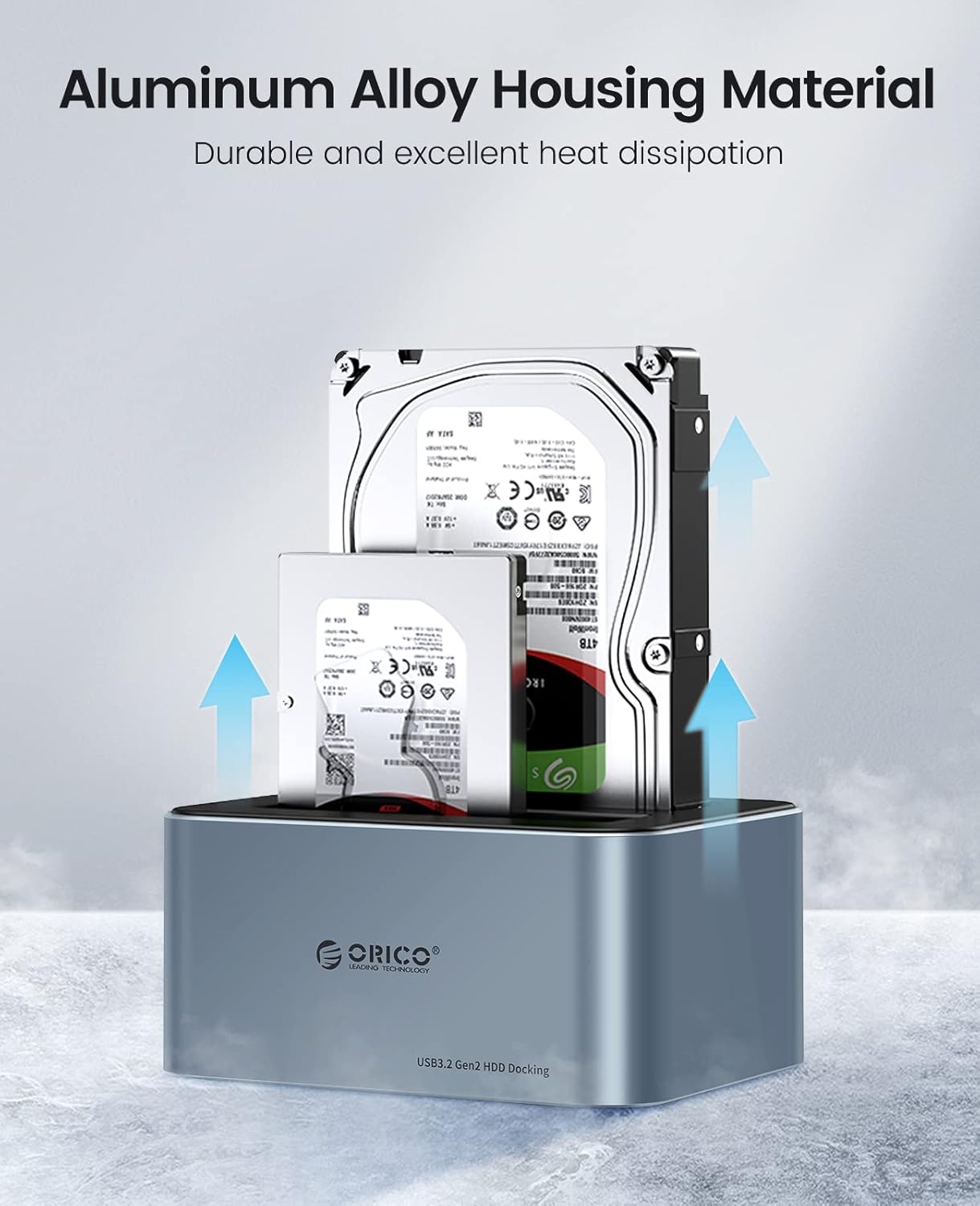
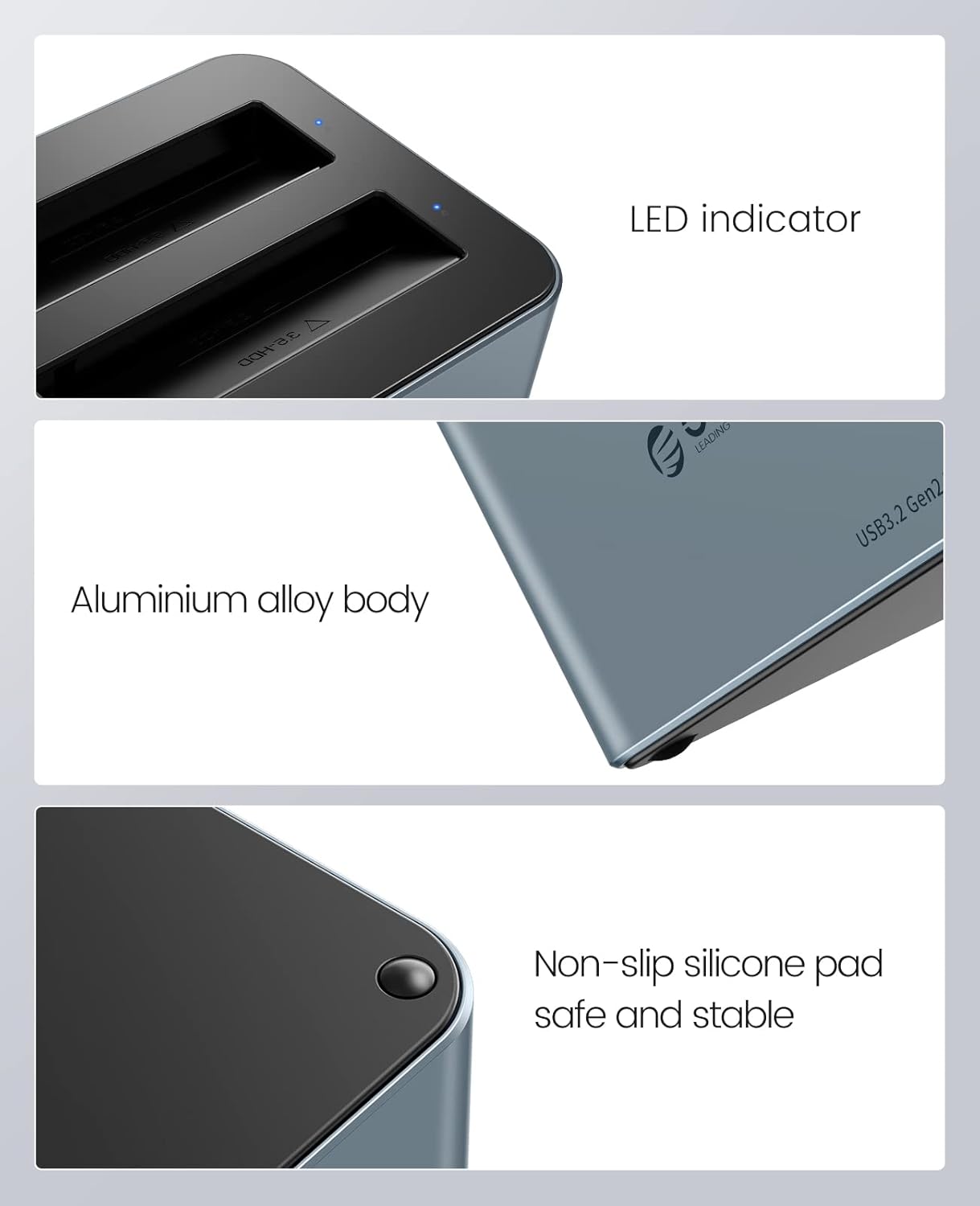
- Premium Aluminum Alloy Construction: Durable and robust design with excellent heat dissipation for stable performance.
- ഹൈ-സ്പീഡ് ഡാറ്റ ട്രാൻസ്ഫർ: Equipped with USB 3.2 Gen 2 Type-C interface, supporting up to 6Gbps transfer speed and UASP acceleration protocol, which is up to 70% faster than traditional USB 3.0.
- വിശാലമായ അനുയോജ്യത: Supports 2.5-inch and 3.5-inch SATA I/II/III HDDs and SSDs, with a maximum capacity of 18TB per bay (total 36TB).
- ടൂൾ ഫ്രീ ഇൻസ്റ്റലേഷൻ: Easy plug-and-play setup without the need for tools.
- യൂണിവേഴ്സൽ ഉപകരണ പിന്തുണ: Compatible with a variety of USB-C and USB-A devices including laptops, desktops, tablets, routers, and projectors.
- ഓപ്പറേറ്റിംഗ് സിസ്റ്റം അനുയോജ്യത: Works with Windows, Mac OS, Linux OS, and iPad OS.
- ഊർജ്ജ സംരക്ഷണം: Features an automatic sleep mode after 10 minutes of inactivity to conserve power.
- മെച്ചപ്പെടുത്തിയ സ്ഥിരത: Non-slip silicone pads provide shock-resistant and vibration-dampening functions.
- LED സൂചകം: Provides clear status indication of operation.

സജ്ജമാക്കുക
- ഹാർഡ് ഡ്രൈവുകൾ ചേർക്കുക: Gently slide your 2.5-inch or 3.5-inch SATA SSD/HDD into the drive bays of the docking station. Ensure the drive is fully seated in the connector. The tool-free design allows for easy insertion and removal.
- പവർ ബന്ധിപ്പിക്കുക: Connect the provided 12V power adapter to the DC input port on the docking station, then plug the adapter into a power outlet.
- കമ്പ്യൂട്ടറുമായി ബന്ധിപ്പിക്കുക: Use the included USB-C data cable to connect the docking station to your computer. If your computer only has USB-A ports, use the provided USB-A converter.
- പവർ ഓൺ: Press the power button on the docking station (if available) or ensure it powers on automatically upon connection. The LED indicator will illuminate to show it is active.

പ്രവർത്തന നിർദ്ദേശങ്ങൾ
- ഡ്രൈവ് തിരിച്ചറിയൽ: Once connected and powered on, your operating system should automatically detect the inserted hard drives. They will appear as removable storage devices.
- ഡാറ്റ കൈമാറ്റം: നിങ്ങൾക്ക് ഇപ്പോൾ വലിച്ചിടാം files to and from the drives, or use them for backup and storage purposes. The USB 3.2 Gen 2 interface with UASP ensures fast and efficient data transfer.
- LED സൂചകം: The blue LED indicator on the docking station will show the operational status. A steady light typically indicates power, while blinking may indicate data activity.
- യാന്ത്രിക ഉറക്ക പ്രവർത്തനം: To save energy and extend drive lifespan, the docking station will automatically enter sleep mode after 10 minutes of inactivity. It will wake up automatically when accessed.
- സുരക്ഷിതമായ നീക്കം: Always safely eject the hard drives from your operating system before physically removing them from the docking station or disconnecting the power/USB cable to prevent data corruption.
മെയിൻ്റനൻസ്
- വൃത്തിയാക്കൽ: Keep the docking station clean and free from dust. Use a soft, dry cloth to wipe the exterior. Avoid using liquid cleaners or solvents. The anti-dust plug cover helps maintain cleanliness.
- താപ വിസർജ്ജനം: The aluminum alloy housing is designed for efficient heat dissipation. Ensure the docking station is placed in a well-ventilated area to prevent overheating, especially during prolonged use.
- കൈകാര്യം ചെയ്യൽ: Handle the docking station with care. Avoid dropping it or subjecting it to strong impacts.
- സംഭരണം: ഉപയോഗത്തിലില്ലാത്തപ്പോൾ, ഡോക്കിംഗ് സ്റ്റേഷൻ നേരിട്ട് സൂര്യപ്രകാശം ഏൽക്കാത്തതും തീവ്രമായ താപനില ഏൽക്കാത്തതുമായ ഒരു തണുത്ത വരണ്ട സ്ഥലത്ത് സൂക്ഷിക്കുക.

ട്രബിൾഷൂട്ടിംഗ്
- ഡ്രൈവ് കണ്ടെത്തിയില്ല:
- Ensure the hard drive is properly seated in the bay.
- Verify the power adapter is securely connected and the docking station is powered on.
- നിങ്ങളുടെ കമ്പ്യൂട്ടറിലെ മറ്റൊരു USB പോർട്ടിലേക്ക് ഡോക്കിംഗ് സ്റ്റേഷൻ ബന്ധിപ്പിക്കാൻ ശ്രമിക്കുക.
- ലഭ്യമാണെങ്കിൽ മറ്റൊരു USB കേബിൾ ഉപയോഗിച്ച് പരീക്ഷിക്കുക.
- Check Disk Management (Windows) or Disk Utility (Mac) to see if the drive is recognized but uninitialized or unformatted.
- മന്ദഗതിയിലുള്ള ട്രാൻസ്ഫർ വേഗത:
- Ensure your computer's USB port supports USB 3.2 Gen 2 (or at least USB 3.0) for optimal performance.
- Verify that your operating system and drivers support UASP.
- Avoid connecting through unpowered USB hubs.
- ഹാർഡ് ഡ്രൈവിന്റെ പ്രകടനവും സിസ്റ്റം കോൺഫിഗറേഷനും അനുസരിച്ച് യഥാർത്ഥ വേഗത വ്യത്യാസപ്പെടാം.
- Docking Station Disconnects Randomly:
- Ensure all cables (power and USB) are firmly connected.
- Check for power fluctuations.
- ശക്തമായ വൈദ്യുതകാന്തിക ഇടപെടലിന്റെ ഉറവിടങ്ങൾക്ക് സമീപം ഡോക്കിംഗ് സ്റ്റേഷൻ സ്ഥാപിക്കുന്നത് ഒഴിവാക്കുക.
സ്പെസിഫിക്കേഷനുകൾ
| ഫീച്ചർ | സ്പെസിഫിക്കേഷൻ |
|---|---|
| മോഡൽ നമ്പർ | 6626C3 |
| ബ്രാൻഡ് | ഒറിക്കോ |
| മെറ്റീരിയൽ | അലുമിനിയം അലോയ്, പ്ലാസ്റ്റിക് |
| നിറം | ചാരനിറം |
| അനുയോജ്യമായ ഡ്രൈവ് തരം | 2.5/3.5 inch SATA I/II/III HDD/SSD |
| ബേകളുടെ എണ്ണം | 2 |
| ഓരോ ഡ്രൈവിനും പരമാവധി ശേഷി | 18TB |
| ഇൻ്റർഫേസ് | USB 3.2 Gen 2 ടൈപ്പ്-സി |
| ട്രാൻസ്ഫർ സ്പീഡ് | Up to 6Gbps (with UASP) |
| വൈദ്യുതി വിതരണം | 12V/3A പവർ അഡാപ്റ്റർ |
| അനുയോജ്യമായ ഓപ്പറേറ്റിംഗ് സിസ്റ്റങ്ങൾ | Windows, Mac OS, Linux OS, iPad OS |
വാറൻ്റിയും പിന്തുണയും
ORICO products come with a standard manufacturer's warranty. For detailed warranty information, technical support, or customer service inquiries, please refer to the warranty card included in your package or visit the official ORICO website. Please have your product model number (6626C3) and purchase information ready when contacting support.