
1. ആമുഖം
വാങ്ങിയതിന് നന്ദി.asing the BYINTEK R17 Pro Portable Smart 3D DLP Projector. This manual provides essential information for safe and effective use of your device. Please read it thoroughly before operation and retain it for future reference.
The BYINTEK R17 Pro is a versatile portable projector featuring Android 9.0 OS, 4K decoding support, 3D capabilities, and a built-in battery, making it ideal for various entertainment and presentation needs. It also supports multiple languages including English, Russian, Arabic, Korean, Japanese, French, German, Italian, Spanish, Chinese, Vietnamese, Polish, and Traditional Chinese.
2 സുരക്ഷാ വിവരങ്ങൾ
- l ചെയ്യുമ്പോൾ പ്രൊജക്ടർ ലെൻസിലേക്ക് നേരിട്ട് നോക്കരുത്amp ഓണാണ്.
- Keep the projector away from water or other liquids to prevent electric shock.
- അമിതമായി ചൂടാക്കുന്നത് തടയാൻ വെന്റിലേഷൻ ഓപ്പണിംഗുകൾ തടയരുത്.
- നിർമ്മാതാവ് നൽകുന്ന പവർ അഡാപ്റ്റർ മാത്രം ഉപയോഗിക്കുക.
- അസ്ഥിരമായ പ്രതലങ്ങളിൽ പ്രൊജക്ടർ സ്ഥാപിക്കുന്നത് ഒഴിവാക്കുക.
- പ്രൊജക്ടർ സ്വയം വേർപെടുത്താനോ നന്നാക്കാനോ ശ്രമിക്കരുത്. യോഗ്യതയുള്ള സേവന ഉദ്യോഗസ്ഥരെ ബന്ധപ്പെടുക.
- ഉപയോഗത്തിലില്ലാത്തപ്പോൾ പ്രൊജക്ടർ തണുത്തതും വരണ്ടതുമായ സ്ഥലത്ത് സൂക്ഷിക്കുക.
3. പാക്കേജ് ഉള്ളടക്കം
അൺബോക്സിംഗ് ചെയ്യുമ്പോൾ എല്ലാ ഇനങ്ങളും ഉണ്ടെന്ന് ഉറപ്പാക്കാൻ പാക്കേജ് ഉള്ളടക്കങ്ങൾ പരിശോധിക്കുക:
- BYINTEK R17 Pro Projector
- പവർ അഡാപ്റ്റർ
- റിമോട്ട് കൺട്രോൾ
- ഉപയോക്തൃ മാനുവൽ (ഈ പ്രമാണം)
- HDMI കേബിൾ (പ്രദേശത്തിനനുസരിച്ച് വ്യത്യാസപ്പെടാം)

ചിത്രം: വിശദമായ ഒരു വശം view of the BYINTEK R17 Pro projector, highlighting its compact and portable design.
4. സജ്ജീകരണ ഗൈഡ്
4.1 പവർ ഓൺ/ഓഫ്
- പവർ ബന്ധിപ്പിക്കുക: Plug the power adapter into the projector's DC input port and then into a power outlet.
- പവർ ഓൺ: Press the power button on the projector or the remote control. The indicator light will turn on.
- പവർ ഓഫ്: പവർ ബട്ടൺ വീണ്ടും അമർത്തുക. ആവശ്യപ്പെടുകയാണെങ്കിൽ ഷട്ട്ഡൗൺ സ്ഥിരീകരിക്കുക.
4.2 പ്ലേസ്മെന്റും പ്രൊജക്ഷനും
Position the projector on a stable, flat surface. Ensure there are no obstructions in front of the lens. The ideal projection distance ranges from 1 to 8 meters, producing a screen size of 30 to 300 inches.
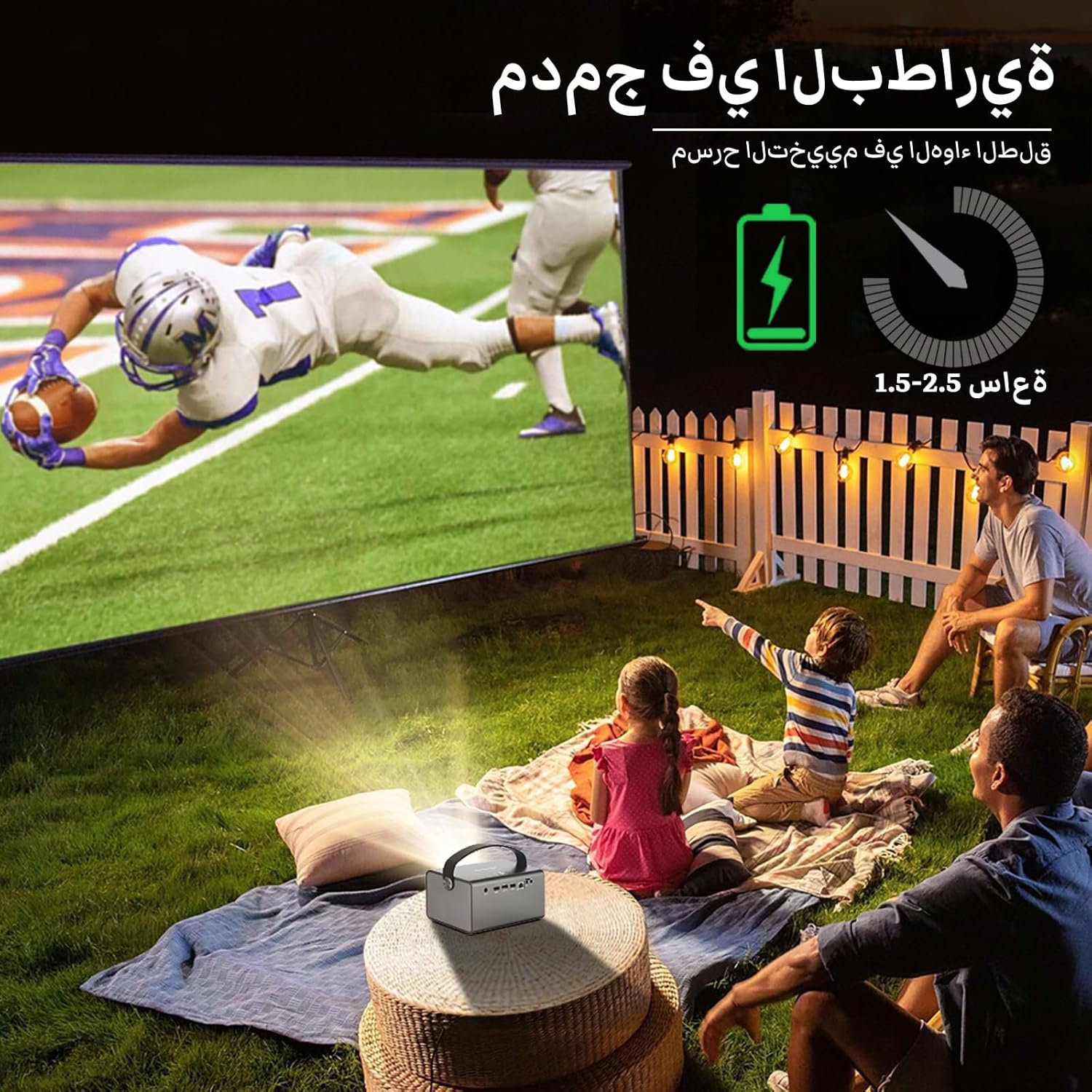
Image: The BYINTEK R17 Pro projector in an outdoor setting, demonstrating its portable use for entertainment. The image shows a football game projected onto a large screen, with people watching comfortably. This highlights the projector's battery life and suitability for outdoor events.
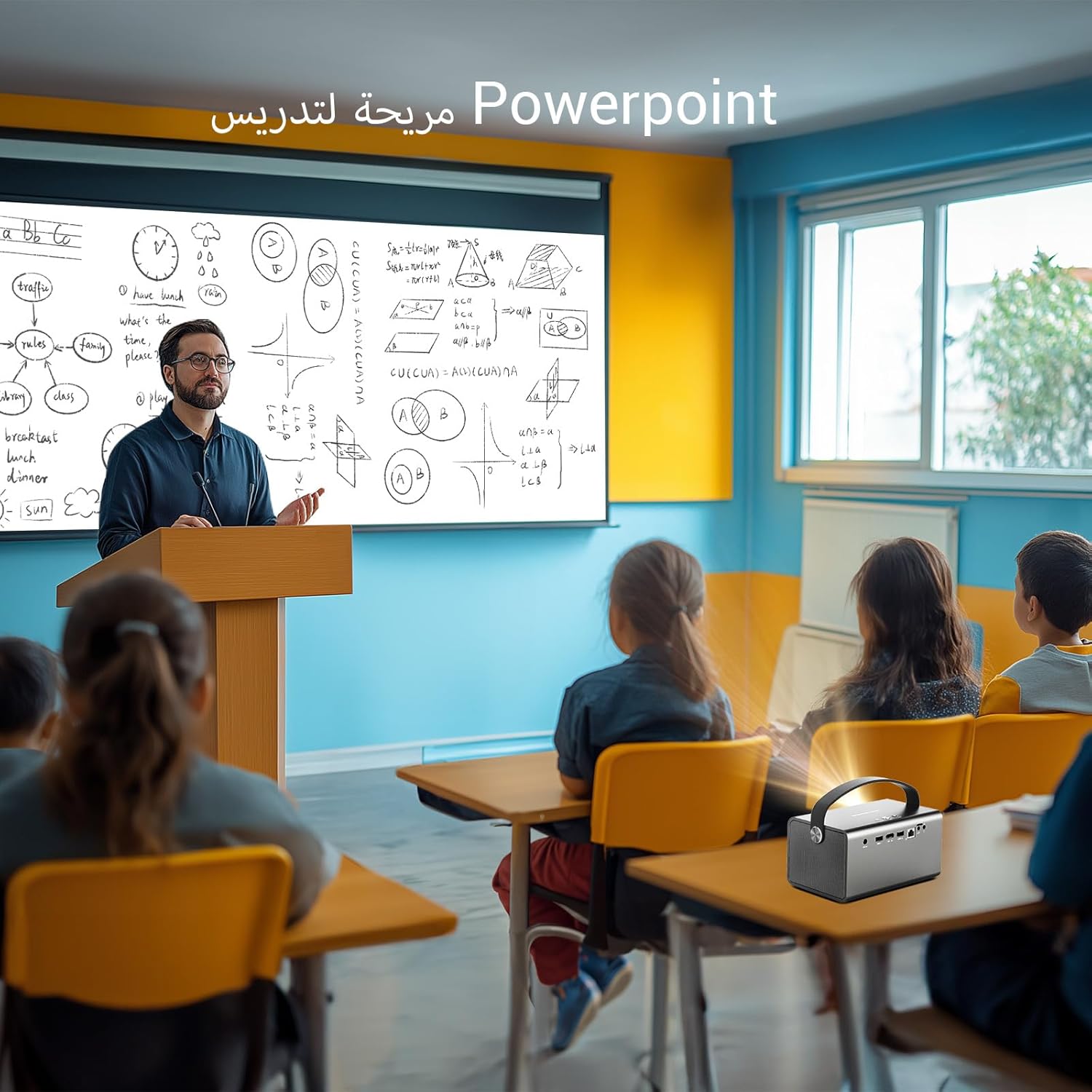
Image: The BYINTEK R17 Pro projector being used in a classroom to display a PowerPoint presentation. This illustrates its utility for educational purposes and presentations in various environments.
4.3 ഫോക്കസും കീസ്റ്റോൺ തിരുത്തലും
- ഇലക്ട്രിക് ഫോക്കസ്: Use the remote control to adjust the focus until the image is clear.
- യാന്ത്രിക കീസ്റ്റോൺ തിരുത്തൽ: The projector supports automatic vertical keystone correction.
- മാനുവൽ കീസ്റ്റോൺ തിരുത്തൽ: For side projections or specific adjustments, use the manual keystone correction feature via the settings menu. This includes corner keystone correction.
5. ഓപ്പറേഷൻ
5.1 ആൻഡ്രോയിഡ് 9.0 സിസ്റ്റം നാവിഗേറ്റ് ചെയ്യുക
The BYINTEK R17 Pro runs on Android 9.0, providing a smart interface. Use the remote control or a connected air mouse to navigate through menus, launch applications, and adjust settings.
- ഹോം സ്ക്രീൻ: Access pre-installed apps and system settings.
- ആപ്പ് സ്റ്റോർ: Download additional applications for streaming, productivity, or gaming.
- ക്രമീകരണങ്ങൾ: Configure Wi-Fi, Bluetooth, display, sound, and other system preferences.
5.2 മീഡിയ പ്ലേബാക്ക്
The projector supports various media formats and sources:
- USB സംഭരണം: Connect a USB drive or SSD (up to 32GB) to play videos, music, or view ഫോട്ടോകൾ.
- ഓൺലൈൻ സ്ട്രീമിംഗ്: Use pre-installed or downloaded streaming apps via Wi-Fi.
- 3D ഉള്ളടക്കം: The projector supports Blu-ray 3D. Ensure your 3D content and glasses are compatible.

Image: A couple enjoying a Blu-ray 3D movie projected by the BYINTEK R17 Pro. The image showcases the projector's ability to display immersive 3D content with vivid colors.
5.3 Screen Mirroring (Wi-Fi Display)
Mirror your smartphone, tablet, or computer screen wirelessly to the projector using Airplay, Miracast, or DLNA (Eshare app is pre-installed).
- Ensure both your device and the projector are connected to the same Wi-Fi network.
- Open the Eshare app on the projector.
- On your mobile device, activate screen mirroring (e.g., Airplay for iOS, Smart View/Screen Cast for Android).
- ലഭ്യമായ ഉപകരണങ്ങളുടെ പട്ടികയിൽ നിന്ന് പ്രൊജക്ടർ തിരഞ്ഞെടുക്കുക.

Image: The BYINTEK R17 Pro projector wirelessly displaying a racing game from a smartphone. This demonstrates the screen mirroring feature for gaming and mobile content.
6. കണക്റ്റിവിറ്റി
The BYINTEK R17 Pro offers multiple connectivity options:
- എച്ച്ഡിഎംഐ 2.0: Connect external devices like game consoles (e.g., PS4), computers, Blu-ray players, or TV boxes. Supports up to 4K input.
- USB 2.0 / USB 3.0: For connecting USB storage devices, external mice, game controllers, or 2.4GHz air mice.
- ഓഡിയോ Outട്ട്: മെച്ചപ്പെടുത്തിയ ഓഡിയോയ്ക്കായി ബാഹ്യ സ്പീക്കറുകളോ ഹെഡ്ഫോണുകളോ ബന്ധിപ്പിക്കുക.
- വൈഫൈ (2.4GHz/5GHz): For internet access and wireless screen mirroring.
- ബ്ലൂടൂത്ത് 5.0: For connecting Bluetooth speakers, headphones, or other compatible accessories.
7. പരിപാലനം
7.1 ലെൻസ് വൃത്തിയാക്കൽ
Use a soft, lint-free cloth specifically designed for optical lenses. Do not use abrasive cleaners or excessive force, as this can scratch the lens.
7.2 പ്രൊജക്ടർ ബോഡി വൃത്തിയാക്കൽ
Wipe the exterior of the projector with a soft, dry cloth. Avoid using chemical cleaners that may damage the finish.
7.3 സംഭരണം
When not in use for extended periods, store the projector in its original packaging or a protective case in a cool, dry, dust-free environment.
8. പ്രശ്നപരിഹാരം
| പ്രശ്നം | സാധ്യമായ കാരണം | പരിഹാരം |
|---|---|---|
| ചിത്രമൊന്നും പ്രദർശിപ്പിച്ചിട്ടില്ല | Power not connected; input source incorrect; lens cap on. | Check power connection; select correct input source (HDMI, USB, etc.); remove lens cap. |
| ചിത്രം മങ്ങിയതാണ് | Focus not adjusted; projector too far/close. | Adjust electric focus using the remote; reposition the projector within optimal distance. |
| ചിത്രം വികലമാണ് (ട്രപസോയിഡ് ആകൃതി) | കീസ്റ്റോൺ തിരുത്തൽ ആവശ്യമാണ്. | Use auto or manual keystone correction in settings. |
| ശബ്ദമില്ല | Volume too low; external speakers not connected/configured; audio output muted. | Increase volume; check external speaker connection; unmute audio. |
| Wi-Fi കണക്ഷൻ പ്രശ്നങ്ങൾ | Incorrect password; out of range; router issues. | Verify password; move closer to router; restart router and projector. |
| Projector shuts down unexpectedly | അമിതമായി ചൂടാകുന്നു; ബാറ്ററി കുറവാണ്. | Ensure ventilation is clear; charge the battery or connect to power. |
9 സ്പെസിഫിക്കേഷനുകൾ
| ഫീച്ചർ | വിശദാംശങ്ങൾ |
|---|---|
| ബ്രാൻഡ് | BYINTEK |
| മോഡൽ | R17 പ്രോ |
| ലൈറ്റ് എഞ്ചിൻ | TI 0.47 inch DMD WVGA |
| പ്രകാശ സ്രോതസ്സ് | OSRAM RGB 3LED |
| ലൈറ്റ് ലൈഫ് | 50,000 മണിക്കൂർ |
| തെളിച്ചം | 750 ആൻസി ലുമെൻസ് |
| കോൺട്രാസ്റ്റ് റേഷ്യോ | 10,000:1 |
| നേറ്റീവ് റെസല്യൂഷൻ | 1280 x 800 (supports up to 4K input) |
| വീക്ഷണാനുപാതം | 16:10 / 16:9 / 4:3 |
| ഓഫ്-ആക്സിസ് | 100% |
| ത്രോ അനുപാതം | 1.2:1 |
| പ്രൊജക്ഷൻ വലിപ്പം | 30 - 300 ഇഞ്ച് |
| പ്രൊജക്ഷൻ ദൂരം | 1 - 8 മീറ്റർ |
| ഫോക്കസ് മോഡ് | Electric Motor Focus |
| സൂം ചെയ്യുക | Remote Electric Zoom |
| കീസ്റ്റോൺ തിരുത്തൽ | Auto/Manual Vertical, Manual Corner |
| ഓപ്പറേറ്റിംഗ് സിസ്റ്റം | ആൻഡ്രോയിഡ് 9.0 |
| സിപിയു | MTK Contex A53 Quad-core |
| ജിപിയു | മാലി-ജി52 |
| റാം | 2GB DDR3 |
| ROM | 32GB EMMC |
| വൈഫൈ | ഡ്യുവൽ-ബാൻഡ് 2.4GHz / 5GHz |
| ബ്ലൂടൂത്ത് | ബ്ലൂടൂത്ത് 5.0 |
| Wi-Fi ഡിസ്പ്ലേ | Airplay, Miracast, DLNA (Eshare pre-installed) |
| ബാറ്ററി | Built-in 11.1V 5200mAh (15600mAh equivalent) Lithium-ion, 1.5-2.5 hours life |
| സ്പീക്കറുകൾ | 2 x 5W സ്റ്റീരിയോ സ്പീക്കറുകൾ |
| ഇൻപുട്ട് പോർട്ടുകൾ | HDMI 2.0 (supports 4K input), USB 2.0, USB 3.0 |
| ഔട്ട്പുട്ട് പോർട്ടുകൾ | ഓഡിയോ ഔട്ട് |
| ഉൽപ്പന്ന അളവുകൾ | 19.3 x 12.3 x 10 സെ.മീ |
| ഇനത്തിൻ്റെ ഭാരം | 2.34 കി.ഗ്രാം |
| പ്രത്യേക സവിശേഷതകൾ | Auto Focus, Built-in Wi-Fi Receiver, Built-in 3D Display, Portable, Built-in Speaker |
10. വാറണ്ടിയും പിന്തുണയും
BYINTEK products come with a standard manufacturer's warranty. Please refer to the warranty card included in your package for specific terms and conditions. For technical support, service, or warranty claims, please contact BYINTEK customer service or visit the official BYINTEK webസൈറ്റ്.
BYINTEK has a service center in Saudi Arabia to provide professional after-sales service. For more information, please visit the BYINTEK Store on Amazon.