
1. ആമുഖം
This manual provides essential information for the setup, operation, and maintenance of your OFFNOVA 4B-2054N Shipping Label Printer. Please read this manual thoroughly before using the printer to ensure proper functionality and longevity of the device.

Figure 1: OFFNOVA 4B-2054N Shipping Label Printer in operation, printing a sample shipping label.
2. പാക്കേജ് ഉള്ളടക്കം
സജ്ജീകരണവുമായി മുന്നോട്ടുപോകുന്നതിനുമുമ്പ്, പാക്കേജിൽ എല്ലാ ഘടകങ്ങളും ഉണ്ടെന്ന് ദയവായി ഉറപ്പാക്കുക:
- OFFNOVA 4B-2054N ഷിപ്പിംഗ് ലേബൽ പ്രിന്റർ
- പവർ അഡാപ്റ്റർ
- USB കേബിൾ
- ഉപയോക്തൃ മാനുവൽ (ഈ പ്രമാണം)
3. സജ്ജീകരണ ഗൈഡ്
3.1. ഡ്രൈവർ ഇൻസ്റ്റാളേഷൻ
The OFFNOVA 4B-2054N printer requires specific drivers for proper operation with your computer. Please follow these steps:
- Visit the official OFFNOVA website to download the latest printer driver compatible with your operating system (Windows, Mac, Chromebook, or Linux).
- ഡൗൺലോഡ് ചെയ്ത ഇൻസ്റ്റാളർ പ്രവർത്തിപ്പിക്കുക file.
- Follow the on-screen prompts to complete the installation. For Mac users, you may need to adjust security and privacy settings to allow installation from unidentified developers.
- ആവശ്യപ്പെടുകയാണെങ്കിൽ നിങ്ങളുടെ കമ്പ്യൂട്ടർ പുനരാരംഭിക്കുക.
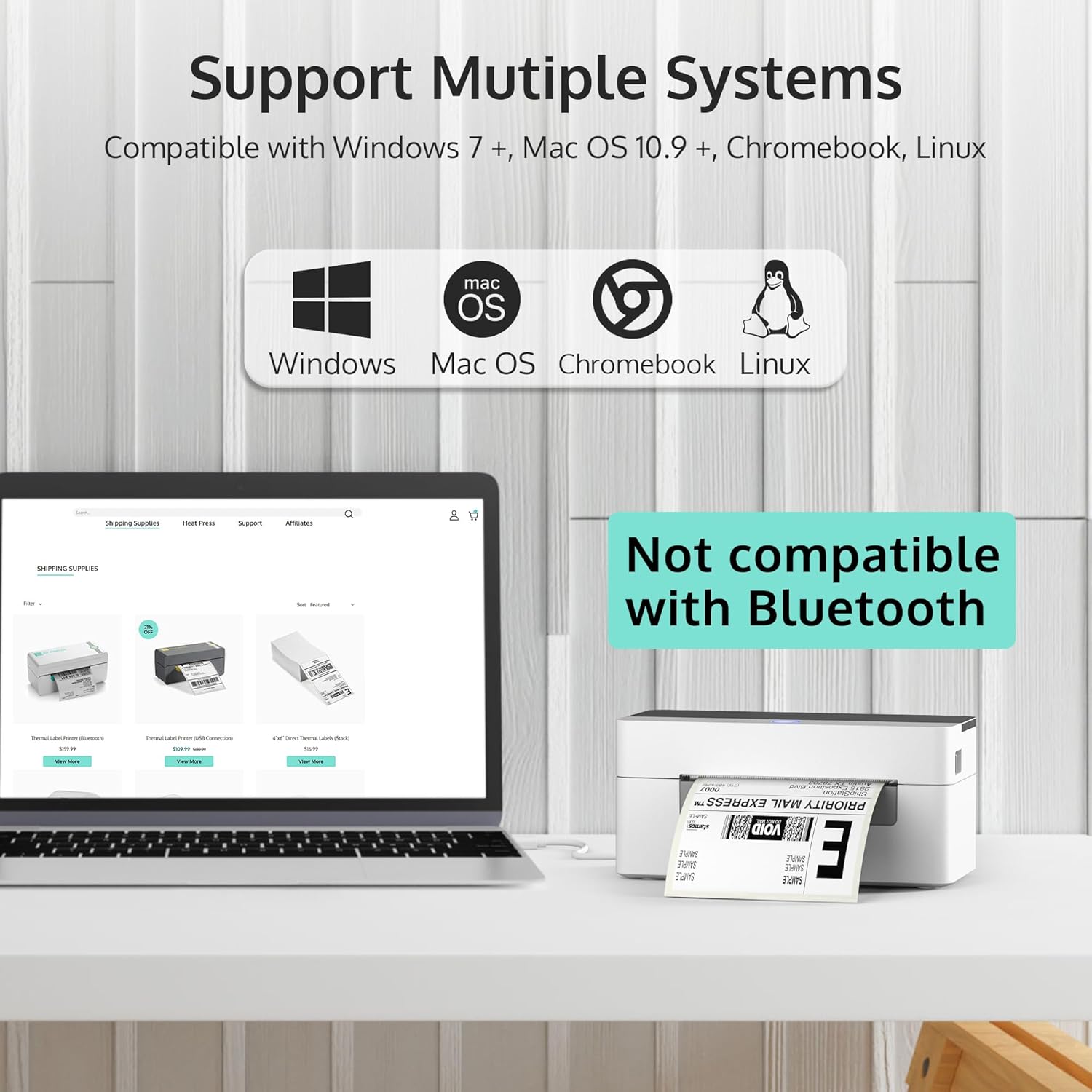
Figure 2: The OFFNOVA printer supports Windows, Mac OS, Chromebook, and Linux. Note: Bluetooth and Wi-Fi are not supported.
3.2. പ്രിന്റർ ബന്ധിപ്പിക്കുന്നു
- Connect the power adapter to the printer's power port and then to a wall outlet.
- യുഎസ്ബി കേബിൾ പ്രിന്ററിന്റെ യുഎസ്ബി പോർട്ടിലേക്കും മറ്റേ അറ്റം നിങ്ങളുടെ കമ്പ്യൂട്ടറിലേക്കും ബന്ധിപ്പിക്കുക.
- Turn on the printer using the power switch located at the back. The indicator light on the top of the printer should illuminate.
3.3. ലേബലുകൾ ലോഡുചെയ്യുന്നു
The printer supports direct thermal labels ranging from 1.57 inches to 4.1 inches in width. To load labels:
- Push the latch on the side of the printer forward to open the top cover.
- Adjust the movable guides inside the printer to match the width of your labels.
- Insert the labels into the feed slot, ensuring the print side is facing up. The printer will automatically detect and calibrate the label size.
- Close the top cover by clamping it back down until it clicks into place.

Figure 3: The printer features automatic label identification and calibration, simplifying the setup process.

Figure 4: The printer is suitable for various label sizes, including 4"x6", 3"x2", 2.25"x1.25", 2.25", and 2" labels.
4. പ്രവർത്തന നിർദ്ദേശങ്ങൾ
4.1. പ്രിൻ്റിംഗ് ലേബലുകൾ
Once the printer is set up and labels are loaded, you can begin printing. Ensure your computer recognizes the printer as an available printing device.
- Open the document or platform from which you wish to print (e.g., UPS, FedEx, USPS, Etsy, eBay, Shopify, Amazon, Pirateship).
- Select the print option.
- Choose the OFFNOVA 4B-2054N printer from the list of available printers.
- Verify print settings, such as label size (e.g., 4" x 6" for shipping labels), and then initiate printing.

Figure 5: The printer is compatible with various popular shipping and e-commerce platforms.
4.2. High Speed and Efficiency
The OFFNOVA 4B-2054N printer is designed for high-speed printing, capable of printing approximately 80 sheets of 4" x 6" labels per minute, and can operate continuously for over 12 hours a day.
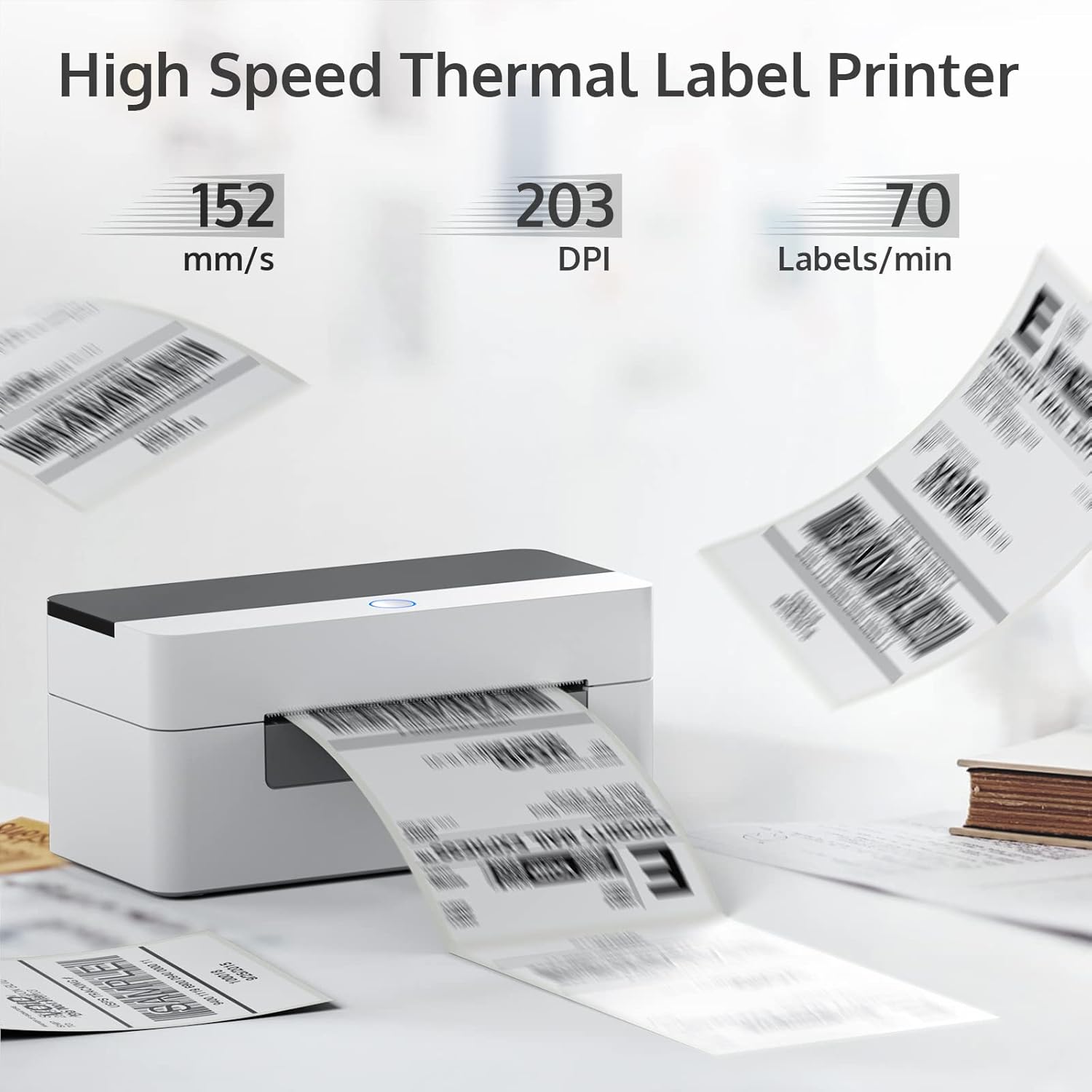
Figure 6: High-speed thermal printing at 152 mm/s with 203 DPI, producing up to 70 labels per minute.
5. പരിപാലനം
To ensure optimal performance and extend the lifespan of your OFFNOVA printer, regular maintenance is recommended:
- വൃത്തിയാക്കൽ: Periodically clean the print head and rollers with an alcohol wipe or a specialized thermal printer cleaning pen. Ensure the printer is turned off and unplugged before cleaning.
- സംഭരണം: Store the printer in a cool, dry place away from direct sunlight and excessive dust.
- ലേബൽ ഗുണനിലവാരം: Use high-quality thermal labels to prevent dust and adhesive residue buildup on the print head.
6. പ്രശ്നപരിഹാരം
If you encounter issues with your OFFNOVA printer, refer to the common problems and solutions below. For more detailed troubleshooting, please consult the official ട്രബിൾഷൂട്ടിംഗ് ഗൈഡ് (PDF) ഓൺലൈനിൽ ലഭ്യമാണ്.
| പ്രശ്നം | സാധ്യമായ കാരണം | പരിഹാരം |
|---|---|---|
| Printer not responding / Not turning on | Power cable not connected; Power switch off; Faulty power adapter. | Ensure power cable is securely connected. Turn on the power switch. Test with a different power outlet. If issues persist, contact support for a replacement adapter. |
| Labels not feeding correctly / Paper jams | Labels not loaded properly; Guides not adjusted; Roller issues. | Open the cover and re-load labels, ensuring they are straight and the guides are snug. Clean the rollers if they appear dirty or sticky. |
| മോശം പ്രിന്റ് നിലവാരം / മങ്ങിയ പ്രിന്റുകൾ | Print head is dirty; Low-quality labels; Incorrect print density settings. | Clean the print head. Use recommended thermal labels. Adjust print density settings in your printer driver. |
| Driver installation issues (Mac/Chromebook) | Security settings blocking installation; Incorrect driver version. | For Mac, check "Security & Privacy" settings to allow apps from unidentified developers. Ensure you download the correct driver for your OS from the official webസൈറ്റ്. |
7 സ്പെസിഫിക്കേഷനുകൾ
| ഫീച്ചർ | വിശദാംശങ്ങൾ |
|---|---|
| മോഡലിൻ്റെ പേര് | 4B-2054N |
| ഉൽപ്പന്ന അളവുകൾ | 6.3"D x 7.68"W x 4.13"H |
| ഇനത്തിൻ്റെ ഭാരം | 1.74 പൗണ്ട് (0.79 കിലോഗ്രാം) |
| കണക്റ്റിവിറ്റി ടെക്നോളജി | USB |
| പ്രിൻ്റിംഗ് ടെക്നോളജി | തെർമൽ |
| പ്രിൻ്റർ ഔട്ട്പുട്ട് | മോണോക്രോം |
| പരമാവധി മീഡിയ വലുപ്പം | 4 x 6 ഇഞ്ച് |
| പിന്തുണയ്ക്കുന്ന ഷീറ്റ് വലുപ്പങ്ങൾ | 4" x 6", 2" x 4", 3" x 4", 2.25", 2" Inches |
| പരമാവധി ഇൻപുട്ട് ഷീറ്റ് ശേഷി | 80 ഷീറ്റുകൾ |
| പരമാവധി പ്രിന്റ് വേഗത (മോണോക്രോം) | 72 പിപിഎം (150 മിമി/സെക്കൻഡ്) |
| റെസലൂഷൻ | 203 x 203 ബിപിഐ |
| അനുയോജ്യമായ ഉപകരണങ്ങൾ | PC (Windows, Mac, Chromebook, Linux) |
| പ്രത്യേക ഫീച്ചർ | Auto Label Size Identification |
| ഉൾപ്പെടുത്തിയ ഘടകങ്ങൾ | Machine & Adapter |
8. വാറൻ്റിയും പിന്തുണയും
Your OFFNOVA 4B-2054N Shipping Label Printer comes with a Limited Warranty and Lifetime Technical Support.
- For detailed warranty information, please refer to the documentation included with your purchase or visit the official OFFNOVA webസൈറ്റ്.
- For technical assistance, troubleshooting, or any questions regarding your printer, please contact OFFNOVA customer support.
- Additional resources, including the full ഉപയോക്തൃ ഗൈഡ് (PDF) ഒപ്പം ട്രബിൾഷൂട്ടിംഗ് ഗൈഡ് (PDF), are available for download.