
ഉൽപ്പന്നം കഴിഞ്ഞുview
The Numskull NS2258 is an officially licensed Microsoft Micro USB charging cable designed for Xbox One controllers and other compatible Micro USB devices. It features fast charging capabilities and a distinctive green LED light that illuminates during use.

Image: The Numskull NS2258 Xbox One Micro USB Charging Cable, showcasing അതിന്റെ രൂപകൽപ്പനയും കണക്ടറുകളും.
പ്രധാന സവിശേഷതകൾ:
- Official Microsoft License: Ensures full compatibility with Xbox One accessories.
- സൂപ്പർ ഫാസ്റ്റ് ചാർജിംഗ്: Designed for efficient recharging of Micro USB devices.
- പച്ച LED ലൈറ്റ്: Illuminates during charging or active use.
- സാർവത്രിക അനുയോജ്യത: Works with Xbox One controllers, PS4 DualShock 4 controllers, Kindle, Samsung tablets, Fire TV Stick, and other Micro USB devices.
- നീണ്ടുനിൽക്കുന്ന നിർമ്മാണം: Features a premium copper wire core and nylon material for enhanced durability.
സജ്ജീകരണ നിർദ്ദേശങ്ങൾ
Follow these steps to set up your Numskull NS2258 charging cable:
- കേബിൾ അൺപാക്ക് ചെയ്യുക: ചാർജിംഗ് കേബിൾ അതിന്റെ പാക്കേജിംഗിൽ നിന്ന് ശ്രദ്ധാപൂർവ്വം നീക്കം ചെയ്യുക.
- കണക്ടറുകൾ തിരിച്ചറിയുക: The cable has two ends: a standard USB-A connector and a Micro USB connector.
- പവർ ഉറവിടത്തിലേക്ക് കണക്റ്റുചെയ്യുക: Insert the standard USB-A connector into an available USB port on your Xbox One console, PC, or a compatible USB wall adapter.
- ഉപകരണത്തിലേക്ക് കണക്റ്റുചെയ്യുക: Insert the Micro USB connector into the Micro USB port of your Xbox One controller or other Micro USB device.
- കണക്ഷൻ സ്ഥിരീകരിക്കുക: The green LED light on the cable will illuminate, indicating a successful connection and active charging or data transfer.
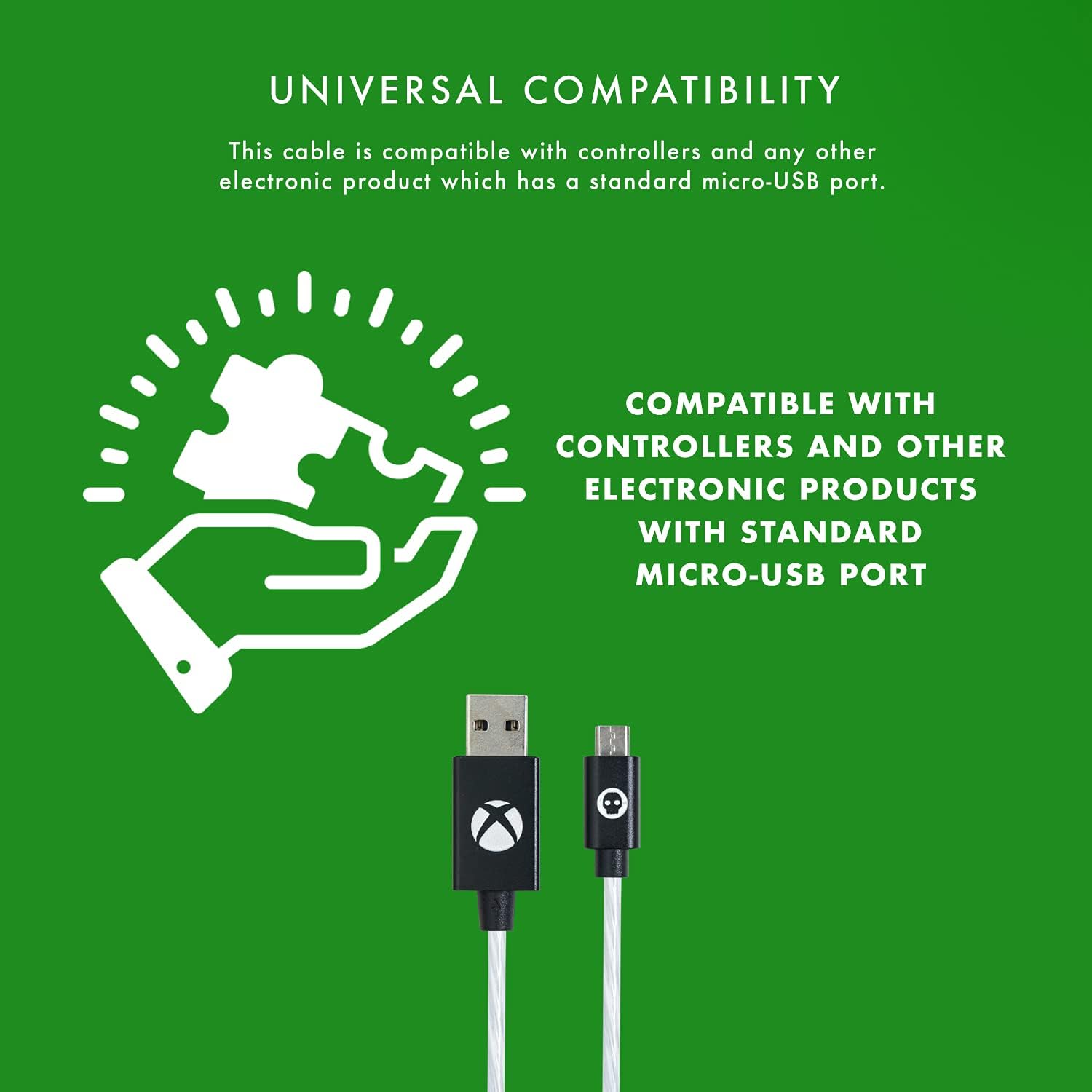
Image: Diagram illustrating the universal compatibility of the Micro USB cable with various devices.
പ്രവർത്തന നിർദ്ദേശങ്ങൾ
The Numskull NS2258 cable is designed for simultaneous charging and playing, as well as data synchronization.
നിങ്ങളുടെ ഉപകരണം ചാർജ്ജുചെയ്യുന്നു:
- Once connected, the cable will automatically begin charging your device.
- The integrated green LED light will display different flow behaviors to indicate the charging status:
- ഫാസ്റ്റ് ഫ്ലോ: Indicates rapid charging.
- സ്ലോ ഫ്ലോ: Indicates standard charging.
- സ്മാർട്ട് പവർ ഓഫ്: Indicates charging is complete or the device is fully powered.
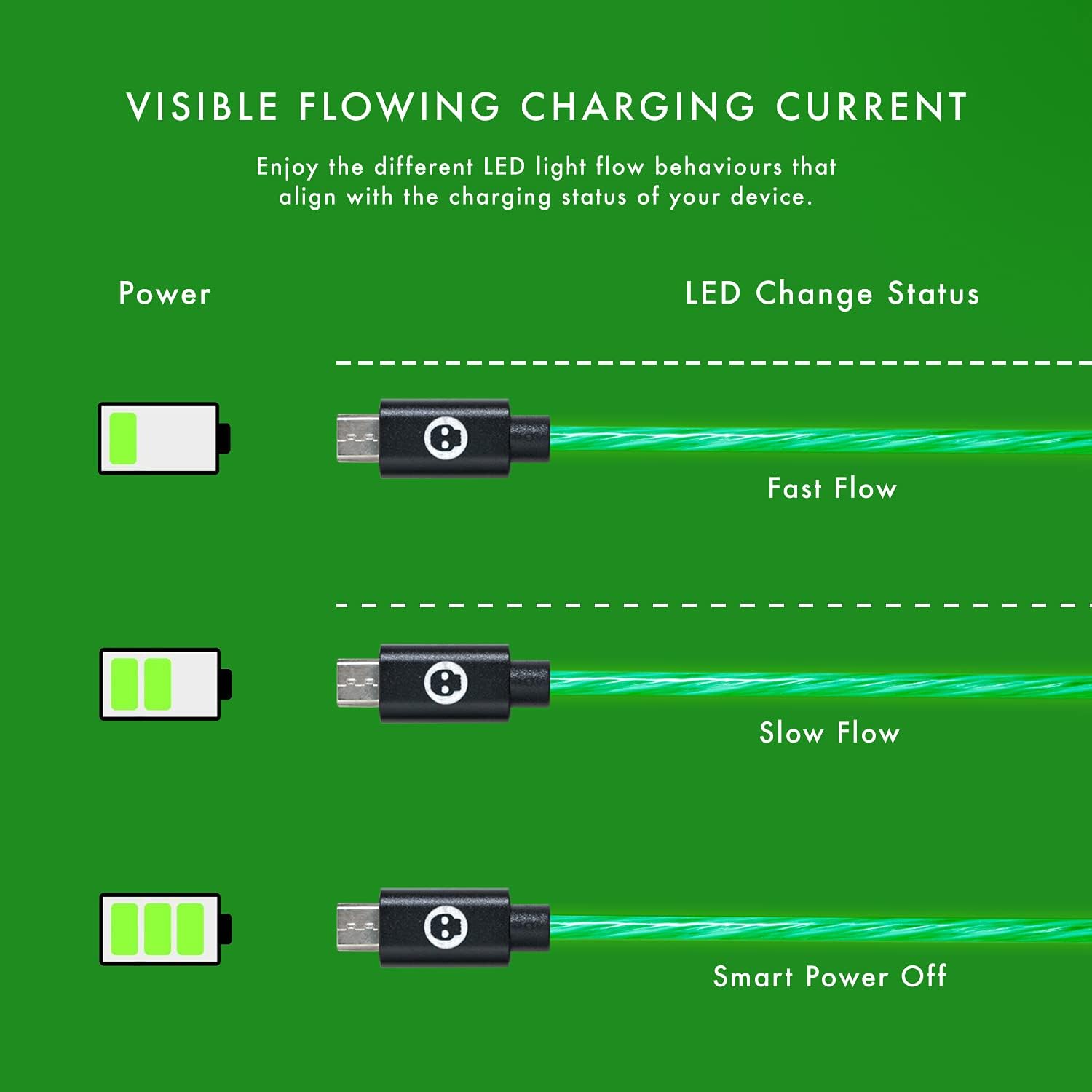
Image: Illustration of the green LED light's flowing patterns indicating different charging statuses (Fast Flow, Slow Flow, Smart Power Off).
ചാർജ് ചെയ്യുമ്പോൾ പ്ലേ ചെയ്യുന്നു:
The cable allows you to continue using your Xbox One controller or other compatible device while it is connected and charging, ensuring uninterrupted gameplay or usage.
LED ലൈറ്റ് ഫീച്ചർ:
The cool green LED light activates when the cable is plugged into your console or USB hub, providing a visual indication of power and adding to your gaming setup's aesthetic.
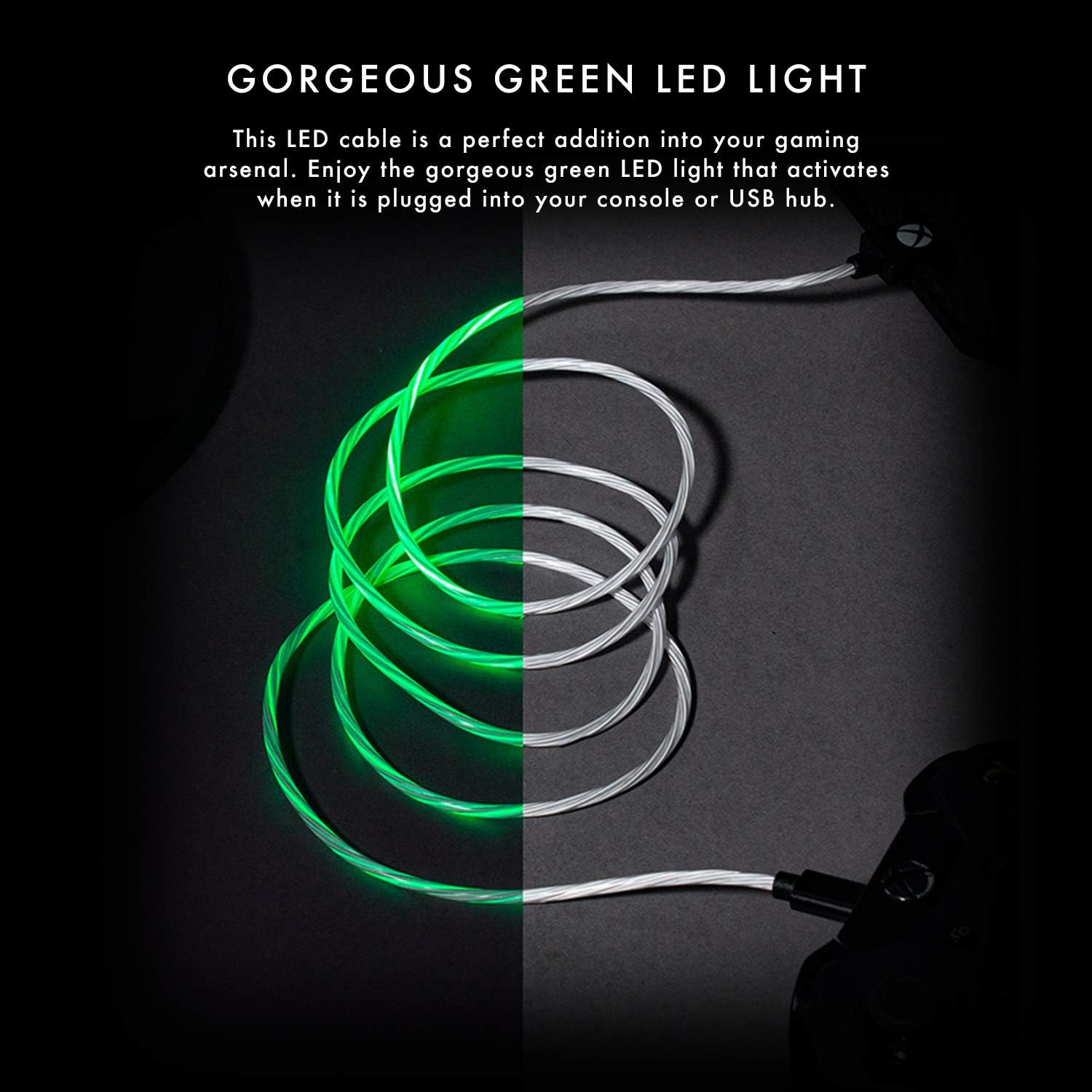
Image: The Numskull charging cable with its distinctive green LED light illuminated, showcasinഅതിന്റെ ദൃശ്യ ആകർഷണം.
പരിപാലനവും പരിചരണവും
To ensure the longevity and optimal performance of your Numskull NS2258 charging cable, follow these maintenance guidelines:
- സംഭരണം: Store the cable in a clean, dry place away from extreme temperatures and direct sunlight. Avoid tightly coiling or bending the cable at sharp angles.
- വൃത്തിയാക്കൽ: കേബിളും കണക്ടറുകളും മൃദുവായി തുടയ്ക്കാൻ മൃദുവായതും ഉണങ്ങിയതുമായ തുണി ഉപയോഗിക്കുക. ലിക്വിഡ് ക്ലീനറുകളോ ഉരച്ചിലുകളുള്ള വസ്തുക്കളോ ഉപയോഗിക്കരുത്.
- കൈകാര്യം ചെയ്യൽ: Always grasp the connector head when plugging or unplugging the cable. Avoid pulling directly on the cable itself, as this can damage the internal wiring.
- ഈട്: The cable features a sturdy nylon jacket and laser-welded connectors designed for durability and resistance to bending and twisting. However, excessive force or repeated harsh treatment can still cause damage.
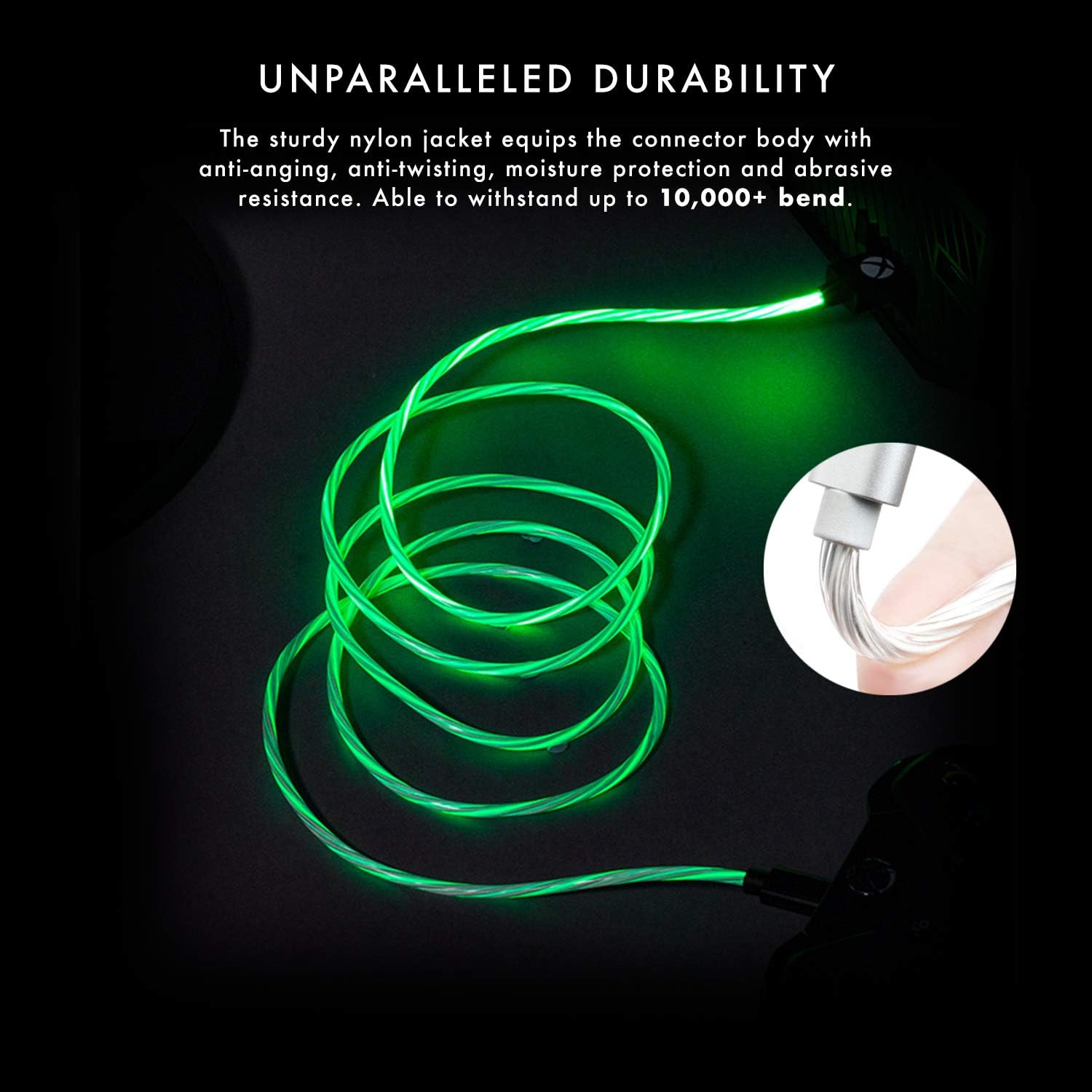
Image: The cable demonstrating its durability and resistance to bending, highlighting its robust construction.

Image: Close-up of the laser-welded Micro USB connector, emphasizing its robust design to prevent breakage.
ട്രബിൾഷൂട്ടിംഗ്
If you encounter issues with your Numskull NS2258 charging cable, refer to the following common problems and solutions:
- കേബിൾ ചാർജ് ചെയ്യുന്നില്ല:
- Ensure both the USB-A and Micro USB connectors are fully inserted into their respective ports.
- Try connecting the USB-A end to a different USB port or power source.
- Verify that the device you are trying to charge is functioning correctly and its charging port is clean and undamaged.
- കേബിളിനോ കണക്ടറുകൾക്കോ ദൃശ്യമായ എന്തെങ്കിലും കേടുപാടുകൾ ഉണ്ടോയെന്ന് പരിശോധിക്കുക.
- LED Light Not Illuminating:
- Confirm the cable is securely connected to both the power source and the device.
- Test with another Micro USB device to rule out an issue with the primary device.
- If the cable is connected but not charging, the LED may not illuminate. Follow "Cable Not Charging" steps.
- Controller Not Recognized by PC (Data Transfer Issue):
- പ്രധാന കുറിപ്പ്: While this cable is designed for charging and is universally compatible for power delivery, some users have reported that it may not support data transfer for certain PC setups, particularly for playing with an Xbox controller wired to a PC. If you intend to use your controller wired to a PC for gameplay, ensure your PC's drivers are up to date and consider using an official Xbox data cable if issues persist. This cable primarily focuses on efficient charging.
സ്പെസിഫിക്കേഷനുകൾ
| മോഡൽ നമ്പർ | NS2258 |
| ബ്രാൻഡ് | Numskull |
| കേബിൾ തരം | Micro USB to USB-A Charging Cable |
| നീളം | 4 മീറ്റർ (13 അടി) |
| ഫീച്ചറുകൾ | Fast Charging, Green LED Light, Durable Nylon Jacket, Laser-Welded Connectors, Copper Wire Core |
| അനുയോജ്യത | Xbox One controllers, PS4 DualShock 4 controllers, Kindle, Samsung tablets, Fire TV Stick, and other Micro USB devices. |

ചിത്രം: കഴിഞ്ഞുview of the cable's key features including official licensing, length, connector type, and universal compatibility.

Image: Cross-section diagram illustrating the premium copper wire core and nylon material for maximum durability.
വാറൻ്റി വിവരങ്ങൾ
The Numskull NS2258 Xbox One Micro USB Charging Cable comes with a ഒരു വർഷത്തെ നിർമ്മാതാവിന്റെ വാറന്റി. സാധാരണ ഉപയോഗത്തിലുള്ള മെറ്റീരിയലുകളിലെയും നിർമ്മാണത്തിലെയും വൈകല്യങ്ങൾ ഈ വാറന്റി ഉൾക്കൊള്ളുന്നു. വാറന്റി ക്ലെയിമുകൾക്കായി നിങ്ങളുടെ വാങ്ങലിന്റെ തെളിവ് സൂക്ഷിക്കുക.
For warranty service or inquiries, please contact Numskull customer support through their official webഉൽപ്പന്നം വാങ്ങിയ സൈറ്റ് അല്ലെങ്കിൽ റീട്ടെയിലർ.
ഉപഭോക്തൃ പിന്തുണ
For further assistance, technical support, or to report any issues not covered in this manual, please visit the official Numskull webസൈറ്റ് അല്ലെങ്കിൽ അവരുടെ ഉപഭോക്തൃ സേവന വിഭാഗവുമായി ബന്ധപ്പെടുക.
ഓൺലൈൻ ഉറവിടങ്ങൾ: www.numskull.com
Please have your product model number (NS2258) and proof of purchase ready when contacting support.