
ആമുഖം
The TechniSat Skyrider Dome ISI is a mobile satellite antenna system designed for convenient and reliable television reception while camping or in a motorhome. Its compact design and automatic alignment feature ensure quick setup and access to common German-language TV programs via Astra 19.2° East. The system is protected by a durable plastic cover and requires only a single cable connection for operation, drawing power directly from your TV or receiver.
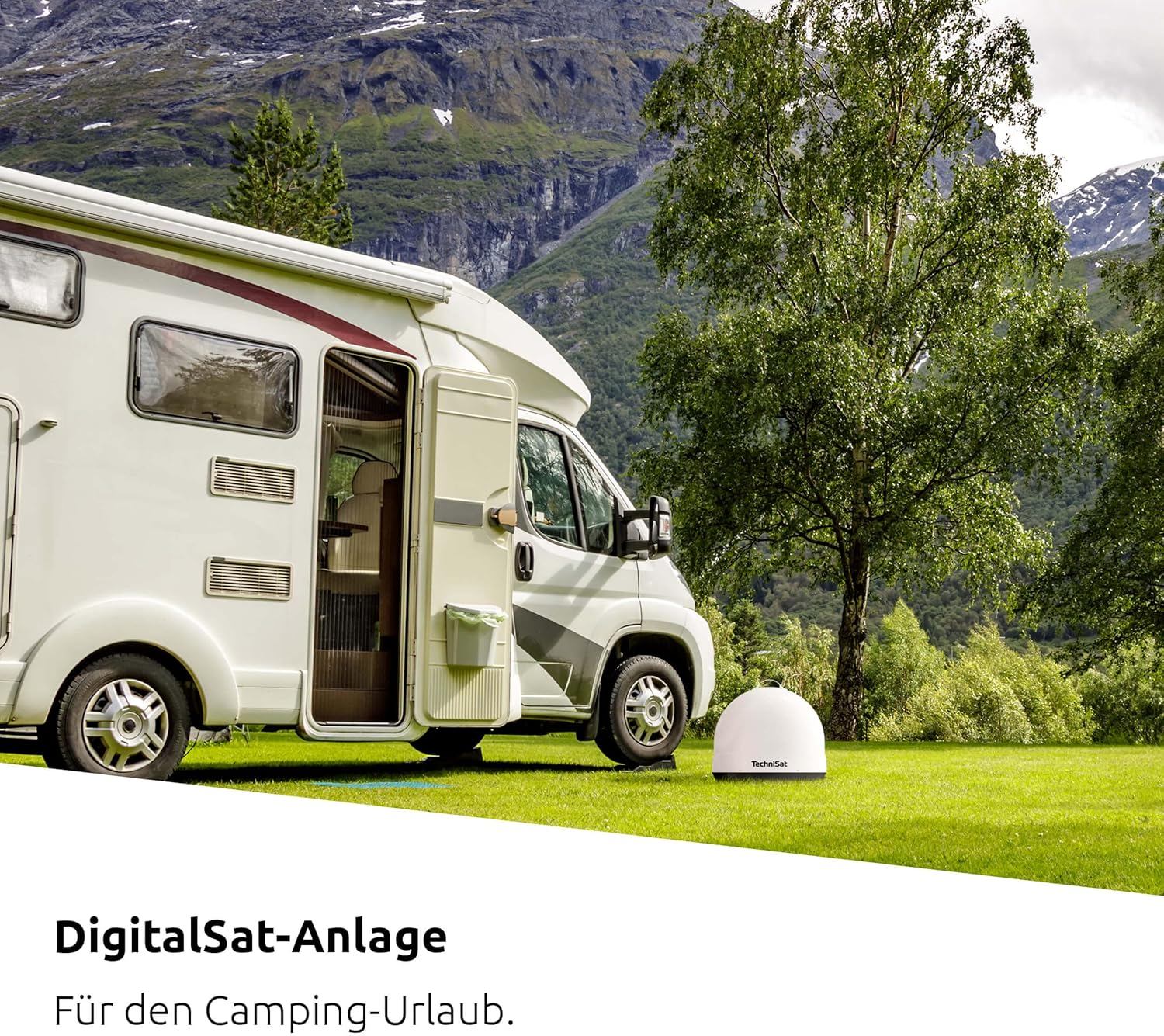
The Skyrider Dome ISI provides mobile satellite reception for camping and motorhome use.
സുരക്ഷാ വിവരങ്ങൾ
- Ensure the antenna is placed on a stable, level surface to prevent tipping.
- ഉപകരണം തുറക്കാനോ നന്നാക്കാനോ ശ്രമിക്കരുത്. എല്ലാ സേവനങ്ങളും യോഗ്യതയുള്ള ഉദ്യോഗസ്ഥരെ ഏൽപ്പിക്കുക.
- വെള്ളം, ഈർപ്പം, തീവ്രമായ താപനില എന്നിവയിൽ നിന്ന് ഉപകരണം അകറ്റി നിർത്തുക.
- Protect the coaxial cable from damage and ensure it does not pose a tripping hazard.
- Disconnect the antenna from the TV/receiver before moving or storing it.
പാക്കേജ് ഉള്ളടക്കം
പാക്കേജിൽ എല്ലാ ഇനങ്ങളും ഉണ്ടോ എന്ന് ദയവായി പരിശോധിക്കുക:
- TechniSat Skyrider Dome ISI Mobile Satellite System
- 1 x Coaxial Cable (F-type connector)
- ഇൻസ്ട്രക്ഷൻ മാനുവൽ
ഉൽപ്പന്നം കഴിഞ്ഞുview
The Skyrider Dome ISI features a compact, weather-resistant dome design housing the automatic satellite dish and LNB. Key components include:
- ഡോം സിasing: Protects internal components from weather and damage.
- കോക്സിയൽ കണക്റ്റർ: For connecting to your TV or satellite receiver.
- ചുമക്കുന്ന ഹാൻഡിൽ: എളുപ്പമുള്ള ഗതാഗതത്തിനായി.
- Anti-Theft Eyelet: Allows securing the device with a cable or chain.

The TechniSat Skyrider Dome ISI in its compact, protective casing.

The integrated anti-theft eyelet allows for securing the antenna.
സജ്ജമാക്കുക
- ഒരു ലൊക്കേഷൻ തിരഞ്ഞെടുക്കുക: Place the Skyrider Dome ISI on a flat, stable surface with a clear line of sight to the southern sky (where Astra 19.2° East is located). Avoid obstructions like trees, buildings, or large vehicles.
- കോക്സിയൽ കേബിൾ ബന്ധിപ്പിക്കുക: Connect one end of the supplied coaxial cable to the F-type connector on the Skyrider Dome ISI.
- Connect to TV/Receiver: Connect the other end of the coaxial cable to the satellite input (LNB IN) on your compatible TV or satellite receiver. Ensure the TV/receiver is powered off before connecting.
- പവർ ഓൺ: Turn on your TV or satellite receiver. The Skyrider Dome ISI draws power directly from the connected device, eliminating the need for an external power supply.
- യാന്ത്രിക വിന്യാസം: The antenna will automatically begin searching for and aligning with the Astra 19.2° East satellite. This process typically takes up to three minutes.

Connect the Skyrider Dome ISI to your TV or receiver using the single coaxial cable provided.
പ്രവർത്തിക്കുന്നു
Once the Skyrider Dome ISI has successfully aligned with the satellite, you can proceed with scanning for channels on your TV or satellite receiver.
- ചാനൽ സ്കാൻ: Access the menu on your TV or satellite receiver and navigate to the channel scan or satellite setup section.
- ഉപഗ്രഹം തിരഞ്ഞെടുക്കുക: Ensure "Astra 19.2° East" is selected as the satellite for scanning.
- സ്കാൻ ആരംഭിക്കുക: Initiate an automatic channel scan. This will find and store all available television and radio channels from the selected satellite.
- Viewing: After the scan is complete, you can begin watching your desired programs.
കുറിപ്പ്: If you move the antenna to a new location, it will automatically re-align when powered on, but you may need to perform a channel scan again if the available channels differ significantly.

The electronic motor automatically aligns the antenna to Astra 19.2° East.
മെയിൻ്റനൻസ്
- വൃത്തിയാക്കൽ: Clean the exterior of the dome with a soft, damp തുണി. ഉരച്ചിലുകളുള്ള ക്ലീനറുകളോ ലായകങ്ങളോ ഉപയോഗിക്കരുത്.
- സംഭരണം: When not in use, store the Skyrider Dome ISI in a dry, protected area.
- കേബിൾ പരിശോധന: Periodically inspect the coaxial cable for any signs of wear or damage. Replace if necessary.
- ഉപയോക്തൃ സേവനയോഗ്യമായ ഭാഗങ്ങൾ ഇല്ല: The internal components are not user-serviceable. Do not attempt to open the dome.
ട്രബിൾഷൂട്ടിംഗ്
| പ്രശ്നം | സാധ്യമായ കാരണം | പരിഹാരം |
|---|---|---|
| No signal / "No Signal" message on TV. |
|
|
| Antenna not powering on. |
|
|
| Poor picture quality / pixelation. |
|
|
സ്പെസിഫിക്കേഷനുകൾ
| ഫീച്ചർ | വിശദാംശങ്ങൾ |
|---|---|
| മോഡൽ നമ്പർ | 0146/1580 |
| അളവുകൾ (W x H x D) | 45 x 41 x 45 സെ.മീ (17.7 x 16.1 x 17.7 ഇഞ്ച്) |
| ഭാരം | 4.7 കി.ഗ്രാം (10.4 പൗണ്ട്) |
| Satellite Supported | Astra 19.2° East (Automatic Alignment) |
| LNB തരം | Single LNB (for one participant/receiver) |
| വൈദ്യുതി വിതരണം | Via connected TV or receiver (coaxial cable) |
| മെറ്റീരിയൽ | Durable Plastic Casing |

Product dimensions of the TechniSat Skyrider Dome ISI.
വാറൻ്റിയും പിന്തുണയും
For warranty information and technical support, please refer to the official TechniSat webസൈറ്റിൽ ബന്ധപ്പെടുകയോ അവരുടെ ഉപഭോക്തൃ സേവന വിഭാഗവുമായി ബന്ധപ്പെടുകയോ ചെയ്യുക. വാറന്റി ക്ലെയിമുകൾക്കായി നിങ്ങളുടെ വാങ്ങിയതിന്റെ തെളിവ് സൂക്ഷിക്കുക.
TechniSat Customer Service: ദയവായി സന്ദർശിക്കുക www.technisat.com/en_XX/Service/352-10/ ബന്ധപ്പെടാനുള്ള വിശദാംശങ്ങൾക്കും പിന്തുണാ ഉറവിടങ്ങൾക്കും.