
ആമുഖം
This manual provides detailed instructions for the installation, operation, and maintenance of your Weiser Aura Satin Nickel Bluetooth Door Lock with Re-Key Kit. Please read all instructions carefully before installation and use to ensure proper function and safety.
സുരക്ഷാ വിവരങ്ങൾ
- ലോക്ക് വേർപെടുത്താനോ പരിഷ്ക്കരിക്കാനോ ശ്രമിക്കരുത്. ഇത് ഉൽപ്പന്നത്തിന് കേടുപാടുകൾ വരുത്താനും വാറന്റി അസാധുവാക്കാനും സുരക്ഷയിൽ വിട്ടുവീഴ്ച ചെയ്യാനും കാരണമായേക്കാം.
- Use only the specified battery type (4x AA alkaline batteries). Do not mix old and new batteries or different types of batteries.
- Keep all keys and access codes in a secure location.
- Ensure the door frame and door are in good condition and properly aligned for optimal lock performance.
പാക്കേജ് ഉള്ളടക്കം
ഇൻസ്റ്റാളേഷൻ ആരംഭിക്കുന്നതിന് മുമ്പ് എല്ലാ ഘടകങ്ങളും നിലവിലുണ്ടെന്ന് ഉറപ്പാക്കുക:
- Weiser Aura Bluetooth Smart Lock (Exterior Keypad and Interior Assembly)
- ഡെഡ്ബോൾട്ട് ലാച്ച്
- Strike Plate and Reinforcement Screws
- മൗണ്ടിംഗ് പ്ലേറ്റ്
- SmartKey Re-Key Kit (including SmartKey tool and new keys)
- ഇൻസ്റ്റലേഷൻ ഹാർഡ്വെയർ (സ്ക്രൂകൾ, ബോൾട്ടുകൾ)
- ഉപയോക്തൃ മാനുവൽ (ഈ പ്രമാണം)

Image: Weiser Aura Smart Lock showing both the exterior keypad and the interior assembly.

Image: Front packaging of the Weiser SmartKey Re-Key Kit, displaying keys and branding.
സജ്ജീകരണവും ഇൻസ്റ്റാളേഷനും
Follow these steps for proper installation of your Weiser Aura Smart Lock. For visual guidance, refer to the provided installation videos.
1. വാതിൽ തയ്യാറാക്കുക
- Ensure your door has standard preparations for a deadbolt.
- Check door thickness (typically 1 3/8" to 2 1/4" or 35mm to 55mm).
- Verify backset distance (60mm or 70mm).
2. Install the Deadbolt Latch
- Insert the deadbolt latch into the edge of the door.
- Ensure the word "TOP" on the latch is oriented upwards.
- സ്ക്രൂകൾ ഉപയോഗിച്ച് ലാച്ച് ഉറപ്പിക്കുക.
3. Install the Exterior Keypad
- Route the cable from the exterior keypad through the cross bore hole in the door.
- Align the keypad with the deadbolt latch.
4. ഇന്റീരിയർ അസംബ്ലി ഇൻസ്റ്റാൾ ചെയ്യുക
- Attach the mounting plate to the interior side of the door, routing the cable through the plate.
- എക്സ്റ്റീരിയർ കീപാഡിൽ നിന്ന് ഇന്റീരിയർ അസംബ്ലിയിലേക്ക് കേബിൾ ബന്ധിപ്പിക്കുക.
- ഇന്റീരിയർ അസംബ്ലി മൗണ്ടിംഗ് പ്ലേറ്റിൽ ഉറപ്പിക്കുക.
- Install 4x AA alkaline batteries (not included) into the interior assembly.
5. സ്ട്രൈക്ക് പ്ലേറ്റ് ഇൻസ്റ്റാൾ ചെയ്യുക
- ഡോർ ഫ്രെയിമിൽ സ്ട്രൈക്ക് പ്ലേറ്റ് ഘടിപ്പിക്കുക, അത് ഡെഡ്ബോൾട്ട് ലാച്ചുമായി വിന്യസിക്കുക.
- സ്ക്രൂകൾ ഉപയോഗിച്ച് സുരക്ഷിതമാക്കുക.
6. Re-Keying with SmartKey Technology
The included SmartKey Re-Key Kit allows you to re-key your lock to an existing key. This process is quick and does not require a locksmith.

Image: Back packaging of the Weiser SmartKey Re-Key Kit, showing visual instructions for re-keying.
ഇൻസ്റ്റലേഷൻ വീഡിയോകൾ:
Weiser Aura Bluetooth Keypad Smart Lock Overview
വീഡിയോ: ഈ വീഡിയോയിൽ ഒരു ഓവർ നൽകുന്നുview of the Weiser Aura Bluetooth Keypad Smart Lock, demonstrating its features and benefits in daily use.
How to Install SMONET Smart Lock (General Guide)
Video: A general installation guide for a smart lock, illustrating common steps for preparing the door, installing the deadbolt, exterior keypad, and interior assembly.
Installing eufy Smart Lock C30 Keyless Entry Door Lock (General Guide)
Video: Another general installation guide for a keyless entry door lock, showing the process from door preparation to final assembly and testing.
Weiser SmartKey Tutorial - Re-Key Your Lock In Seconds
Video: A tutorial demonstrating how to use the Weiser SmartKey technology to re-key your lock quickly and easily.
പ്രവർത്തന നിർദ്ദേശങ്ങൾ
The Weiser Aura Smart Lock offers multiple ways to control access to your home:
1. Weiser App Control (Bluetooth)
- Download the Weiser App on your smartphone.
- Pair your smartphone with the lock via Bluetooth (within approximately 100 feet).
- ലോക്ക്/അൺലോക്ക്: Use the app to remotely lock or unlock your door.
- ഉപയോക്തൃ കോഡ് മാനേജ്മെന്റ്: Create, modify, or delete up to 250 customizable user codes for family, friends, or service providers.
- ഷെഡ്യൂളുകൾ: Set specific times or days for user codes to be active.
- Activity Notifications: Receive alerts on your smartphone when the lock is accessed.
- ഇവൻ്റ് ലോഗുകൾ: View a history of lock activity, including who accessed the lock and when.
2. കീപാഡ് ഓപ്പറേഷൻ
- വൺ-ടച്ച് ലോക്കിംഗ്: Press the lock button on the keypad to lock the door from the outside.
- അൺലോക്ക് ചെയ്യുന്നു: Enter a valid user code on the keypad, then press the lock button to unlock.
3. ഓട്ടോ-ലോക്ക് സവിശേഷത
- The lock can be configured to automatically lock after a user-selectable time delay (e.g., 30 seconds, 60 seconds, 3 minutes, 5 minutes, 10 minutes). This feature enhances security by ensuring the door is always locked after entry or exit.
4. Manual Key Override
- In case of battery depletion or electronic malfunction, the lock can always be operated manually using the physical key.
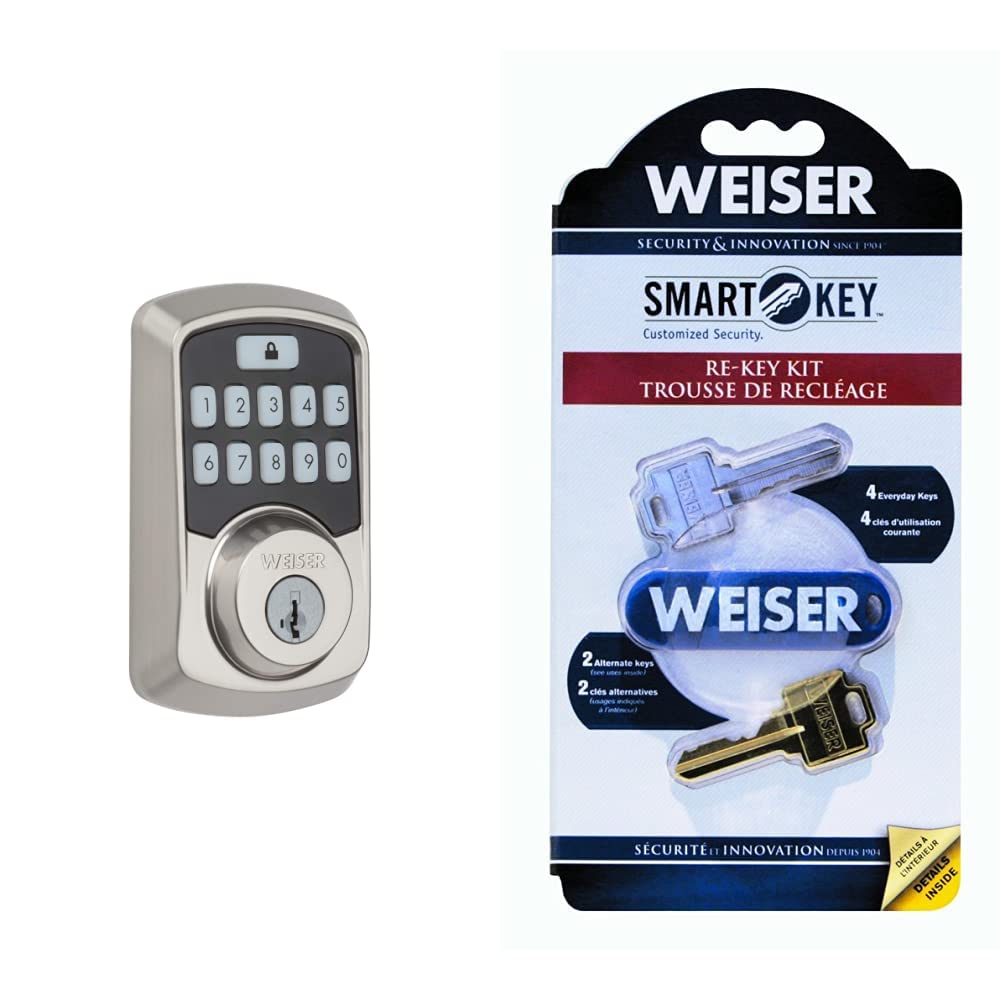
Image: Close-up of the Weiser Aura Smart Lock exterior keypad, showing the numbered buttons and the lock icon.
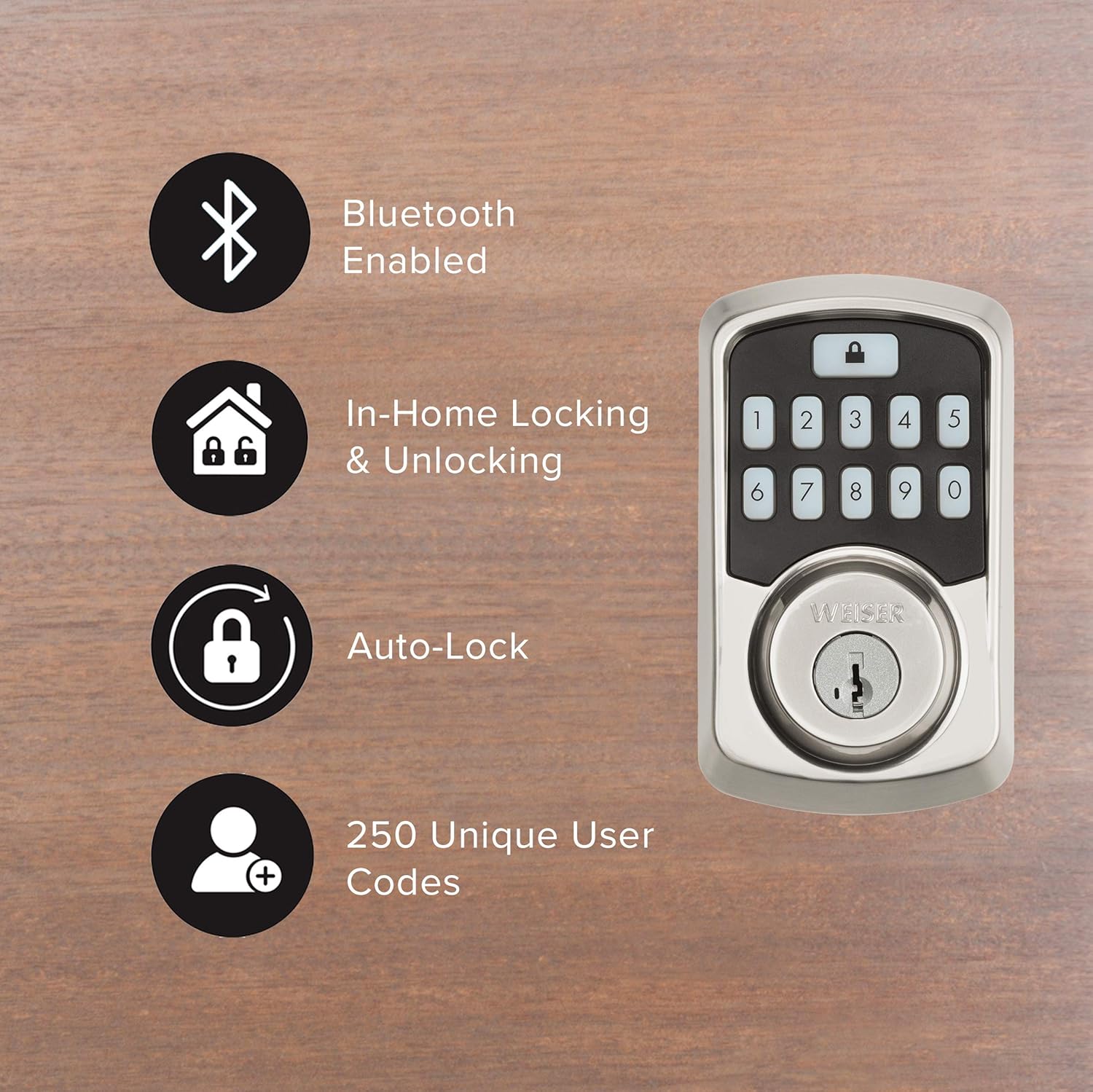
Image: Graphic illustrating key features of the Weiser Aura Smart Lock, including Bluetooth connectivity, in-home locking/unlocking, auto-lock, and support for 250 unique user codes.
മെയിൻ്റനൻസ്
1. ബാറ്ററി മാറ്റിസ്ഥാപിക്കൽ
- The lock will provide a low battery warning through the app and an indicator light on the interior assembly.
- To replace batteries, remove the battery cover on the interior assembly.
- Replace all four AA alkaline batteries with new ones. Ensure correct polarity.
- ബാറ്ററി കവർ മാറ്റിസ്ഥാപിക്കുക.
2. വൃത്തിയാക്കൽ
- ലോക്കിന്റെ പുറം പ്രതലങ്ങൾ മൃദുവായ, d ക്ലീനർ ഉപയോഗിച്ച് വൃത്തിയാക്കുക.amp തുണി.
- അബ്രാസീവ് ക്ലീനറുകൾ, ലായകങ്ങൾ, അല്ലെങ്കിൽ കഠിനമായ രാസവസ്തുക്കൾ എന്നിവ ഉപയോഗിക്കുന്നത് ഒഴിവാക്കുക, കാരണം ഇവ ഫിനിഷിനും ഇലക്ട്രോണിക് ഘടകങ്ങൾക്കും കേടുവരുത്തും.
ട്രബിൾഷൂട്ടിംഗ്
- ലോക്ക് പ്രതികരിക്കുന്നില്ല: Check battery levels. Replace batteries if low. Ensure Bluetooth connection is active if using the app.
- കീപാഡ് പ്രകാശിക്കുന്നില്ല: Check battery levels. Ensure the keypad is clean and free from debris.
- ഡെഡ്ബോൾട്ട് പൂർണ്ണമായും നീട്ടുന്നില്ല/പിൻവലിക്കുന്നില്ല: Check for obstructions in the door frame or strike plate. Ensure the door is properly aligned.
- Forgotten user code: Reset or manage user codes through the Weiser App.
- Lock history/event logs: Access these features directly through the Weiser App for detailed information on lock usage and alerts.
സ്പെസിഫിക്കേഷനുകൾ
| ബ്രാൻഡ് | വീസർ |
| മോഡൽ നമ്പർ | 9GED18500-001 |
| നിറം | സാറ്റിൻ നിക്കൽ |
| ശൈലി | Door Lock + Re-Key Kit |
| മെറ്റീരിയൽ | സിങ്ക് |
| ലോക്ക് തരം | കീപാഡ് |
| പ്രത്യേക സവിശേഷതകൾ | Keyless, Bluetooth, SmartKey Technology |
| സുരക്ഷാ സർട്ടിഫിക്കേഷൻ | BHMA Grade 2, 128-bit Encryption Security, 20-minute fire rating (UL) |
| പവർ ഉറവിടം | 4x AA ബാറ്ററികൾ (ഉൾപ്പെടുത്തിയിട്ടില്ല) |
വാറൻ്റിയും പിന്തുണയും
For warranty information, please refer to the documentation included with your product or visit the official Weiser webസാങ്കേതിക പിന്തുണയ്ക്കോ, ട്രബിൾഷൂട്ടിംഗ് സഹായത്തിനോ, അല്ലെങ്കിൽ മാറ്റിസ്ഥാപിക്കൽ ഭാഗങ്ങളെക്കുറിച്ചുള്ള അന്വേഷണത്തിനോ, ദയവായി വീസറിന്റെ ഔദ്യോഗിക ചാനലുകൾ വഴി ഉപഭോക്തൃ സേവനവുമായി ബന്ധപ്പെടുക.