
1. ഉൽപ്പന്നം കഴിഞ്ഞുview
The Nextbase 322GW Dash Cam is designed to provide high-quality video recording of your journeys. This package includes the 322GW Front Dash Cam, a Rear Window Camera, and a 32GB SD Card. Key features include Full HD 1080p recording at 60fps, a 2.5-inch high-resolution touch screen, Wi-Fi, Bluetooth, GPS, Intelligent Parking Mode, and Emergency SOS response.

Figure 1: Nextbase 322GW Dash Cam and included accessories.
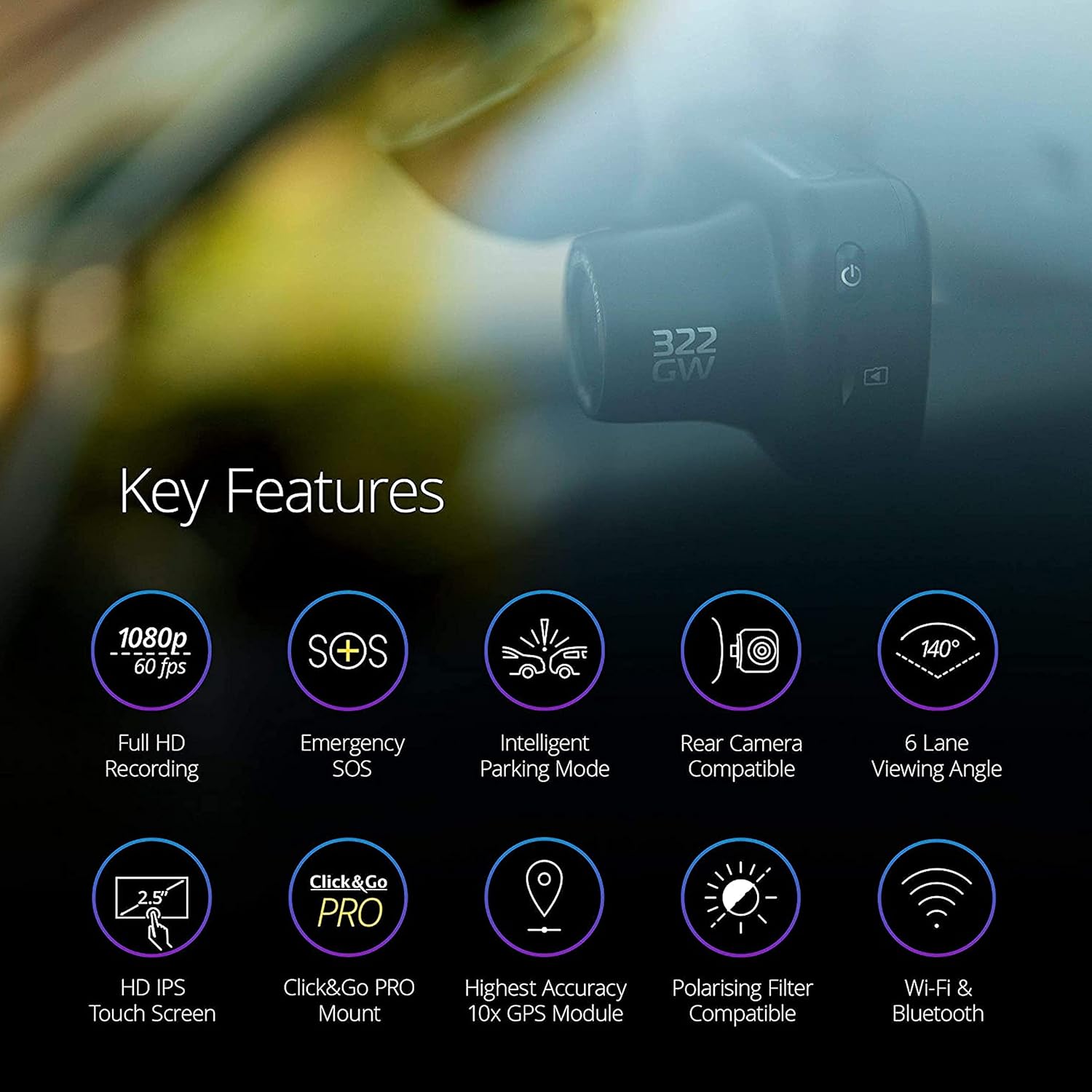
Figure 2: Key features of the Nextbase 322GW Dash Cam.
2. സജ്ജീകരണവും ഇൻസ്റ്റാളേഷനും
2.1 Front Dash Cam Installation
- മൗണ്ടിംഗ് സ്ഥലം തിരഞ്ഞെടുക്കുക: നിങ്ങളുടെ വിൻഡ്ഷീൽഡിൽ തടസ്സമില്ലാത്ത ഒരു സ്ഥാനം തിരഞ്ഞെടുക്കുക view of the road. The Click&Go PRO mount is designed to reduce windscreen space.
- വിൻഡ്ഷീൽഡ് വൃത്തിയാക്കുക: Ensure the chosen area on the windshield is clean and dry before applying the mount.
- മൗണ്ട് ഘടിപ്പിക്കുക: The integrated magnetic power connectors allow for easy installation and removal of the dash cam from the mount. The mount typically uses an adhesive pad for secure attachment.
- പവർ ബന്ധിപ്പിക്കുക: Use the provided 12-24V power cable to connect the dash cam to your vehicle's power outlet. Route the cable neatly to avoid obstruction.
- SD കാർഡ് ചേർക്കുക: Insert the supplied 32GB microSD card into the dash cam's designated slot. Ensure it is an Industrial Grade U3 microSD card for optimal performance.
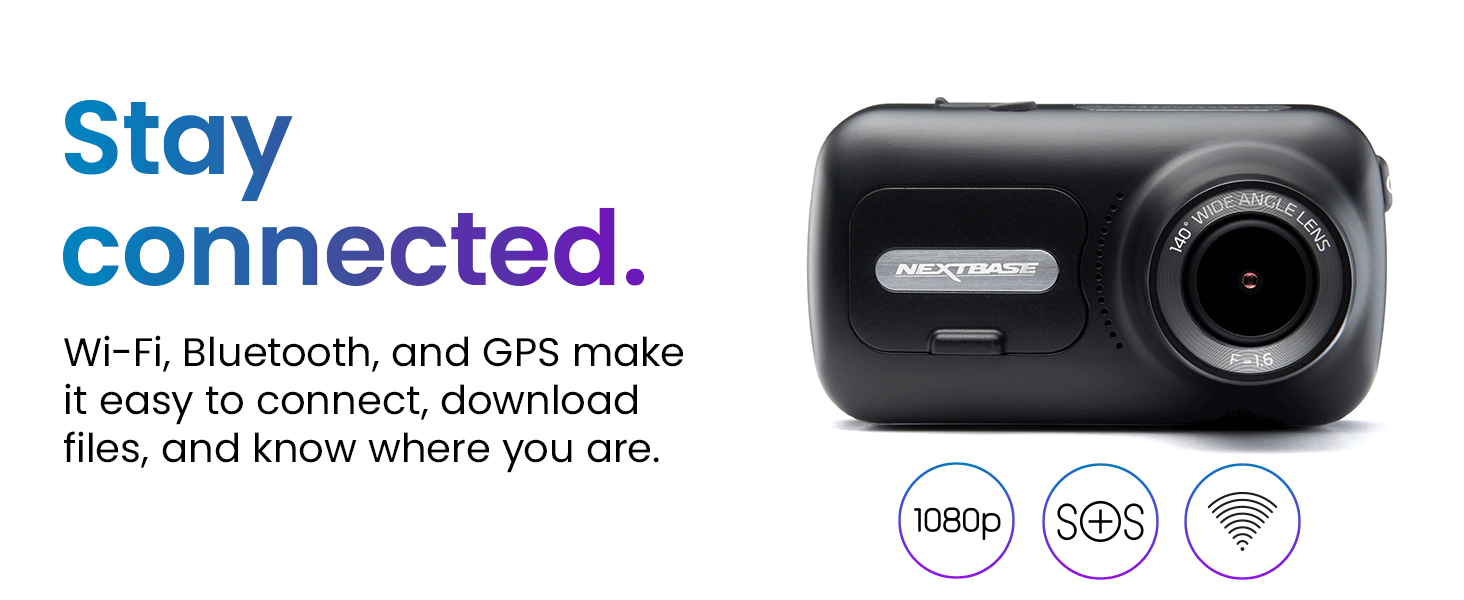
Figure 3: Illustration of the Click&Go PRO mount design for reduced windscreen space and easy installation.
2.2 Rear Window Camera Installation
The Nextbase Rear Window Camera connects directly to your front Nextbase Series 2 Dash Cam (322GW, 422GW, or 522GW) via a wired connection. It captures events behind your vehicle with a 140-degree viewing ആംഗിൾ.
- സ്ഥാനനിർണ്ണയം: Install the rear camera in your vehicle's rear window using the easy-to-install self-adhesive pad and neodymium magnets. It can be adjusted to any angle.
- കണക്ഷൻ: Connect the rear camera to the front dash cam using the provided cable.

Figure 4: Various rear camera modules, including the Rear Window Camera.
3. പ്രവർത്തന നിർദ്ദേശങ്ങൾ
3.1 അടിസ്ഥാന പ്രവർത്തനം
- പവർ ഓൺ/ഓഫ്: The dash cam will automatically power on and begin recording when your vehicle starts. It will power off when the ignition is turned off.
- ടച്ച് സ്ക്രീൻ: Use the 2.5-inch IPS touch screen to navigate menus, select options, and playback footage.
- ലൂപ്പ് റെക്കോർഡിംഗ്: The dash cam continuously records in short segments. When the SD card is full, the oldest footage is overwritten, ensuring continuous recording.
- ജി-സെൻസർ: In the event of an impact, the built-in G-sensor will automatically lock the current recording, preventing it from being overwritten.
3.2 വിപുലമായ സവിശേഷതകൾ
- Intelligent Parking Mode: When your vehicle is parked and unattended, the dash cam automatically switches to parking mode. It will record any physical movement or bump detected by the G-sensor.
- എമർജൻസി SOS: In a severe incident where the driver is unresponsive, the Nextbase Emergency SOS system can automatically alert emergency services with your GPS location, heading, and crucial personal details (if pre-configured).
- ജിപിഎസ് ട്രാക്കിംഗ്: The integrated GPS module records your location and speed, providing verifiable data for insurance claims.
- Wi-Fi & Bluetooth (Nextbase AutoSync): The 322GW features Bluetooth 4.2 and Quick-Link Wi-Fi to automatically sync video files to your smartphone or tablet via the MyNextbase Connect app. This allows for quick sharing with insurers and easy editing.
- MyNextbase Player: Use the MyNextbase Player software on PC or Mac to view, edit, and share your dash cam footage. It includes features like Google Maps integration, speed, and G-sensor readings.

Figure 5: Intelligent Parking Mode and Emergency SOS features.

Figure 6: Image Quality and Night Vision capabilities.

Figure 7: MyNextbase Player software interface.
4. പരിപാലനം
- SD കാർഡ് മാനേജുമെന്റ്: Regularly format your microSD card to maintain optimal performance and prevent data corruption. Use only Nextbase Industrial Grade U3 microSD cards. Non-compatible cards may cause the dash cam to freeze or stop recording.
- ഫേംവെയർ അപ്ഡേറ്റുകൾ: Check the Nextbase webസൈറ്റ് (www.nextbase.com) for the latest firmware updates to ensure your dash cam has the most current features and bug fixes.
- വൃത്തിയാക്കൽ: Keep the camera lens and screen clean using a soft, dry cloth. Avoid abrasive materials or harsh chemicals.
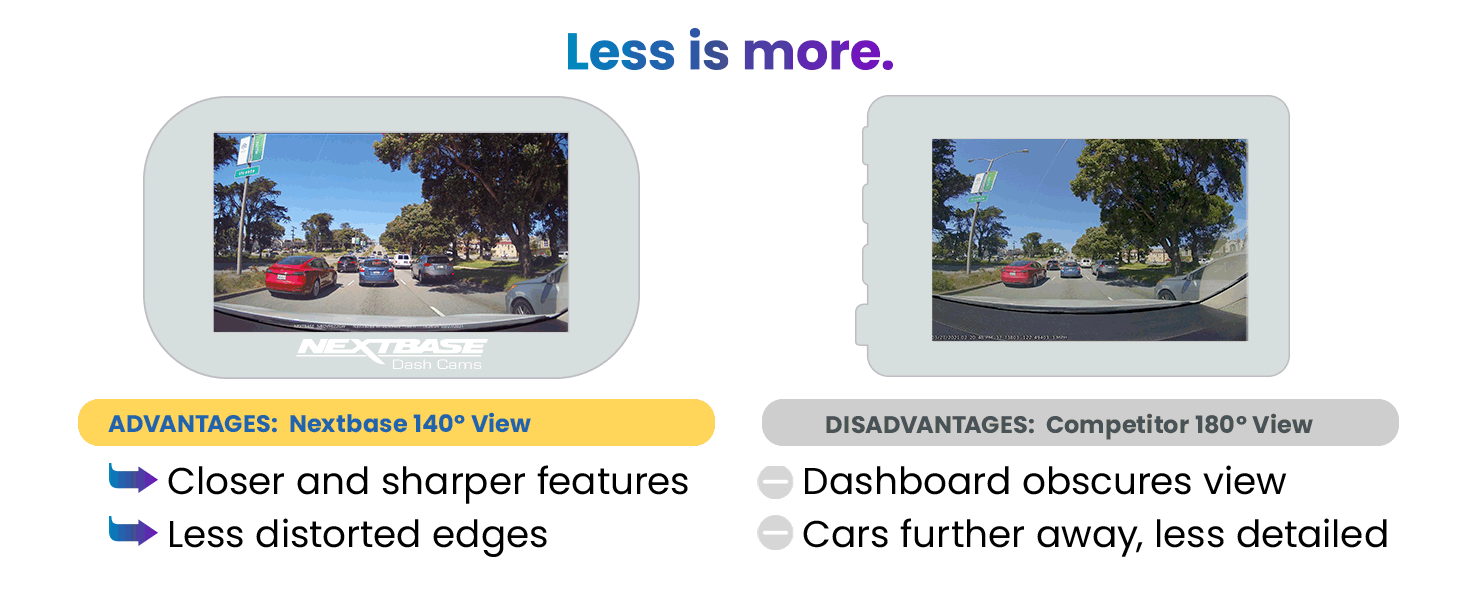
Figure 8: SD Card Recording Time guidelines.
5. പ്രശ്നപരിഹാരം
If you encounter any issues with your Nextbase 322GW Dash Cam or Rear Camera, please refer to the official Nextbase support resources. Common issues and their solutions can often be found in the comprehensive FAQ section on the Nextbase webസൈറ്റിൽ നിന്നോ ഉപഭോക്തൃ സേവനവുമായി നേരിട്ട് ബന്ധപ്പെടുന്നതിലൂടെയോ.
6 സ്പെസിഫിക്കേഷനുകൾ
| ഉൽപ്പന്ന അളവുകൾ | 1.8 x 3.3 x 1.8 ഇഞ്ച് |
| ഇനത്തിൻ്റെ ഭാരം | 1.92 പൗണ്ട് |
| മോഡൽ നമ്പർ | 322GW |
| ബാറ്ററികൾ | 1 ലിഥിയം അയൺ ബാറ്ററി ആവശ്യമാണ് |
| കണക്റ്റിവിറ്റി | ബ്ലൂടൂത്ത്, വൈഫൈ |
| വീഡിയോ ക്യാപ്ചർ റെസല്യൂഷൻ | 1080p |
| Viewing ആംഗിൾ | 140° (Front Camera) |
| സ്ക്രീൻ വലിപ്പം | 2.5-inch Touch Screen HD IPS Panel |
| ഉൾപ്പെടുത്തിയ ഘടകങ്ങൾ | Nextbase 322GW Dash Cam, Rear Window Camera, 32GB SD Card, Click&Go PRO GPS Mount, 12-24V Power Cable (4m), USB Cable, Spare Window Mount, Power Cable Fitting Tool, Quick Start Guide |
| മൗണ്ടിംഗ് തരം | വിൻഡ്ഷീൽഡ് മ .ണ്ട് |
| നിയന്ത്രണ രീതി | സ്പർശിക്കുക |
7. വാറൻ്റിയും പിന്തുണയും
For warranty information, technical support, or to access FAQs and additional resources, please visit the official Nextbase webസൈറ്റ് www.nextbase.com. Nextbase customer service is available to assist with any product-related inquiries.