
ആമുഖം
Thank you for choosing the Cellularline Wireless Power Bank MAG 5000. This portable charger is designed to provide convenient and efficient power to your compatible devices, especially those supporting MagSafe technology. Please read this manual carefully before using the product to ensure proper operation and to maximize its lifespan.
പാക്കേജ് ഉള്ളടക്കം
- Cellularline Wireless Power Bank MAG 5000
- യുഎസ്ബി-സി മുതൽ യുഎസ്ബി-സി വരെ ചാർജിംഗ് കേബിൾ
- ഉപയോക്തൃ മാനുവൽ (ഈ പ്രമാണം)
സ്പെസിഫിക്കേഷനുകൾ
| മോഡലിൻ്റെ പേര് | PBMAGSFCOL5000WIRK |
| ബ്രാൻഡ് | സെല്ലുലാർലൈൻ |
| ബാറ്ററി ശേഷി | 5000 mAh (മില്ലിampഒരു മണിക്കൂർ) |
| വയർലെസ് ചാർജിംഗ് putട്ട്പുട്ട് | 7.5 W |
| വയർഡ് ചാർജിംഗ് ഔട്ട്പുട്ട് | 1 x USB-C 18 W |
| കണക്റ്റർ തരം | യുഎസ്ബി ടൈപ്പ് സി |
| വാല്യംtage | 5 വോൾട്ട് |
| ബാറ്ററി കോമ്പോസിഷൻ | പോളിമർ |
| നിറം | കറുപ്പ് |
| പ്രത്യേക ഫീച്ചർ | കോംപാക്റ്റ് ഡിസൈൻ |
| ശുപാർശ ചെയ്യുന്ന ഉപയോഗം | Mobile Phones (especially iPhone 12 and later with MagSafe) |
| പവർ ഉറവിടം | ഇലക്ട്രിക് കേബിൾ |
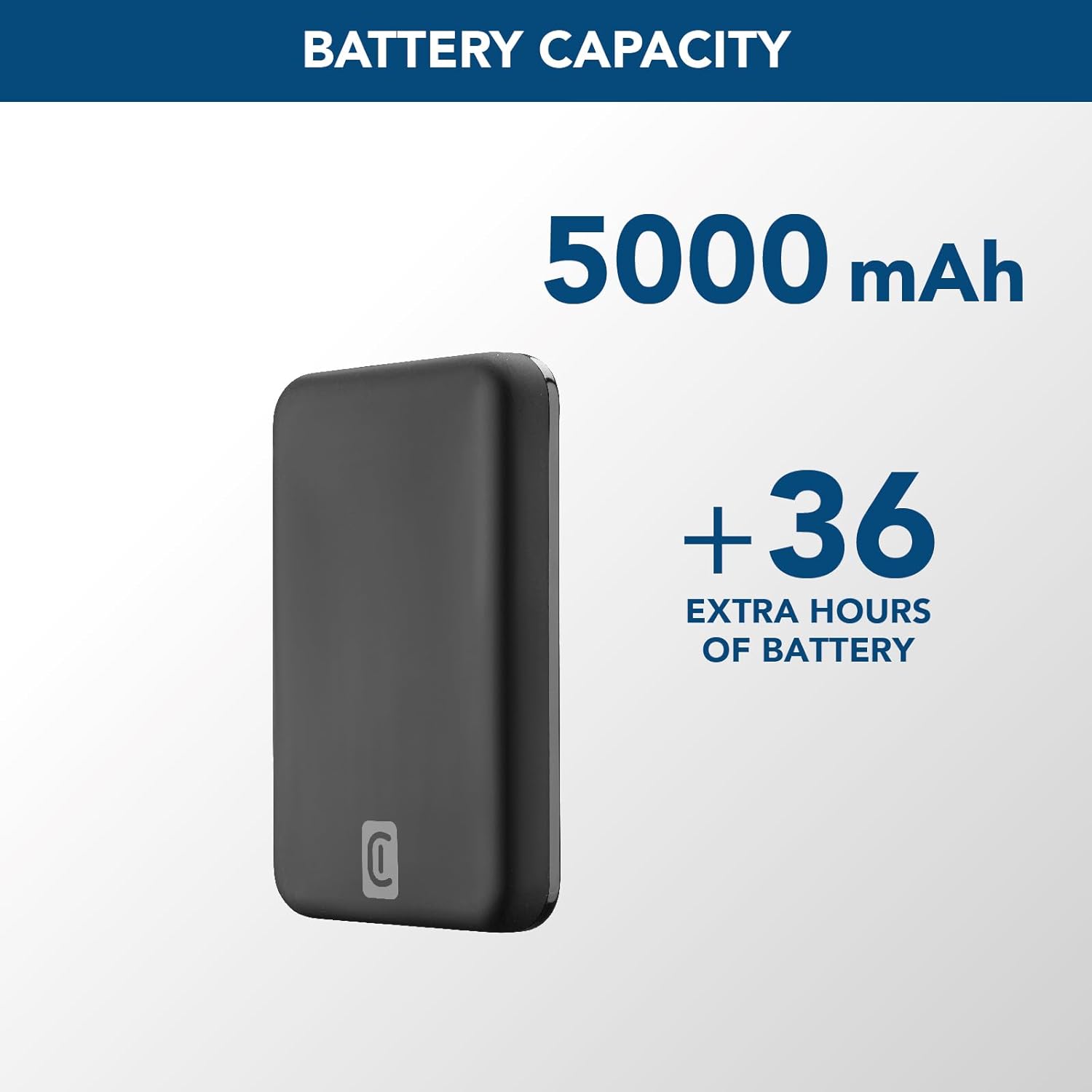
Image: A graphic highlighting the 5000 mAh battery capacity of the power bank, indicating extended battery life for devices.
സജ്ജമാക്കുക
പവർ ബാങ്ക് ചാർജ് ചെയ്യുന്നു
Before initial use, fully charge your Cellularline Wireless Power Bank MAG 5000. This ensures optimal performance and battery longevity.
- വിതരണം ചെയ്ത USB-C കേബിൾ, USB-C പോർട്ടിലേക്ക് പവർ ബാങ്കിലേക്ക് ബന്ധിപ്പിക്കുക.
- Connect the other end of the USB-C cable to a compatible USB-C wall adapter (not included) or a powered USB-C port on a computer.
- The LED indicators on the power bank will illuminate to show the charging status. Once all LEDs are solid, the power bank is fully charged.

Image: The Cellularline Wireless Power Bank MAG 5000 shown magnetically attached to the back of an iPhone, demonstrating its compact size and MagSafe compatibility. The power bank is black, and the iPhone has a clear case revealing the MagSafe ring.
പ്രവർത്തന നിർദ്ദേശങ്ങൾ
വയർലെസ് ചാർജിംഗ് (MagSafe അനുയോജ്യം)
The power bank features magnetic wireless charging, ideal for iPhone 12 and later models, or other devices with MagSafe compatible cases.
- Ensure your device supports wireless charging and has MagSafe technology, or is equipped with a MagSafe compatible case.
- Align the power bank with the back of your compatible device. The magnets will automatically snap the power bank into place, ensuring proper alignment for wireless charging.
- Wireless charging will begin automatically. The LED indicators on the power bank may show charging activity.
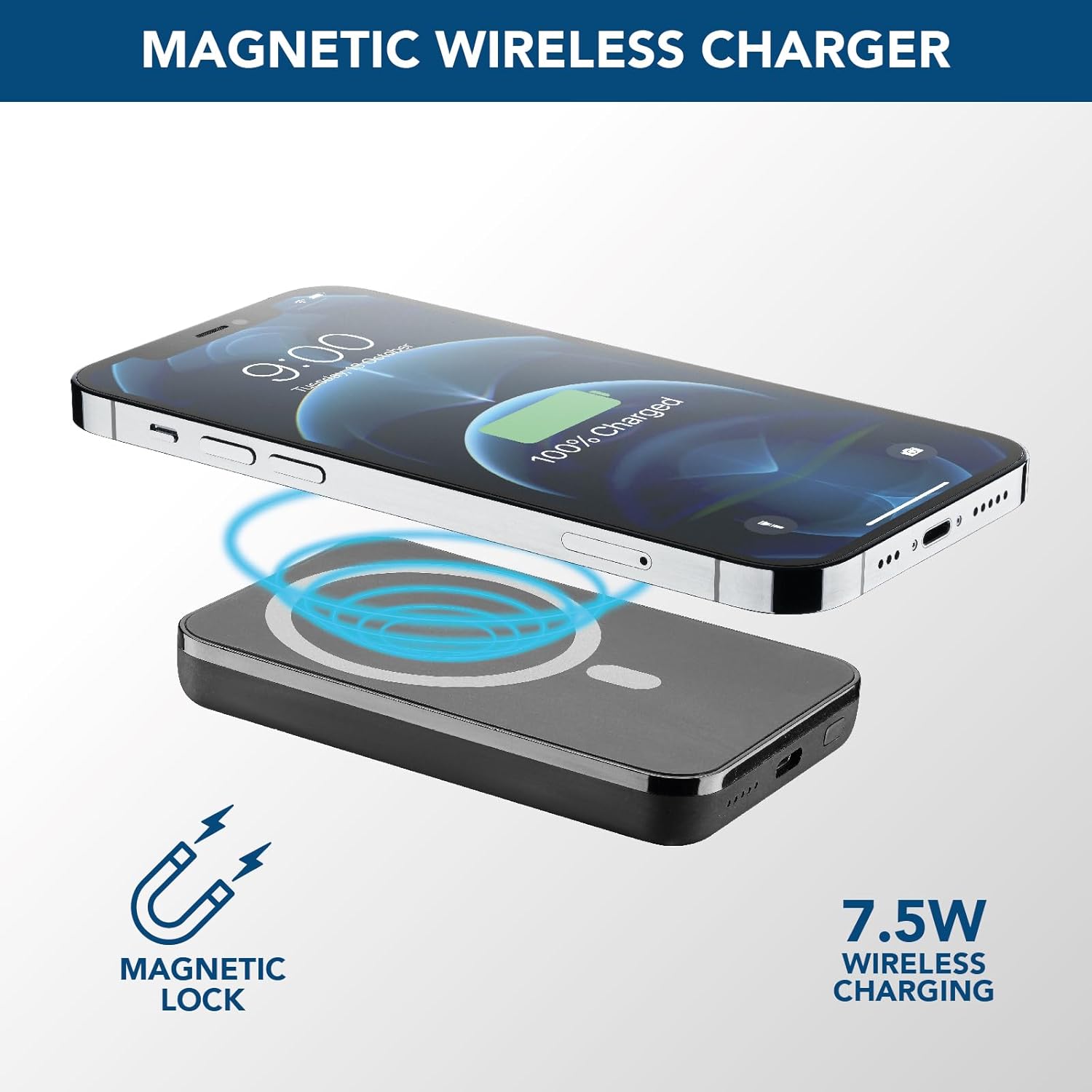
Image: An illustration showing the Cellularline power bank wirelessly charging an iPhone. Blue magnetic waves emanate from the power bank to the phone, indicating the magnetic lock and 7.5W wireless charging capability.
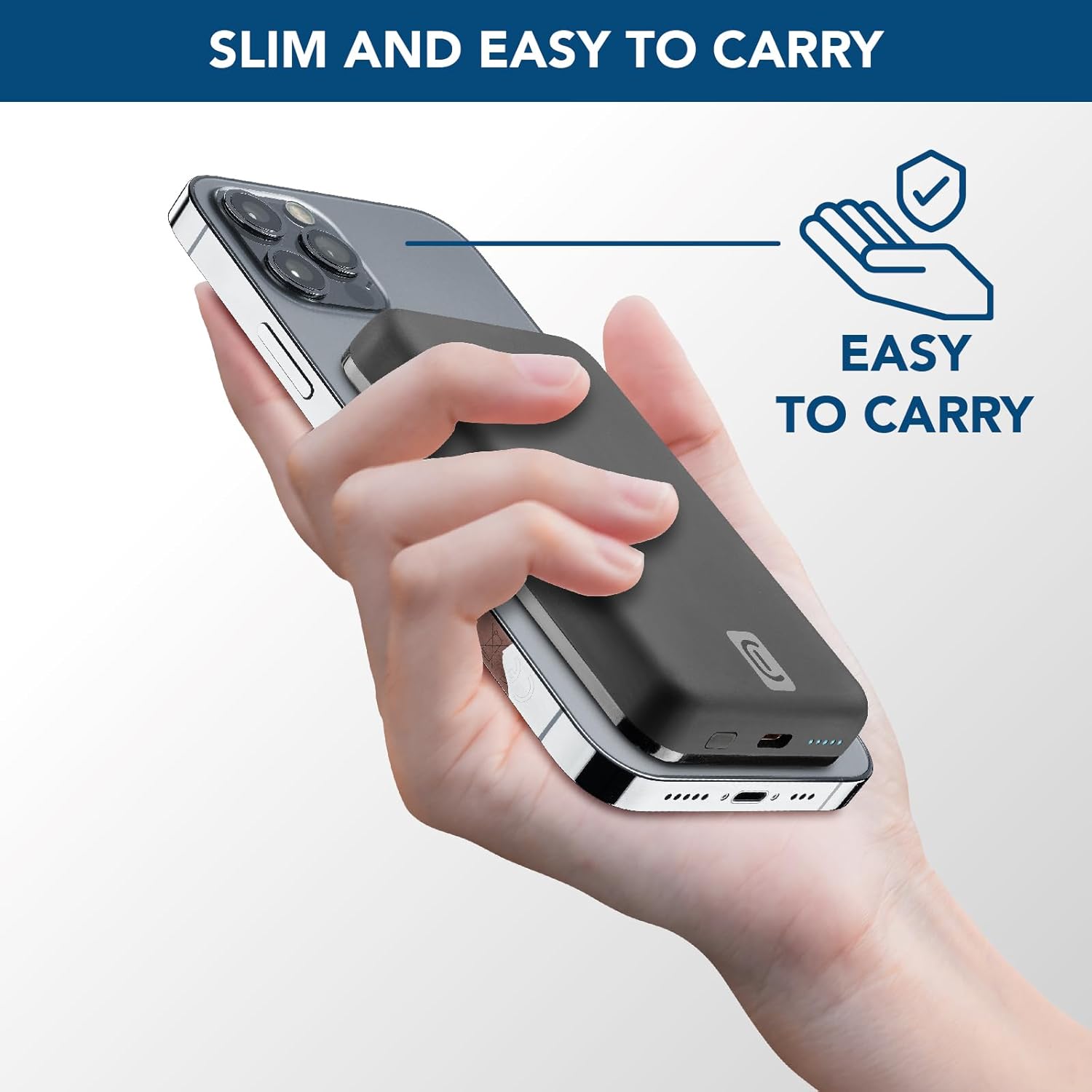
Image: A hand holding an iPhone with the Cellularline power bank magnetically attached to its back, highlighting the product's slim profile and ease of carrying.

Image: A collection of colorful MagSafe compatible phone cases, illustrating that the power bank can be used with any MagSafe case for secure magnetic attachment and charging.
വയേർഡ് ചാർജിംഗ് (USB-C)
For devices that do not support wireless charging or for faster charging, use the USB-C port.
- Connect one end of a USB-C cable (the one supplied or another compatible cable) to the USB-C port on the power bank.
- Connect the other end of the USB-C cable to your device's charging port.
- ചാർജിംഗ് സ്വയമേവ ആരംഭിക്കും.
കുറിപ്പ്: പവർ ബാങ്കിന് ഒരു ഉപകരണം വയർലെസ് ആയും മറ്റൊന്ന് യുഎസ്ബി-സി പോർട്ട് വഴിയും ഒരേസമയം ചാർജ് ചെയ്യാൻ കഴിയും, എന്നിരുന്നാലും മൊത്തം ഔട്ട്പുട്ട് പങ്കിടാം.
മെയിൻ്റനൻസ്
- വൃത്തിയാക്കൽ: പവർ ബാങ്ക് വൃത്തിയാക്കാൻ മൃദുവായതും ഉണങ്ങിയതുമായ തുണി ഉപയോഗിക്കുക. കഠിനമായ രാസവസ്തുക്കളോ ഉരച്ചിലുകളോ ഉള്ള വസ്തുക്കൾ ഉപയോഗിക്കരുത്.
- സംഭരണം: നേരിട്ടുള്ള സൂര്യപ്രകാശവും കടുത്ത താപനിലയും ഏൽക്കാത്ത തണുത്തതും വരണ്ടതുമായ സ്ഥലത്ത് പവർ ബാങ്ക് സൂക്ഷിക്കുക.
- ബാറ്ററി കെയർ: ബാറ്ററി ലൈഫ് വർദ്ധിപ്പിക്കുന്നതിന്, പതിവായി ഉപയോഗിക്കുന്നില്ലെങ്കിൽ, കുറഞ്ഞത് മൂന്ന് മാസത്തിലൊരിക്കലെങ്കിലും പവർ ബാങ്ക് പൂർണ്ണമായും ചാർജ് ചെയ്യുക. ഇടയ്ക്കിടെ ബാറ്ററി പൂർണ്ണമായും ഡിസ്ചാർജ് ചെയ്യുന്നത് ഒഴിവാക്കുക.
- കൈകാര്യം ചെയ്യൽ: Do not drop, disassemble, or attempt to repair the power bank yourself. This can void the warranty and cause damage.
ട്രബിൾഷൂട്ടിംഗ്
| പ്രശ്നം | സാധ്യമായ കാരണം | പരിഹാരം |
|---|---|---|
| പവർ ബാങ്ക് ചാർജ് ചെയ്യുന്നില്ല |
|
|
| ഉപകരണം വയർലെസ് ആയി ചാർജ് ചെയ്യുന്നില്ല |
|
|
| USB-C വഴി ഉപകരണം ചാർജ് ചെയ്യുന്നില്ല |
|
|
| Power bank gets hot during use |
|
|
വാറൻ്റിയും പിന്തുണയും
Cellularline products are designed and manufactured to the highest quality standards. For information regarding warranty coverage, technical support, or service inquiries, please refer to the warranty card included with your purchase or visit the official Cellularline webസൈറ്റ്. വാറന്റി ക്ലെയിമുകൾക്കായി നിങ്ങളുടെ വാങ്ങലിന്റെ തെളിവ് സൂക്ഷിക്കുക.
ഉദ്യോഗസ്ഥൻ Webസൈറ്റ്: www.cellularline.com