
MEGA MOTION Z29
MEGA MOTION Hoverboard Z29 User Manual
Model: Z29 | Brand: MEGA MOTION
1 പ്രധാനപ്പെട്ട സുരക്ഷാ വിവരങ്ങൾ
Before operating your MEGA MOTION Hoverboard Z29, please read all safety instructions carefully. Failure to follow these instructions may result in serious injury or damage to the product.
- സംരക്ഷണ ഗിയർ: Always wear appropriate safety gear, including a helmet, knee pads, and elbow pads, when riding the hoverboard.
- യാത്രയ്ക്ക് മുമ്പുള്ള പരിശോധന: Before each use, inspect the hoverboard for any signs of damage, loose parts, or unusual noises. Ensure the wheels are clear of obstructions.
- ഭാരം പരിധി: The hoverboard is designed to support a minimum weight of 20 kg and a maximum weight of 100 kg. Do not exceed these limits.
- പ്രായം ശുപാർശ: This hoverboard is recommended for children aged 8-12 years. Adult supervision is advised for younger riders.
- ബാറ്ററി സുരക്ഷ: The hoverboard features a built-in battery overload protection system and a low battery reminder. Do not attempt to modify or tampബാറ്ററി ഉപയോഗിച്ച്.
- വേഗത മുന്നറിയിപ്പ്: Be aware of the overspeed warning. Reduce speed immediately if the warning activates.
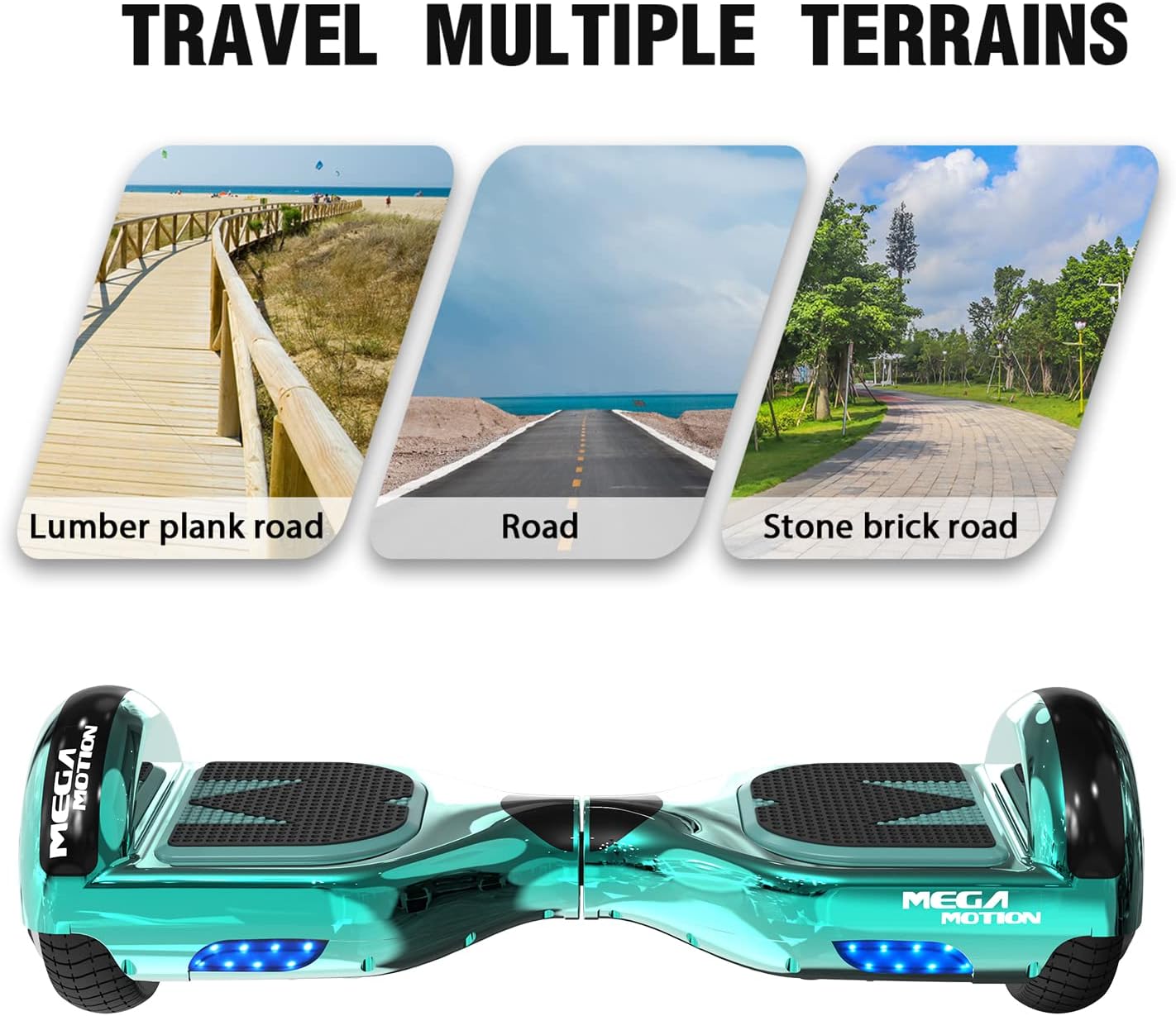
- പരിസ്ഥിതി ഉപയോഗം: Suitable for both outdoor and indoor use on flat, stable surfaces. Avoid riding on wet, slippery, or uneven terrain.

2. ഉൽപ്പന്നം കഴിഞ്ഞുview
The MEGA MOTION Hoverboard Z29 is a self-balancing scooter designed for enjoyable and safe personal transportation. It features durable construction, intelligent controls, and integrated entertainment options.
- ഡിസൈൻ: Equipped with 6.5-inch aluminum alloy hubs for durability and impact resistance. Made from high-quality ABS + PC material with a unique anti-slip pedal.
- ലൈറ്റിംഗ്: Features bright headlights for enhanced visibility during night riding.
- മോട്ടോർ സിസ്റ്റം: Powered by dual motors, providing a smooth and responsive ride.
- ബ്ലൂടൂത്ത് സ്പീക്കർ: Integrated wireless Bluetooth speaker allows you to connect your smartphone and enjoy music while riding.



3. സജ്ജീകരണം
Before your first ride, ensure the hoverboard is fully charged.
- പ്രാരംഭ ചാർജിംഗ്: Connect the charger to the hoverboard's charging port and then to a power outlet. The indicator light on the charger will change when charging is complete.
- പവർ ഓൺ: Press the power button to turn on the hoverboard. The indicator lights will illuminate.
4. പ്രവർത്തന നിർദ്ദേശങ്ങൾ
Mastering the hoverboard takes practice. Always start in a safe, open area.
- മൗണ്ടിംഗ്: Place one foot lightly on a pedal, then slowly place the other foot on the other side. Ensure your body is balanced.
- മുന്നോട്ടും പിന്നോട്ടും ഉള്ള ചലനം: Gently lean your body forward or backward to control your movement. The intelligent induction system will respond to your weight shifts.
- തിരിയുന്നു: To turn, slightly incline your center of gravity to the left or right.
- ഡിസ്മൗണ്ട് ചെയ്യുന്നു: Step off the hoverboard one foot at a time, ensuring it is stable before fully dismounting.
- ബ്ലൂടൂത്ത് കണക്ഷൻ: Activate Bluetooth on your smartphone and search for the hoverboard's Bluetooth name (usually 'MEGA MOTION' or similar). Pair to play music through the built-in speaker.

5. പരിപാലനം
Proper maintenance ensures the longevity and performance of your hoverboard.
- വൃത്തിയാക്കൽ: ഒരു സോഫ്റ്റ് ഉപയോഗിക്കുക, ഡിamp cloth to wipe down the exterior of the hoverboard. Do not use harsh chemicals or abrasive cleaners. Avoid direct water spray.
- സംഭരണം: Store the hoverboard in a cool, dry place away from direct sunlight and extreme temperatures.
- ബാറ്ററി കെയർ: If you do not use the hoverboard for an extended period, it is recommended to charge it once a month to prevent damage to the battery life.
- ടയർ മർദ്ദം: Ensure tires are properly inflated (if applicable, for solid tires, check for wear and tear).
6. പ്രശ്നപരിഹാരം
If you encounter issues with your hoverboard, refer to the following common problems and solutions:
| പ്രശ്നം | സാധ്യമായ കാരണം | പരിഹാരം |
|---|---|---|
| ഹോവർബോർഡ് ഓണാകുന്നില്ല | ബാറ്ററി ചാർജ് കുറവാണ്; പവർ ബട്ടൺ ശരിയായി അമർത്തിയിട്ടില്ല. | Charge the hoverboard; Press the power button firmly |
| ഇൻഡിക്കേറ്റർ ലൈറ്റുകൾ മിന്നുന്നു | System error; Overload; Low battery | Refer to the specific error code (if available); Reduce load; Charge battery |
| ബ്ലൂടൂത്ത് കണക്റ്റ് ചെയ്യുന്നില്ല | Bluetooth not enabled on device; Hoverboard not in pairing mode | Ensure Bluetooth is on; Restart hoverboard and device; Check for 'MEGA MOTION' in device list |
| കുറഞ്ഞ പ്രകടനം/വേഗത | Low battery; Overweight; Riding on uneven terrain | Charge battery; Ensure rider is within weight limits; Ride on flat surfaces |
For persistent issues or problems not listed here, please contact MEGA MOTION customer support.
7 സ്പെസിഫിക്കേഷനുകൾ
| ഫീച്ചർ | വിശദാംശങ്ങൾ |
|---|---|
| മോഡൽ നമ്പർ | Z29 |
| ബ്രാൻഡ് | മെഗാ മോഷൻ |
| ചക്രത്തിൻ്റെ വലിപ്പം | 6.5 ഇഞ്ച് |
| പരമാവധി ഭാരം ശുപാർശ | 100 കിലോഗ്രാം |
| ബാറ്ററി തരം | ലിഥിയം |
| ഫ്രെയിം മെറ്റീരിയൽ | എബിഎസ്, അലുമിനിയം അലോയ് |
| വീൽ മെറ്റീരിയൽ | അലുമിനിയം |
| നിറം | പച്ച |
| പ്രത്യേക സവിശേഷതകൾ | Anti-slip, Battery |
| ശുപാർശ ചെയ്യുന്ന ഉപയോഗങ്ങൾ | ഔട്ട്ഡോർ, ഇൻഡോർ |
| പാക്കേജ് അളവുകൾ | 61 x 21 x 20.5 സെ.മീ |
| ഇനത്തിൻ്റെ ഭാരം | 7.76 കിലോഗ്രാം |
8. വാറൻ്റിയും പിന്തുണയും
For any questions regarding your MEGA MOTION Hoverboard Z29, including operation, maintenance, or troubleshooting, please contact our customer support team. We are committed to providing professional assistance.
Please refer to your purchase documentation for specific warranty details and terms.
Ask a question about this manual
Ask about setup, troubleshooting, compatibility, parts, safety, or missing instructions. Manuals+ will review the question and use this page’s manual context to help answer it.