
1. ആമുഖം
Thank you for choosing the EBTOOLS A9 Magnetic 1080P Mini Camera. This compact and versatile camera is designed for home, office, or courtyard monitoring, offering 1080P high-resolution video recording and Wi-Fi connectivity. This manual provides essential information for setting up, operating, and maintaining your camera to ensure optimal performance.
2 സുരക്ഷാ വിവരങ്ങൾ
മുന്നറിയിപ്പ്: Do not attempt to disassemble, modify, or repair the product yourself to avoid personal injury or equipment damage.
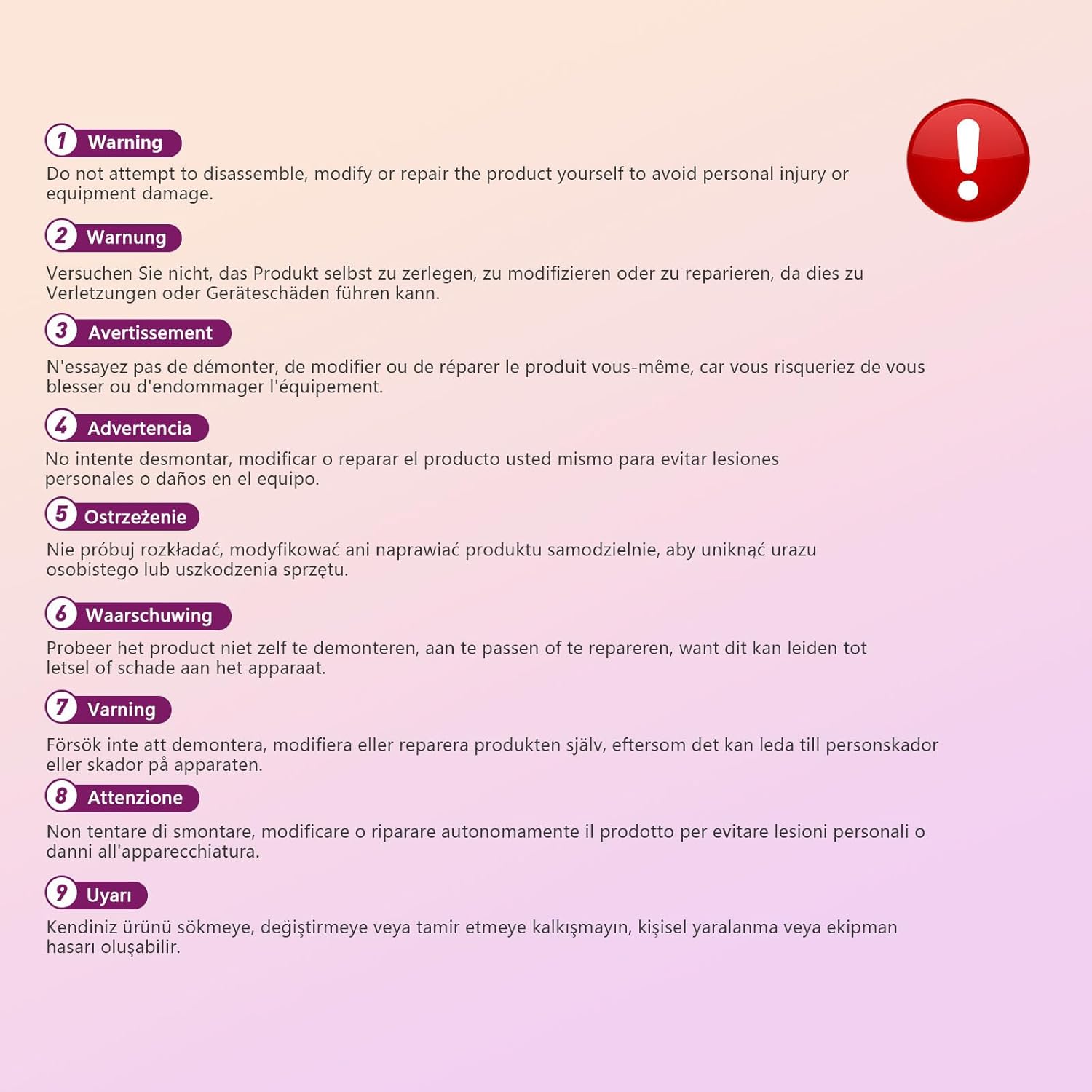
This image displays a warning message in multiple languages, advising users not to disassemble, modify, or repair the product themselves to prevent personal injury or damage to the device.
3. പാക്കേജ് ഉള്ളടക്കം
പാക്കേജിൽ ഇനിപ്പറയുന്ന ഇനങ്ങൾ ഉണ്ടോ എന്ന് പരിശോധിക്കുക:
- EBTOOLS A9 Mini Camera
- മാഗ്നെറ്റിക് മ .ണ്ട്
- യുഎസ്ബി ചാർജിംഗ് കേബിൾ
- Adhesive Pad (for mount)

This image shows the EBTOOLS A9 Mini Camera, a magnetic mount, and a USB charging cable, which are typically included in the product package.
4. ഉൽപ്പന്നം കഴിഞ്ഞുview
ക്യാമറയുടെ ഘടകങ്ങളുമായി പരിചയപ്പെടുക:

This image displays the front of the EBTOOLS A9 Mini Camera, highlighting the lens, the ON/OFF button, and the MODE button on the top surface.
- ലെൻസ്: The primary camera lens for video capture.
- ഓൺ/ഓഫ് ബട്ടൺ: ക്യാമറ ഓൺ അല്ലെങ്കിൽ ഓഫ് ആക്കുന്നു.
- മോഡ് ബട്ടൺ: വ്യത്യസ്ത ഓപ്പറേറ്റിംഗ് മോഡുകൾക്കിടയിൽ മാറുന്നു.
- ഇൻഡിക്കേറ്റർ ലൈറ്റ്: Provides status feedback (e.g., charging, recording, Wi-Fi status).

ഈ ചിത്രം ഒരു വശം കാണിക്കുന്നു view of the camera, clearly indicating the Micro USB charging port.

This image displays another side view of the camera, highlighting the Micro SD card slot for local storage.
5. സജ്ജീകരണം
5.1 ക്യാമറ ചാർജ് ചെയ്യുന്നു
Before first use, fully charge the camera. Connect the supplied USB cable to the camera's Micro USB port and a 5V USB power adapter (not included). The indicator light will show charging status and turn off when fully charged. The built-in 240 mAh battery provides approximately 45 minutes of continuous operation.
5.2 ഒരു മൈക്രോ എസ്ഡി കാർഡ് ചേർക്കുന്നു
To store recordings, insert a Micro SD card (up to 128GB, not included) into the Micro SD card slot. Ensure the card is inserted correctly with the contacts facing the camera's front. The camera supports continuous recording and motion-activated recording to the card.

This image shows the EBTOOLS A9 Mini Camera with a Micro SD card partially inserted into its slot, alongside a Wi-Fi signal icon, indicating its storage and connectivity features.
5.3 ആപ്പ് ഇൻസ്റ്റാളേഷനും വൈഫൈ കണക്ഷനും
The camera connects via Wi-Fi and is controlled using a smartphone app (compatible with Android devices). Refer to the quick start guide or packaging for the specific app name and download instructions. Once the app is installed:
- ക്യാമറ ഓൺ ചെയ്യുക.
- ഒരു പുതിയ ഉപകരണം ചേർക്കാൻ ആപ്പ് തുറന്ന് ഓൺ-സ്ക്രീൻ നിർദ്ദേശങ്ങൾ പാലിക്കുക.
- Connect the camera to your home Wi-Fi network.
- കണക്റ്റുചെയ്തുകഴിഞ്ഞാൽ, നിങ്ങൾക്ക് കഴിയും view തത്സമയംtage, adjust settings, and access recordings remotely.
6. പ്രവർത്തന നിർദ്ദേശങ്ങൾ
6.1 പവർ ഓൺ/ഓഫ്
- പവർ ഓണാക്കാൻ: ഇൻഡിക്കേറ്റർ ലൈറ്റ് പ്രകാശിക്കുന്നത് വരെ ഓൺ/ഓഫ് ബട്ടൺ അമർത്തിപ്പിടിക്കുക.
- പവർ ഓഫ് ചെയ്യാൻ: ഇൻഡിക്കേറ്റർ ലൈറ്റ് ഓഫ് ആകുന്നത് വരെ ഓൺ/ഓഫ് ബട്ടൺ അമർത്തിപ്പിടിക്കുക.
6.2 റെക്കോർഡിംഗ് മോഡുകൾ
The camera typically supports two main recording modes:
- തുടർച്ചയായ റെക്കോർഡിംഗ്: Records video continuously to the Micro SD card.
- മോഷൻ ഡിറ്റക്ഷൻ റെക്കോർഡിംഗ്: Records only when motion is detected, saving storage space and battery life.
Use the MODE button or the smartphone app to switch between these modes. Refer to the app's instructions for detailed mode configuration.
6.3 മോഷൻ ഡിറ്റക്ഷൻ അലേർട്ടുകൾ
When motion detection is enabled, the camera will send alerts to your smartphone via the app when movement is detected within its field of view. This feature is useful for security monitoring.
6.4 ആപ്പ് നിയന്ത്രണം
The dedicated app allows you to:
- View ക്യാമറയിൽ നിന്നുള്ള തത്സമയ വീഡിയോ ഫീഡ്.
- Access and playback recorded footage.
- Adjust camera settings (e.g., resolution, recording mode, motion detection sensitivity).
- Receive push notifications for motion alerts.
7. പരിപാലനം
- വൃത്തിയാക്കൽ: Use a soft, dry cloth to clean the camera lens and body. Avoid using liquid cleaners or abrasive materials.
- സംഭരണം: ദീർഘനേരം ഉപയോഗിക്കാത്തപ്പോൾ, നേരിട്ടുള്ള സൂര്യപ്രകാശവും ഉയർന്ന താപനിലയും ഏൽക്കാത്ത തണുത്തതും വരണ്ടതുമായ സ്ഥലത്ത് ക്യാമറ സൂക്ഷിക്കുക.
- ബാറ്ററി കെയർ: Recharge the battery periodically if stored for a long time to maintain its lifespan.
8. പ്രശ്നപരിഹാരം
If you encounter issues with your camera, refer to the following table:
| പ്രശ്നം | സാധ്യമായ കാരണം | പരിഹാരം |
|---|---|---|
| ക്യാമറ പവർ ഓൺ ചെയ്യുന്നില്ല. | Low battery; Faulty power button | Charge the camera fully; Contact support if issue persists |
| Wi-Fi-യിലേക്ക് കണക്റ്റുചെയ്യാൻ കഴിയില്ല | തെറ്റായ വൈഫൈ പാസ്വേഡ്; ക്യാമറ റൂട്ടറിൽ നിന്ന് വളരെ അകലെയാണ്; റൂട്ടർ പ്രശ്നങ്ങൾ | Verify password; Move camera closer to router; Restart router |
| SD കാർഡിലേക്ക് റെക്കോർഡിംഗ് ഇല്ല | SD card not inserted; SD card full or corrupted; Incorrect recording mode | Insert SD card; Format or replace SD card; Check app settings for recording mode |
| മോശം വീഡിയോ നിലവാരം | Dirty lens; Low light conditions; App resolution settings | Clean the lens; Ensure adequate lighting; Adjust resolution in app |
| App not receiving alerts | Motion detection off; App notifications disabled; Poor Wi-Fi connection | Enable motion detection in app; Check phone notification settings; Ensure stable Wi-Fi |
9 സ്പെസിഫിക്കേഷനുകൾ
| ഫീച്ചർ | വിശദാംശങ്ങൾ |
|---|---|
| മോഡൽ നമ്പർ | EBTOOLSzi9gg2t6c1-12 |
| വീഡിയോ ക്യാപ്ചർ റെസല്യൂഷൻ | 1080p, 720p |
| കണക്റ്റിവിറ്റി ടെക്നോളജി | വയർലെസ് (വൈ-ഫൈ) |
| പവർ ഉറവിടം | Battery Powered (Built-in 240 mAh) |
| മെറ്റീരിയൽ | അക്രിലോണിട്രൈൽ ബ്യൂട്ടാഡീൻ സ്റ്റൈറൈൻ (എബിഎസ്) |
| മൗണ്ടിംഗ് തരം | വാൾ മൗണ്ട് (കാന്തിക) |
| നിയന്ത്രണ രീതി | ആപ്പ് |
| അനുയോജ്യമായ ഉപകരണങ്ങൾ | സ്മാർട്ട്ഫോൺ (Android) |
| അലേർട്ട് തരം | ചലനം മാത്രം |
| ഇൻഡോർ/ഔട്ട്ഡോർ ഉപയോഗം | ഇൻഡോർ |
| ഇനത്തിൻ്റെ ഭാരം | 2.08 ഔൺസ് |
10. വാറൻ്റിയും പിന്തുണയും
For warranty information and technical support, please refer to the product packaging or contact EBTOOLS customer service directly. Keep your purchase receipt for warranty claims.