
1. ആമുഖവും അവസാനവുംview
The Lexar Professional CFexpress Type B / SD USB 3.2 Gen 2 Reader is designed for efficient data offloading from CFexpress Type B and SD cards. It features dual card slots, allowing simultaneous transfers and leveraging USB 3.2 Gen 2 speeds for a dramatically accelerated workflow. This reader is ideal for professionals requiring fast and reliable media management.
പ്രധാന സവിശേഷതകൾ:
- Quickly transfer high-resolution images and 8K RAW videos with transfer speeds up to 10Gbps.
- Two slots—one for CFexpress Type B cards and one for SD cards—for simultaneous offloads.
- Supports USB 3.2 Gen 2 speeds to dramatically accelerate your workflow.
- Includes a single 2-in-1 USB Type-C to Type-C cable and a USB Type-C to Type-A adapter for broad compatibility.
- Compact and portable design for use on location and in the studio.
2. സജ്ജീകരണം
Connecting the Reader to Your Computer:
- Locate the included 2-in-1 USB Type-C to Type-C cable.
- Connect one end of the USB Type-C cable to the USB-C port on the Lexar Professional Reader.
- Connect the other end of the USB Type-C cable to an available USB Type-C port on your computer.
- If your computer only has USB Type-A ports, attach the included USB Type-C to Type-A adapter to the USB Type-C cable before connecting it to your computer.

Figure 2.1: Lexar Professional Reader with included cables for versatile connectivity.
Inserting Memory Cards:
- Identify the CFexpress Type B slot and the SD card slot on the reader. The slots are clearly labeled.
- For CFexpress Type B cards, gently insert the card into the CFexpress Type B slot until it clicks into place. Ensure the card is oriented correctly to avoid damage.
- For SD cards, gently insert the card into the SD slot until it clicks into place. Ensure the card is oriented correctly.
- The reader supports simultaneous insertion and offloading from both card types.

Figure 2.2: The reader features dedicated slots for CFexpress Type B and SD cards.
3. പ്രവർത്തന നിർദ്ദേശങ്ങൾ
ഡാറ്റ കൈമാറ്റം:
- Once the reader is connected and cards are inserted, your computer should recognize them as removable drives.
- Navigate to the card drives using your computer's file പര്യവേക്ഷകൻ (ഉദാ. File വിൻഡോസിൽ എക്സ്പ്ലോറർ, മാകോസിൽ ഫൈൻഡർ).
- വലിച്ചിടുക files or folders from the memory cards to your desired location on the computer.
- The USB 3.2 Gen 2 interface enables transfer speeds up to 10Gbps, significantly reducing offload times for large files like 8K RAW videos and high-resolution images.
- The reader supports simultaneous offloading from both CFexpress Type B and SD cards, further optimizing your workflow.

Figure 3.1: High-speed data transfer from the reader to a laptop.

Figure 3.2: Offload high-resolution media with ease.

Figure 3.3: Optimize your workflow with exceptional transfer speeds.
4. മീഡിയ ഇന്റഗ്രേഷൻ
ഉൽപ്പന്ന ചിത്രങ്ങൾ:
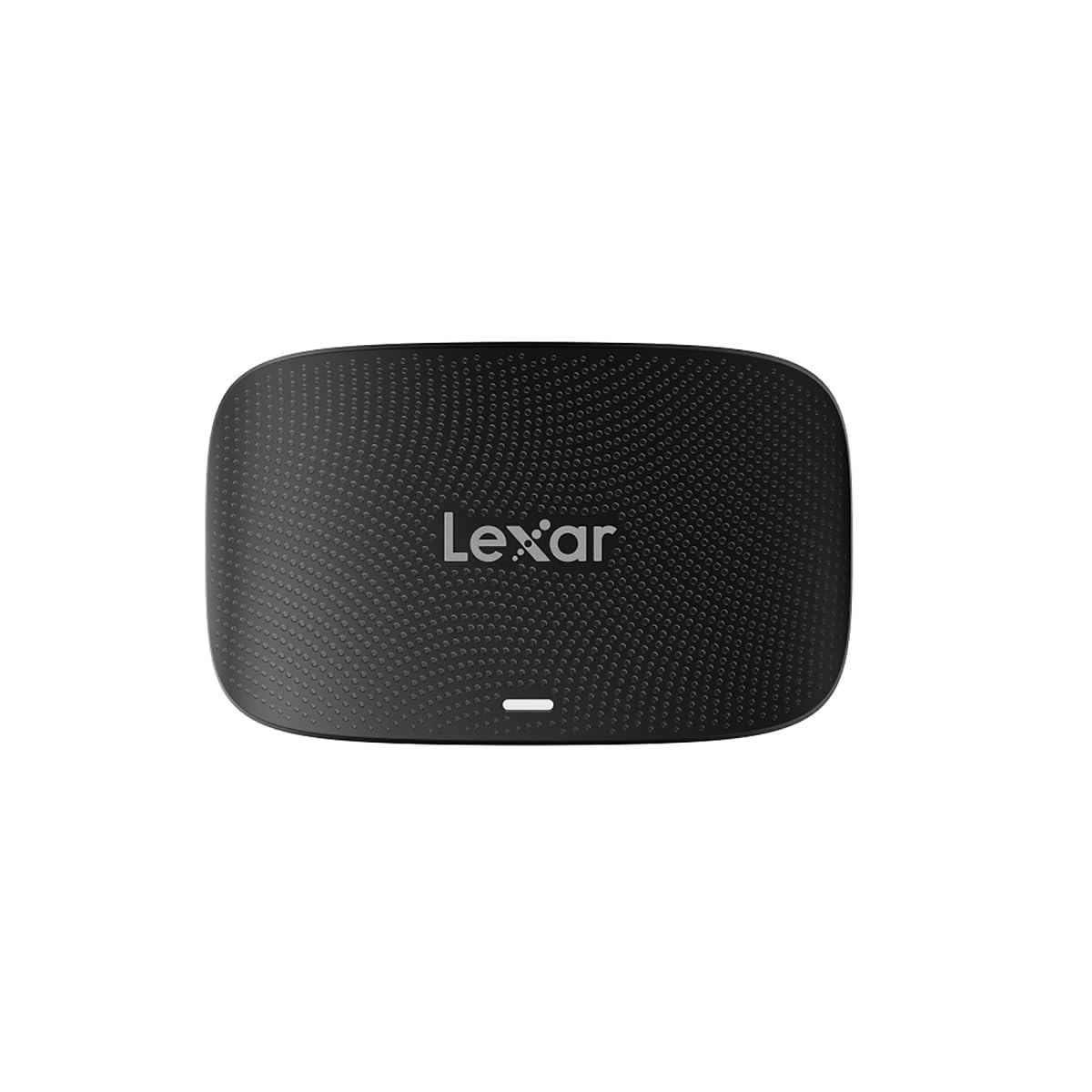
The Lexar Professional CFexpress Type B / SD USB 3.2 Gen 2 Reader in a sleek black finish, showcasing അതിന്റെ ഒതുക്കമുള്ള ഡിസൈൻ.

The reader with both CFexpress Type B and SD cards inserted, ready for simultaneous data transfer.

The reader connected to a laptop, highlighting its capability for simultaneous offloads from both card types.

A visual representation of the speed advantage, comparing 5Gbps to the reader's 10Gbps capability.
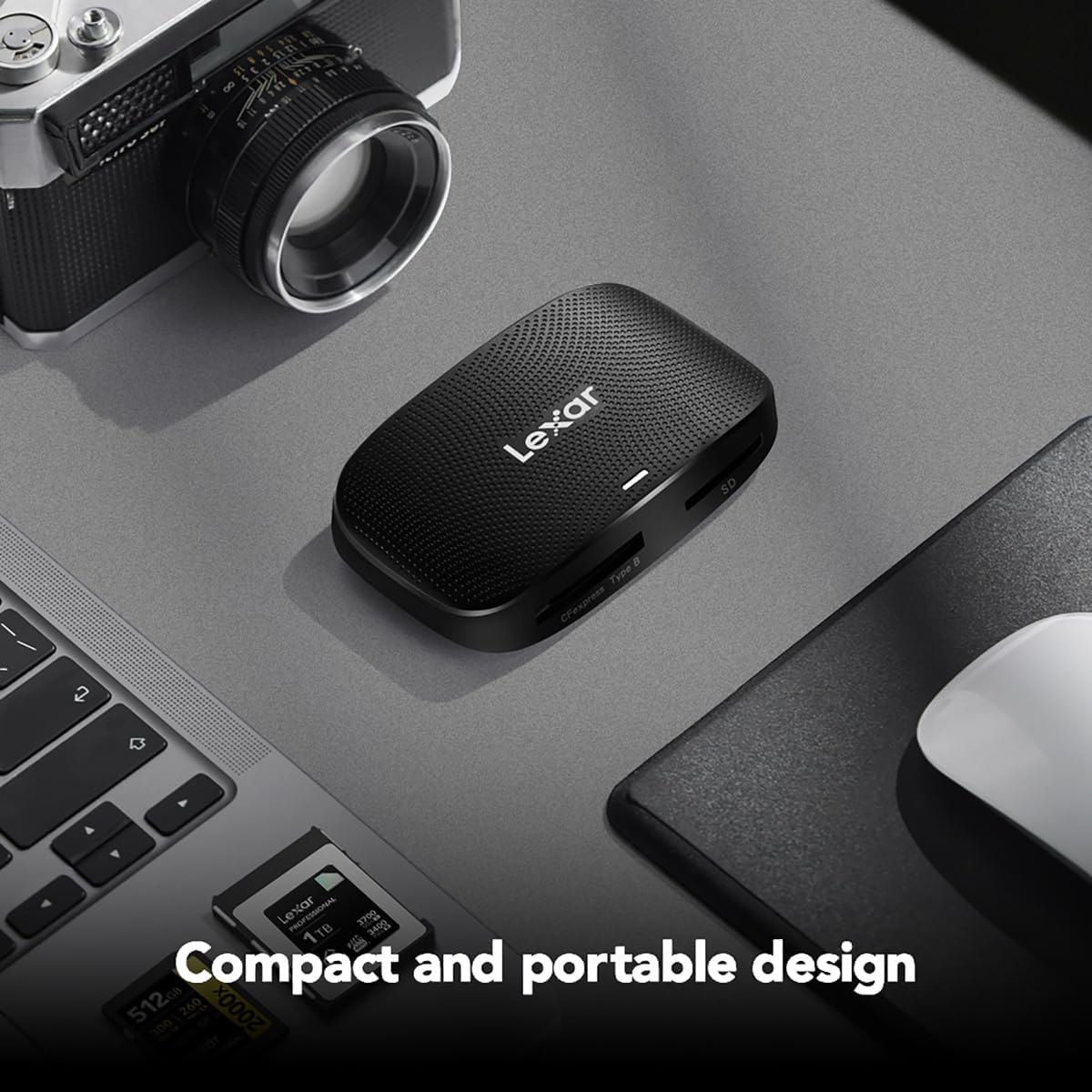
The compact and portable design of the reader, suitable for both on-location and studio use.
ഔദ്യോഗിക ഉൽപ്പന്ന വീഡിയോകൾ:
Lexar Professional CFexpress Type B / SD USB 3.2 Gen 2 Reader
ഈ വീഡിയോയിൽ ഒരു ഔദ്യോഗിക ഓവർ നൽകിയിരിക്കുന്നുview of the Lexar Professional CFexpress Type B / SD USB 3.2 Gen 2 Reader, highlighting its features and benefits for professional users.
ഉൽപ്പന്നം കഴിഞ്ഞുview വീഡിയോ
A concise product overview വീഡിയോ ഷോasing the Lexar Professional CFexpress Type B / SD USB 3.2 Gen 2 Reader's design and functionality.
5 സ്പെസിഫിക്കേഷനുകൾ
| ഫീച്ചർ | വിശദാംശങ്ങൾ |
|---|---|
| ബ്രാൻഡ് | ലെക്സർ |
| മോഡൽ നമ്പർ | LRW520U-RNBNG |
| പരമ്പര | RW520 |
| പിന്തുണയ്ക്കുന്ന മീഡിയ തരം | CFexpress ടൈപ്പ് B, SD കാർഡുകൾ |
| കണക്റ്റിവിറ്റി ടെക്നോളജി | USB 3.2 Gen 2 (USB Type-C, USB Type-A via adapter) |
| ട്രാൻസ്ഫർ വേഗത | 10Gbps വരെ |
| ഓപ്പറേറ്റിംഗ് സിസ്റ്റം അനുയോജ്യത | Mac OS 10.8+, Windows 11/10/8/7/Vista/XP |
| ഇനത്തിൻ്റെ ഭാരം | 4.5 ഔൺസ് |
| ഉൽപ്പന്ന അളവുകൾ (LxWxH) | 6.29 x 4.52 x 0.98 ഇഞ്ച് |
| നിറം | കറുപ്പ് |
6. പ്രശ്നപരിഹാരം
പൊതുവായ പ്രശ്നങ്ങളും പരിഹാരങ്ങളും:
- Reader not recognized by computer: Ensure the USB cable is securely connected to both the reader and the computer. Try a different USB port or cable. Verify your operating system is up to date.
- Memory card not detected: Ensure the card is fully and correctly inserted into its respective slot. Remove and reinsert the card. Check if the card is damaged or corrupted by testing it in another device if possible.
- കുറഞ്ഞ ട്രാൻസ്ഫർ വേഗത: Ensure you are using a USB 3.2 Gen 2 compatible port on your computer. Older USB 2.0 or 3.0 ports will result in slower speeds. The performance of the memory card itself can also affect transfer rates.
- Fileകൈമാറ്റം ചെയ്യുന്നില്ല: Check for sufficient storage space on your computer. Ensure the memory card is not write-protected. Restart your computer and try again.
7. പരിപാലനം
പരിചരണവും സംഭരണവും:
- Keep the reader clean by wiping it with a soft, dry cloth. Avoid using liquid cleaners.
- റീഡർ നേരിട്ട് സൂര്യപ്രകാശം ഏൽക്കാത്തതും ഉയർന്ന താപനില ഏൽക്കാത്തതുമായ ഒരു തണുത്ത, വരണ്ട സ്ഥലത്ത് സൂക്ഷിക്കുക.
- ശാരീരിക ആഘാതമോ ഉപകരണം താഴെയിടുന്നതോ ഒഴിവാക്കുക.
- Always safely eject memory cards from your computer before removing them from the reader to prevent data corruption.
8. വാറൻ്റിയും പിന്തുണയും
വാറൻ്റി വിവരങ്ങൾ:
The Lexar Professional CFexpress Type B / SD USB 3.2 Gen 2 Reader comes with a രണ്ട് വർഷത്തെ പരിമിതമായ വാറന്റിവാറന്റി ക്ലെയിമുകൾക്കായി നിങ്ങളുടെ വാങ്ങിയതിന്റെ തെളിവ് സൂക്ഷിക്കുക.
ഉപഭോക്തൃ പിന്തുണ:
For technical assistance, warranty inquiries, or further information, please visit the official Lexar website or contact Lexar customer support through their provided channels.