
DOOGEE U9KIDS
DOOGEE U9 Kid Tablet User Manual
Model: U9KIDS
1. ആമുഖം
Welcome to the DOOGEE U9 Kid Tablet user manual. This guide provides comprehensive instructions for setting up, operating, maintaining, and troubleshooting your new tablet. The DOOGEE U9 is a 10-inch HD tablet designed specifically for children aged 3-7, featuring Android 13, robust memory and storage, a long-lasting battery, and eye protection technology to ensure a safe and engaging digital experience.

Image 1.1: The DOOGEE U9 Kid Tablet, showcasing its protective pink case with a bunny-shaped stand and a colorful display.
2 സുരക്ഷാ വിവരങ്ങൾ
Please read all safety instructions carefully before using the tablet to ensure safe and proper operation. Keep this manual for future reference.
- ശ്വാസംമുട്ടൽ അപകടം: Keep small parts away from young children. The tablet case and stand are designed for child safety, but supervision is always recommended.
- ബാറ്ററി സുരക്ഷ: Do not attempt to replace the battery yourself. Use only the original charger and cable provided. Do not expose the tablet to extreme temperatures or direct sunlight.
- സ്ക്രീൻ കെയർ: The screen is fragile. Avoid dropping the tablet or placing heavy objects on it. Use a soft, lint-free cloth for cleaning.
- വാട്ടർ എക്സ്പോഷർ: This tablet is not waterproof. Avoid exposure to water or other liquids.
- നേത്ര സംരക്ഷണം: The tablet features TÜV SÜD Blue Light Certification for eye protection. Encourage children to take regular breaks from screen time.
- വെൻ്റിലേഷൻ: Ensure proper ventilation when using the tablet. Do not cover the tablet with blankets or pillows, especially during charging or heavy use.
3. പാക്കേജ് ഉള്ളടക്കം
പാക്കേജിൽ എല്ലാ ഇനങ്ങളും ഉണ്ടെന്ന് ഉറപ്പാക്കുക:
- DOOGEE U9 Kid Tablet (with pre-installed protective case)
- USB-C ചാർജിംഗ് കേബിൾ
- പവർ അഡാപ്റ്റർ
- ഉപയോക്തൃ മാനുവൽ (ഈ പ്രമാണം)
- വാറൻ്റി കാർഡ് (ബാധകമെങ്കിൽ)
4. ഉൽപ്പന്നം കഴിഞ്ഞുview
4.1. Physical Features and Components
The DOOGEE U9 Kid Tablet is designed with durability and child-friendliness in mind. It features a robust protective case and intuitive controls.
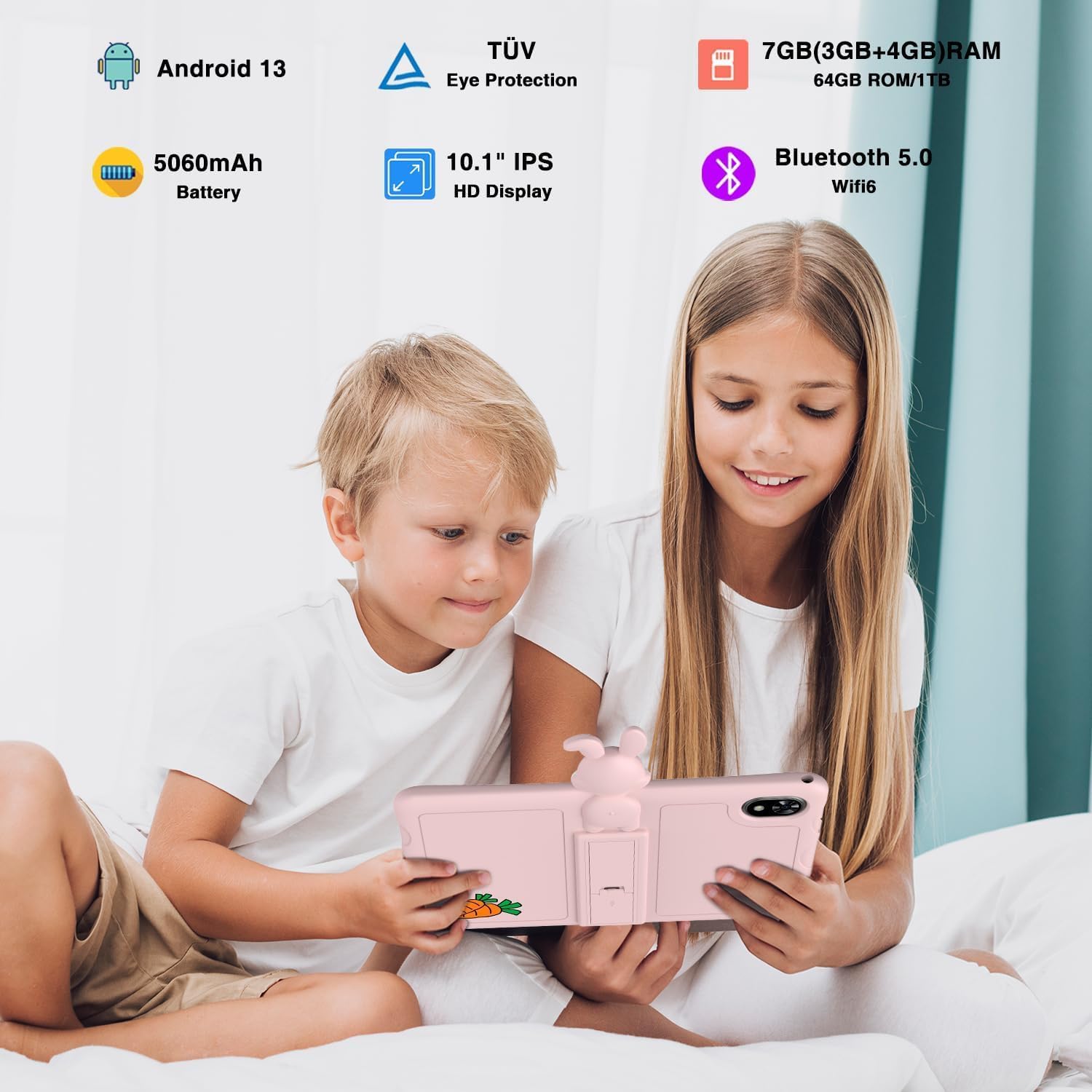
Image 4.1: Children enjoying the DOOGEE U9 Kid Tablet, illustrating its key features.
- ഡിസ്പ്ലേ: 10.1-inch HD IPS screen, optimized for comfortable viewing with TÜV SÜD Blue Light Certification.
- ക്യാമറകൾ: Equipped with dual cameras (5MP rear, 2MP front) for capturing photos and video calls.
- തുറമുഖങ്ങൾ: Includes a USB-C port for charging and data transfer, and a 3.5mm headphone jack.
- നിയന്ത്രണങ്ങൾ: Power button and volume rocker located on the side for easy access.
- സംരക്ഷണ കേസ്: Comes with a durable, child-friendly silicone case with an integrated kickstand for hands-free viewing.
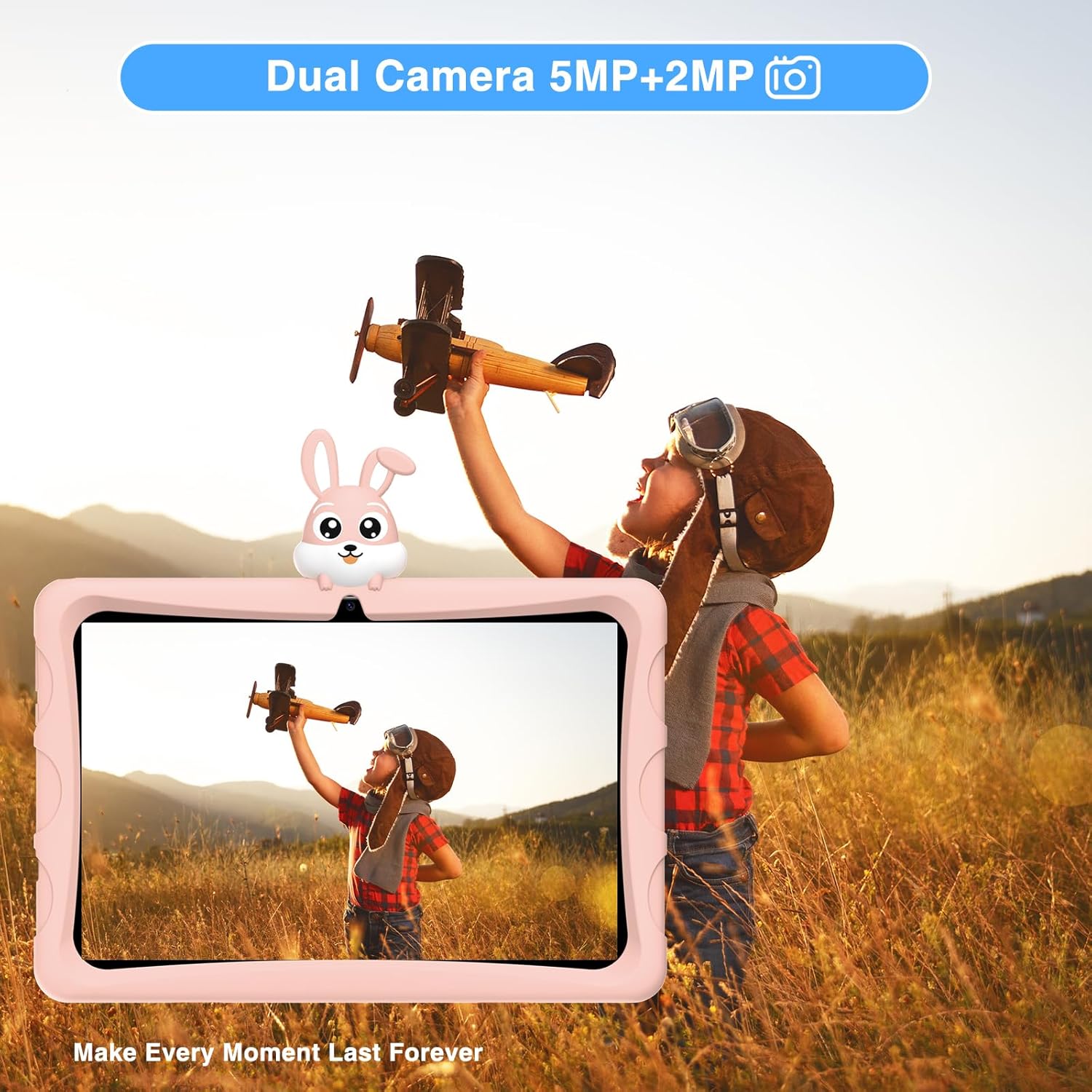
Image 4.2: The tablet's dual camera system, suitable for capturing memories.

Image 4.3: Highlighting the tablet's 10.1-inch IPS HD display for clear visuals.

Image 4.4: The tablet's eye protection features, certified by TÜV Rheinland.
4.2. ഉൽപ്പന്ന വീഡിയോ കഴിഞ്ഞുview
Watch this official product video for a visual guide to the DOOGEE U9 Kid Tablet's features and design.
വീഡിയോ 4.1: ഒരു ഔദ്യോഗിക ഉൽപ്പന്ന വീഡിയോ ഷോasing the features and design of the DOOGEE U9 Kid Tablet, including its protective case, display, and educational content.
5. സജ്ജീകരണം
5.1. പ്രാരംഭ ചാർജിംഗ്
Before first use, fully charge the tablet. Connect the USB-C cable to the tablet's charging port and the other end to the power adapter. Plug the adapter into a wall outlet. The charging indicator will show the charging status. The tablet features a 5060mAh battery for extended use.
5.2. പവർ ഓൺ, പ്രാരംഭ കോൺഫിഗറേഷൻ
- അമർത്തിപ്പിടിക്കുക പവർ ബട്ടൺ until the DOOGEE logo appears.
- നിങ്ങളുടെ ഭാഷ തിരഞ്ഞെടുക്കുന്നതിനും, ഒരു Wi-Fi നെറ്റ്വർക്കിലേക്ക് കണക്റ്റുചെയ്യുന്നതിനും, നിങ്ങളുടെ Google അക്കൗണ്ട് സജ്ജീകരിക്കുന്നതിനും ഓൺ-സ്ക്രീൻ നിർദ്ദേശങ്ങൾ പാലിക്കുക.
- Configure parental controls and child profiles as desired. The tablet runs on Android 13, offering enhanced privacy and user management features.

Image 5.1: The tablet runs on the latest Android 13, providing a secure and user-friendly experience.
6. ടാബ്ലെറ്റ് പ്രവർത്തിപ്പിക്കൽ
6.1. Navigating Android 13
The DOOGEE U9 operates on Android 13, offering an intuitive interface. Swipe down from the top for quick settings and notifications. Use gestures or the navigation bar for home, back, and recent apps.
6.2. Kids' Learning and Entertainment
The tablet comes pre-loaded with a variety of educational and entertainment applications suitable for children. These apps are designed to be engaging and promote learning.

Image 6.1: The tablet features a curated selection of apps tailored for children's learning and play.

Image 6.2: A wide range of free learning applications are available for children.
6.3. Media Consumption with Widevine L1
The DOOGEE U9 supports Widevine L1, allowing for high-definition streaming from popular platforms like Disney+, Hulu, Amazon Prime Video, HBO Max, and YouTube Kids. This ensures a premium viewing experience for your child's favorite content.
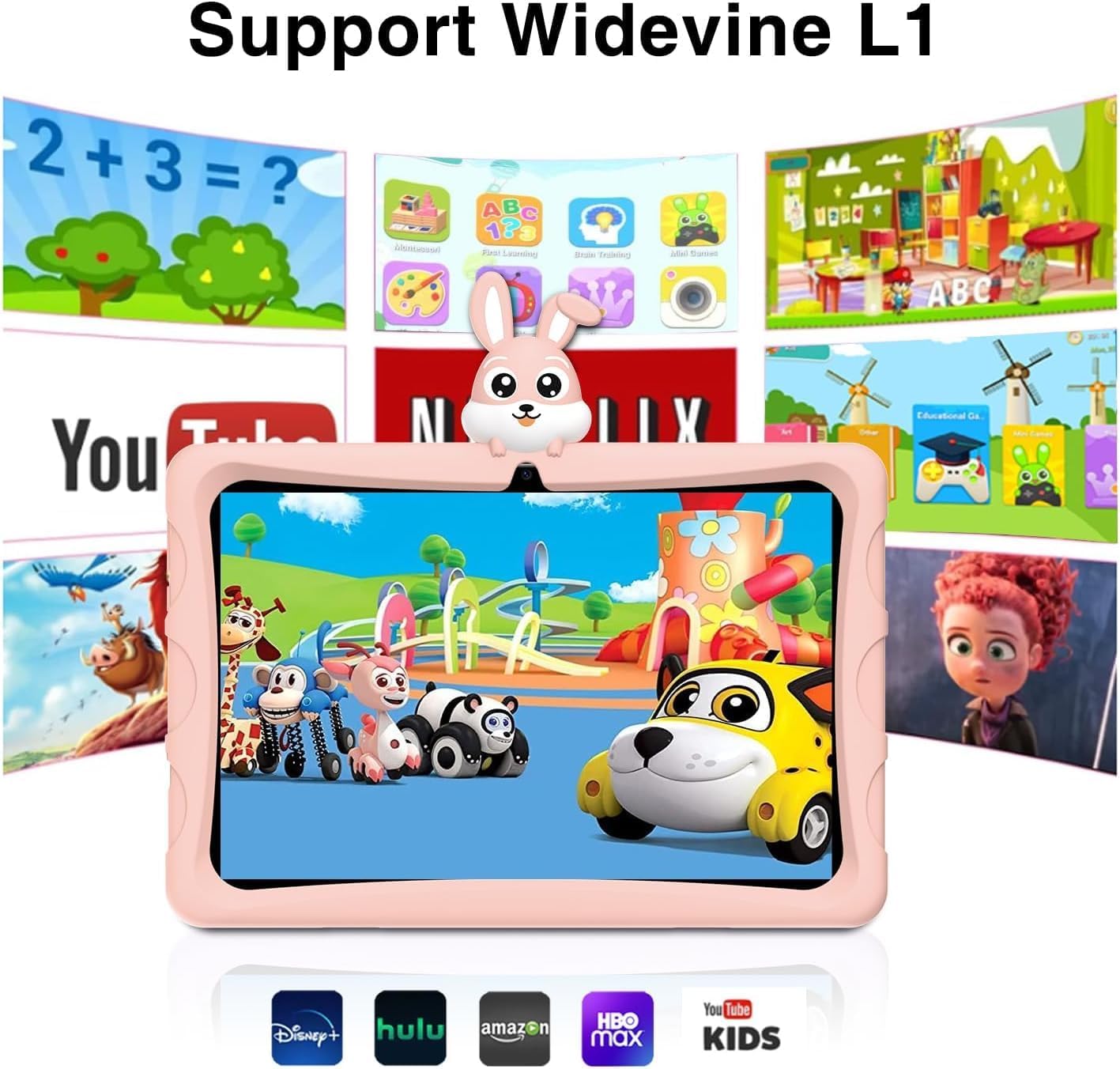
Image 6.3: Widevine L1 support enables high-quality streaming from popular services.

Image 6.4: Enjoy high-definition content with Widevine L1 certification.
7. പരിപാലനം
Proper maintenance ensures the longevity and optimal performance of your DOOGEE U9 Kid Tablet.
- വൃത്തിയാക്കൽ: Use a soft, dry, lint-free cloth to clean the screen and tablet body. For stubborn smudges, slightly dampതുണിയിൽ വെള്ളം ഒഴിക്കുക. കഠിനമായ രാസവസ്തുക്കളോ ഉരച്ചിലുകളോ ഉള്ള വസ്തുക്കൾ ഉപയോഗിക്കുന്നത് ഒഴിവാക്കുക.
- സംഭരണം: നേരിട്ടുള്ള സൂര്യപ്രകാശവും കടുത്ത താപനിലയും ഏൽക്കാത്ത തണുത്തതും വരണ്ടതുമായ സ്ഥലത്ത് ടാബ്ലെറ്റ് സൂക്ഷിക്കുക.
- ബാറ്ററി കെയർ: ബാറ്ററി ലൈഫ് വർദ്ധിപ്പിക്കാൻ, ടാബ്ലെറ്റ് ഇടയ്ക്കിടെ പൂർണ്ണമായും ഡിസ്ചാർജ് ചെയ്യുന്നത് ഒഴിവാക്കുക. പതിവായി ചാർജ് ചെയ്യുക, എന്നാൽ പൂർണ്ണമായി ചാർജ് ചെയ്തതിനുശേഷം കൂടുതൽ നേരം പ്ലഗ് ഇൻ ചെയ്തിരിക്കരുത്.
- സോഫ്റ്റ്വെയർ അപ്ഡേറ്റുകൾ: ഏറ്റവും പുതിയ സവിശേഷതകളും സുരക്ഷാ പാച്ചുകളും ലഭിക്കുന്നുണ്ടെന്ന് ഉറപ്പാക്കാൻ, ടാബ്ലെറ്റിന്റെ ക്രമീകരണങ്ങളിൽ ഇടയ്ക്കിടെ സിസ്റ്റം അപ്ഡേറ്റുകൾ പരിശോധിക്കുക.
8. പ്രശ്നപരിഹാരം
If you encounter issues with your DOOGEE U9 Kid Tablet, refer to the following common problems and solutions:
| പ്രശ്നം | സാധ്യമായ കാരണം | പരിഹാരം |
|---|---|---|
| ടാബ്ലെറ്റ് ഓണാകുന്നില്ല | ബാറ്ററി ചാർജ് കുറവാണ്; സിസ്റ്റം ക്രാഷ് ആയി | കുറഞ്ഞത് 30 മിനിറ്റെങ്കിലും ടാബ്ലെറ്റ് ചാർജ് ചെയ്യുക. എന്നിട്ടും പ്രതികരിക്കുന്നില്ലെങ്കിൽ, റീസ്റ്റാർട്ട് ചെയ്യാൻ പവർ ബട്ടൺ 10-15 സെക്കൻഡ് അമർത്തിപ്പിടിക്കുക. |
| മന്ദഗതിയിലുള്ള പ്രകടനം | വളരെയധികം ആപ്പുകൾ പ്രവർത്തിക്കുന്നു; സംഭരണശേഷി കുറവാണ്; കാലഹരണപ്പെട്ട സോഫ്റ്റ്വെയർ | ഉപയോഗിക്കാത്ത ആപ്പുകൾ അടയ്ക്കുക. കാഷെ മായ്ക്കുക. ആവശ്യമില്ലാത്ത ആപ്പുകൾ അൺഇൻസ്റ്റാൾ ചെയ്യുക. സിസ്റ്റം അപ്ഡേറ്റുകൾക്കായി പരിശോധിക്കുക. |
| Wi-Fi കണക്ഷൻ പ്രശ്നങ്ങൾ | Incorrect password; Router issue; Tablet Wi-Fi disabled | Ensure Wi-Fi is enabled and password is correct. Restart your Wi-Fi router. Forget and reconnect to the network on the tablet. |
| ആപ്പുകൾ ക്രാഷാകുന്നു അല്ലെങ്കിൽ മരവിക്കുന്നു | App specific bug; Insufficient RAM | Force close the app and reopen. Clear the app's cache and data in settings. Update the app. If persistent, consider uninstalling and reinstalling. |
9 സ്പെസിഫിക്കേഷനുകൾ
Detailed technical specifications for the DOOGEE U9 Kid Tablet:
| ഫീച്ചർ | സ്പെസിഫിക്കേഷൻ |
|---|---|
| മോഡൽ നമ്പർ | U9KIDS |
| ഡിസ്പ്ലേ വലിപ്പം | 10.1 ഇഞ്ച് |
| ഓപ്പറേറ്റിംഗ് സിസ്റ്റം | ആൻഡ്രോയിഡ് 13 |
| മെമ്മറി (റാം) | 7GB (3GB+4GB virtual) |
| സംഭരണം (ROM) | 64 ജിബി (ടിഎഫ് കാർഡ് വഴി 1 ടിബി വരെ വികസിപ്പിക്കാം) |
| പ്രോസസ്സർ | Quad Core (Integrated GPU within RK3562 Processor) |
| ബാറ്ററി ശേഷി | 5060mAh ലിഥിയം പോളിമർ (ഉൾപ്പെടുത്തിയിരിക്കുന്നു) |
| വയർലെസ് കണക്റ്റിവിറ്റി | വൈ-ഫൈ 6 (802.11ax), ബ്ലൂടൂത്ത് 5.0 |
| ക്യാമറകൾ | Dual Camera (5MP Rear, 2MP Front) |
| അളവുകൾ (LxWxH) | 24.53 x 16.33 x 0.99 ഇഞ്ച് |
| ഇനത്തിൻ്റെ ഭാരം | 2.9 പൗണ്ട് |
| പ്രത്യേക സവിശേഷതകൾ | TÜV SÜD Blue Light Certification, Widevine L1 Support, OTG |
| പ്രായപരിധി (വിവരണം) | കുട്ടി |

Image 9.1: The tablet's memory and storage capabilities for smooth performance.
10. വാറൻ്റിയും പിന്തുണയും
DOOGEE products are covered by a limited warranty. Please refer to the warranty card included in your package for specific terms and conditions. For technical support, product inquiries, or warranty claims, please contact DOOGEE customer service through their official webനിങ്ങൾ ഉൽപ്പന്നം വാങ്ങിയ സൈറ്റ് അല്ലെങ്കിൽ റീട്ടെയിലർ.
For more information, visit the official DOOGEE store: DOOGEE Store on Amazon.
Ask a question about this manual
Ask about setup, troubleshooting, compatibility, parts, safety, or missing instructions. Manuals+ will review the question and use this page’s manual context to help answer it.