
അറ്റാക്ക് സ്രാവ് X6
അറ്റാക്ക് ഷാർക്ക് X6 ലൈറ്റ്വെയ്റ്റ് വയർലെസ് ഗെയിമിംഗ് മൗസ് യൂസർ മാനുവൽ
മോഡൽ: എക്സ് 6
1. ആമുഖം
Thank you for choosing the ATTACK SHARK X6 Lightweight Wireless Gaming Mouse. This manual provides detailed instructions on how to set up, operate, and maintain your new gaming mouse to ensure optimal performance and longevity. The X6 mouse is designed for gaming enthusiasts, featuring a high-precision sensor, multiple connectivity options, and a lightweight, ergonomic design.
2 പ്രധാന സവിശേഷതകൾ
- Pixart PAW3395 Flagship Sensor: Offers 6-level adjustable DPI (800/1600/2400/3200/5000/26000), 650 IPS tracking speed, 1000Hz response rate, and 50G acceleration for precise and responsive tracking.
- 49g Ultralight & Ergonomic Design: Constructed with advanced lightweight materials, weighing only 49g. Its ergonomic shape supports various grip styles, reducing hand fatigue during extended use.
- RGB Backlight Charging Base & Touch Switch: Features a magnetic charging dock with customizable RGB backlighting, controlled by a tactile touch switch. Provides up to 200 hours of use on a single charge.
- HUANO Powder Point Micro Switch & TTC Encoder: Equipped with durable HUANO switches (80 million click lifespan) for crisp clicks and quick rebound, and a TTC scroll wheel encoder for precise scrolling.
- ട്രൈ-മോഡ് കണക്ഷൻ: Supports USB-C wired mode, 2.4G wireless mode, and Bluetooth 5.2 mode, allowing connection to up to 4 devices simultaneously.
- 5 പ്രോഗ്രാം ചെയ്യാവുന്ന ബട്ടണുകൾ: Customize DPI, polling rate, LOD, shortcuts, and macros via the dedicated driver software.
3. പാക്കേജ് ഉള്ളടക്കം
- ഷാർക്ക് X6 വയർലെസ് ഗെയിമിംഗ് മൗസ് അറ്റാക്ക് ചെയ്യുക
- RGB Backlight Charging Base
- USB-C മുതൽ USB-A കേബിൾ വരെ
- 2.4G USB Receiver (stored in mouse bottom)
- ഉപയോക്തൃ മാനുവൽ
- Complimentary Anti-slip Stickers
4. ഉൽപ്പന്നം കഴിഞ്ഞുview
Familiarize yourself with the components of your ATTACK SHARK X6 mouse.

ചിത്രം 1: പൊട്ടിത്തെറിച്ചു view of the ATTACK SHARK X6 mouse, showing internal components such as the lightweight material case, engineering curved keys, PCB, lithium battery, TTC Golden Wheel Encoder, HUANO Pink Spots, PAW3395 Sensors, and mouse bottom case.

ചിത്രം 2: മുകളിലും താഴെയും view of the ATTACK SHARK X6 mouse with labeled features including Left Button, Right Button, Middle Button, Forward Button, Backward Button, Type-C Port, BT Pairing Key, Receiver Organiser, Charging Thimble, Light Switching Key (Touch), Receiver Interface, and indicator lights for different connection modes.
5. സജ്ജീകരണം
5.1 മൗസ് ചാർജ് ചെയ്യുന്നു
The ATTACK SHARK X6 mouse can be charged using the included RGB backlight charging base or directly via the USB-C cable.
- Connect the USB-C cable to the charging base and a power source (e.g., computer USB port, USB wall adapter).
- Place the mouse onto the charging base, ensuring the magnetic contacts align. The RGB lighting on the base will indicate charging status.
- Alternatively, connect the USB-C cable directly to the mouse's front port for wired charging and use.

Figure 3: The ATTACK SHARK X6 mouse positioned on its RGB backlight charging base, illustrating the magnetic charging capability.
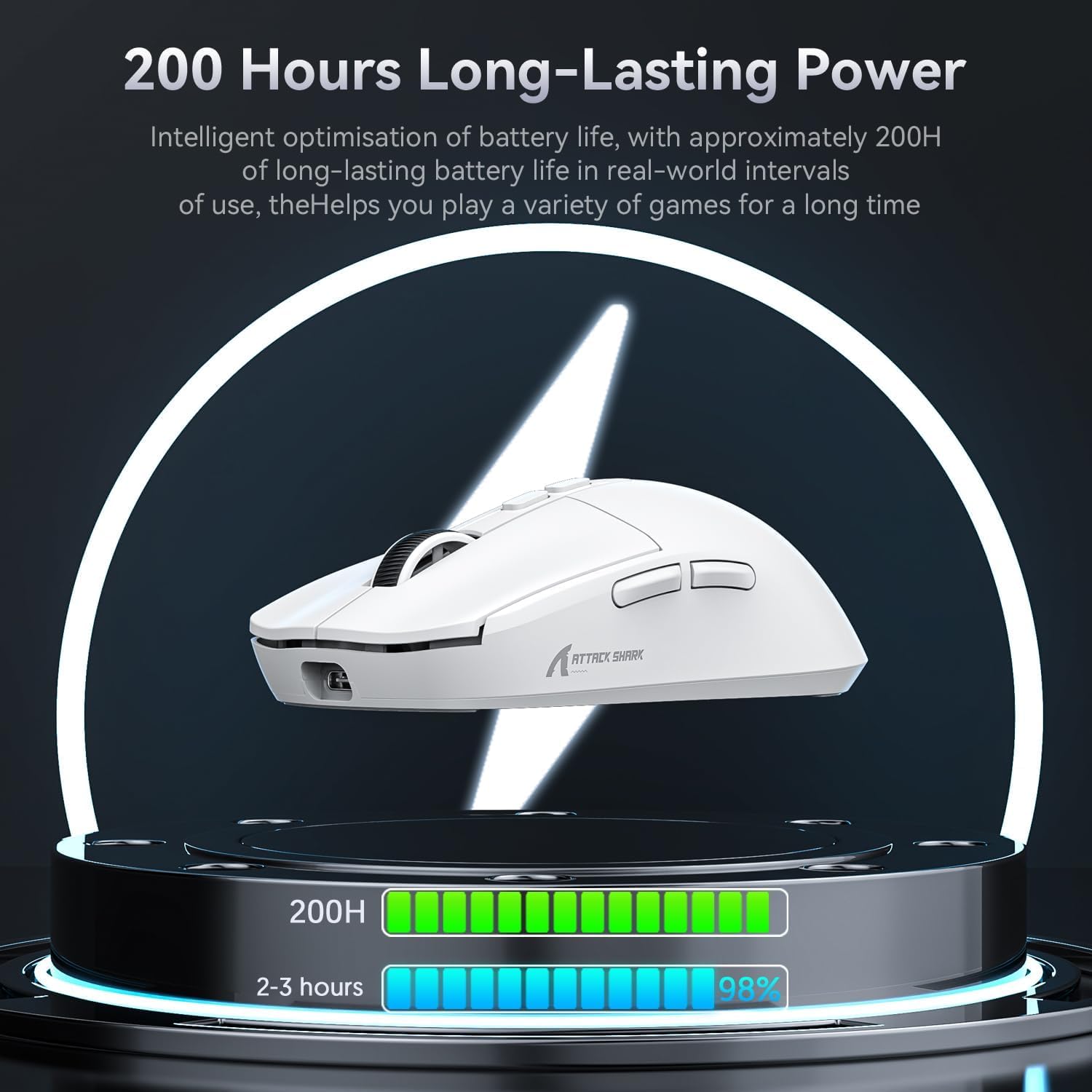
Figure 4: Visual representation of the mouse's 200-hour long-lasting power, indicating battery life optimization for extended gaming sessions.
5.2 കണക്റ്റിവിറ്റി മോഡുകൾ
The X6 mouse supports three connection modes: 2.4G Wireless, Bluetooth 5.2, and Wired (USB-C).

Figure 5: The three available connection modes for the ATTACK SHARK X6 mouse: Bluetooth (BT), 2.4G wireless, and Type-C wired connection.
5.2.1 2.4G വയർലെസ് മോഡ്
- മൗസിന്റെ അടിയിലുള്ള കമ്പാർട്ടുമെന്റിൽ സൂക്ഷിച്ചിരിക്കുന്ന 2.4G യുഎസ്ബി റിസീവർ കണ്ടെത്തുക.
- Plug the receiver into an available USB-A port on your computer.
- Slide the switch on the bottom of the mouse to the '2.4G' position. The mouse will automatically connect.
5.2.2 ബ്ലൂടൂത്ത് 5.2 മോഡ്
- Slide the switch on the bottom of the mouse to the 'BT' position.
- Press and hold the Bluetooth pairing button (located near the switch) for 3 seconds until the indicator light flashes rapidly.
- On your device (PC, Mac, etc.), go to Bluetooth settings and search for 'ATTACK SHARK X6'. Select it to pair.
- The mouse can connect to up to 3 Bluetooth devices (BT1, BT2, BT3). Short press the BT pairing button to switch between paired devices.
5.2.3 വയേർഡ് മോഡ്
- Connect the USB-C end of the cable to the front port of the mouse.
- കേബിളിന്റെ USB-A അറ്റം നിങ്ങളുടെ കമ്പ്യൂട്ടറിന്റെ USB പോർട്ടുമായി ബന്ധിപ്പിക്കുക.
- Slide the switch on the bottom of the mouse to the 'OFF' position. The mouse will function in wired mode and charge simultaneously.
6. പ്രവർത്തന നിർദ്ദേശങ്ങൾ
6.1 ഡിപിഐ അഡ്ജസ്റ്റ്മെന്റ്
The mouse features 6 adjustable DPI levels. Use the dedicated DPI button (usually located behind the scroll wheel) to cycle through the preset DPI settings. The indicator light may change color or flash to indicate the current DPI level.
6.2 Programmable Buttons & Macro Settings
The ATTACK SHARK X6 has 5 programmable buttons. To customize button functions, DPI, polling rate, LOD (Lift-Off Distance), and create macros, download and install the official ATTACK SHARK driver software from the manufacturer's webസൈറ്റ്.

Figure 6: Interface of the ATTACK SHARK driver software, demonstrating options for button remapping, DPI adjustment, polling rate settings, and macro creation.
6.3 RGB Backlight Control (Charging Base)
The RGB backlight on the charging base can be controlled via a touch switch on the base itself. Tap the touch switch to cycle through different lighting effects or turn the lighting on/off.

Figure 7: Close-up of the magnetic charging base, highlighting the touch switch for controlling the RGB streaming light ring.
7. പരിപാലനം
- വൃത്തിയാക്കൽ: Use a soft, dry cloth to clean the mouse and charging base. For stubborn dirt, a slightly damp cloth can be used, but ensure no liquid enters the device. Avoid harsh chemicals or abrasive materials.
- ബാറ്ററി കെയർ: To prolong battery life, avoid fully discharging the mouse frequently. Store the mouse in a cool, dry place when not in use for extended periods.
- സംഭരണം: When not in use, store the USB receiver in its dedicated slot on the mouse bottom to prevent loss.
8. പ്രശ്നപരിഹാരം
| പ്രശ്നം | സാധ്യമായ പരിഹാരം |
|---|---|
| വയർലെസ് മോഡിൽ മൗസ് പ്രതികരിക്കുന്നില്ല. | Ensure the mouse is charged. Check if the 2.4G receiver is properly plugged in or if Bluetooth is paired. Verify the mode switch on the mouse bottom is set correctly (2.4G or BT). |
| Lag or disconnections in wireless mode. | Move the mouse closer to the receiver/device. Ensure no strong interference sources (e.g., Wi-Fi routers, other wireless devices) are nearby. Try connecting in wired mode to confirm mouse functionality. |
| DPI settings not changing. | Ensure the mouse is powered on. If using custom settings, verify the driver software is running and settings are applied. |
| Charging base RGB not working. | Ensure the charging base is powered. Tap the touch switch on the base to cycle through lighting modes or turn it on. |
| മൗസ് ചാർജ് ചെയ്യുന്നില്ല. | Check USB-C cable connection to both the base/mouse and power source. Ensure magnetic contacts on the base and mouse are clean and aligned. |
9 സ്പെസിഫിക്കേഷനുകൾ
| ഫീച്ചർ | വിശദാംശങ്ങൾ |
|---|---|
| മോഡൽ | X6 |
| സെൻസർ | Pixart PAW3395 Optical Sensor |
| ഡിപിഐ | 800/1600/2400/3200/5000/26000 (Adjustable) |
| ട്രാക്കിംഗ് സ്പീഡ് | 650 ഐ.പി.എസ് |
| ത്വരണം | 50G |
| പോളിംഗ് നിരക്ക് | 1000Hz |
| സ്വിച്ചുകൾ | HUANO Powder Point Micro Switch (80 Million Clicks) |
| എൻകോഡർ | TTC Encoder |
| കണക്റ്റിവിറ്റി | USB-C Wired, 2.4G Wireless, Bluetooth 5.2 |
| ബട്ടണുകളുടെ എണ്ണം | 7 (5 പ്രോഗ്രാം ചെയ്യാവുന്നത്) |
| ബാറ്ററി ലൈഫ് | 200 മണിക്കൂർ വരെ (ഏകദേശം) |
| ഭാരം | 49 ഗ്രാം (ഏകദേശം) |
| അളവുകൾ | 118.3 x 62 x 37.3 മിമി (ഏകദേശം) |
| നിറം | White (also available in Black) |
10. ഔദ്യോഗിക ഉൽപ്പന്ന വീഡിയോ
Watch the official product video for a visual guide on the ATTACK SHARK X6 Lightweight Wireless Gaming Mouse's features and functionality.
Video: ATTACK SHARK X6 Lightweight Wireless Gaming Mouse. This video demonstrates the mouse's design, charging capabilities, sensor performance, multi-mode connectivity, and ergonomic features.
11. വാറൻ്റിയും പിന്തുണയും
ATTACK SHARK products come with a standard manufacturer's warranty. For detailed warranty information, technical support, driver downloads, or service inquiries, please visit the official ATTACK SHARK webസൈറ്റിൽ ബന്ധപ്പെടുക അല്ലെങ്കിൽ അവരുടെ ഉപഭോക്തൃ പിന്തുണയുമായി ബന്ധപ്പെടുക. വാറന്റി ക്ലെയിമുകൾക്കായി നിങ്ങളുടെ വാങ്ങൽ രസീത് സൂക്ഷിക്കുക.
For further assistance, please refer to the contact information provided on the product packaging or the official ATTACK SHARK webസൈറ്റ്: അറ്റാക്ക് ഷാർക്ക് സ്റ്റോർ
Ask a question about this manual
Ask about setup, troubleshooting, compatibility, parts, safety, or missing instructions. Manuals+ will review the question and use this page’s manual context to help answer it.