
ആമുഖം
This manual provides detailed instructions for the TOZO T21 Wireless Earbuds. Please read this guide thoroughly to ensure proper usage, optimal performance, and longevity of your device. The TOZO T21 earbuds offer a high-quality audio experience with advanced features designed for convenience and durability.
ബോക്സിൽ എന്താണുള്ളത്
Upon unboxing your TOZO T21 Wireless Earbuds, you should find the following items:
- TOZO T21 വയർലെസ് ഇയർബഡുകൾ
- വയർലെസ് ചാർജിംഗ് കേസ്
- USB A മുതൽ USB C വരെ ചാർജിംഗ് കേബിൾ
- ഉപയോക്തൃ മാനുവൽ
ഉൽപ്പന്നം കഴിഞ്ഞുview
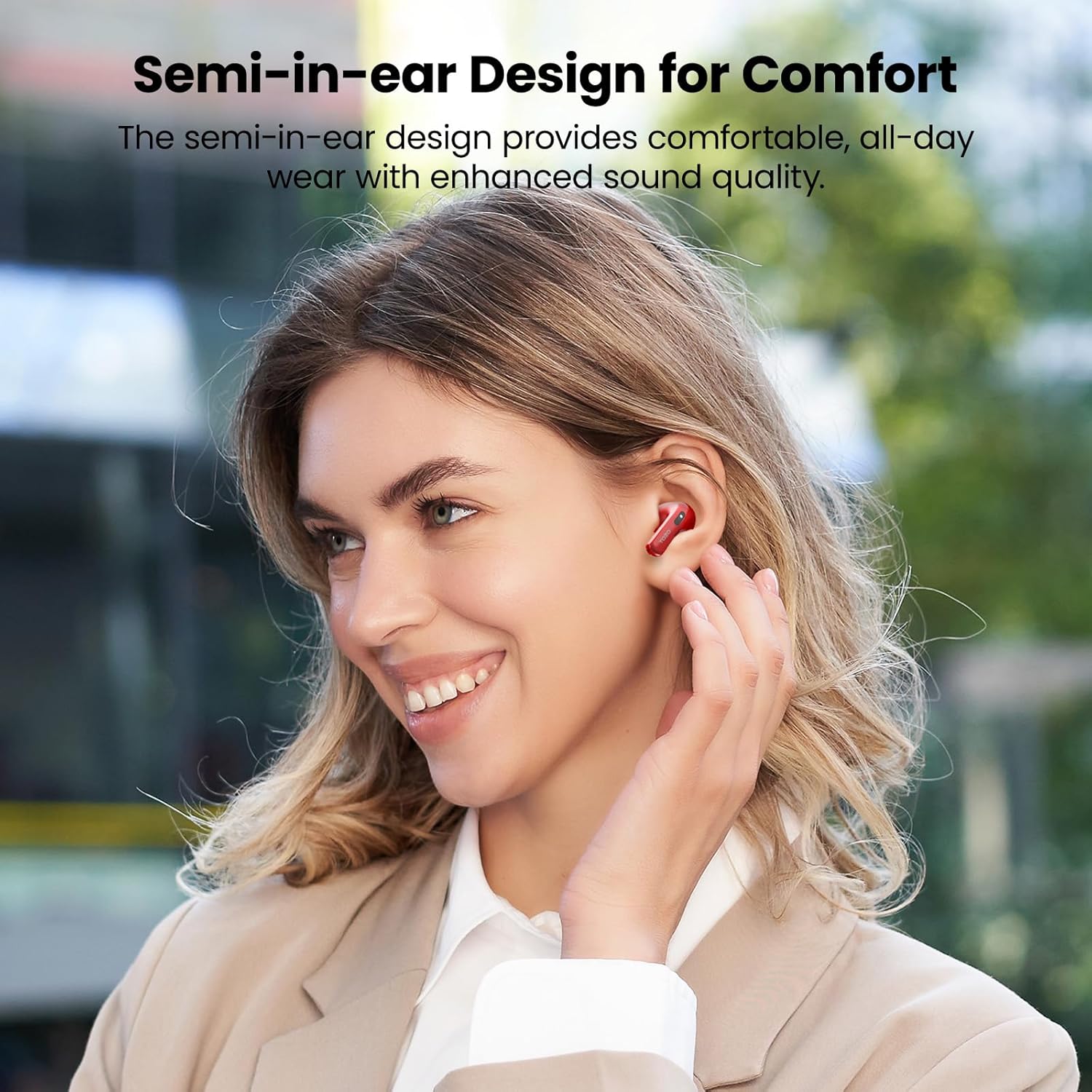
The TOZO T21 earbuds are designed for comfort and superior sound quality. Below are key features and components.

സജ്ജമാക്കുക
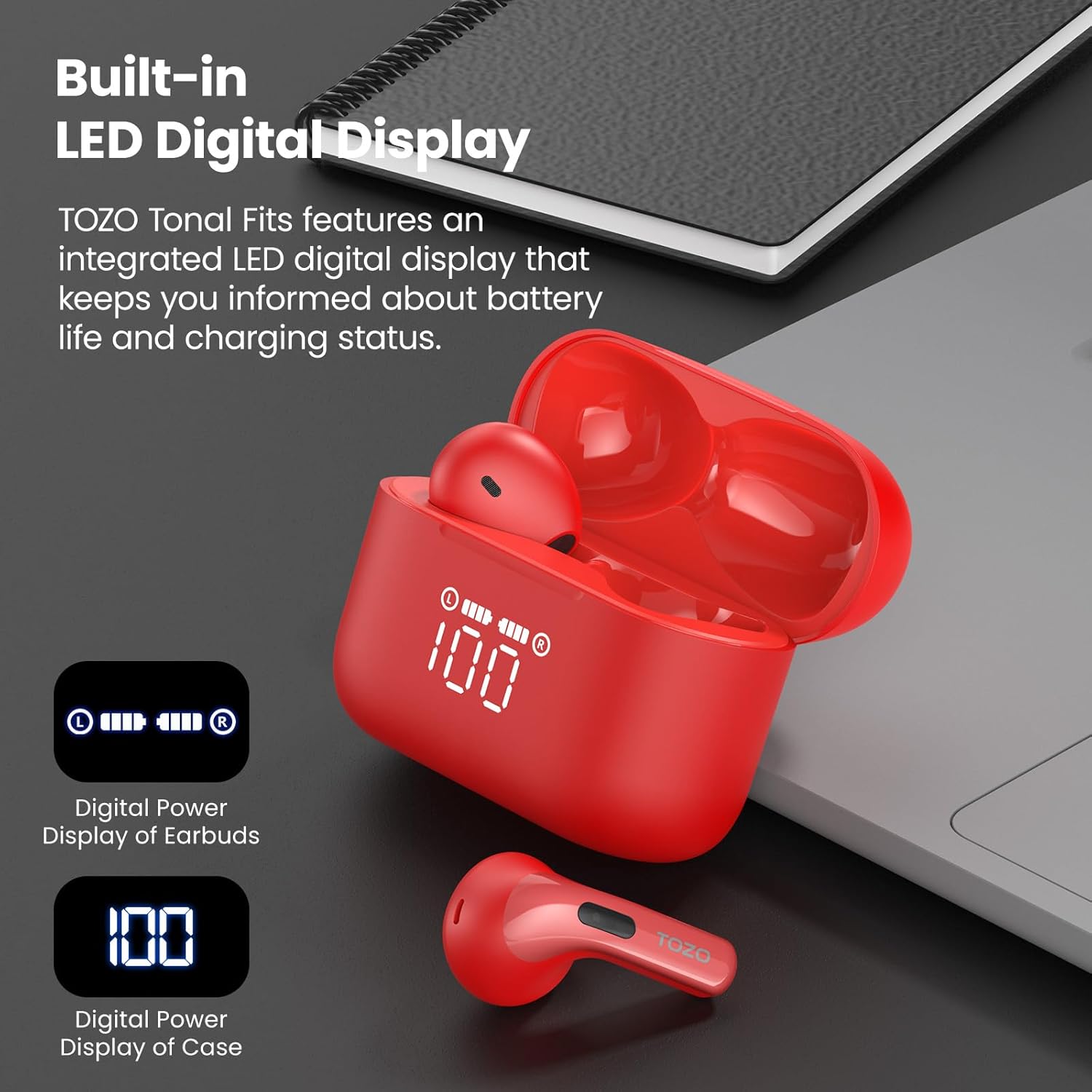
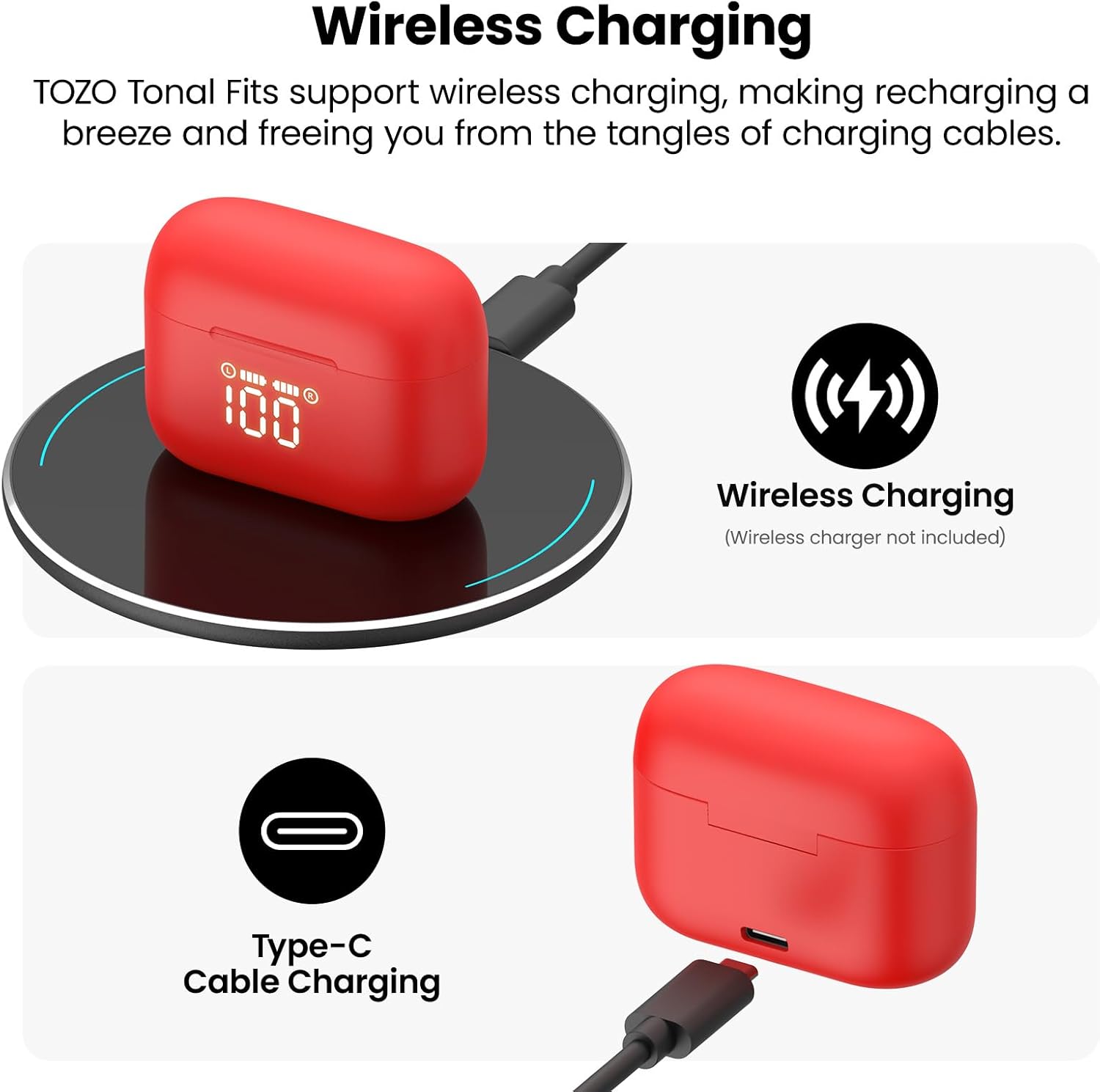
- പ്രാരംഭ ചാർജ്: Before first use, fully charge the earbuds and the charging case. Place the earbuds into the charging case and connect the case to a power source using the provided USB-C cable or a wireless charger. The LED display will indicate charging status.
- ഒരു-ഘട്ട ജോടിയാക്കൽ:
- ചാർജിംഗ് കേസ് തുറക്കുക. ഇയർബഡുകൾ സ്വയമേവ ജോടിയാക്കൽ മോഡിലേക്ക് പ്രവേശിക്കും.
- നിങ്ങളുടെ ഉപകരണത്തിൽ (സ്മാർട്ട്ഫോൺ, ടാബ്ലെറ്റ് മുതലായവ), ബ്ലൂടൂത്ത് ക്രമീകരണങ്ങളിലേക്ക് പോകുക.
- ഇതിനായി തിരയുക "TOZO T21" in the list of available devices and select it to connect.
- Once paired, the earbuds will automatically reconnect to your device when the case is opened for subsequent uses.
പ്രവർത്തന നിർദ്ദേശങ്ങൾ
The TOZO T21 earbuds feature intuitive touch controls and can be further customized via the TOZO APP.
ടച്ച് നിയന്ത്രണങ്ങൾ
- പ്ലേ/താൽക്കാലികമായി നിർത്തുക: ഇയർബഡുകളിൽ ഏതെങ്കിലുമൊന്നിൽ ഒറ്റ ടാപ്പ് ചെയ്യുക.
- അടുത്ത ട്രാക്ക്: വലത് ഇയർബഡിൽ രണ്ടുതവണ ടാപ്പ് ചെയ്യുക.
- മുമ്പത്തെ ട്രാക്ക്: ഇടത് ഇയർബഡിൽ രണ്ടുതവണ ടാപ്പ് ചെയ്യുക.
- ഉത്തരം/അവസാന കോൾ: ഇയർബഡുകളിൽ ഏതെങ്കിലുമൊന്നിൽ ഒറ്റ ടാപ്പ് ചെയ്യുക.
- കോൾ നിരസിക്കുക: ഏതെങ്കിലും ഇയർബഡിൽ 2 സെക്കൻഡ് അമർത്തിപ്പിടിക്കുക.
- വോയ്സ് അസിസ്റ്റന്റിനെ സജീവമാക്കുക: ഇയർബഡുകളിൽ ഏതെങ്കിലുമൊന്നിൽ മൂന്ന് തവണ ടാപ്പ് ചെയ്യുക.
- വോളിയം കൂട്ടുക: വലത് ഇയർബഡ് അമർത്തിപ്പിടിക്കുക.
- വോളിയം താഴേക്ക്: ഇടതുവശത്തെ ഇയർബഡ് അമർത്തിപ്പിടിക്കുക.
TOZO APP Features
Download the official TOZO APP from your device's app store to unlock advanced customization options:
- ഇഷ്ടാനുസൃതമാക്കാവുന്ന EQ ക്രമീകരണങ്ങൾ: Choose from 32 preset equalizer settings or create your own personalized sound profiles.
- White Noise Options: Access a variety of white noise tracks for relaxation or focus.
- EQ Zone: Share your custom EQ settings with a global community of audiophiles.
- ഫേംവെയർ അപ്ഡേറ്റുകൾ: Ensure your earbuds are always up-to-date with the latest features and improvements.
ചാർജിംഗ്
The TOZO T21 offers flexible charging options to keep your music playing.
ഇയർബഡുകൾ ചാർജ് ചെയ്യുന്നു
- ഇയർബഡുകൾ ചാർജിംഗ് കെയ്സിൽ വയ്ക്കുക. അവ സ്വയമേവ ചാർജ് ചെയ്യാൻ തുടങ്ങും.
- The LED display on the case will show the individual earbud battery levels.
കേസ് ചാർജുചെയ്യുന്നത്
The charging case can be recharged using two methods:
- USB-C Cable Charging: Connect the provided USB-A to USB-C fast charging cable to the charging port on the case and a power adapter (not included).
- വയർലെസ് ചാർജിംഗ്: ചാർജിംഗ് കേസ് അനുയോജ്യമായ ഒരു വയർലെസ് ചാർജിംഗ് പാഡിൽ സ്ഥാപിക്കുക (ഉൾപ്പെടുത്തിയിട്ടില്ല).
The integrated LED display on the case will show the charging progress and current battery percentage of the case.
ജല പ്രതിരോധം
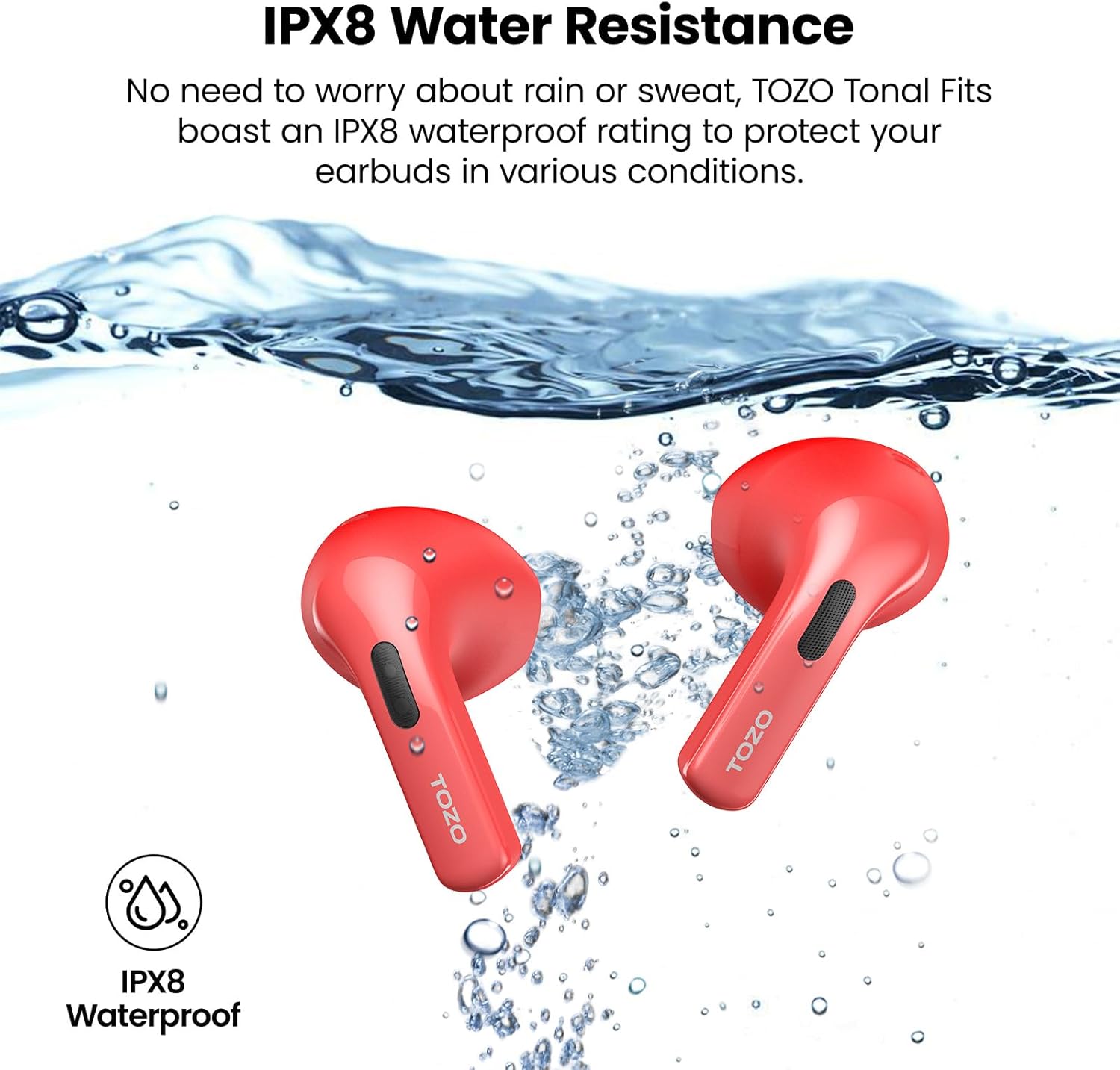
The TOZO T21 earbuds boast an IPX8 waterproof rating, meaning they are protected against immersion in water up to 1 meter for 30 minutes. They also feature a sweat-proof nano-coating. This makes them suitable for workouts and outdoor activities, providing protection against sweat and rain. Ensure earbuds are dry before placing them back in the charging case to prevent damage.
സ്പെസിഫിക്കേഷനുകൾ
| ഫീച്ചർ | വിശദാംശങ്ങൾ |
|---|---|
| ബ്രാൻഡ് | ടോസോ |
| മോഡലിൻ്റെ പേര് | TOZO T21 |
| മോഡൽ നമ്പർ | T11054 |
| നിറം | Red (as per current variant) |
| ചെവി പ്ലേസ്മെൻ്റ് | ചെവിയിൽ |
| ഫോം ഫാക്ടർ | ചെവിയിൽ |
| കണക്റ്റിവിറ്റി ടെക്നോളജി | വയർലെസ് (ബ്ലൂടൂത്ത്) |
| ബ്ലൂടൂത്ത് പതിപ്പ് | 5.3 |
| ബ്ലൂടൂത്ത് ശ്രേണി | 10 മീറ്റർ |
| ഓഡിയോ ഡ്രൈവർ വലിപ്പം | 14.2 മില്ലിമീറ്റർ |
| ശബ്ദ നിയന്ത്രണം | സൗണ്ട് ഐസൊലേഷൻ |
| ജല പ്രതിരോധ നില | IPX8 വാട്ടർപ്രൂഫ് |
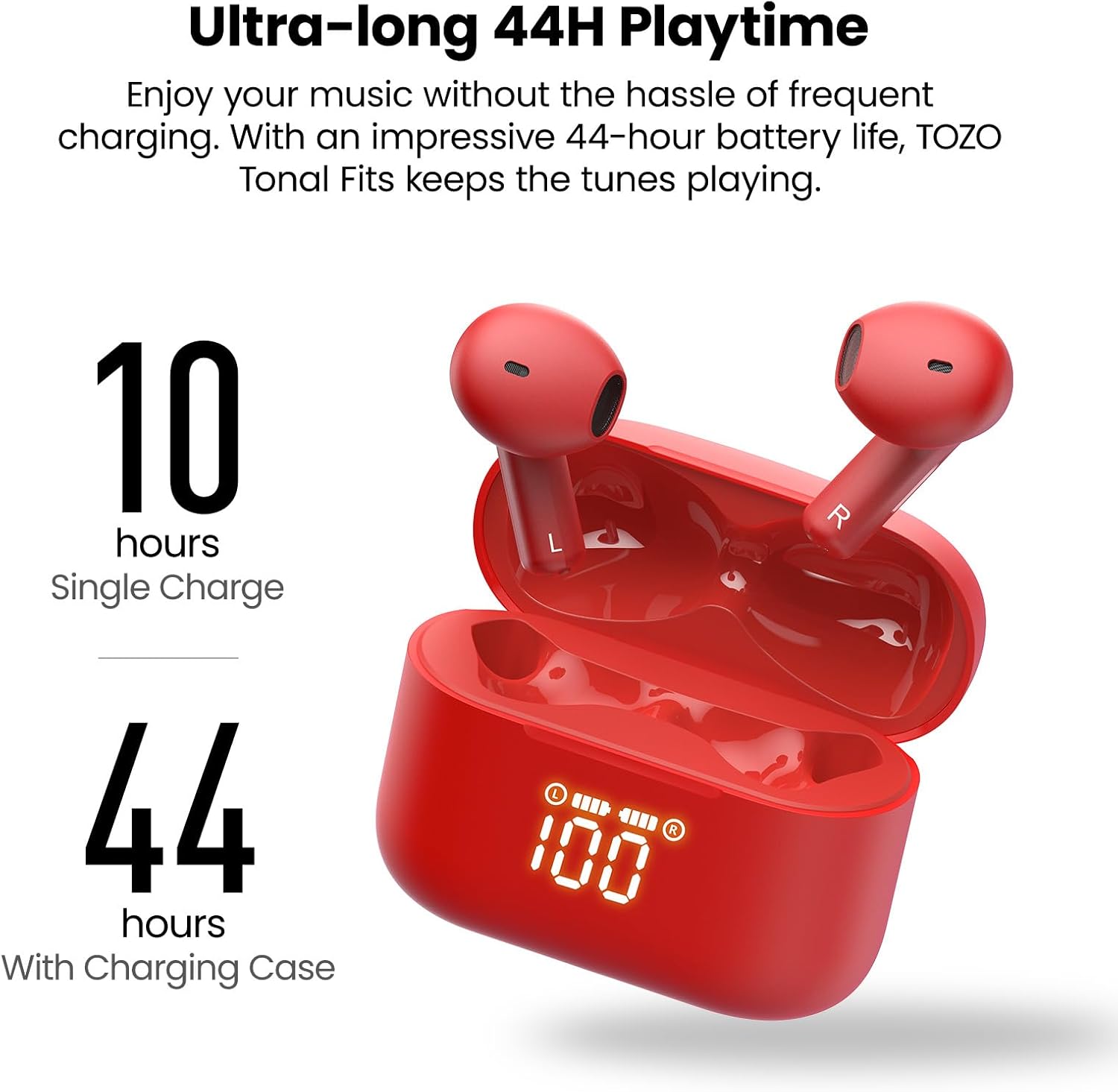
| Earbud Playback Time | 10 മണിക്കൂർ വരെ (ഒറ്റ ചാർജ്) |
| ആകെ പ്ലേബാക്ക് സമയം (കേസിനൊപ്പം) | 44 മണിക്കൂർ വരെ |
| കേസ് ബാറ്ററി ലൈഫ് ചാർജ് ചെയ്യുന്നു | 44 മണിക്കൂർ |
| ബാറ്ററി ചാർജ് സമയം | 2 മണിക്കൂർ |
| നിയന്ത്രണ തരം | Touch Control, App |
| അനുയോജ്യമായ ഉപകരണങ്ങൾ | Cellphones, Tablets (iOS, Android, Windows) |
| ഇനത്തിൻ്റെ ഭാരം | 0.02 ഗ്രാം |
മെയിൻ്റനൻസ്
- വൃത്തിയാക്കൽ: ഇയർബഡുകളും ചാർജിംഗ് കെയ്സും മൃദുവായതും ഉണങ്ങിയതുമായ തുണി ഉപയോഗിച്ച് പതിവായി വൃത്തിയാക്കുക. കഠിനമായ രാസവസ്തുക്കളോ ഉരച്ചിലുകളോ ഉള്ള വസ്തുക്കൾ ഉപയോഗിക്കുന്നത് ഒഴിവാക്കുക.
- സംഭരണം: ഇയർബഡുകൾ ഉപയോഗിക്കാത്തപ്പോൾ ചാർജിംഗ് കേസിൽ സൂക്ഷിക്കുക, അതുവഴി അവയെ സംരക്ഷിക്കുകയും ചാർജ്ജ് ചെയ്ത് സൂക്ഷിക്കുകയും ചെയ്യുക. ഉയർന്ന താപനിലയിൽ നിന്ന് മാറി തണുത്തതും വരണ്ടതുമായ സ്ഥലത്ത് സൂക്ഷിക്കുക.
- വാട്ടർ എക്സ്പോഷർ: While IPX8 waterproof, it is recommended to dry the earbuds thoroughly before placing them back in the charging case to prevent moisture buildup in the charging contacts.
ട്രബിൾഷൂട്ടിംഗ്
If you encounter any issues with your TOZO T21 Wireless Earbuds, please refer to the following common solutions:
- ഇയർബഡുകൾ ജോടിയാക്കുന്നില്ല: Ensure both earbuds are in the charging case, then open the case to initiate pairing mode. Check your device's Bluetooth settings to ensure it's discoverable and select "TOZO T21". If issues persist, try resetting the earbuds (refer to the TOZO APP or TOZO support for specific reset instructions).
- ഒരു ഇയർബഡിൽ നിന്ന് ശബ്ദമില്ല: Place both earbuds back into the charging case, close it, and then reopen it. Ensure both earbuds are charged. If the problem continues, try re-pairing them with your device.
- ചാർജിംഗ് പ്രശ്നങ്ങൾ: Verify that the charging cable is securely connected to both the case and the power source. If using wireless charging, ensure the case is correctly positioned on the charging pad. Check the LED display for charging indicators.
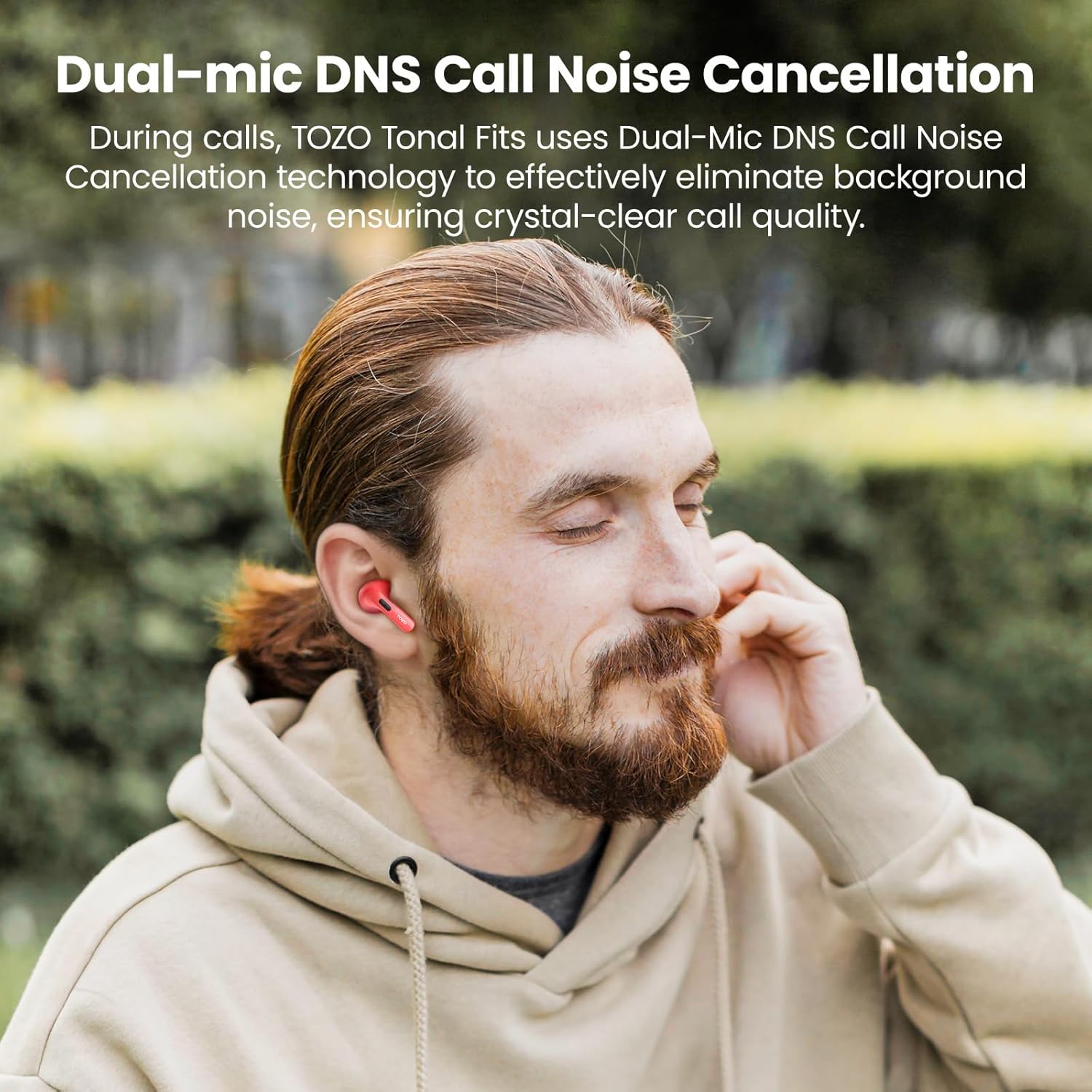
- മോശം കോൾ നിലവാരം: Ensure the earbuds are properly seated in your ears. Check for any obstructions around the microphones. If using the TOZO APP, ensure firmware is updated.
- ബ്ലൂടൂത്ത് വിച്ഛേദിക്കൽ: Ensure your device is within the 10-meter Bluetooth range. Avoid significant obstacles between your device and the earbuds.
For further assistance, please visit the official TOZO support webസൈറ്റ് അല്ലെങ്കിൽ അവരുടെ ഉപഭോക്തൃ സേവനവുമായി ബന്ധപ്പെടുക.
ഔദ്യോഗിക ഉൽപ്പന്ന വീഡിയോ
ഈ വീഡിയോ ഒരു ഓവർ നൽകുന്നുview of the TOZO T21 Wireless Earbuds, highlighting their key features and design. It showcases the earbuds and charging case, demonstrating their functionality and aesthetic.
വാറൻ്റിയും പിന്തുണയും
TOZO products typically come with a manufacturer's warranty. For specific warranty details, registration, and support, please refer to the warranty card included in your product packaging or visit the official TOZO website. You can also find additional support and FAQs on their webസൈറ്റ്.
TOZO Official Webസൈറ്റ്: Visit the TOZO Store on Amazon