
ആമുഖം
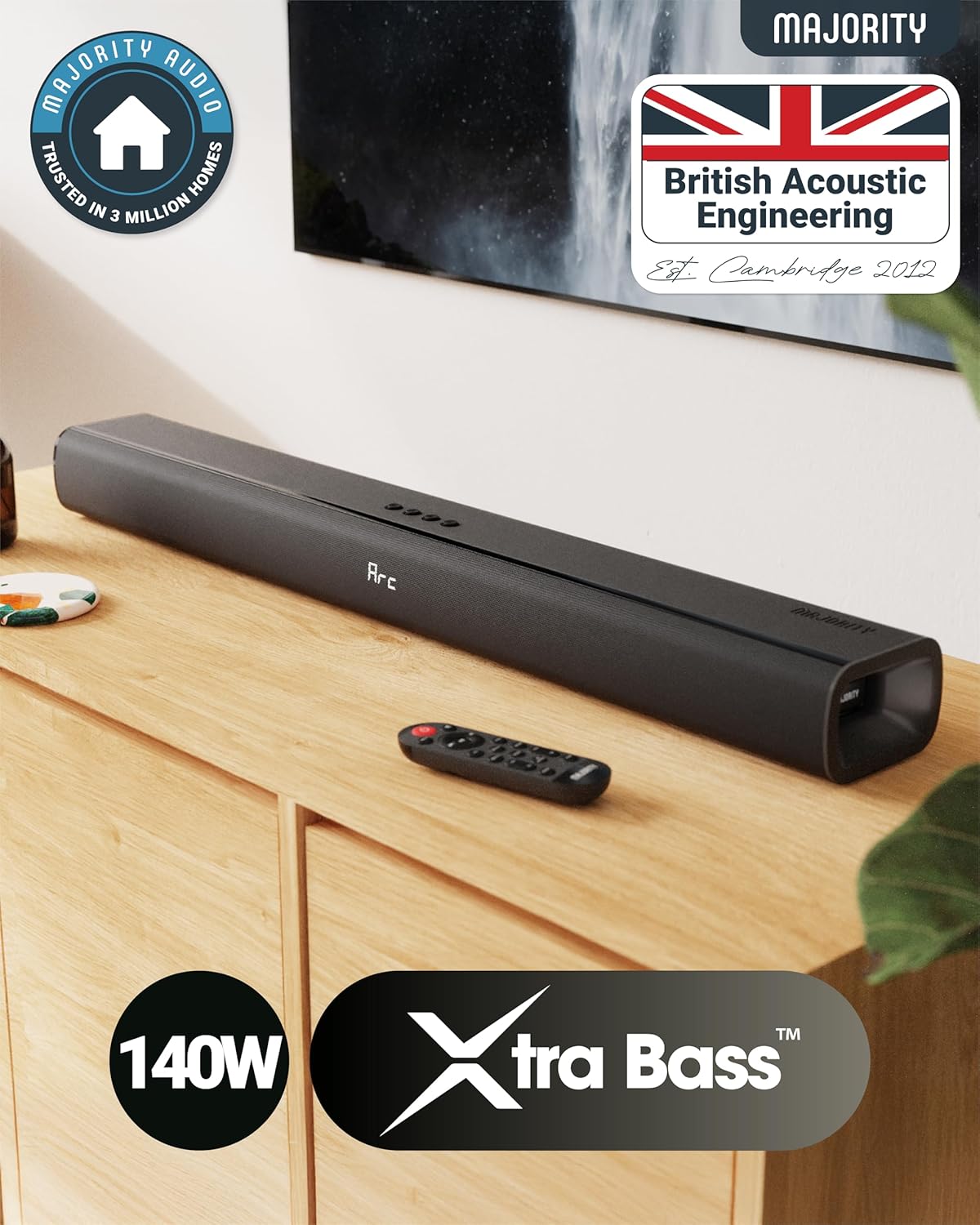
The Majority Naga 80 Sound Bar is designed to enhance your home audio experience with powerful 140W peak output and 2.1 channel sound. Featuring advanced 3D surround sound technology and a built-in subwoofer, it delivers rich, clear audio for movies, gaming, and music. This manual provides detailed instructions for setup, operation, and maintenance of your sound bar.

The Naga 80 TV Soundbar delivers powerful, high-quality sound to elevate your home entertainment.
ബോക്സിൽ എന്താണുള്ളത്
Please check the contents of your package carefully. If any items are missing or damaged, contact customer support.
- നാഗ 80 സൗണ്ട്ബാർ
- ഉപയോക്തൃ മാനുവൽ
- റിമോട്ട് കൺട്രോൾ
- മതിൽ ബ്രാക്കറ്റുകൾ
- HDMI, AUX, and Power cables
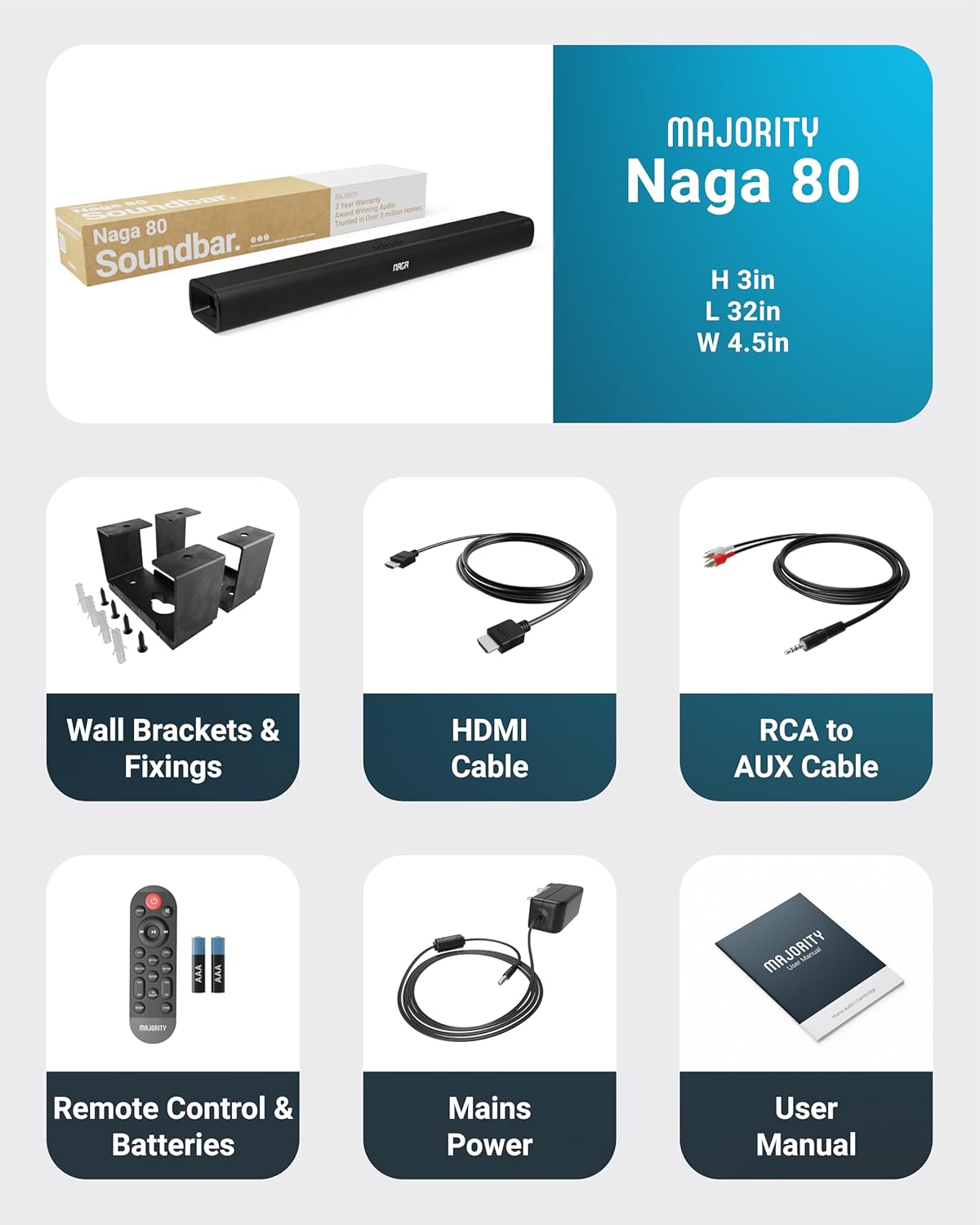
All items included in the Naga 80 Sound Bar package.
സജ്ജമാക്കുക
ശക്തിയിലേക്ക് ബന്ധിപ്പിക്കുന്നു
- Ensure the sound bar is placed on a stable surface or securely wall-mounted.
- Connect the power adapter to the DC 24V input port on the back of the sound bar.
- ഒരു മതിൽ ഔട്ട്ലെറ്റിലേക്ക് പവർ അഡാപ്റ്റർ പ്ലഗ് ചെയ്യുക.
ഓഡിയോ കണക്ഷനുകൾ
The Naga 80 Sound Bar offers multiple connectivity options for your devices:
- എച്ച്ഡിഎംഐ ആർസി: Connect an HDMI cable from the sound bar's ARC port to your TV's HDMI ARC port for high-quality audio and TV remote control integration.
- ഒപ്റ്റിക്കൽ: Use an optical cable to connect to your TV or other audio source for digital audio transmission.
- AUX ഇതിൽ: Connect devices using the 3.5mm AUX cable for analog audio input.
- USB: ഓഡിയോ പ്ലേ ചെയ്യാൻ ഒരു USB ഡ്രൈവ് ഇടുക files directly from the sound bar.
- ബ്ലൂടൂത്ത്: Pair your smartphone, tablet, or other Bluetooth-enabled devices wirelessly.
പ്രധാനപ്പെട്ടത്: If you experience buzzing or static sound when using HDMI or Optical connections, adjust your TV's audio output settings to PCM (Pulse Code Modulation).

Rear panel connections of the Naga 80 Sound Bar.
ബ്ലൂടൂത്ത് ജോടിയാക്കൽ
- Press the 'Input' button on the sound bar or remote control until 'BT' appears on the display.
- On your device (smartphone, tablet), enable Bluetooth and search for 'Naga 80'.
- Select 'Naga 80' to pair. A confirmation sound will indicate successful pairing.
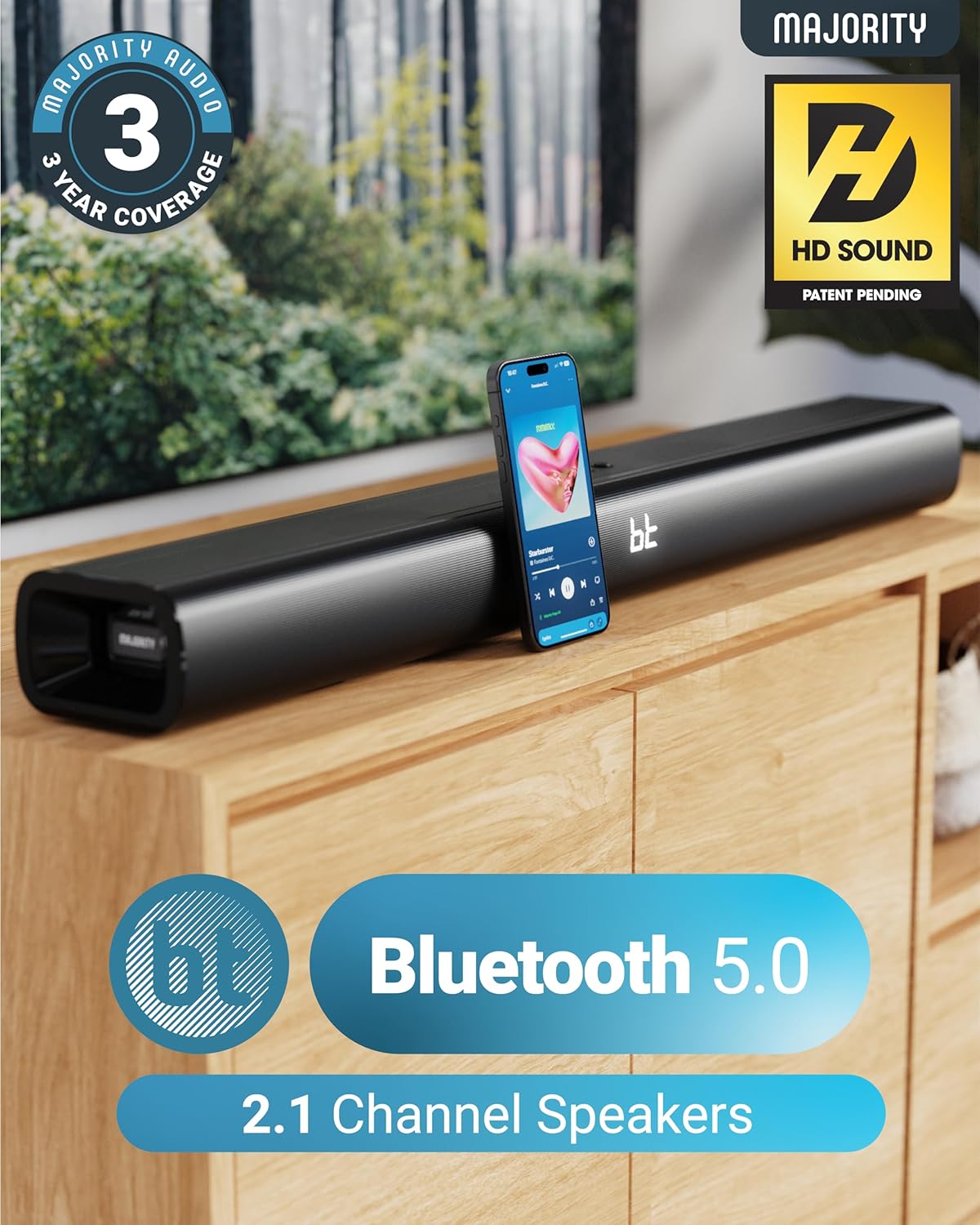
The Naga 80 Sound Bar supports Bluetooth 5.0 for wireless audio streaming.
പ്രവർത്തന നിർദ്ദേശങ്ങൾ
വിദൂര നിയന്ത്രണ പ്രവർത്തനങ്ങൾ
The included remote control allows full command over your sound bar's features:
- ശക്തി: Turn the sound bar on or off.
- ഇൻപുട്ട്: ഇൻപുട്ട് സ്രോതസ്സുകളിലൂടെ സൈക്കിൾ ചെയ്യുക (HDMI ARC, ഒപ്റ്റിക്കൽ, AUX, USB, ബ്ലൂടൂത്ത്).
- വോളിയം +/-: മാസ്റ്റർ വോളിയം ക്രമീകരിക്കുക.
- പ്ലേ/താൽക്കാലികമായി നിർത്തുക, ട്രാക്കുകൾ ഒഴിവാക്കുക: Control media playback in Bluetooth or USB mode.
- ശബ്ദ മോഡുകൾ: Select between Movie, Music, and Dialog modes.
- Bass +/- (BA+/-): ബാസ് ലെവലുകൾ ക്രമീകരിക്കുക.
- Treble +/- (TR+/-): ട്രെബിൾ ലെവലുകൾ ക്രമീകരിക്കുക.
- 3D On/Off: Activate or deactivate 3D surround sound.
- പുന et സജ്ജമാക്കുക: Reset audio settings to default.
- ജോടി: ബ്ലൂടൂത്ത് ജോടിയാക്കൽ ആരംഭിക്കുക.
The remote control provides comprehensive control over your sound bar.
ശബ്ദ മോഡുകൾ
Optimize your audio experience with dedicated sound modes:
- മൂവി മോഡ്: Enhances cinematic sound effects and dialogue for an immersive movie-watching experience.
- സംഗീത മോഡ്: ഒരു സമതുലിതമായ ഓഡിയോ പ്രോ നൽകുന്നുfile വിവിധ സംഗീത വിഭാഗങ്ങൾക്ക് അനുയോജ്യം.
- Dialog Mode: Prioritizes vocal clarity, making conversations easier to understand, especially in TV shows or news broadcasts.
ബാസും ട്രെബിളും ക്രമീകരിക്കുന്നു
You can fine-tune the bass and treble levels to your preference using the remote control. Both settings can be adjusted from -4 to +4, with 0 being the default. Use the 'BA+/-' buttons for bass and 'TR+/-' buttons for treble.
ഇൻസ്റ്റാളേഷനും പ്ലേസ്മെൻ്റും
മതിൽ മൗണ്ടിംഗ്
The Naga 80 Sound Bar can be wall-mounted for a clean, space-saving setup. Use the included wall brackets and fixings. Ensure the mounting surface is sturdy enough to support the sound bar's weight (4.3 pounds).
Wall mount brackets for secure installation.
സ്പെസിഫിക്കേഷനുകൾ
| ഫീച്ചർ | സ്പെസിഫിക്കേഷൻ |
|---|---|
| മോഡലിൻ്റെ പേര് | നാഗ 80 |
| സ്പീക്കർ തരം | സൗണ്ട്ബാർ |
| സ്പീക്കർ പരമാവധി ഔട്ട്പുട്ട് പവർ | 140 വാട്ട്സ് |
| സറൗണ്ട് സൗണ്ട് ചാനൽ കോൺഫിഗറേഷൻ | 2.1 |
| കണക്റ്റിവിറ്റി ടെക്നോളജി | Bluetooth, HDMI, Optical, AUX, USB |
| വയർലെസ് കമ്മ്യൂണിക്കേഷൻ ടെക്നോളജി | ബ്ലൂടൂത്ത് |
| ബ്ലൂടൂത്ത് ശ്രേണി | 10 മീറ്റർ |
| നിയന്ത്രണ രീതി | റിമോട്ട് |
| ഉൽപ്പന്ന അളവുകൾ | 31.8"D x 4.6"W x 3.06"H |
| ഇനത്തിൻ്റെ ഭാരം | 4.3 പൗണ്ട് |
| മെറ്റീരിയൽ | Plastic (Enclosure), Metal (Subwoofer) |
| ഉൾപ്പെടുത്തിയ ഘടകങ്ങൾ | HDMI, AUX and Power cables, Naga 80 Soundbar, Remote, User Manual, Wall Brackets |
| ബാറ്ററികൾ | 2 AAA ബാറ്ററികൾ ആവശ്യമാണ് (ഉൾപ്പെടുന്നു) |
| മൗണ്ടിംഗ് തരം | മതിൽ മൗണ്ട് |
മെയിൻ്റനൻസ്
To ensure the longevity and optimal performance of your Majority Naga 80 Sound Bar, follow these maintenance guidelines:
- വൃത്തിയാക്കൽ: Use a soft, dry cloth to wipe the exterior of the sound bar. Avoid using abrasive cleaners, waxes, or solvents.
- വെൻ്റിലേഷൻ: Ensure proper ventilation around the sound bar to prevent overheating. Do not block any ventilation openings.
- സംഭരണം: If storing the sound bar for an extended period, disconnect it from power and store it in a cool, dry place.
ട്രബിൾഷൂട്ടിംഗ്
നിങ്ങളുടെ സൗണ്ട് ബാറിൽ എന്തെങ്കിലും പ്രശ്നങ്ങൾ നേരിടുകയാണെങ്കിൽ, ഇനിപ്പറയുന്ന പൊതുവായ പ്രശ്നങ്ങളും പരിഹാരങ്ങളും പരിശോധിക്കുക:
- ശക്തിയില്ല: Ensure the power cable is securely connected to both the sound bar and a working power outlet. Check if the power adapter is functioning correctly.
- ശബ്ദമില്ല: Verify the correct input source is selected on the sound bar. Check all audio cables for secure connections. Ensure the volume is not muted or set too low on both the sound bar and your connected device.
- Buzzing/Static Sound (HDMI/Optical): Adjust your TV's HDMI/Optical audio output settings to PCM. Some TVs may default to other formats that are not compatible with the sound bar.
- ബ്ലൂടൂത്ത് ജോടിയാക്കൽ പ്രശ്നങ്ങൾ: Ensure the sound bar is in Bluetooth pairing mode. Turn off and on Bluetooth on your device, then try pairing again. Move your device closer to the sound bar to ensure it's within range (10 meters).
- റിമോട്ട് കൺട്രോൾ പ്രവർത്തിക്കുന്നില്ല: Check the batteries in the remote control and replace them if necessary (2 AAA batteries). Ensure there are no obstructions between the remote and the sound bar.
വാറൻ്റിയും പിന്തുണയും
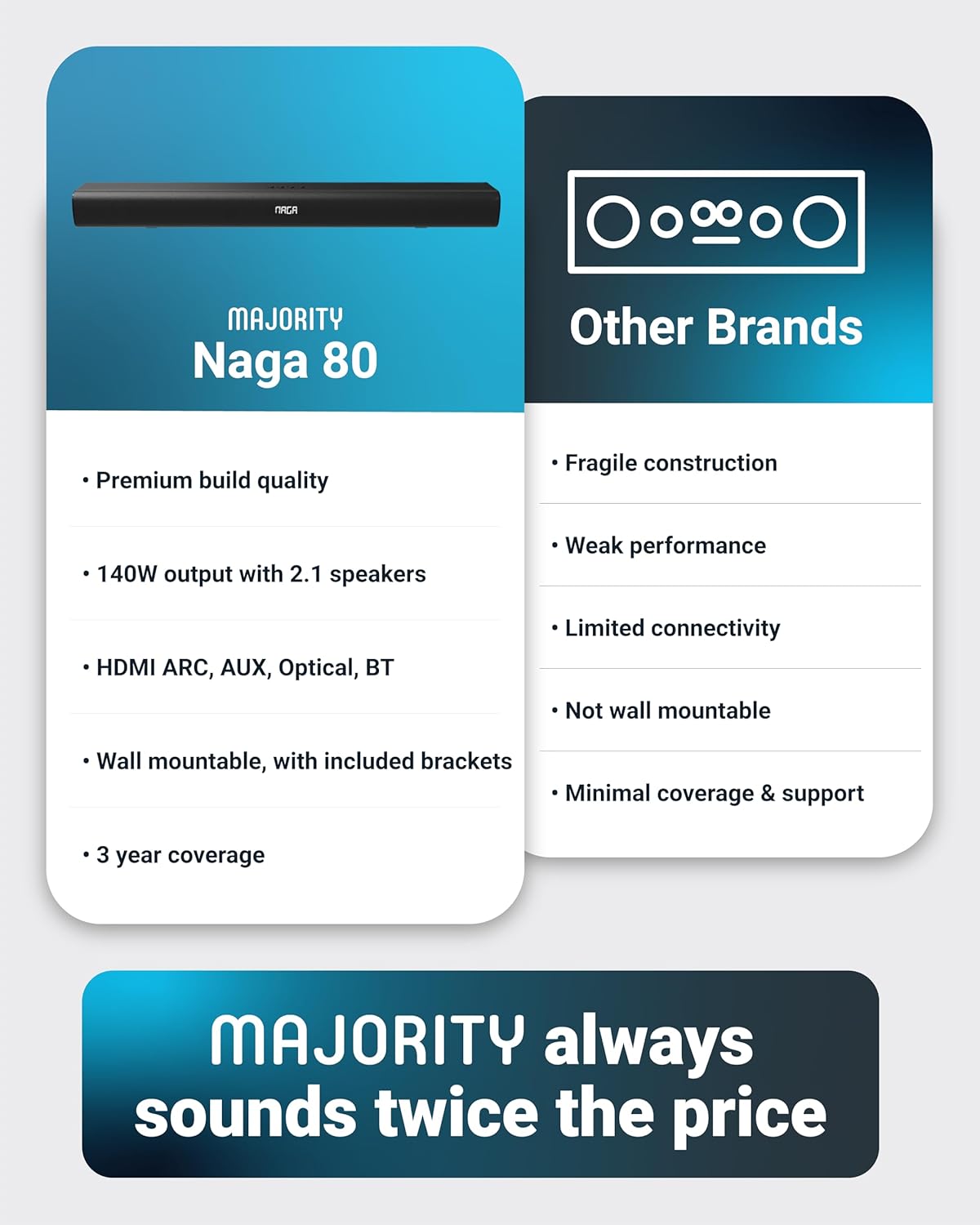
The Majority Naga 80 Sound Bar comes with a 3 വർഷത്തെ വിപുലീകൃത വാറന്റി upon registration. For warranty registration, technical support, or further assistance, please visit the official Majority webസൈറ്റ് അല്ലെങ്കിൽ അവരുടെ ഉപഭോക്തൃ സേവനവുമായി ബന്ധപ്പെടുക.
For more information and to register your product, visit: www.majority.co.uk