
ആമുഖം
This manual provides detailed instructions for the installation, operation, and maintenance of your VEEZOOM PTZ Outdoor Wi-Fi Camera (Model WS-204A). Please read this manual thoroughly before using the product to ensure proper function and safety. Keep this manual for future reference.
സുരക്ഷാ വിവരങ്ങൾ
- Ensure the power supply meets the camera's requirements to prevent damage.
- Do not attempt to disassemble or modify the camera. This will void the warranty and may cause electric shock or injury.
- Install the camera in a location where it is protected from direct impact or extreme temperatures beyond its operating range.
- Keep the camera away from strong electromagnetic fields.
- Use only authorized accessories and power adapters.
- എല്ലാ കേബിളുകളും സുരക്ഷിതമായി ബന്ധിപ്പിച്ചിട്ടുണ്ടെന്നും പരിസ്ഥിതി നാശത്തിൽ നിന്ന് സംരക്ഷിക്കപ്പെട്ടിട്ടുണ്ടെന്നും ഉറപ്പാക്കുക.
പാക്കേജ് ഉള്ളടക്കം
പാക്കേജ് ഉള്ളടക്കം ലഭിച്ചുകഴിഞ്ഞാൽ ദയവായി പരിശോധിക്കുക. ഏതെങ്കിലും ഇനങ്ങൾ നഷ്ടപ്പെട്ടാലോ കേടുപാടുകൾ സംഭവിച്ചാലോ, ഉപഭോക്തൃ പിന്തുണയുമായി ബന്ധപ്പെടുക.
- VEEZOOM PTZ Outdoor Wi-Fi Camera
- പവർ അഡാപ്റ്റർ
- മൗണ്ടിംഗ് സ്ക്രൂകളും ആങ്കറുകളും
- Waterproof Kit for Cable Connections
- ഉപയോക്തൃ മാനുവൽ
ഉൽപ്പന്നം കഴിഞ്ഞുview
The VEEZOOM PTZ Outdoor Wi-Fi Camera is designed for comprehensive outdoor surveillance, featuring 4 MP resolution, color night vision, and pan-tilt-zoom capabilities for 360-degree coverage.

ചിത്രം: മുൻഭാഗം view of the VEEZOOM PTZ Outdoor Wi-Fi Camera, showing its main lens and antenna design.
സജ്ജീകരണ ഗൈഡ്
1. ആപ്പ് ഡൗൺലോഡും അക്കൗണ്ട് രജിസ്ട്രേഷനും
ഇതിനായി തിരയുക the recommended application (e.g., Tuya Smart or similar smart home app) in your smartphone's app store (iOS or Android). Download and install the app, then register for an account and log in.
2. ക്യാമറ ഓൺ ചെയ്യുക
Connect the camera to the power adapter and plug it into an electrical outlet. The camera will power on and initiate its self-test sequence. Wait for the indicator light to flash, indicating it is ready for connection.
3. നെറ്റ്വർക്ക് കണക്ഷൻ
The camera supports dual-band Wi-Fi (2.4 GHz and 5 GHz). For optimal stability and penetration through walls, a 2.4 GHz network is recommended. Follow the in-app instructions to add the device:
- Open the app and tap 'Add Device' or the '+' icon.
- Select 'Security & Video Surveillance' and then 'Smart Camera'.
- Follow the prompts to connect the camera to your Wi-Fi network. This typically involves scanning a QR code displayed on your phone with the camera lens or using an AP hotspot connection.
- Once connected, the camera's indicator light will turn solid, and you will hear a confirmation sound.

Image: The VEEZOOM camera mounted on a wall, illustrating its dual-band Wi-Fi (2.4GHz/5GHz) and Bluetooth connectivity for easy setup.
4. Physical Installation and Mounting
The camera can be mounted on a wall, door, or ceiling. Choose a location that provides the desired viewing angle and is within range of your Wi-Fi network and power source.
- മൗണ്ടിംഗ് ടെംപ്ലേറ്റ് ഉപയോഗിച്ച് ഡ്രില്ലിംഗ് പോയിന്റുകൾ അടയാളപ്പെടുത്തുക (നൽകിയിട്ടുണ്ടെങ്കിൽ).
- ദ്വാരങ്ങൾ തുരന്ന് വാൾ ആങ്കറുകൾ ഘടിപ്പിക്കുക.
- നൽകിയിരിക്കുന്ന സ്ക്രൂകൾ ഉപയോഗിച്ച് മൗണ്ടിംഗ് ബ്രാക്കറ്റ് ഉപരിതലത്തിൽ ഉറപ്പിക്കുക.
- മൗണ്ടിംഗ് ബ്രാക്കറ്റിൽ ക്യാമറ ഘടിപ്പിക്കുക.
- Ensure all cable connections are waterproofed using the provided kit for outdoor installations.
പ്രവർത്തന നിർദ്ദേശങ്ങൾ
1. PTZ (Pan, Tilt, Zoom) Control
The camera offers 355° pan and 180° tilt control, providing full 360-degree coverage of your surveillance area. Use the controls within the mobile application to remotely adjust the camera's viewing angle and utilize the 3x digital zoom function.
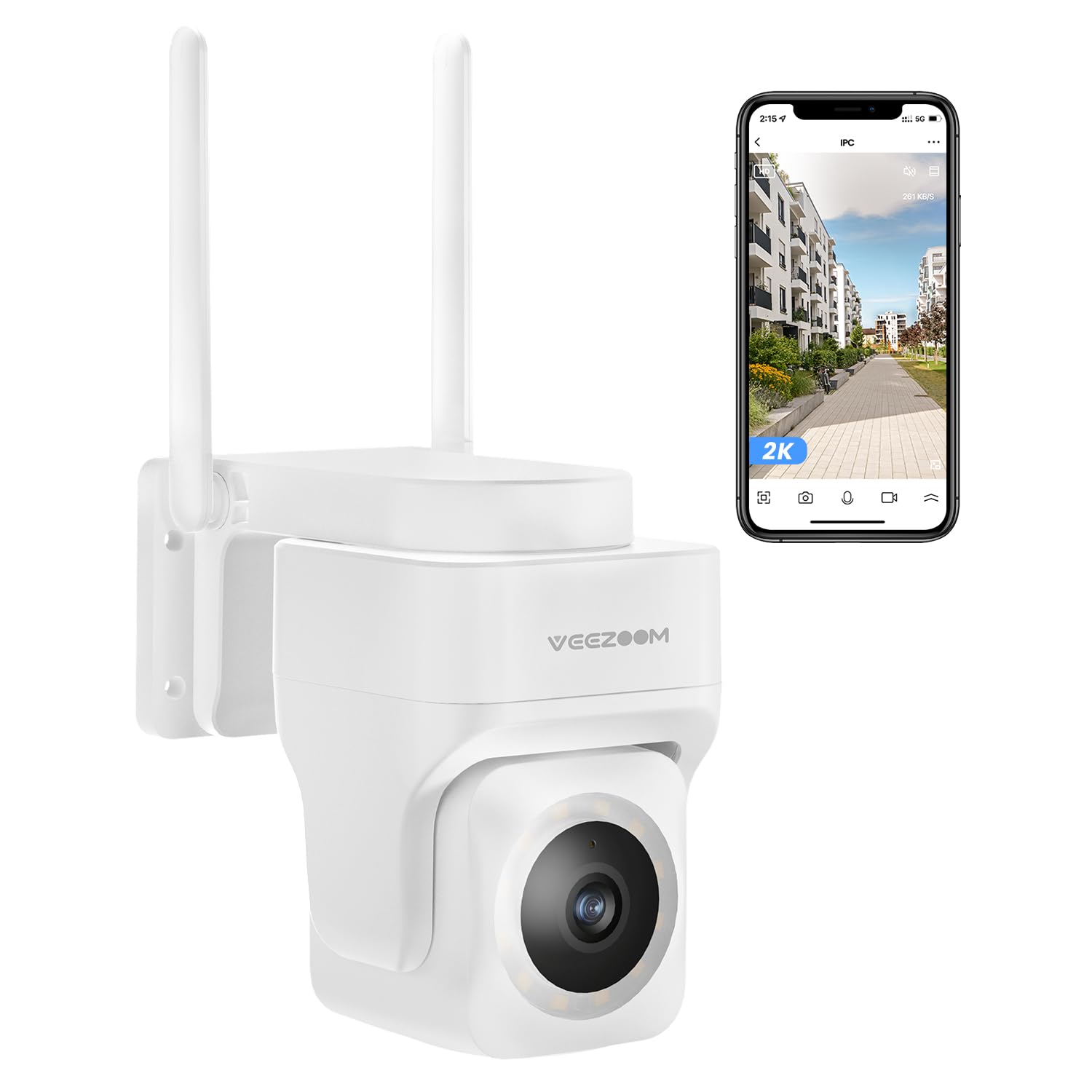
Image: An illustration demonstrating the 355° pan and 180° tilt control of the VEEZOOM camera, providing full coverage. A smartphone screen shows the live feed with control options.
2. കളർ നൈറ്റ് വിഷൻ
The camera is equipped with full-color night vision, allowing you to see clear, vivid details even in low-light conditions. This feature enhances security by providing more identifiable images at night compared to traditional black and white night vision.

Image: The VEEZOOM camera mounted outdoors at night, with its integrated light illuminating the area for full-color night vision, as seen on a smartphone screen.
3. Motion Detection and Instant Alerts
The camera features advanced human detection to minimize false alarms. When motion or a human figure is detected, you will receive instant notifications on your smartphone, allowing for real-time response to potential threats.

Image: A scene showing two people walking past a house, with a green box highlighting human detection by the VEEZOOM camera. A smartphone displays a 'Human body detected' notification.
4. ടു-വേ ഓഡിയോ
Utilize the built-in microphone and speaker for two-way communication. You can listen to what's happening around the camera and speak through the camera to communicate with visitors or deter intruders.
5. Light and Sound Warning
The camera can be configured to activate a light and/or sound alarm upon detection of suspicious activity, serving as a deterrent to unwelcome individuals.
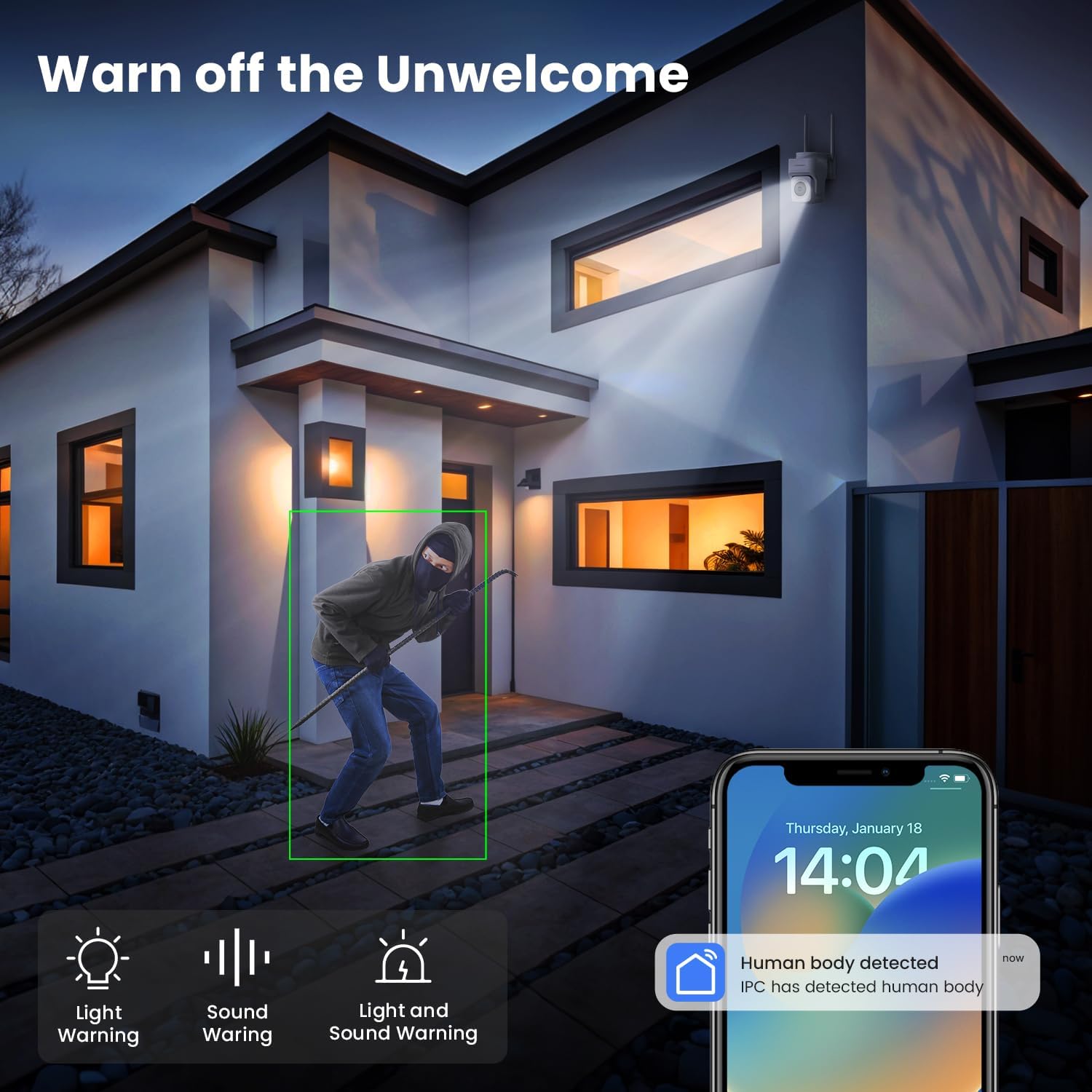
Image: A night scene depicting a person in a hoodie near a house, with the VEEZOOM camera's light and sound warning icons displayed, indicating its deterrent capabilities.
6. സ്റ്റോറേജ് ഓപ്ഷനുകൾ
ക്യാമറ വഴക്കമുള്ള സംഭരണ പരിഹാരങ്ങൾ വാഗ്ദാനം ചെയ്യുന്നു:
- പ്രാദേശിക സംഭരണം: Supports a Micro SD card up to 128 GB (not included) for continuous recording or event-triggered recordings.
- ക്ലൗഡ് സംഭരണം: Optional cloud storage service (subscription may be required) provides secure off-site backup of your video recordings.
മെയിൻ്റനൻസ്
1. ക്യാമറ വൃത്തിയാക്കൽ
Regularly clean the camera lens and housing with a soft, dry cloth to ensure clear image quality. Do not use harsh chemicals or abrasive cleaners.
2. ഫേംവെയർ അപ്ഡേറ്റുകൾ
Check the mobile application periodically for available firmware updates. Keeping your camera's firmware up-to-date ensures optimal performance, security, and access to new features.
3. പരിസ്ഥിതി സംരക്ഷണം
The camera is waterproof, snowproof, and anti-exposure, designed to withstand various outdoor conditions from -10°C to 45°C.

Image: The VEEZOOM camera mounted outdoors during heavy rain, illustrating its weatherproof, snowproof, and anti-exposure features for all-day protection across a temperature range of -10°C to 45°C.
ട്രബിൾഷൂട്ടിംഗ്
- ക്യാമറ ഓഫ്ലൈൻ: Ensure the camera is powered on and within Wi-Fi range. Check your router's internet connection. Try restarting the camera and your router.
- വൈഫൈയിലേക്ക് കണക്റ്റുചെയ്യാൻ കഴിയുന്നില്ല: Verify your Wi-Fi password. Ensure you are connecting to a 2.4 GHz network for initial setup if experiencing issues with 5 GHz. Move the camera closer to the router during setup.
- മോശം ചിത്ര നിലവാരം: Clean the camera lens. Ensure there are no obstructions. Check your internet speed; a stable connection is required for high-resolution streaming.
- ചലന കണ്ടെത്തൽ പ്രവർത്തിക്കുന്നില്ല: Check the motion detection settings in the app. Adjust sensitivity levels. Ensure the detection area is correctly configured.
- No recording to SD card: Ensure the SD card is correctly inserted, formatted within the app, and not full. Check recording settings in the app.
സ്പെസിഫിക്കേഷനുകൾ
| ഫീച്ചർ | വിശദാംശങ്ങൾ |
|---|---|
| മോഡൽ നമ്പർ | WS-204A |
| റെസലൂഷൻ | 4 MP (1440p) |
| വീഡിയോ ഫ്രെയിം റേറ്റ് | 20 fps |
| പാൻ/ടിൽറ്റ് ശ്രേണി | പാൻ 355°, ചരിവ് 180° |
| സൂം ചെയ്യുക | 3x ഡിജിറ്റൽ സൂം |
| നൈറ്റ് വിഷൻ | Color Night Vision (up to 10 meters) |
| കണക്റ്റിവിറ്റി | Wi-Fi (2.4G & 5G support, 2.4G recommended for stability) |
| പ്രത്യേക സവിശേഷതകൾ | Two-way audio, Motion detection, Human detection, Local recording, PTZ Technology, Light & Sound Alarm |
| സംഭരണം | Micro SD card (up to 128GB, not included), Cloud Storage (optional) |
| ഇൻഡോർ/ഔട്ട്ഡോർ ഉപയോഗം | ഔട്ട്ഡോർ |
| ജല പ്രതിരോധം | വാട്ടർപ്രൂഫ് |
| പ്രവർത്തന താപനില | -10°C മുതൽ 45°C വരെ |
| പവർ ഉറവിടം | ഇലക്ട്രിക് കേബിൾ |
| മൗണ്ടിംഗ് തരം | Wall mount, Door mount, Ceiling mount (Screw-in installation) |
| അനുയോജ്യമായ ഉപകരണങ്ങൾ | സ്മാർട്ട്ഫോൺ, ടാബ്ലെറ്റ് |
| ഉൽപ്പന്ന അളവുകൾ | 11.8 x 12.6 x 12.25 സെ.മീ |
| ഉൽപ്പന്ന ഭാരം | 490 ഗ്രാം |

Image: A visual comparison demonstrating the clarity of 2K resolution versus 1080p, highlighting the superior detail provided by the VEEZOOM camera's 4 MP (2K) sensor.
വാറൻ്റി വിവരങ്ങൾ
VEEZOOM products typically come with a limited warranty. Please refer to the warranty card included with your product or visit the official VEEZOOM webവിശദമായ വാറന്റി നിബന്ധനകൾക്കും വ്യവസ്ഥകൾക്കും സൈറ്റ് സന്ദർശിക്കുക. വാറന്റി ക്ലെയിമുകൾക്കുള്ള വാങ്ങലിന്റെ തെളിവായി നിങ്ങളുടെ വാങ്ങൽ രസീത് സൂക്ഷിക്കുക.
ഉപഭോക്തൃ പിന്തുണ
If you encounter any issues or have questions not covered in this manual, please contact VEEZOOM customer support through their official website or the contact information provided in your product packaging. Provide your model number (WS-204A) and a detailed description of the issue for faster assistance.