
Ninkear N16 PRO
Ninkear N16 Pro Gaming Laptop User Manual
Model: N16 PRO
ആമുഖം
The Ninkear N16 Pro is a high-performance gaming laptop designed for demanding tasks, including professional work, gaming, and graphic design. It features a 13th Gen Intel Core i7-13620H processor, a 16-inch 2.5K IPS display with a 165Hz refresh rate, 32GB DDR4 RAM, and a 1TB PCIe SSD. This manual provides essential information for setting up, operating, maintaining, and troubleshooting your N16 Pro laptop.
പാക്കേജ് ഉള്ളടക്കം
ആരംഭിക്കുന്നതിന് മുമ്പ്, പാക്കേജിൽ എല്ലാ ഇനങ്ങളും ഉണ്ടെന്ന് ഉറപ്പാക്കുക:
- 1 x N16 PRO Laptop
- 1 x ചാർജർ
- 1 x മൗസ്
- 1 x Mousepad
സജ്ജമാക്കുക
Initial Power-On and Charging
Connect the provided charger to the laptop's charging port (4.8mm/1.7mm) and a power outlet. Allow the laptop to charge for at least 30 minutes before the first use, or until the battery indicator shows sufficient charge.
പെരിഫറലുകൾ ബന്ധിപ്പിക്കുന്നു
The N16 Pro offers various ports for connecting external devices:
- USB 2.0: 1 port for standard USB devices.
- USB 3.0: അതിവേഗ ഡാറ്റ കൈമാറ്റത്തിനായി 2 പോർട്ടുകൾ.
- എച്ച്ഡിഎംഐ: 1 port for connecting to external displays.
- തരം-സി: 1 port (data only).
- 3.5mm ഓഡിയോ ജാക്ക്: 1 port for headphones or external speakers.

ചിത്രം: കഴിഞ്ഞുview of the Ninkear N16 Pro's function interfaces, including USB, HDMI, Type-C, and audio ports.
ഓപ്പറേറ്റിംഗ് സിസ്റ്റം സജ്ജീകരണം
The laptop comes pre-installed with Windows 11 Home. Follow the on-screen prompts to complete the initial Windows setup, including language selection, network connection, and user account creation.
ലാപ്ടോപ്പ് പ്രവർത്തിപ്പിക്കൽ
പവർ ഓൺ/ഓഫ്
Press the power button located on the laptop to turn it on. To turn off, click the Start button in Windows, then select Power > Shut down.
കീബോർഡും ടച്ച്പാഡും
The N16 Pro features a full-size backlit keyboard and a touchpad. A small numeric keypad is attached to the right side of the keyboard.

ചിത്രം: ക്ലോസ്-അപ്പ് view of the Ninkear N16 Pro's full-size backlit keyboard and integrated numeric keypad.
Function Keys (Fn Combinations)
Utilize the Fn key in combination with the F-keys for quick access to various functions:
- Fn+F1: WLAN On/Off
- Fn+F2: നിശബ്ദമാക്കുക/ഓഫ് ചെയ്യുക
- Fn+F3: Touchpad On/Off
- Fn+F5: ബ്ലൂടൂത്ത് ഓൺ/ഓഫ്
- Fn+F7: Multi-display mode
- Fn+F8: ഡിസ്പ്ലേ ഓഫ് മോഡ്
ഡിസ്പ്ലേ സവിശേഷതകൾ
The 16-inch 2.5K (2560x1600) IPS display offers a 165Hz refresh rate for smooth visuals. It supports 400 Nits brightness, 100% sRGB, and 400 HDR.

Image: The Ninkear N16 Pro's high-resolution display, highlighting its 2.5K resolution and 120Hz refresh rate capabilities.
കണക്റ്റിവിറ്റി
The laptop supports WiFi 6 (IEEE 802.11ax) for fast and stable wireless connections, with speeds up to 866 Mbps. Bluetooth 5.0 is also integrated for connecting wireless peripherals.

Image: Visual representation of the Ninkear N16 Pro's WiFi 6 capabilities, indicating fast and efficient wireless connectivity.
ഫിംഗർപ്രിൻ്റ് അൺലോക്ക്
The N16 Pro features fingerprint unlock for secure and fast login. Set up your fingerprint in Windows Settings > Accounts > Sign-in options.

Image: The Ninkear N16 Pro demonstrating fast login capabilities, likely referring to its fingerprint reader or facial recognition feature.
മെയിൻ്റനൻസ്
ലാപ്ടോപ്പ് വൃത്തിയാക്കൽ
- സ്ക്രീനും പുറംഭാഗവും വൃത്തിയാക്കാൻ മൃദുവായ, ലിന്റ് രഹിത തുണി ഉപയോഗിക്കുക.
- ശാഠ്യമുള്ള അടയാളങ്ങൾക്ക്, dampതുണിയിൽ വെള്ളം അല്ലെങ്കിൽ സ്ക്രീൻ ക്ലീനർ ഉപയോഗിച്ച് ചെറുതായി നനയ്ക്കുക.
- Avoid spraying liquids directly onto the laptop.
- Regularly clean the keyboard and touchpad to prevent dust buildup.
തണുപ്പിക്കൽ സംവിധാനം
The N16 Pro features powerful dual cooling fans. Ensure the vents are not obstructed to maintain optimal performance and extend the laptop's lifespan. Avoid placing the laptop on soft surfaces that can block airflow.

ചിത്രം: ആന്തരികം view of the Ninkear N16 Pro's 2-in-1 cooling module, illustrating its dual fan design for efficient heat dissipation.
ബാറ്ററി കെയർ
- ബാറ്ററി ലൈഫ് പരമാവധിയാക്കാൻ, ബാറ്ററി ഇടയ്ക്കിടെ പൂർണ്ണമായും ഡിസ്ചാർജ് ചെയ്യുന്നത് ഒഴിവാക്കുക.
- ലാപ്ടോപ്പ് ദീർഘനേരം ഉപയോഗിച്ചിട്ടില്ലെങ്കിൽ തണുത്തതും വരണ്ടതുമായ സ്ഥലത്ത് സൂക്ഷിക്കുക.
- The average battery life is approximately 8 hours.
സംഭരണ വിപുലീകരണം
The N16 Pro supports dual-channel memory and storage expansion. The maximum memory can be expanded to 64GB RAM, and the SSD can be extended up to 4TB via an M.2 SSD slot.
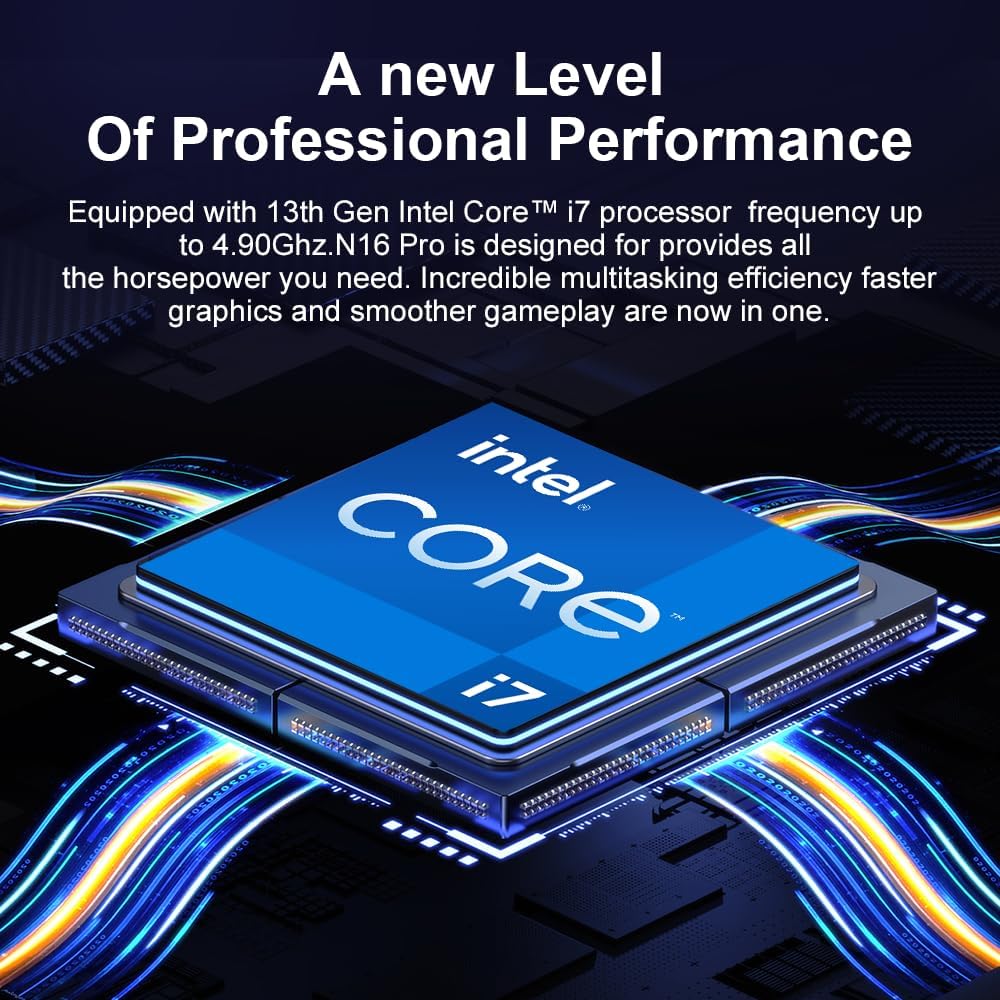
Image: Diagram illustrating the Ninkear N16 Pro's dual-channel DDR4 memory support (up to 64GB) and an extendable M.2 SSD slot (up to 4TB).
ട്രബിൾഷൂട്ടിംഗ്
പൊതുവായ പ്രശ്നങ്ങളും പരിഹാരങ്ങളും
- ലാപ്ടോപ്പ് ഓണാക്കുന്നില്ല:
Ensure the charger is securely connected and the power outlet is functional. Check if the battery has sufficient charge.
- Wi-Fi കണക്ഷൻ ഇല്ല:
Check if Wi-Fi is enabled (Fn+F1). Restart your router and the laptop. Verify Wi-Fi drivers are up to date in Device Manager.
- ടച്ച്പാഡ് പ്രതികരിക്കുന്നില്ല:
Ensure the touchpad is not disabled (Fn+F3). Check Windows settings for touchpad functionality.
- മന്ദഗതിയിലുള്ള പ്രകടനം:
Close unnecessary applications. Check for background processes in Task Manager. Ensure cooling vents are clear. Consider updating drivers or performing a system scan for malware.
- പ്രദർശന പ്രശ്നങ്ങൾ (ചിത്രമില്ല, മിന്നൽ):
Ensure the display is not turned off (Fn+F8). Try connecting an external monitor via HDMI to check if the issue is with the laptop's display or graphics output.
സ്പെസിഫിക്കേഷനുകൾ
| ഫീച്ചർ | വിശദാംശങ്ങൾ |
|---|---|
| മോഡലിൻ്റെ പേര് | N16 PRO |
| പ്രോസസ്സർ | 13-ാം തലമുറ ഇന്റൽ കോർ i7-13620H (10 കോറുകൾ, 16 ത്രെഡുകൾ, 4.9 GHz വരെ) |
| പ്രദർശിപ്പിക്കുക | 16-inch IPS, 2560 x 1600 (2.5K), 165Hz Refresh Rate, 400 Nits, 100% sRGB, 400 HDR |
| റാം | 32GB DDR4 (Dual Channel, expandable up to 64GB) |
| സംഭരണം | 1TB PCIe SSD (expandable up to 4TB via M.2 slot) |
| ഗ്രാഫിക്സ് | ഇന്റൽ യുഎച്ച്ഡി ഗ്രാഫിക്സ് (ഇന്റഗ്രേറ്റഡ്) |
| ഓപ്പറേറ്റിംഗ് സിസ്റ്റം | വിൻഡോസ് 11 ഹോം |
| വയർലെസ് കണക്റ്റിവിറ്റി | WiFi 6 (IEEE 802.11ax), Bluetooth 5.0 |
| തുറമുഖങ്ങൾ | 1x USB 2.0, 2x USB 3.0, 1x HDMI, 1x Type-C (data only), 1x 3.5mm Audio Jack |
| ബാറ്ററി | 5000 mAh, approx. 8 hours average battery life |
| അളവുകൾ | 3.3 x 3.05 x 0.76 സെ.മീ |
| ഭാരം | 3.18 കിലോഗ്രാം |
| പ്രത്യേക സവിശേഷതകൾ | Backlit Keyboard, Fingerprint Reader, Numeric Keypad, Dual Cooling Fans |
വാറൻ്റിയും പിന്തുണയും
The Ninkear N16 Pro laptop includes a 1 വർഷത്തെ വാറന്റി സേവനം. For any quality issues or technical assistance, please contact Ninkear customer service. When contacting support, please have your product model (N16 PRO) and purchase details ready.
You can visit the official Ninkear store on Amazon for more information and support resources: Ninkear Amazon Store
Ask a question about this manual
Ask about setup, troubleshooting, compatibility, parts, safety, or missing instructions. Manuals+ will review the question and use this page’s manual context to help answer it.