
1. ആമുഖം
This manual provides essential information for the safe and efficient installation, operation, and maintenance of the XP POWER C10N Non-Isolated DC/DC Converter. Please read this manual thoroughly before attempting to install or operate the device. Retain this manual for future reference.
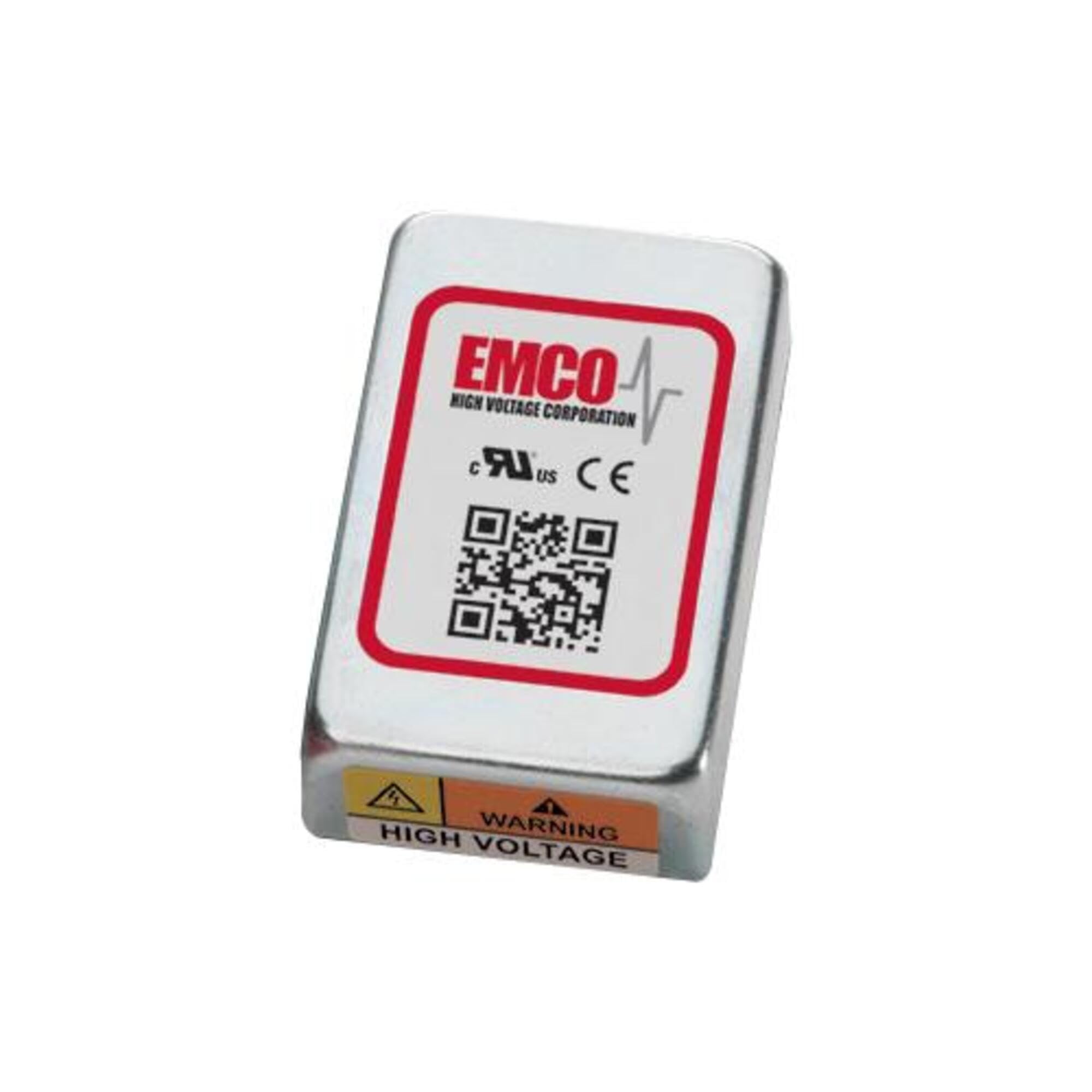
Image showing the physical unit of the XP POWER C10N Non-Isolated DC/DC Converter, typically displaying its casing and connection terminals.
2 സുരക്ഷാ വിവരങ്ങൾ
Always observe the following safety precautions to prevent injury and damage to the device or connected equipment.
- യോഗ്യതയുള്ള ഉദ്യോഗസ്ഥർ: ഇൻസ്റ്റാളേഷനും സർവീസിംഗും യോഗ്യതയുള്ള ഉദ്യോഗസ്ഥർ മാത്രമേ നടത്താവൂ.
- വൈദ്യുത ഷോക്ക് അപകടം: This device operates with electrical voltages that can cause severe injury or death. Ensure all power sources are disconnected before installation, wiring, or maintenance.
- ശരിയായ വയറിംഗ്: Verify correct input and output polarity and voltage levels before applying power. Incorrect wiring can damage the converter and connected devices.
- വെൻ്റിലേഷൻ: Ensure adequate ventilation around the converter to prevent overheating. Do not obstruct airflow.
- പരിസ്ഥിതി വ്യവസ്ഥകൾ: Operate the converter within its specified environmental limits (temperature, humidity).
- ലോഡ് കപ്പാസിറ്റി: Do not exceed the maximum output current or power rating of the converter. Overloading can lead to damage or failure.
3. സജ്ജീകരണം
3.1 അൺപാക്കിംഗും പരിശോധനയും
Upon receiving the C10N converter, carefully unpack it and inspect for any signs of physical damage. If damage is found, do not proceed with installation and contact your supplier immediately.
3.2 മൗണ്ടിംഗ്
Mount the converter in a secure location that provides sufficient airflow for cooling. Ensure the mounting surface is stable and capable of supporting the converter's weight. Avoid mounting near heat sources or in enclosed spaces without ventilation.
3.3 വയറിംഗ് കണക്ഷനുകൾ
Refer to the product datasheet for specific pin assignments and wiring diagrams. Ensure all connections are secure and correctly polarized. Use appropriate wire gauges for the expected current levels.
- ഇൻപുട്ട് പവർ: ഡിസി ഇൻപുട്ട് വോള്യം ബന്ധിപ്പിക്കുകtage source to the designated input terminals. Observe correct polarity (+IN, -IN).
- ഔട്ട്പുട്ട് പവർ: Connect the load to the designated output terminals. Observe correct polarity (+OUT, -OUT).
- ഗ്രൗണ്ടിംഗ്: Ensure proper grounding practices are followed according to local electrical codes and product specifications.
3.4 പ്രാരംഭ പവർ-അപ്പ്
Before applying power, double-check all wiring connections. Once verified, apply the specified input voltage. ഔട്ട്പുട്ട് വോളിയം നിരീക്ഷിക്കുകtage and current to ensure proper operation. If any anomalies are observed, immediately disconnect power and troubleshoot.
4. പ്രവർത്തിക്കുന്നു
The C10N converter is designed for continuous operation within its specified parameters. Once properly installed and powered, it will provide a stable DC output voltage.
- ലോഡ് മാനേജ്മെന്റ്: Ensure the connected load does not exceed the converter's maximum output current or power rating.
- പരിസ്ഥിതി നിരീക്ഷണം: Maintain the operating environment within the specified temperature and humidity ranges to ensure optimal performance and longevity.
- ഔട്ട്പുട്ട് മോണിറ്ററിംഗ്: Periodically verify the output voltage and current to confirm stable operation, especially in critical applications.
5. പരിപാലനം
The C10N converter is designed for minimal maintenance. However, periodic checks can help ensure long-term reliability.
- വൃത്തിയാക്കൽ: Keep the converter free from dust and debris. Use a soft, dry cloth for cleaning. Do not use liquid cleaners or solvents.
- കണക്ഷൻ പരിശോധനകൾ: Periodically inspect all wiring connections for tightness and signs of corrosion or damage.
- വെൻ്റിലേഷൻ: Ensure that ventilation openings remain clear and unobstructed.
6. പ്രശ്നപരിഹാരം
If the converter is not functioning as expected, perform the following basic troubleshooting steps:
| പ്രശ്നം | സാധ്യമായ കാരണം | പരിഹാരം |
|---|---|---|
| ട്ട്പുട്ട് വോളിയം ഇല്ലtage | ഇൻപുട്ട് പവർ ഇല്ല തെറ്റായ വയറിംഗ് ഓവർലോഡ് സംരക്ഷണം സജീവമാക്കി | Check input power source and connections. Verify wiring against datasheet. Reduce load, then cycle input power. |
| Putട്ട്പുട്ട് വോളിയംtagഇ അസ്ഥിരമാണ് | ഇൻപുട്ട് വോളിയംtagഇ ഏറ്റക്കുറച്ചിലുകൾ ഓവർലോഡ് അവസ്ഥ മോശം കണക്ഷനുകൾ | Ensure stable input power. ലോഡ് കുറയ്ക്കുക. എല്ലാ വയറിംഗ് കണക്ഷനുകളും ഇറുകിയതിനായി പരിശോധിക്കുക. |
| Converter is overheating | അപര്യാപ്തമായ വെൻ്റിലേഷൻ ഓവർലോഡ് അവസ്ഥ ഉയർന്ന അന്തരീക്ഷ താപനില | യൂണിറ്റിന് ചുറ്റും മതിയായ വായുസഞ്ചാരം ഉറപ്പാക്കുക. ലോഡ് കുറയ്ക്കുക. Relocate converter to a cooler environment. |
If the problem persists after performing these steps, contact XP POWER technical support.
7 സ്പെസിഫിക്കേഷനുകൾ
The following are key specifications for the XP POWER C10N Non-Isolated DC/DC Converter. For a complete list of detailed electrical and environmental specifications, please refer to the official product datasheet available on the XP POWER webസൈറ്റ്.
- നിർമ്മാതാവ്: എക്സ്പി പവർ
- മോഡൽ: C10N
- ASIN: B0D38GP8ZW
- ആദ്യം ലഭ്യമായ തീയതി: മെയ് 3, 2024
- തരം: Non-Isolated DC/DC Converter
8. വാറൻ്റിയും പിന്തുണയും
For information regarding the warranty period and terms for your XP POWER C10N converter, please refer to the official warranty statement provided with your purchase or visit the XP POWER official website. Technical support is available to assist with any questions or issues not covered in this manual.
ബന്ധപ്പെടാനുള്ള വിവരങ്ങൾ: Please visit the official XP POWER website for the most current contact details for technical support and customer service in your region.