
1. ആമുഖം
Welcome to the user manual for your new DOOGEE T30E 11-inch Tablet. This device is designed to provide a versatile and powerful experience, featuring an 11-inch HD display, Android 14 operating system, 4G LTE cellular connectivity, and an 8000mAh long-lasting battery. This manual will guide you through the setup, operation, maintenance, and troubleshooting of your tablet to ensure optimal performance and user satisfaction.

Image: The DOOGEE T30E tablet showcasing its main features including 11-inch IPS display, Android 14, Octa-Core processor, Widevine L1 support, 9GB RAM + 128GB ROM, and 8000mAh battery.
2. സജ്ജീകരണം
2.1 അൺബോക്സിംഗും പ്രാരംഭ പരിശോധനയും
Upon receiving your DOOGEE T30E tablet, carefully open the packaging and ensure all components are present and undamaged. The standard package typically includes the tablet, a charging adapter, a USB cable, and this user manual.
2.2 ഉപകരണം ചാർജ് ചെയ്യുന്നു
Before first use, it is recommended to fully charge your tablet. Connect the USB cable to the tablet's charging port and the other end to the charging adapter. Plug the adapter into a power outlet. The battery indicator on the screen will show the charging status. The tablet supports 5V/2A 10W fast charging.
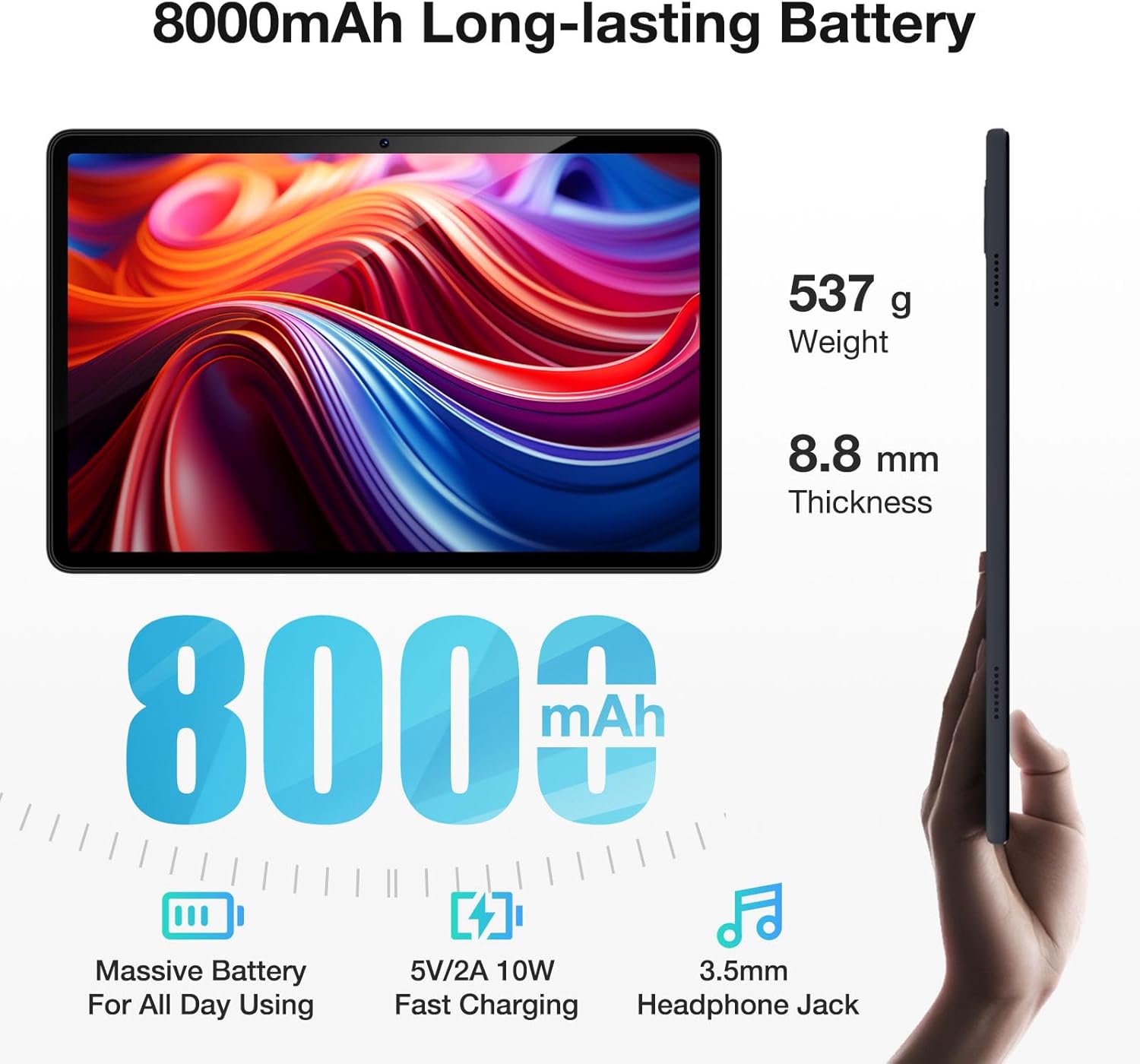
Image: The DOOGEE T30E tablet's physical dimensions, including its 8.8mm thickness and 537g weight, alongside its 8000mAh battery capacity and 3.5mm headphone jack.
2.3 Inserting SIM and TF Card
The DOOGEE T30E supports 4G LTE connectivity and expandable storage. To insert a SIM card for cellular data or a TF (microSD) card for additional storage:
- Locate the SIM/TF card tray on the side of the tablet.
- ട്രേ തുറക്കാൻ നൽകിയിരിക്കുന്ന സിം എജക്റ്റർ ഉപകരണം ഉപയോഗിക്കുക.
- Carefully place your Nano-SIM card(s) and/or TF card into the designated slots on the tray. Ensure the cards are correctly oriented.
- ട്രേ അതിന്റെ സ്ഥാനത്ത് ക്ലിക്കു ചെയ്യുന്നത് വരെ ടാബ്ലെറ്റിലേക്ക് പതുക്കെ തിരികെ തള്ളുക.

Image: The DOOGEE T30E tablet highlighting its dual speakers and ultra-fast connection features, including 4G Dual SIM, 2.4/5G WiFi, and Bluetooth 5.0, with a close-up of the SIM card tray.
2.4 പ്രാരംഭ പവർ ഓൺ
Press and hold the power button located on the side of the tablet until the DOOGEE logo appears. Follow the on-screen instructions to complete the initial setup, including language selection, Wi-Fi connection, Google account setup, and security settings.
3. പ്രവർത്തിക്കുന്നു
3.1 ഡിസ്പ്ലേ സവിശേഷതകൾ
The T30E features an 11-inch IPS full-color HD display with a resolution of 1280 x 800 pixels. It offers a wide viewing angle and supports Widevine L1, enabling smooth streaming of high-quality HD content from platforms like Amazon Prime Video, YouTube, Disney+, and Hulu.

Image: A visual comparison illustrating the larger screen area of the 11-inch DOOGEE T30E tablet compared to a standard 10-inch tablet, highlighting its 1280x800 resolution, 83.2% screen-to-body ratio, 16:10 aspect ratio, and full-viewing ആംഗിൾ.
3.2 പ്രകടനം
Equipped with an Octa-core MediaTek processor, the T30E delivers impressive performance for a smooth user experience. It comes with 9GB RAM (4GB physical + 5GB expansion) and 128GB of internal storage, expandable up to 1TB via a TF card. This configuration supports responsive gaming, multitasking, and ampആപ്ലിക്കേഷനുകൾക്കും മീഡിയയ്ക്കുമുള്ള le സംഭരണം.

Image: The DOOGEE T30E tablet's memory specifications, including 9GB RAM (4GB + 5GB extended RAM), 128GB ROM, and 1TB TF expansion, illustrating its capacity for apps and data.
3.3 കണക്റ്റിവിറ്റി
- 4G LTE: Stay connected on the go with 4G LTE cellular capabilities, supporting dual SIM cards.
- വൈഫൈ: Supports 2.4GHz and 5GHz Wi-Fi for faster and more stable internet connections.
- ബ്ലൂടൂത്ത് 5.0: ഹെഡ്ഫോണുകൾ, കീബോർഡുകൾ, മൗസുകൾ തുടങ്ങിയ വയർലെസ് ആക്സസറികൾ ബന്ധിപ്പിക്കുന്നതിന്.
3.4 ഓഡിയോ
The tablet features high-quality dual stereo speakers for clear and loud sound output, enhancing your media consumption and gaming experience. A 3.5mm headphone jack is also included for private listening.
3.5 ക്യാമറകൾ
The DOOGEE T30E is equipped with a 13MP main camera and a 5MP front camera, suitable for capturing photos, video calls, and online meetings.
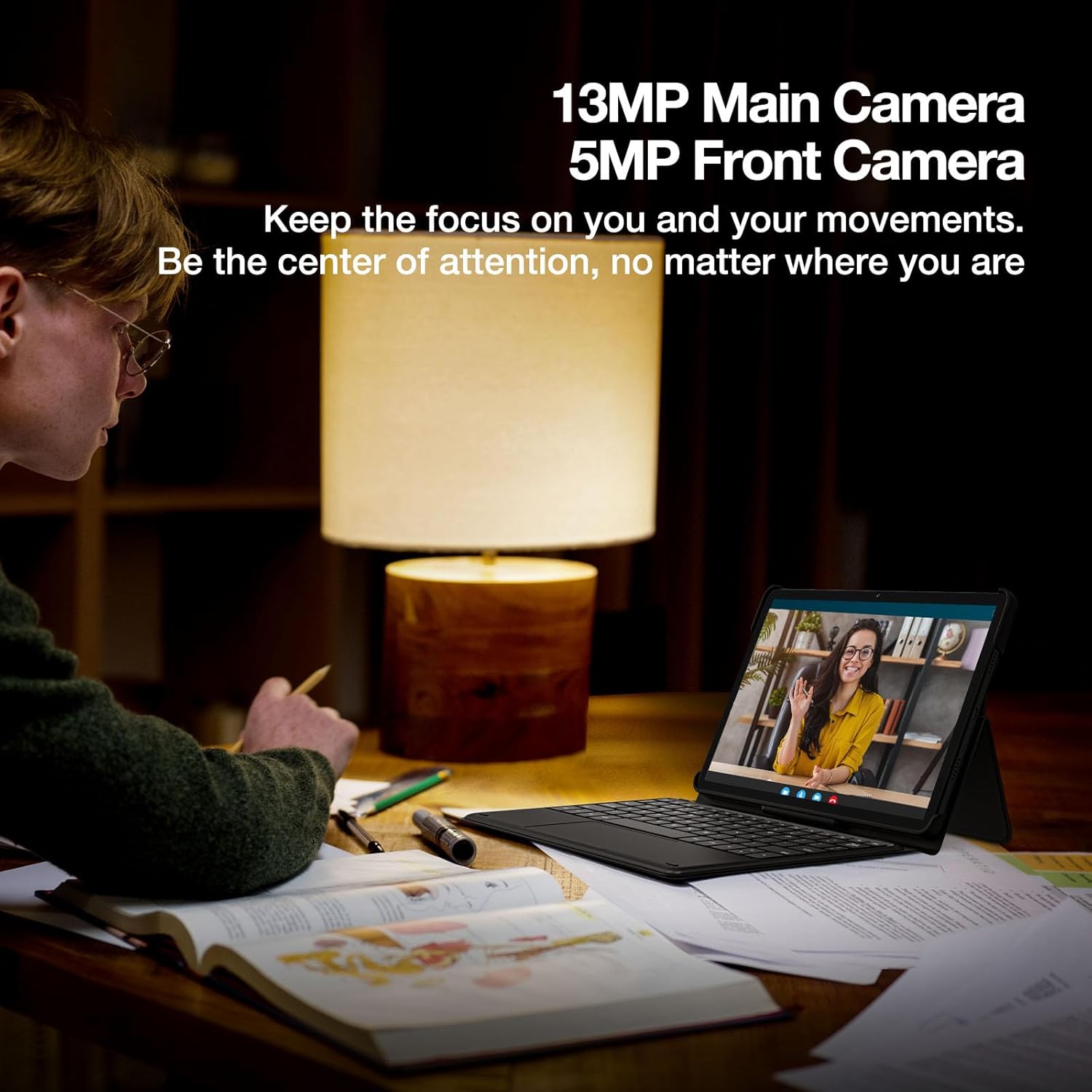
Image: A person engaged in a video call using the DOOGEE T30E tablet, highlighting its 13MP main camera and 5MP front camera for clear communication.
3.6 Software Features (Android 14)
Running on Android 14, the T30E offers an optimized and secure user experience with features such as:
- സമാന്തരം View: Enhances landscape viewing for certain applications.
- ടാസ്ക്ബാർ: Provides convenient multitasking capabilities.
- Privacy & Security: Advanced controls for managing permissions and protecting your data.
- വയർലെസ് പ്രൊജക്ഷൻ: Supports easy connection to digital TVs, electronic blackboards, and projectors for big-screen viewing.
- Split-screen Mode: Allows running two apps side-by-side for enhanced productivity.
- ലോ ബ്ലൂ ലൈറ്റ് മോഡ്: ദീർഘനേരം ഉപയോഗിക്കുമ്പോൾ കണ്ണിനുണ്ടാകുന്ന ആയാസം കുറയ്ക്കുന്നു.

Image: The DOOGEE T30E tablet screen showcasing the Android 14 operating system interface, highlighting features like Parallel View, Taskbar, and Privacy & Security.
3.7 നാവിഗേഷൻ
The tablet integrates multiple satellite navigation systems including GPS, Beidou, GLONASS, Galileo, and AGPS for accurate positioning and navigation.
3.8 ഫെയ്സ് ഐഡി
For convenient and secure unlocking, the DOOGEE T30E supports Face ID recognition.
4. പരിപാലനം
4.1 ബാറ്ററി കെയർ
8000mAh ബാറ്ററി ദീർഘമായ ഉപയോഗ സമയം നൽകുന്നു. ബാറ്ററി ആയുസ്സ് വർദ്ധിപ്പിക്കുന്നതിന്:
- തീവ്രമായ താപനില ഒഴിവാക്കുക.
- ബാറ്ററി ഇടയ്ക്കിടെ പൂർണ്ണമായും തീർന്നുപോകാൻ അനുവദിക്കരുത്.
- Use the original charger or a certified compatible charger.
- For long-term storage, charge the tablet to about 50% and power it off.

Image: The DOOGEE T30E tablet's 8000mAh battery performance, showing up to 671 hours standby, 17 hours music playback, 11 hours video playback, and 9 hours gaming.
4.2 വൃത്തിയാക്കൽ
നിങ്ങളുടെ ടാബ്ലെറ്റ് വൃത്തിയാക്കാൻ, മൃദുവായ, ലിന്റ് രഹിത തുണി ഉപയോഗിക്കുക. കഠിനമായ പാടുകൾക്ക്, ചെറുതായി dampഇലക്ട്രോണിക് ഉപകരണങ്ങൾക്കായി പ്രത്യേകം രൂപകൽപ്പന ചെയ്ത ഒരു സ്ക്രീൻ ക്ലീനർ അല്ലെങ്കിൽ വെള്ളം ഉപയോഗിച്ചുള്ള തുണി. കഠിനമായ രാസവസ്തുക്കളോ ഉരച്ചിലുകളോ ഉള്ള വസ്തുക്കൾ ഉപയോഗിക്കുന്നത് ഒഴിവാക്കുക.
5. പ്രശ്നപരിഹാരം
This section addresses common issues you might encounter with your DOOGEE T30E tablet.
- ഉപകരണം ഓണാക്കുന്നില്ല: Ensure the battery is charged. Connect the charger and wait a few minutes before attempting to power on again. If it still doesn't turn on, try holding the power button for 10-15 seconds.
- സ്ക്രീൻ പ്രതികരിക്കുന്നില്ല: Restart the tablet by holding the power button until it reboots. If the issue persists, perform a factory reset (note: this will erase all data).
- വൈഫൈ കണക്ഷൻ പ്രശ്നങ്ങൾ: Check if Wi-Fi is enabled in settings. Restart your router and the tablet. Ensure you are within range of the Wi-Fi network and have entered the correct password.
- 4G LTE not working: Ensure your SIM card is correctly inserted and activated. Check your mobile data settings and ensure data roaming is enabled if you are abroad. Verify your cellular plan is active.
- ആപ്പുകൾ ക്രാഷാകുകയോ മരവിക്കുകയോ ചെയ്യുന്നു: Close background applications. Clear the cache of the problematic app in Settings > Apps. If the issue continues, uninstall and reinstall the app.
- മന്ദഗതിയിലുള്ള പ്രകടനം: Close unnecessary apps. Clear cache and temporary files. Consider uninstalling unused applications.
If you encounter issues not covered here or require further assistance, please contact customer support.
6 സ്പെസിഫിക്കേഷനുകൾ
| ഫീച്ചർ | സ്പെസിഫിക്കേഷൻ |
|---|---|
| ബ്രാൻഡ് | ഡോഗി |
| മോഡലിൻ്റെ പേര് | T30E |
| ഓപ്പറേറ്റിംഗ് സിസ്റ്റം | ആൻഡ്രോയിഡ് 14 |
| സ്റ്റാൻഡിംഗ് സ്ക്രീൻ ഡിസ്പ്ലേ വലുപ്പം | 11 ഇഞ്ച് |
| സ്ക്രീൻ റെസല്യൂഷൻ | 1280 x 800 പിക്സലുകൾ |
| പരമാവധി സ്ക്രീൻ റെസല്യൂഷൻ | 1280*800 പിക്സലുകൾ |
| പ്രോസസ്സർ ബ്രാൻഡ് | മീഡിയടെക് |
| കമ്പ്യൂട്ടർ മെമ്മറി തരം | DDR3 SDRAM |
| മെമ്മറി സ്റ്റോറേജ് കപ്പാസിറ്റി | 128 GB (expandable to 1TB with TF card) |
| വയർലെസ് തരം | 802.11ac, 802.11ax, 802.11g, 802.11n (2.4/5GHz WiFi) |
| കണക്റ്റിവിറ്റി | 4G LTE, Bluetooth 5.0, GPS, Beidou, GLONASS, Galileo, AGPS |
| ശരാശരി ബാറ്ററി ലൈഫ് (മണിക്കൂറിൽ) | Up to 2 days (8000mAh) |
| ഇനത്തിൻ്റെ ഭാരം | 1.96 പൗണ്ട് (ഏകദേശം 537 ഗ്രാം) |
| ഉൽപ്പന്ന അളവുകൾ | 10 x 7 x 0.4 ഇഞ്ച് (ഏകദേശം 25.4 x 17.8 x 1 സെ.മീ) |
| നിറം | കറുപ്പ് |
7. വാറൻ്റിയും പിന്തുണയും
7.1 വാറൻ്റി വിവരങ്ങൾ
Your DOOGEE T30E tablet comes with a 2-വർഷ പരിമിത വാറൻ്റി. This warranty covers manufacturing defects and ensures your device functions as intended under normal use. Please retain your proof of purchase for warranty claims.
7.2 റിട്ടേൺ പോളിസി
A 30 ദിവസത്തെ മണി ബാക്ക് ഗ്യാരണ്ടിയും സൗജന്യ റിട്ടേണും policy is available for eligible purchases. Refer to your retailer's specific return policy for details.
7.3 ഉപഭോക്തൃ പിന്തുണ
For technical assistance, warranty claims, or any other inquiries, 24/7 ഓൺലൈൻ പിന്തുണ 1-ഓൺ-1 is available. Please refer to the contact information provided with your purchase or visit the official DOOGEE website for support channels.