
1. ആമുഖം
This manual provides essential information for setting up, operating, and maintaining your DOOGEE N55PLUS Unlocked Cell Phone. Please read it carefully to ensure proper use and to maximize the device's capabilities. The DOOGEE N55PLUS is an Android 14 smartphone featuring a 6.56-inch HD+ 90Hz display, an Octa-Core processor, 20GB RAM (8GB physical + 12GB virtual), 128GB internal storage expandable up to 1TB, a 5150mAh battery, and a 13MP AI main camera.
2. ബോക്സിൽ എന്താണുള്ളത്?
- 1 x DOOGEE N55PLUS Cell Phone
- 1 x ചാർജർ
- 1 x Type-C Port Cable
- 1 x TP Protective film (pre-applied)
- 1 x TPU Protective case
3. സജ്ജീകരണം
3.1 സിം കാർഡും ടിഎഫ് കാർഡും ഇൻസ്റ്റാൾ ചെയ്യൽ
- നിങ്ങളുടെ ഫോണിന്റെ വശത്ത് സിം കാർഡ് ട്രേ കണ്ടെത്തുക.
- ട്രേയുടെ അടുത്തുള്ള ചെറിയ ദ്വാരത്തിലേക്ക് സിം എജക്റ്റർ ടൂൾ (നൽകിയിട്ടുണ്ടെങ്കിൽ) തിരുകുക, ട്രേ പുറത്തേക്ക് വരുന്നത് വരെ സൌമ്യമായി തള്ളുക.
- Place your Nano-SIM card(s) and/or TF card into the designated slots on the tray. Ensure the gold contacts are facing down. The phone supports dual 4G SIM cards (nano SIM1 + nano SIM2) or one nano SIM and one TF card for storage expansion.
- ട്രേ അതിന്റെ സ്ഥാനത്ത് ക്ലിക്കായി വരുന്നത് വരെ ശ്രദ്ധാപൂർവ്വം ഫോണിലേക്ക് വീണ്ടും തിരുകുക.

3.2 പവർ ഓൺ/ഓഫ്
- പവർ ഓണാക്കാൻ: Press and hold the Power button (located on the right side) until the DOOGEE logo appears.
- പവർ ഓഫ് ചെയ്യാൻ: Press and hold the Power button until the power options menu appears. Tap 'Power off' and confirm.
- പുനരാരംഭിക്കാൻ: From the power options menu, tap 'Restart' and confirm.
3.3 പ്രാരംഭ സജ്ജീകരണം
ആദ്യമായി പവർ-ഓൺ ചെയ്യുമ്പോൾ, പ്രാരംഭ സജ്ജീകരണം പൂർത്തിയാക്കാൻ ഓൺ-സ്ക്രീൻ നിർദ്ദേശങ്ങൾ പാലിക്കുക. ഇതിൽ നിങ്ങളുടെ ഭാഷ തിരഞ്ഞെടുക്കൽ, വൈ-ഫൈയിലേക്ക് കണക്റ്റുചെയ്യൽ, നിങ്ങളുടെ Google അക്കൗണ്ട് സജ്ജീകരിക്കൽ, ഫേസ് അൺലോക്ക് പോലുള്ള സുരക്ഷാ സവിശേഷതകൾ കോൺഫിഗർ ചെയ്യൽ എന്നിവ ഉൾപ്പെടുന്നു.
4. നിങ്ങളുടെ ഫോൺ പ്രവർത്തിപ്പിക്കുക
4.1 ഡിസ്പ്ലേയും നാവിഗേഷനും
The DOOGEE N55PLUS features a 6.56-inch HD+ Waterdrop screen with a 90Hz refresh rate, providing a smooth visual experience. Navigate the interface using touch gestures: tap to select, swipe to scroll, pinch to zoom.

4.2 ക്യാമറ പ്രവർത്തനങ്ങൾ
The phone is equipped with a 13MP AI main camera and an 8MP front camera. Open the Camera app to capture photos and videos. Various modes such as Portrait, Pro Mode, Beauty, Night mode, and Panorama are available to enhance your photography.

4.3 പ്രകടനവും സംഭരണവും
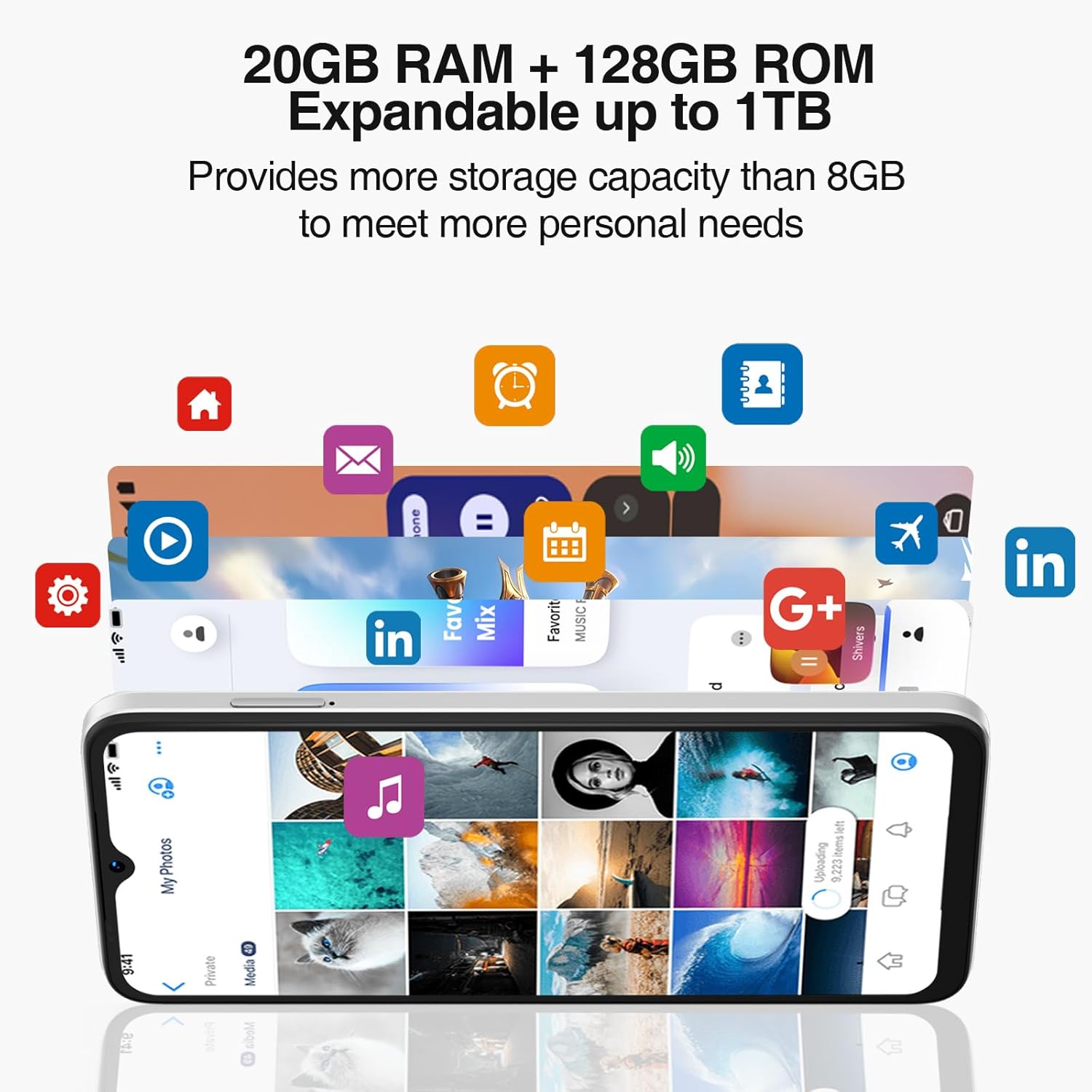
Powered by an Octa-Core processor and 20GB RAM (8GB physical + 12GB virtual), the N55PLUS ensures smooth multitasking and app performance. It comes with 128GB of internal storage, expandable up to 1TB using a TF card, providing ampനിങ്ങളുടെ ഇടം files, photos, and applications.
4.4 ബാറ്ററി മാനേജ്മെൻ്റ്
The 5150mAh large battery provides extended usage time. To optimize battery life, manage background app usage, adjust screen brightness, and enable power-saving modes when needed. The phone supports OTG reverse charging, allowing it to charge other devices.

5. കണക്റ്റിവിറ്റി
- നെറ്റ്വർക്ക്: Supports 4G global network bands (GSM, WCDMA, TDD, FDD). Ensure your SIM card is compatible with the phone's supported bands for optimal service.
- വൈഫൈ: ഇന്റർനെറ്റ് ആക്സസിനായി ലഭ്യമായ വൈഫൈ നെറ്റ്വർക്കുകളിലേക്ക് കണക്റ്റുചെയ്യുക.
- ബ്ലൂടൂത്ത്: Pair with Bluetooth devices such as headphones, speakers, or car systems.
- ജിപിഎസ്: Integrated GPS, Glonass, Galileo, and Beidou for accurate navigation.
- യുഎസ്ബി ടൈപ്പ്-സി: ചാർജിംഗിനും ഡാറ്റ കൈമാറ്റത്തിനും.
6. പരിപാലനം
6.1 സോഫ്റ്റ്വെയർ അപ്ഡേറ്റുകൾ
നിങ്ങളുടെ ഫോണിൽ ഏറ്റവും പുതിയ ഫീച്ചറുകൾ, സുരക്ഷാ പാച്ചുകൾ, പ്രകടന മെച്ചപ്പെടുത്തലുകൾ എന്നിവ ഉറപ്പാക്കാൻ സോഫ്റ്റ്വെയർ അപ്ഡേറ്റുകൾ പതിവായി പരിശോധിച്ച് ഇൻസ്റ്റാൾ ചെയ്യുക. പോകുക ക്രമീകരണങ്ങൾ > സിസ്റ്റം > സിസ്റ്റം അപ്ഡേറ്റ്.
6.2 നിങ്ങളുടെ ഉപകരണം വൃത്തിയാക്കൽ
നിങ്ങളുടെ ഫോണിന്റെ സ്ക്രീനും ബോഡിയും വൃത്തിയാക്കാൻ മൃദുവായ, ലിന്റ് രഹിത തുണി ഉപയോഗിക്കുക. ഉപകരണത്തിന് കേടുവരുത്തുന്ന കഠിനമായ രാസവസ്തുക്കളോ ഉരച്ചിലുകളുള്ള വസ്തുക്കളോ ഉപയോഗിക്കുന്നത് ഒഴിവാക്കുക.
6.3 സ്റ്റോറേജ് മാനേജ്മെൻ്റ്
To maintain optimal performance, periodically clear unnecessary files, uninstall unused apps, and transfer large media files to external storage or cloud services. Go to ക്രമീകരണങ്ങൾ > സംഭരണം നിങ്ങളുടെ ഉപകരണത്തിന്റെ സംഭരണം നിയന്ത്രിക്കാൻ.
7. പ്രശ്നപരിഹാരം
- ഫോൺ ഓണാക്കുന്നില്ല: ബാറ്ററി ചാർജ്ജ് ചെയ്തിട്ടുണ്ടെന്ന് ഉറപ്പാക്കുക. ഫോൺ ചാർജറുമായി ബന്ധിപ്പിച്ച് വീണ്ടും പവർ ചെയ്യാൻ ശ്രമിക്കുന്നതിന് മുമ്പ് കുറച്ച് മിനിറ്റ് കാത്തിരിക്കുക.
- ആപ്പുകൾ ക്രാഷാകുകയോ മരവിക്കുകയോ ചെയ്യുന്നു: Close and restart the app. If the issue persists, clear the app's cache (Settings > Apps > [App Name] > Storage > Clear cache) or uninstall and reinstall the app.
- മോശം നെറ്റ്വർക്ക് സിഗ്നൽ: Check if your SIM card is properly inserted. Move to an area with better network coverage. Contact your service provider if the issue persists.
- ബാറ്ററി വേഗത്തിൽ തീർന്നു: Reduce screen brightness, disable unused features like Wi-Fi or Bluetooth, and close background apps. Check battery usage in Settings to identify power-hungry apps.
- Face Unlock not working: Ensure your face is well-lit and clearly visible to the front camera. Re-register your face data in Settings > Security > Face Unlock.
8 സ്പെസിഫിക്കേഷനുകൾ
| ഫീച്ചർ | സ്പെസിഫിക്കേഷൻ |
|---|---|
| മോഡലിൻ്റെ പേര് | N55 പ്ലസ് |
| ഓപ്പറേറ്റിംഗ് സിസ്റ്റം | ആൻഡ്രോയിഡ് 14 |
| പ്രോസസ്സർ | Octa-Core (Mediatek Dimensity 1100, 3.2 GHz) |
| റാം | 8 ജിബി (വെർച്വൽ റാം ഉപയോഗിച്ച് 20 ജിബി വരെ വികസിപ്പിക്കാം) |
| ആന്തരിക സംഭരണം | 128 ജിബി |
| വികസിപ്പിക്കാവുന്ന സംഭരണം | TF കാർഡ് വഴി 1 TB വരെ |
| സ്ക്രീൻ വലിപ്പം | 6.56 ഇഞ്ച് |
| ഡിസ്പ്ലേ തരം | HD+ IPS Waterdrop Screen |
| റെസലൂഷൻ | 1612 x 720 |
| പുതുക്കിയ നിരക്ക് | 90 Hz |
| പ്രധാന ക്യാമറ | 13 MP AI Camera |
| മുൻ ക്യാമറ | 8 എം.പി |
| ബാറ്ററി ശേഷി | 5150 mAh ലിഥിയം അയോൺ |
| കണക്റ്റിവിറ്റി | 4G LTE, Wi-Fi, Bluetooth, USB Type-C |
| നാവിഗേഷൻ | ജിപിഎസ്, ഗ്ലോനാസ്, ഗലീലിയോ, ബീഡോ |
| പ്രത്യേക സവിശേഷതകൾ | Dual SIM, Expandable Memory, Face Unlock, Widevine L1, OTG |
| അളവുകൾ | 6.45 x 2.98 x 0.34 inches (8.6mm thickness) |
| ഭാരം | 6.6 ഔൺസ് (186 ഗ്രാം) |
9. വാറൻ്റിയും പിന്തുണയും
All DOOGEE unlocked phones purchased from our official channels are covered by a 12-month warranty. If you encounter any issues during use, please contact our customer support for assistance. For further support, visit the official DOOGEE webസൈറ്റ് അല്ലെങ്കിൽ നിങ്ങളുടെ വാങ്ങലിനൊപ്പം നൽകിയിരിക്കുന്ന കോൺടാക്റ്റ് വിവരങ്ങൾ റഫർ ചെയ്യുക.