
1. ഉൽപ്പന്നം കഴിഞ്ഞുview
The RadioShack IPX6 Waterproof Bluetooth Speaker is designed to deliver immersive sound with dynamic RGB lighting. It features a robust 3600mAh battery for extended playback and an IPX6 water-resistant rating, making it suitable for various environments. The built-in microphone allows for hands-free calls, and True Wireless Stereo (TWS) functionality enables pairing with a second speaker for enhanced audio.

Image 1.1: The RadioShack IPX6 Waterproof Bluetooth Speaker.
പ്രധാന സവിശേഷതകൾ:
- ആഴത്തിലുള്ള ശബ്ദം: 14W power output with crisp highs and deep bass.
- ഡൈനാമിക് RGB ലൈറ്റിംഗ്: Ambiance-enhancing lighting for various settings.
- കാലാവസ്ഥയെ പ്രതിരോധിക്കുന്ന ഡിസൈൻ: IPX6 rating protects against splashes and minor inclement weather.
- ട്രൂ വയർലെസ് സ്റ്റീരിയോ (TWS): Pair two speakers for stereo sound.
- ബിൽറ്റ്-ഇൻ മൈക്രോഫോൺ: ഹാൻഡ്സ് ഫ്രീ കോളിംഗിനായി.
- ഒന്നിലധികം കണക്റ്റിവിറ്റി ഓപ്ഷനുകൾ: Bluetooth, AUX input, and USB.
- എഫ്എം റേഡിയോ: Listen to local stations without needing your phone.
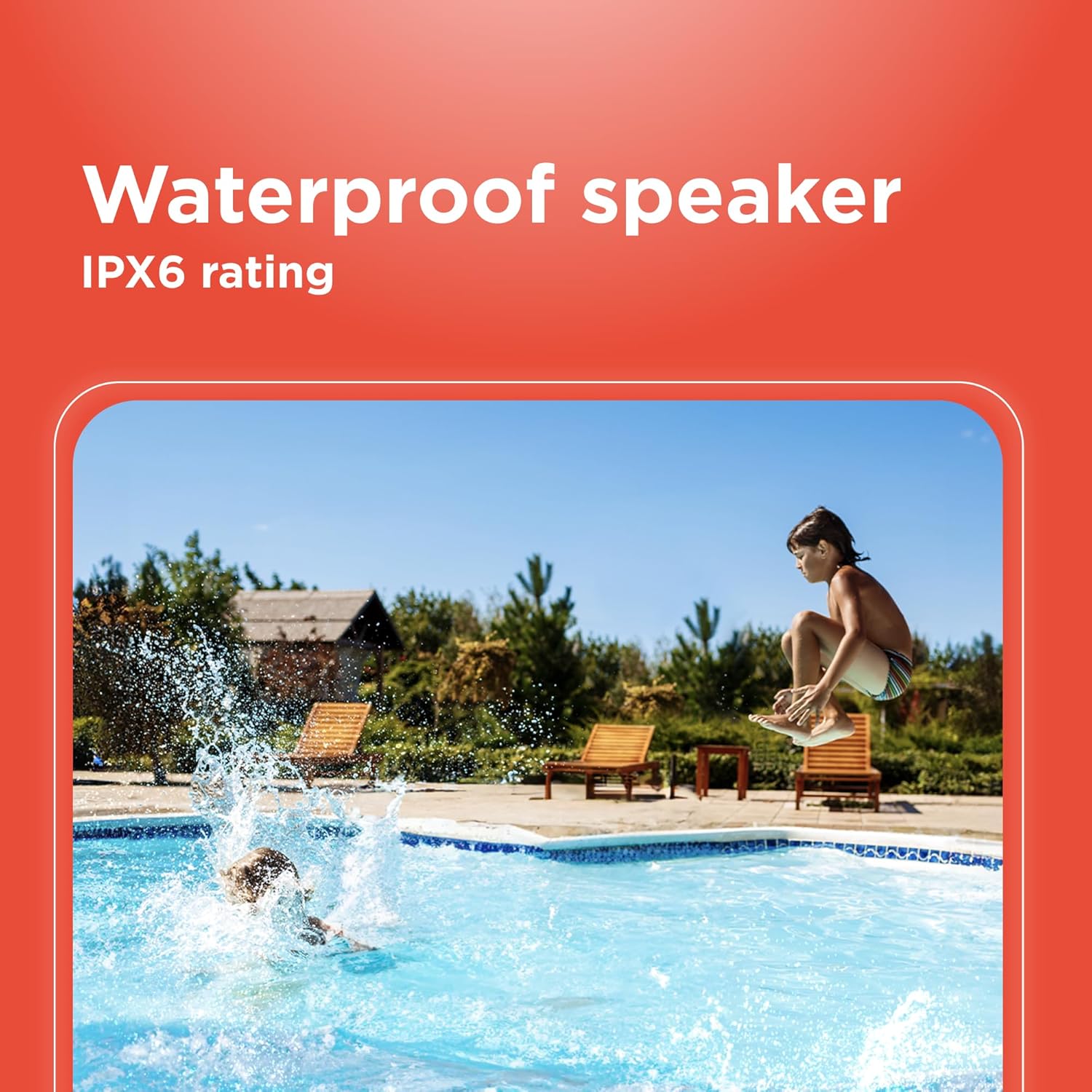
Image 1.2: Visual representation of key features including wireless range, power, Bluetooth version, and water resistance.
2. സജ്ജീകരണം
2.1 ബോക്സിൽ എന്താണുള്ളത്
- RadioShack IPX6 Waterproof Bluetooth Speaker
- ഉപയോക്തൃ മാനുവൽ (ഈ പ്രമാണം)
- ചാർജിംഗ് കേബിൾ
- AUX കേബിൾ
- ഷോൾഡർ സ്ട്രാപ്പ്
2.2 സ്പീക്കർ ചാർജ് ചെയ്യുന്നു
- Locate the charging port on the speaker, typically covered by a rubber flap for water resistance.
- Connect the provided charging cable to the speaker's DC 5V port.
- Plug the other end of the charging cable into a compatible USB power adapter (not included) or a USB port on a computer.
- The LED indicator lights will show the charging status. A full charge is indicated when all lights are solid.

Image 2.1: Charging and connectivity ports on the speaker.
2.3 പവർ ഓൺ/ഓഫ്
- പവർ ഓൺ ചെയ്യാൻ, പവർ ബട്ടൺ അമർത്തിപ്പിടിക്കുക (O) for a few seconds until you hear an audible cue and the indicator lights illuminate.
- പവർ ഓഫ് ചെയ്യാൻ, പവർ ബട്ടൺ അമർത്തിപ്പിടിക്കുക (O) again until the lights turn off.
2.4 ബ്ലൂടൂത്ത് ജോടിയാക്കൽ
- സ്പീക്കർ ഓണാണെന്നും ബ്ലൂടൂത്ത് ജോടിയാക്കൽ മോഡിലാണെന്നും ഉറപ്പാക്കുക (മിന്നുന്ന നീല LED സൂചിപ്പിക്കുന്നു).
- നിങ്ങളുടെ മൊബൈൽ ഉപകരണത്തിൽ, ബ്ലൂടൂത്ത് പ്രവർത്തനക്ഷമമാക്കി ലഭ്യമായ ഉപകരണങ്ങൾക്കായി തിരയുക.
- Select "RadioShack Speaker" from the list of devices.
- ജോടിയാക്കിക്കഴിഞ്ഞാൽ, LED ഇൻഡിക്കേറ്റർ കടും നീലയായി മാറും, നിങ്ങൾ ഒരു സ്ഥിരീകരണ ശബ്ദം കേൾക്കും.
3. പ്രവർത്തന നിർദ്ദേശങ്ങൾ
3.1 നിയന്ത്രണങ്ങൾ കഴിഞ്ഞുview

Image 3.1: Speaker control panel.
- പവർ ബട്ടൺ (O): Press and hold to power on/off. Short press to change RGB light modes.
- മോഡ് ബട്ടൺ (M): Short press to switch between Bluetooth, FM Radio, AUX, and USB modes.
- Play/Pause Button (►): സംഗീതം പ്ലേ ചെയ്യാനോ താൽക്കാലികമായി നിർത്താനോ ഹ്രസ്വമായി അമർത്തുക.
- വോളിയം കൂട്ടുക (+): Short press to increase volume. Press and hold for next track.
- വോളിയം ഡൗൺ (-): Short press to decrease volume. Press and hold for previous track.
- കോൾ ബട്ടൺ (ഫോൺ ഐക്കൺ): Short press to answer/end calls. Press and hold to reject calls. Double press to redial last number.
- TWS Button (Infinity Symbol): ട്രൂ വയർലെസ് സ്റ്റീരിയോ ജോടിയാക്കൽ ആരംഭിക്കാൻ അമർത്തുക.
3.2 RGB ലൈറ്റിംഗ്
The speaker features dynamic RGB lighting. To cycle through different lighting modes or turn the lights off, short press the Power button (O).

Image 3.2: Customizable RGB lighting on the speaker.
3.3 ട്രൂ വയർലെസ് സ്റ്റീരിയോ (TWS) ജോടിയാക്കൽ
To pair two RadioShack IPX6 Waterproof Bluetooth Speakers for a stereo experience:
- രണ്ട് സ്പീക്കറുകളും ഓണാക്കിയിട്ടുണ്ടെന്നും മറ്റ് ബ്ലൂടൂത്ത് ഉപകരണങ്ങളുമായി ബന്ധിപ്പിച്ചിട്ടില്ലെന്നും ഉറപ്പാക്കുക.
- On one speaker (this will be the primary speaker), short press the TWS button (infinity symbol). It will enter TWS pairing mode.
- The primary speaker will automatically search for the secondary speaker. Once connected, you will hear a confirmation sound.
- ഇപ്പോൾ, വിഭാഗം 2.4-ൽ വിവരിച്ചിരിക്കുന്നതുപോലെ ബ്ലൂടൂത്ത് വഴി നിങ്ങളുടെ മൊബൈൽ ഉപകരണം പ്രൈമറി സ്പീക്കറുമായി ബന്ധിപ്പിക്കുക.
3.4 എഫ്എം റേഡിയോ പ്രവർത്തനം
- മോഡ് ബട്ടൺ അമർത്തുക (M) എഫ്എം റേഡിയോ മോഡിലേക്ക് മാറാൻ.
- Press the Play/Pause button (►) to automatically scan and save available FM stations.
- സേവ് ചെയ്ത സ്റ്റേഷനുകൾക്കിടയിൽ നാവിഗേറ്റ് ചെയ്യാൻ വോളിയം അപ്പ് (+), വോളിയം ഡൗൺ (-) ബട്ടണുകൾ ഉപയോഗിക്കുക (ദീർഘനേരം അമർത്തുക).
4. പരിപാലനം
To ensure the longevity and optimal performance of your speaker, follow these maintenance guidelines:
- വൃത്തിയാക്കൽ: സ്പീക്കറിന്റെ പുറംഭാഗം വൃത്തിയാക്കാൻ മൃദുവായതും ഉണങ്ങിയതുമായ തുണി ഉപയോഗിക്കുക. അബ്രസീവ് ക്ലീനറുകളോ ലായകങ്ങളോ ഉപയോഗിക്കരുത്.
- ജല പ്രതിരോധം: Ensure all port covers are securely closed before exposing the speaker to water to maintain its IPX6 rating. Do not submerge the speaker.
- സംഭരണം: ദീർഘനേരം ഉപയോഗിക്കാത്തപ്പോൾ നേരിട്ടുള്ള സൂര്യപ്രകാശത്തിൽ നിന്നും കടുത്ത താപനിലയിൽ നിന്നും മാറി തണുത്തതും വരണ്ടതുമായ സ്ഥലത്ത് സ്പീക്കർ സൂക്ഷിക്കുക.
- ബാറ്ററി കെയർ: To preserve battery life, fully charge the speaker before first use and recharge it regularly, even if not used frequently. Avoid completely draining the battery.
5. പ്രശ്നപരിഹാരം
നിങ്ങളുടെ സ്പീക്കറിൽ പ്രശ്നങ്ങൾ നേരിടുകയാണെങ്കിൽ, ഇനിപ്പറയുന്ന പൊതുവായ പ്രശ്നങ്ങളും പരിഹാരങ്ങളും പരിശോധിക്കുക:
| പ്രശ്നം | സാധ്യമായ കാരണം | പരിഹാരം |
|---|---|---|
| സ്പീക്കർ പവർ ഓൺ ചെയ്യുന്നില്ല. | കുറഞ്ഞ ബാറ്ററി. | സ്പീക്കർ പൂർണ്ണമായും ചാർജ് ചെയ്യുക. |
| ബ്ലൂടൂത്ത് വഴി ജോടിയാക്കാൻ കഴിയില്ല. | സ്പീക്കർ ജോടിയാക്കൽ മോഡിലല്ല; ഉപകരണം ബ്ലൂടൂത്ത് ഓഫാണ്; ഉപകരണത്തിൽ നിന്ന് വളരെ അകലെയാണ്. | Ensure speaker is in pairing mode (flashing blue LED). Turn Bluetooth on your device. Move device closer to speaker (within 10m). |
| ശബ്ദമില്ല. | ശബ്ദം വളരെ കുറവാണ്; തെറ്റായ മോഡ് തിരഞ്ഞെടുത്തു; ഉപകരണം പ്ലേ ചെയ്യുന്നില്ല. | Increase speaker and device volume. Ensure correct mode (Bluetooth, AUX, USB, FM) is selected. Check if music is playing on your device. |
| TWS ജോടിയാക്കൽ പരാജയപ്പെടുന്നു. | സ്പീക്കറുകൾ മറ്റ് ഉപകരണങ്ങളുമായി ഇതിനകം ബന്ധിപ്പിച്ചിരിക്കുന്നു; വളരെ അകലെയാണ്. | Disconnect speakers from other devices. Ensure speakers are close to each other during TWS pairing. |
6 സ്പെസിഫിക്കേഷനുകൾ
| ഫീച്ചർ | സ്പെസിഫിക്കേഷൻ |
|---|---|
| ബ്രാൻഡ് | റേഡിയോഷാക്ക് |
| മോഡൽ നമ്പർ | 4001763-പി.ആർ.എൻ.ടി. |
| സ്പീക്കർ പരമാവധി ഔട്ട്പുട്ട് പവർ | 8 Watts (Note: Product title states 14W, specifications list 8W. Please refer to product packaging for definitive power output.) |
| കണക്റ്റിവിറ്റി ടെക്നോളജി | ബ്ലൂടൂത്ത് |
| ഓഡിയോ put ട്ട്പുട്ട് മോഡ് | സ്റ്റീരിയോ, മോണോ |
| മൗണ്ടിംഗ് തരം | ടേബിൾടോപ്പ് മൗണ്ട് |
| സ്പീക്കർ തരം | പോർട്ടബിൾ |
| അധിക സവിശേഷതകൾ | Multi Room Audio |
| ആൻ്റിന സ്ഥാനം | ഇൻഡോർ/ഔട്ട്ഡോർ |
| കൺട്രോളർ തരം | ബാറ്ററി പവർ |
| നിറം | കറുപ്പ് |
| വാട്ടർപ്രൂഫ് ആണ് | True (IPX6 rating) |
| വാറൻ്റി തരം | ലിമിറ്റഡ് |
| നിയന്ത്രണ രീതി | സ്പർശിക്കുക |
| സ്പീക്കർ വലിപ്പം | 4.84 ഇഞ്ച് |
| MP3 പ്ലെയർ | ഇല്ല |
| ഉൽപ്പന്നത്തിൻ്റെ പ്രത്യേക ഉപയോഗങ്ങൾ | Outdoor/Portable Audio Setups, Home Entertainment Systems |
| ഓഡിയോ ചാനലുകളുടെ എണ്ണം | 2.0 |
| വയർലെസ് ടെക്നോളജി | ബ്ലൂടൂത്ത് |
| കണക്റ്റിവിറ്റി പ്രോട്ടോക്കോൾ | ബ്ലൂടൂത്ത് |
| പവർ ഉറവിടം | ബാറ്ററി പവർ |
| ബാറ്ററികളുടെ എണ്ണം | 1 ലിഥിയം അയോൺ ബാറ്ററികൾ ആവശ്യമാണ്. (ഉൾപ്പെടുന്നു) |
| ഓഡിയോ ഡ്രൈവർ തരം | ഡൈനാമിക് ഡ്രൈവർ |
| മോഡലിൻ്റെ പേര് | RadioShack Bluetooth Speaker RGB Light 14W |
| ഇനങ്ങളുടെ എണ്ണം | 1 |
| നിർമ്മാതാവ് | റേഡിയോഷാക്ക് |
| പവർ ലെവലുകളുടെ എണ്ണം | 1 |
| യൂണിറ്റ് എണ്ണം | 1.0 എണ്ണം |
| ഇനത്തിൻ്റെ അളവുകൾ (D x W x H) | 4.84"D x 11.14"W x 4.96"H |
| ഇനത്തിൻ്റെ ഭാരം | 2 കിലോഗ്രാം |
| അനുയോജ്യമായ ഉപകരണങ്ങൾ | Desktop, Laptop, MP3 Player, Projector, Smartphone, Tablet, Television |
| ബാറ്ററി ശേഷി | 3600 മില്ലിamp മണിക്കൂറുകൾ |
7. വാറൻ്റിയും പിന്തുണയും
7.1 വാറൻ്റി വിവരങ്ങൾ
This RadioShack product comes with a Limited Warranty for 6 Months from the date of purchase. Please retain your proof of purchase for warranty claims. The warranty covers manufacturing defects under normal use. It does not cover damage caused by misuse, accidents, unauthorized modifications, or normal wear and tear.
7.2 ഉപഭോക്തൃ പിന്തുണ
For technical assistance, troubleshooting, or warranty inquiries, please contact RadioShack customer support. Refer to the official RadioShack webഏറ്റവും പുതിയ കോൺടാക്റ്റ് വിവരങ്ങൾക്ക് സൈറ്റ് അല്ലെങ്കിൽ നിങ്ങളുടെ വാങ്ങൽ ഡോക്യുമെന്റേഷൻ.