
1. ആമുഖം
This manual provides essential instructions for the safe and efficient operation of your RadioShack IPX6 Waterproof Bluetooth Speaker. Please read this manual thoroughly before using the product and retain it for future reference.
The RadioShack IPX6 Waterproof Bluetooth Speaker is designed for portable audio playback, featuring Bluetooth connectivity, dynamic RGB lighting, and a built-in microphone for hands-free calls. Its IPX6 water-resistant rating makes it suitable for various indoor and outdoor environments.

ചിത്രം 1.1: മുൻഭാഗം view of the RadioShack IPX6 Waterproof Bluetooth Speaker.
2. പാക്കേജ് ഉള്ളടക്കം
താഴെ ലിസ്റ്റ് ചെയ്തിരിക്കുന്ന എല്ലാ ഇനങ്ങളും നിങ്ങളുടെ പാക്കേജിൽ ഉൾപ്പെടുത്തിയിട്ടുണ്ടെന്ന് ഉറപ്പാക്കുക:
- RadioShack IPX6 Waterproof Bluetooth Speaker
- യുഎസ്ബി ചാർജിംഗ് കേബിൾ
- AUX ഓഡിയോ കേബിൾ
- ഉപയോക്തൃ മാനുവൽ

Image 2.1: Visual representation of key speaker features and specifications.
3. ഉൽപ്പന്ന സവിശേഷതകൾ
- ആഴത്തിലുള്ള ശബ്ദം: Equipped with 8W of audio power and a 3600mAh battery, this speaker delivers clear highs and deep bass for an engaging listening experience.
- ഡൈനാമിക് RGB ലൈറ്റിംഗ്: Enhance your audio experience with customizable RGB lighting, suitable for various moods and occasions.
- കാലാവസ്ഥയെ പ്രതിരോധിക്കുന്ന ഡിസൈൻ: An IPX6 rating ensures the speaker can withstand splashes and minor water exposure, making it ideal for outdoor use.
- ട്രൂ വയർലെസ് സ്റ്റീരിയോ (TWS): Connect two identical speakers wirelessly to create a stereo sound system, expanding the audio output and soundstage.
- ബിൽറ്റ്-ഇൻ മൈക്രോഫോൺ: Facilitates hands-free calling directly through the speaker, allowing you to stay connected while enjoying music.

Image 3.1: The speaker showcasing its customizable RGB lighting feature.
4. സജ്ജീകരണം
4.1 പ്രാരംഭ ചാർജിംഗ്
- Before first use, fully charge the speaker. Connect the provided USB charging cable to the speaker's charging port and a compatible USB power adapter (not included).
- ചാർജ് ചെയ്യുമ്പോൾ ചാർജിംഗ് ഇൻഡിക്കേറ്റർ ലൈറ്റ് പ്രകാശിക്കുകയും പൂർണ്ണമായും ചാർജ്ജ് ചെയ്യുമ്പോൾ ഓഫാകുകയും ചെയ്യും.
4.2 പവർ ഓൺ/ഓഫ്
- To power on, press and hold the Power button until the indicator light illuminates and an audible prompt is heard.
- To power off, press and hold the Power button again until the indicator light turns off and an audible prompt is heard.
4.3 ബ്ലൂടൂത്ത് ജോടിയാക്കൽ
- സ്പീക്കർ ഓണാണെന്നും ബ്ലൂടൂത്ത് ജോടിയാക്കൽ മോഡിലാണെന്നും ഉറപ്പാക്കുക (ബ്ലൂടൂത്ത് ഇൻഡിക്കേറ്റർ ലൈറ്റ് മിന്നിമറയും).
- നിങ്ങളുടെ ഉപകരണത്തിൽ (സ്മാർട്ട്ഫോൺ, ടാബ്ലെറ്റ് മുതലായവ), ബ്ലൂടൂത്ത് പ്രവർത്തനക്ഷമമാക്കി ലഭ്യമായ ഉപകരണങ്ങൾക്കായി തിരയുക.
- Select "RadioShack Speaker" from the list of devices.
- Once paired, the Bluetooth indicator light will become solid, and an audible confirmation will be heard.
4.4 ട്രൂ വയർലെസ് സ്റ്റീരിയോ (TWS) ജോടിയാക്കൽ
To pair two RadioShack IPX6 Waterproof Bluetooth Speakers for TWS stereo sound:
- രണ്ട് സ്പീക്കറുകളും ഓണാക്കിയിട്ടുണ്ടെന്നും മറ്റ് ബ്ലൂടൂത്ത് ഉപകരണങ്ങളുമായി ബന്ധിപ്പിച്ചിട്ടില്ലെന്നും ഉറപ്പാക്കുക.
- On one speaker, press and hold the TWS button (refer to button layout in section 5.1) until an audible prompt indicates TWS pairing mode. This speaker will be the primary unit.
- The second speaker will automatically search for and connect to the primary speaker. An audible prompt will confirm successful TWS pairing.
- Once TWS paired, connect your device to the primary speaker via Bluetooth as described in section 4.3. Audio will now play in stereo through both speakers.
5. പ്രവർത്തന നിർദ്ദേശങ്ങൾ
5.1 ബട്ടൺ പ്രവർത്തനങ്ങൾ
The speaker features a control panel with several buttons:
- പവർ ബട്ടൺ: പവർ ഓൺ/ഓഫ് ചെയ്യാൻ അമർത്തിപ്പിടിക്കുക.
- പ്ലേ/താൽക്കാലികമായി നിർത്തുക ബട്ടൺ: ഓഡിയോ പ്ലേ ചെയ്യാനോ താൽക്കാലികമായി നിർത്താനോ അമർത്തുക.
- വോളിയം കൂട്ടുക (+): ശബ്ദം കൂട്ടാൻ അമർത്തുക. അടുത്ത ട്രാക്കിനായി അമർത്തിപ്പിടിക്കുക.
- വോളിയം ഡൗൺ (-): ശബ്ദം കുറയ്ക്കാൻ അമർത്തുക. മുമ്പത്തെ ട്രാക്കിനായി അമർത്തിപ്പിടിക്കുക.
- മോഡ് ബട്ടൺ (M): Press to switch between Bluetooth, AUX, and FM Radio modes.
- RGB ലൈറ്റ് ബട്ടൺ: Press to cycle through RGB lighting modes or turn off the lights.
- കോൾ ബട്ടൺ: Press to answer/end calls. Press and hold to reject calls.
5.2 ഓഡിയോ പ്ലേബാക്ക്
- ബ്ലൂടൂത്ത് മോഡ്: വിജയകരമായ ജോടിയാക്കലിന് ശേഷം, നിങ്ങളുടെ കണക്റ്റുചെയ്ത ഉപകരണത്തിൽ നിന്നുള്ള ഓഡിയോ സ്പീക്കറിലൂടെ പ്ലേ ചെയ്യും.
- AUX ഇൻപുട്ട്: നൽകിയിരിക്കുന്ന 3.5mm AUX കേബിൾ ഉപയോഗിച്ച് ഒരു ബാഹ്യ ഓഡിയോ ഉപകരണം ബന്ധിപ്പിക്കുക. സ്പീക്കർ സ്വയമേവ AUX മോഡിലേക്ക് മാറും അല്ലെങ്കിൽ മോഡ് ബട്ടൺ ഉപയോഗിച്ച് തിരഞ്ഞെടുക്കാം.
- എഫ്എം റേഡിയോ: In FM Radio mode, press the Play/Pause button to auto-scan and save available stations. Use the Volume Up/Down buttons (press and hold) to navigate between saved stations.

Image 5.1: The speaker's USB and AUX connectivity ports.
5.3 ഹാൻഡ്സ്-ഫ്രീ കോളിംഗ്
When connected via Bluetooth, incoming calls will pause music playback. Press the Call button to answer, and press again to end the call. Press and hold the Call button to reject an incoming call.
6. പരിപാലനം
6.1 വൃത്തിയാക്കൽ
മൃദുവായ സ്പീക്കർ തുടയ്ക്കുക, ഡിamp cloth. Do not use abrasive cleaners or solvents. Ensure the charging and AUX ports are dry before use or charging.
6.2 ജല പ്രതിരോധം (IPX6)
The speaker is rated IPX6, meaning it is protected against high-pressure water jets from any direction. It is not designed for submersion. Ensure the rubber flap covering the charging and AUX ports is securely closed to maintain water resistance.
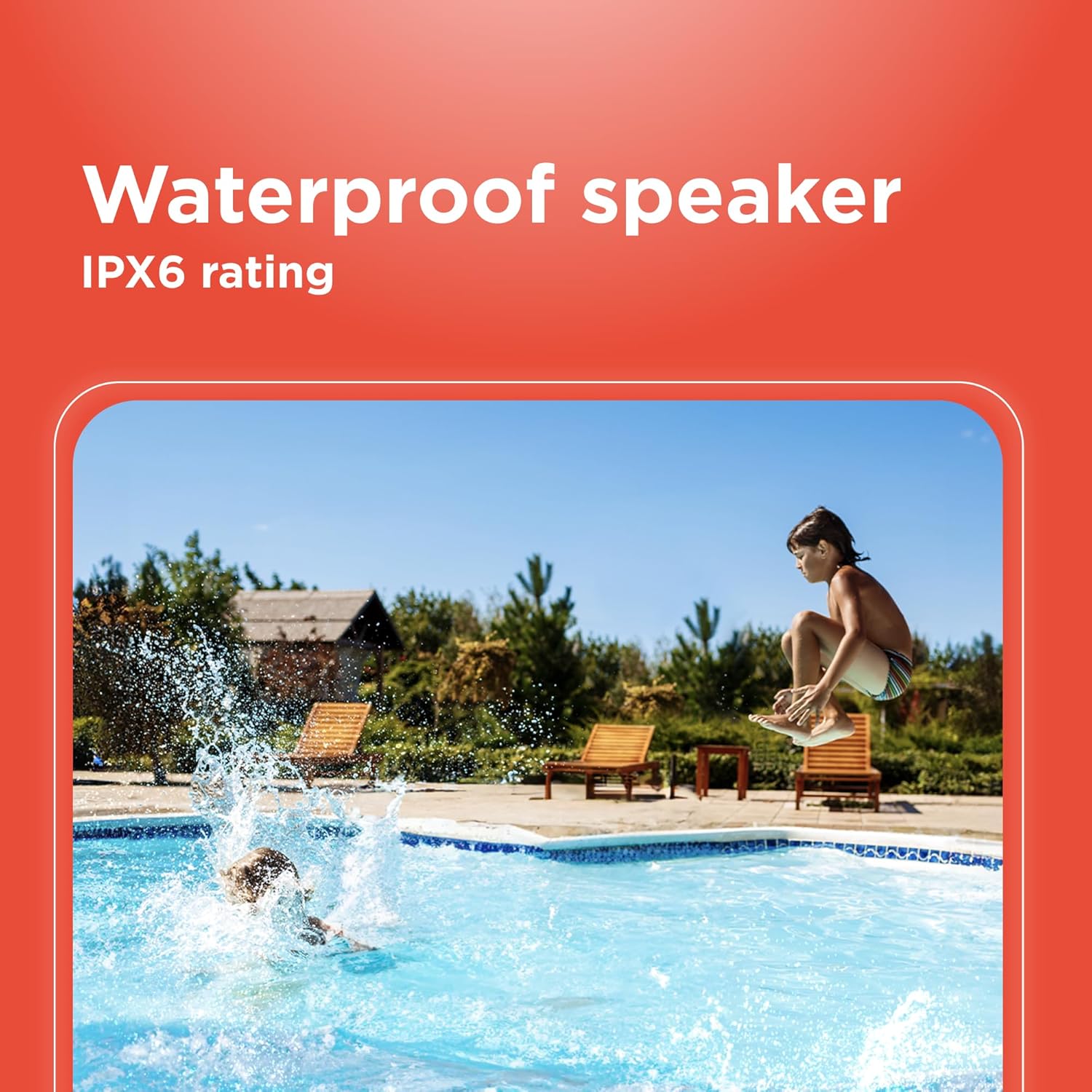
Image 6.1: The speaker's IPX6 water resistance allows for use near water.
6.3 ബാറ്ററി കെയർ
To prolong battery life, avoid fully discharging the speaker frequently. Charge the speaker regularly, even if not in use for extended periods.
7. പ്രശ്നപരിഹാരം
- സ്പീക്കർ പവർ ഓൺ ചെയ്യില്ല: ബാറ്ററി ചാർജ്ജ് ചെയ്തിട്ടുണ്ടെന്ന് ഉറപ്പാക്കുക. ഒരു പവർ സ്രോതസ്സിലേക്ക് കണക്റ്റ് ചെയ്ത് വീണ്ടും ശ്രമിക്കുക.
- ബ്ലൂടൂത്ത് വഴി ജോടിയാക്കാൻ കഴിയില്ല: Ensure the speaker is in pairing mode and within range of your device. Turn off and on both the speaker and your device's Bluetooth. Forget the device on your phone and re-pair.
- ശബ്ദമില്ല: Check the volume levels on both the speaker and your connected device. Ensure the correct input mode (Bluetooth, AUX) is selected.
- മോശം ശബ്ദ നിലവാരം: Move the speaker closer to your Bluetooth device. Ensure there are no obstructions between the speaker and the device.
- TWS ജോടിയാക്കൽ പരാജയപ്പെടുന്നു: Ensure both speakers are identical models and not connected to any other Bluetooth device before initiating TWS pairing.
8 സ്പെസിഫിക്കേഷനുകൾ
| ഫീച്ചർ | സ്പെസിഫിക്കേഷൻ |
|---|---|
| മോഡലിൻ്റെ പേര് | RadioShack Bluetooth Speaker RGB Light 14W |
| ഇനം മോഡൽ നമ്പർ | 4001763-പി.ആർ.എൻ.ടി. |
| ബ്രാൻഡ് | റേഡിയോഷാക്ക് |
| സ്പീക്കർ തരം | പോർട്ടബിൾ |
| കണക്റ്റിവിറ്റി ടെക്നോളജി | ബ്ലൂടൂത്ത് |
| വയർലെസ് കമ്മ്യൂണിക്കേഷൻ ടെക്നോളജി | ബ്ലൂടൂത്ത് |
| സ്പീക്കർ പരമാവധി ഔട്ട്പുട്ട് പവർ | 8 വാട്ട്സ് |
| ഓഡിയോ put ട്ട്പുട്ട് മോഡ് | സ്റ്റീരിയോ |
| സറൗണ്ട് സൗണ്ട് ചാനൽ കോൺഫിഗറേഷൻ | 2.0 |
| പവർ ഉറവിടം | ബാറ്ററി പവർ |
| ബാറ്ററി തരം | 1 ലിഥിയം അയോൺ ബാറ്ററി (ഉൾപ്പെടുത്തിയിരിക്കുന്നു) |
| ബാറ്ററി ശേഷി | 3600 മില്ലിamp മണിക്കൂറുകൾ |
| കണക്കാക്കിയ കളി സമയം | 4 മണിക്കൂർ വരെ |
| വാട്ടർപ്രൂഫ് ആണ് | True (IPX6 rating) |
| നിയന്ത്രണ രീതി | സ്പർശിക്കുക |
| മെറ്റീരിയൽ | പ്ലാസ്റ്റിക് |
| നിറം | നീല |
| ഉൽപ്പന്ന അളവുകൾ | 4.84"D x 11.14"W x 4.96"H |
| ഇനത്തിൻ്റെ ഭാരം | 4.43 പൗണ്ട് (70.9 ഔൺസ്) |
| നിർമ്മാതാവ് | റേഡിയോഷാക്ക് |
9. വാറൻ്റിയും പിന്തുണയും
This RadioShack product comes with a limited warranty. For detailed warranty information, please refer to the warranty card included in your package or contact RadioShack customer support.
For technical assistance, troubleshooting, or service inquiries, please visit the official RadioShack support webസൈറ്റ് അല്ലെങ്കിൽ അവരുടെ ഉപഭോക്തൃ സേവന വിഭാഗവുമായി ബന്ധപ്പെടുക.