
1. ഉൽപ്പന്നം കഴിഞ്ഞുview
The Maclean SOL1803S is a solar-powered dummy camera designed to deter potential intruders. It features a realistic appearance, an integrated solar panel for power, a flashing red LED, and a PIR motion detector with additional LEDs for illumination. This device does not record or transmit images; its primary function is visual deterrence.
പ്രധാന സവിശേഷതകൾ:
- Realistic camera design
- Integrated solar panel for continuous power
- Flashing red LED for enhanced realism
- PIR motion detector with 24 additional LEDs for illumination
- IP65 protection rating for outdoor use
- Adjustable mounting bracket with 360-degree rotation
2. പാക്കേജ് ഉള്ളടക്കം
- Maclean SOL1803S Dummy Camera
- മൗണ്ടിംഗ് ആക്സസറികൾ (സ്ക്രൂകൾ, വാൾ പ്ലഗുകൾ)
- സുരക്ഷാ സ്റ്റിക്കർ
- ഉപയോക്തൃ മാനുവൽ
3. സജ്ജീകരണവും ഇൻസ്റ്റാളേഷനും
3.1 ഘടകം തിരിച്ചറിയൽ
Familiarize yourself with the dummy camera's components:
- Solar Panel (top surface)
- LED Array (front)
- PIR Motion Sensor (below LED array)
- Flashing Red LED (small indicator light)
- ON/OFF Switch (bottom front)
- Adjustable Mounting Bracket (rear)
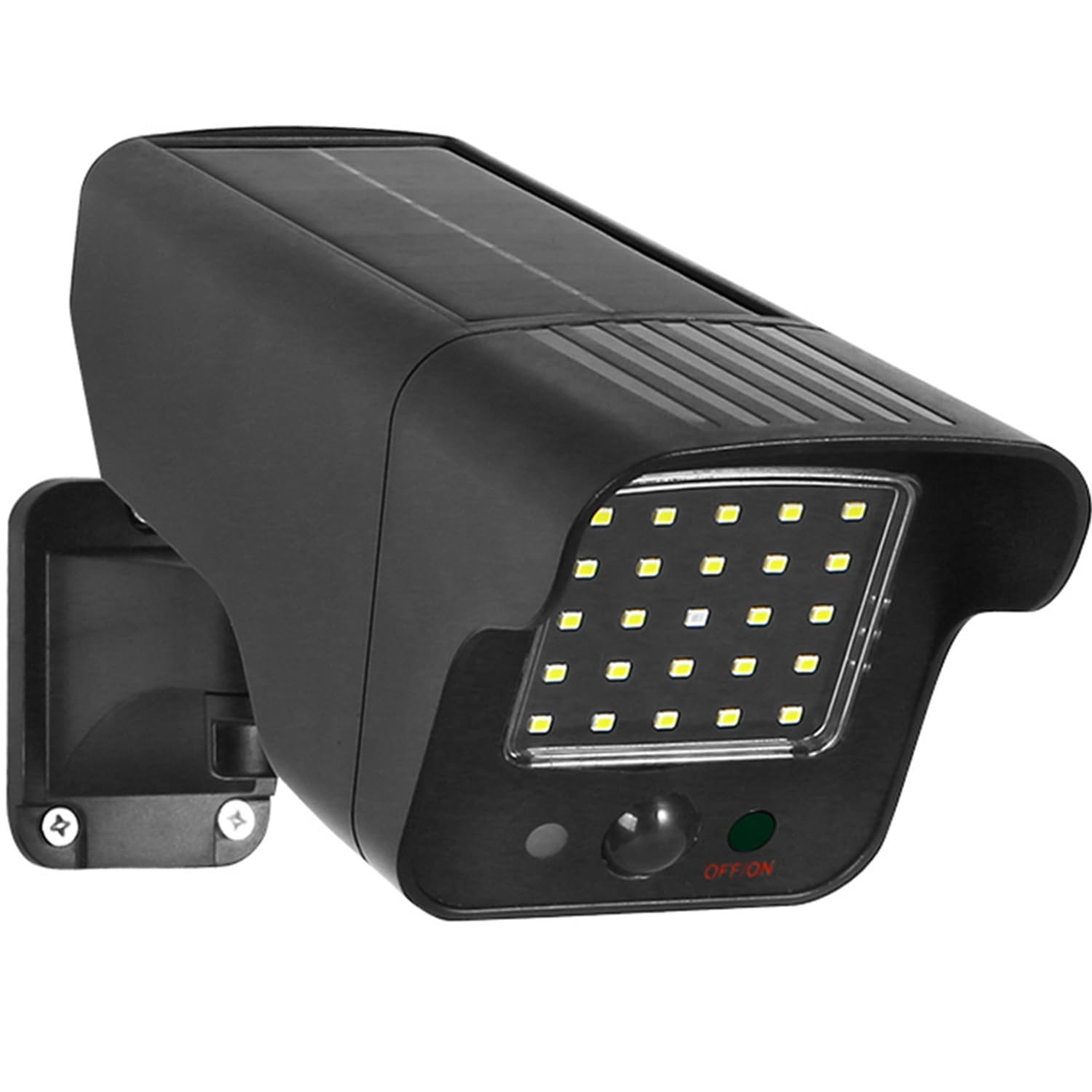
Figure 1: Maclean SOL1803S Dummy Camera Dimensions and Adjustable Bracket
3.2 ഒരു മൗണ്ടിംഗ് ലൊക്കേഷൻ തിരഞ്ഞെടുക്കുന്നു
Select a location that provides:
- Maximum Sunlight Exposure: For optimal solar charging, ensure the solar panel receives direct sunlight for several hours daily.
- വ്യക്തമായ കാഴ്ച രേഖ: Position the camera to cover the desired area for motion detection.
- ദൃശ്യപരത: Mount it in a prominent location where it can be easily seen by potential intruders.
- Secure Surface: A sturdy wall or eaves is recommended for wall mounting.
3.3 മൗണ്ടിംഗ് ഘട്ടങ്ങൾ
- Mark the desired mounting points on the wall using the bracket as a template.
- അടയാളപ്പെടുത്തിയ സ്ഥലങ്ങളിൽ പൈലറ്റ് ദ്വാരങ്ങൾ തുരത്തുക.
- Insert wall plugs (if necessary for your wall type).
- നൽകിയിരിക്കുന്ന സ്ക്രൂകൾ ഉപയോഗിച്ച് മൗണ്ടിംഗ് ബ്രാക്കറ്റ് ഭിത്തിയിൽ ഉറപ്പിക്കുക.
- Attach the dummy camera to the mounted bracket.
- Adjust the camera angle to cover the desired area. The bracket allows for 360-degree rotation.
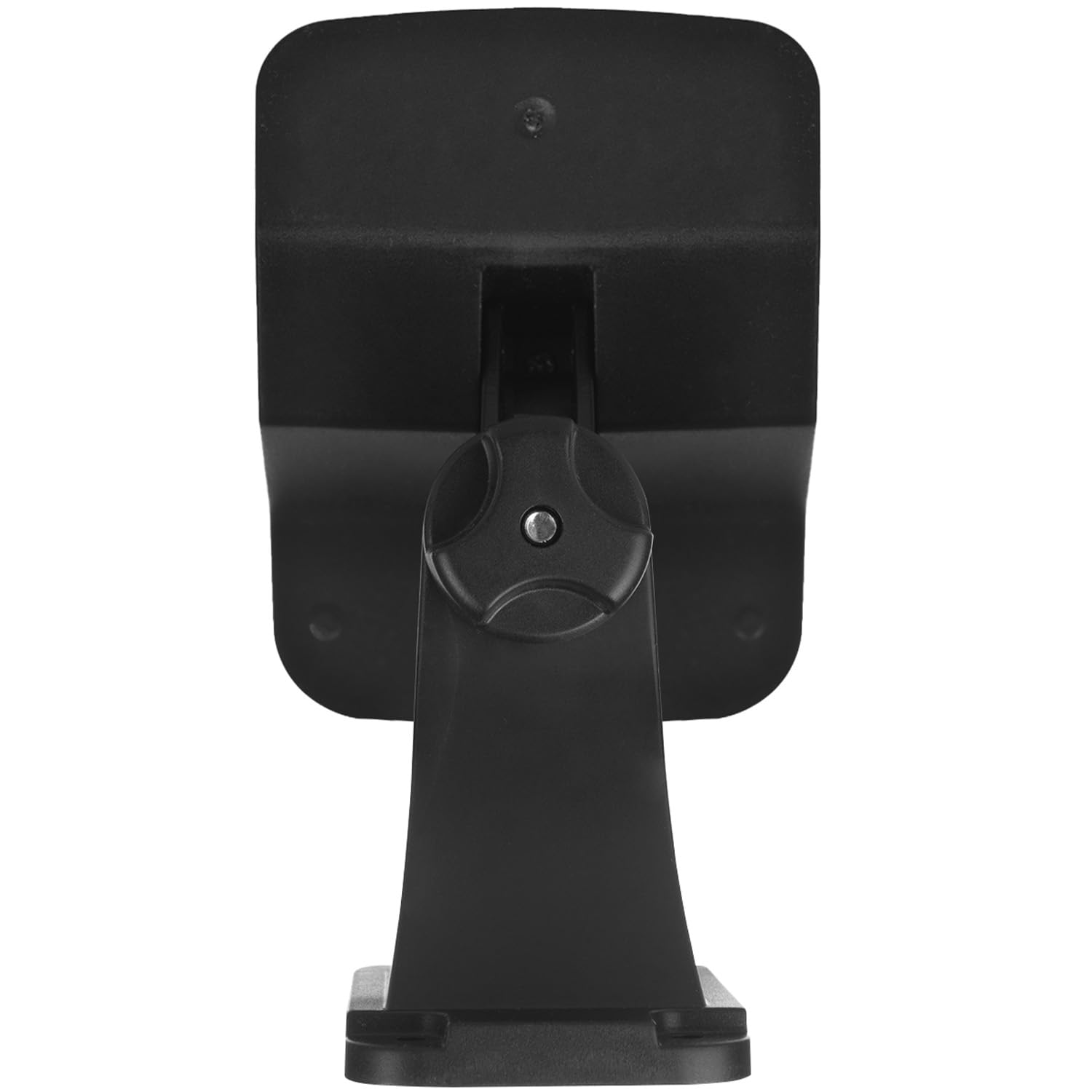
ചിത്രം 2: പിൻഭാഗം view of the dummy camera showing mounting points
4. പ്രവർത്തന നിർദ്ദേശങ്ങൾ
4.1 പ്രാരംഭ സജീവമാക്കൽ
Before first use, ensure the dummy camera is fully charged. Place it in direct sunlight for at least 8-10 hours. Locate the ON/OFF switch, usually found on the bottom front of the unit, and switch it to the 'ON' position.
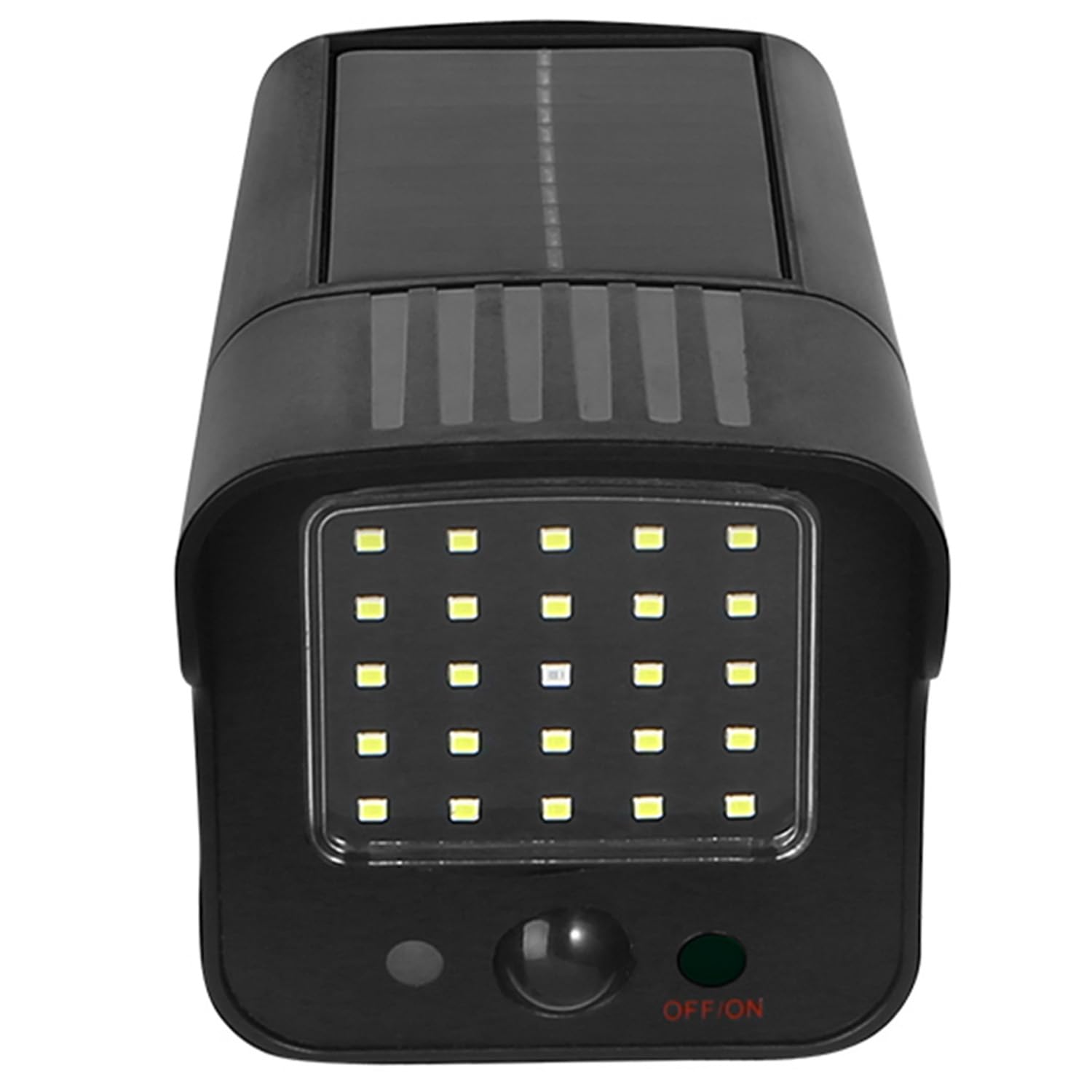
ചിത്രം 3: മുൻഭാഗം view with ON/OFF switch
4.2 ഓട്ടോമാറ്റിക് പ്രവർത്തനം
Once activated and sufficiently charged, the dummy camera operates automatically:
- പകൽ സമയം: The solar panel charges the internal Lithium-ion battery. The flashing red LED may or may not be active depending on light conditions.
- രാത്രി സമയം: The flashing red LED will activate. When the PIR motion sensor detects movement within its range (up to 8 meters and 120-degree angle), the 24 additional LEDs will illuminate, simulating a real security light and camera recording activity.
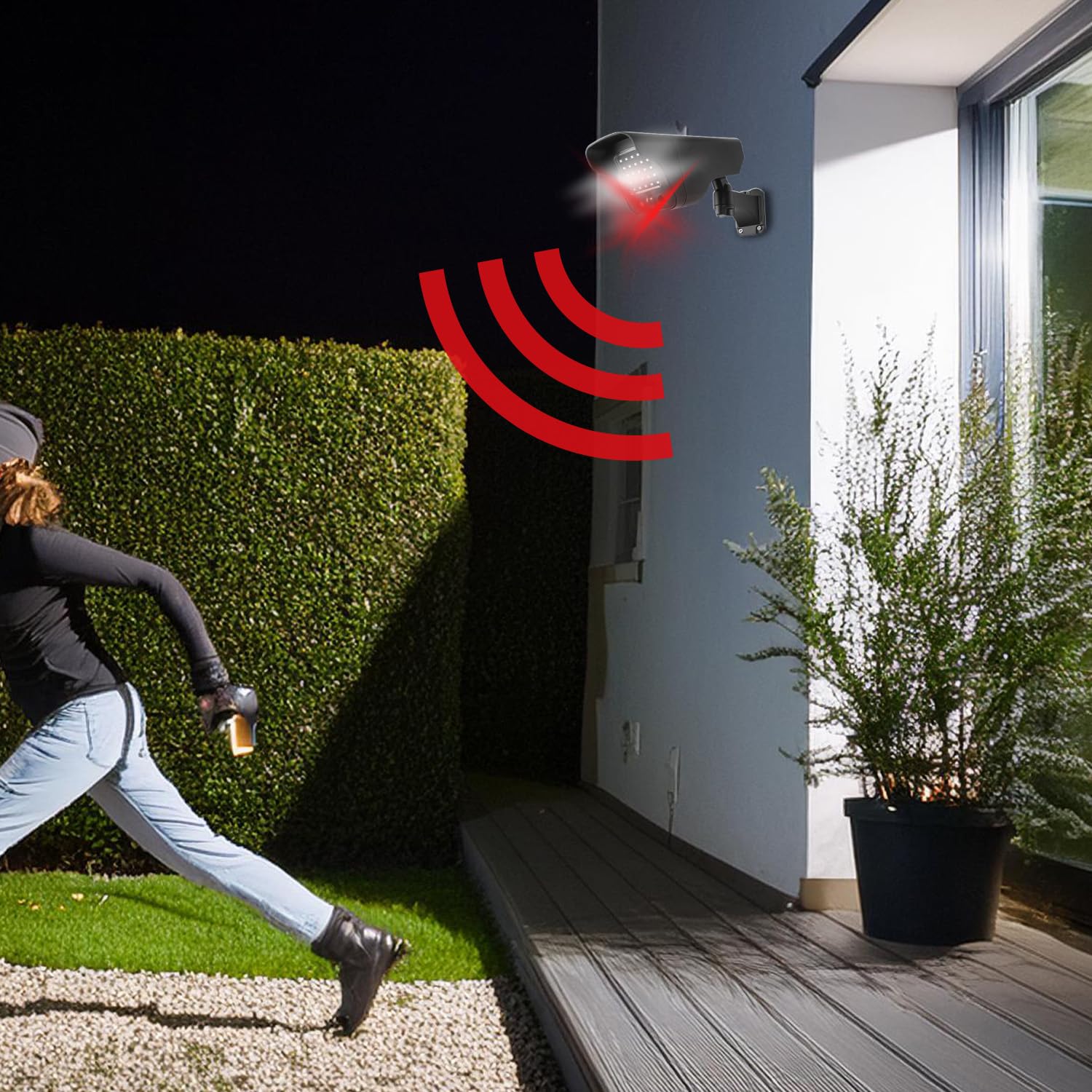
Figure 4: Motion detection in action
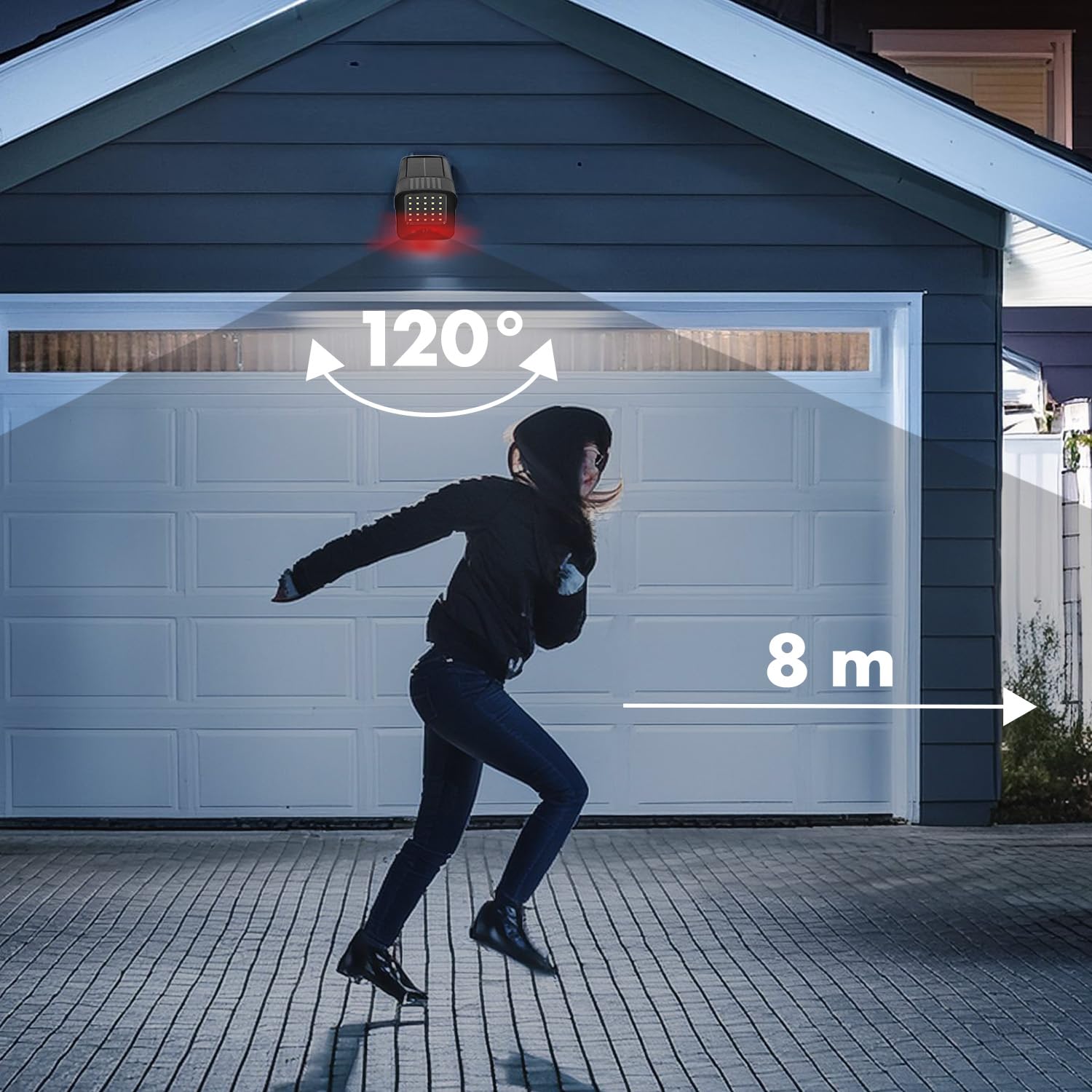
Figure 5: Motion detection range and angle
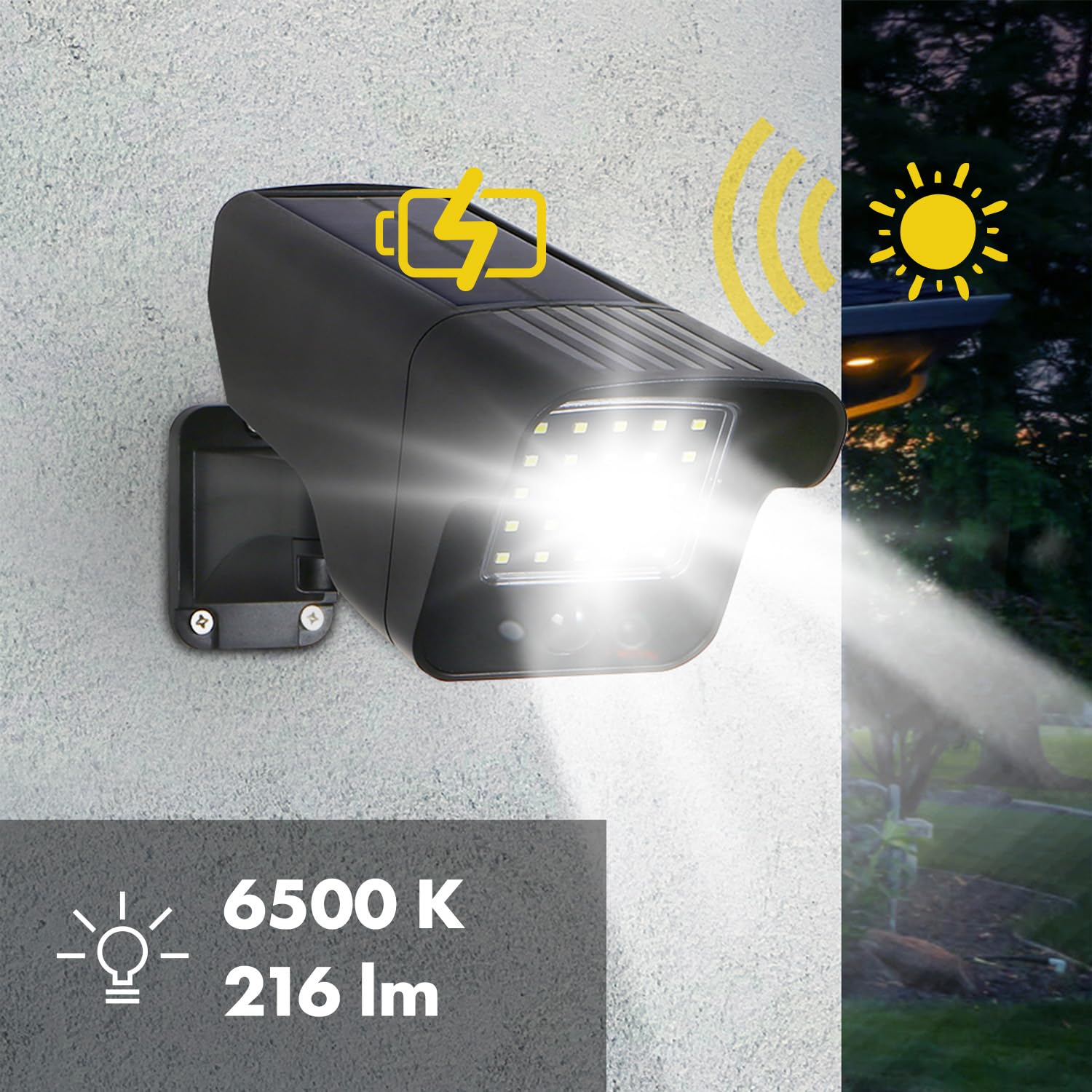
Figure 6: Solar charging and LED illumination
5. പരിപാലനം
The Maclean SOL1803S dummy camera requires minimal maintenance due to its durable construction and IP65 rating.
- വൃത്തിയാക്കൽ: Periodically wipe the solar panel and LED array with a soft, damp cloth to remove dust, dirt, or debris that may obstruct sunlight or light output. Do not use abrasive cleaners.
- ബാറ്ററി: The integrated Lithium-ion battery is designed for long-term use. If the device is stored for an extended period, ensure it is fully charged before storage and recharged every few months to maintain battery health.
- പരിസ്ഥിതി സംരക്ഷണം: The IP65 rating ensures protection against dust and water jets, making it suitable for various weather conditions.

ചിത്രം 7: IP65 കാലാവസ്ഥാ പ്രതിരോധം
6. പ്രശ്നപരിഹാരം
- Dummy camera not lighting up or flashing:
- ഓൺ/ഓഫ് സ്വിച്ച് 'ഓൺ' സ്ഥാനത്താണെന്ന് ഉറപ്പാക്കുക.
- Verify the solar panel is receiving adequate direct sunlight for charging. Relocate if necessary.
- Allow sufficient time (8-10 hours) for initial charging.
- Check if the ambient light is too bright; the motion-activated LEDs typically only activate in low-light conditions.
- Motion detection is inconsistent:
- തടസ്സങ്ങളില്ലാതെ ആവശ്യമുള്ള പ്രദേശം മറയ്ക്കുന്ന തരത്തിൽ ക്യാമറ സ്ഥാപിച്ചിട്ടുണ്ടെന്ന് ഉറപ്പാക്കുക.
- Verify the detection range (up to 8 meters) and angle (120 degrees) are suitable for your needs.
- Avoid placing the camera near heat sources or objects that might cause false triggers (e.g., swaying branches in strong wind).
7 സ്പെസിഫിക്കേഷനുകൾ
| മോഡൽ നമ്പർ | SOL1803S |
| അളവുകൾ (L x W x H) | 27.5 x 13.7 x 9 സെ.മീ |
| ഭാരം | 450 ഗ്രാം |
| പവർ ഉറവിടം | സൗരോർജ്ജം |
| ബാറ്ററി തരം | 1 ലിഥിയം-അയൺ (ഉൾപ്പെടുത്തിയിരിക്കുന്നു) |
| എൽ.ഇ.ഡി | 24 white LEDs + 1 flashing red LED |
| ലൈറ്റ് ഔട്ട്പുട്ട് | 216 lumens (6500K) |
| മോഷൻ സെൻസർ | PIR (നിഷ്ക്രിയ ഇൻഫ്രാറെഡ്) |
| കണ്ടെത്തൽ പരിധി | 8 മീറ്റർ വരെ |
| കണ്ടെത്തൽ ആംഗിൾ | 120 ഡിഗ്രി |
| സംരക്ഷണ റേറ്റിംഗ് | IP65 |
| പ്രവർത്തന താപനില | -20°C to +50°C (estimated based on -2E+1) |
| മൗണ്ടിംഗ് തരം | മതിൽ മൌണ്ട് |
8. വാറൻ്റിയും പിന്തുണയും
Information regarding warranty and customer support for the Maclean SOL1803S dummy camera is not available in this manual. Please refer to the product packaging or contact the retailer/manufacturer directly for details on warranty coverage and support options.